
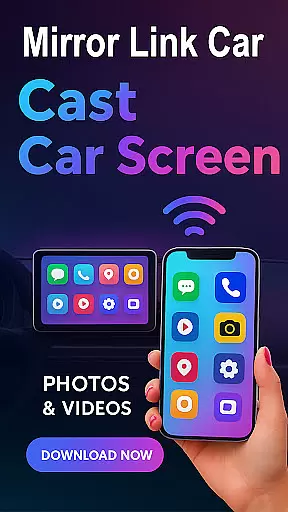
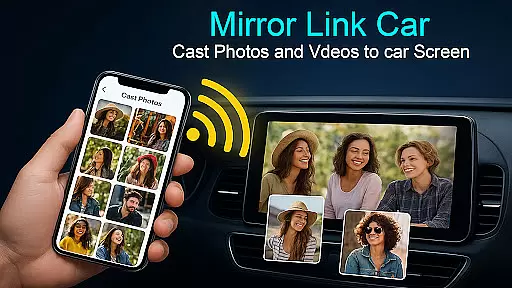
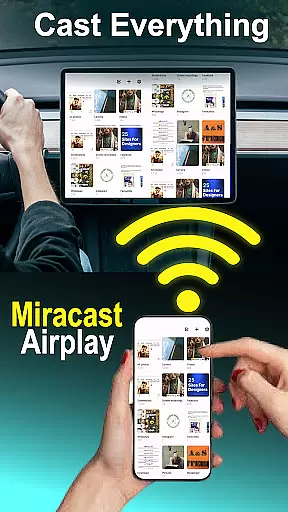
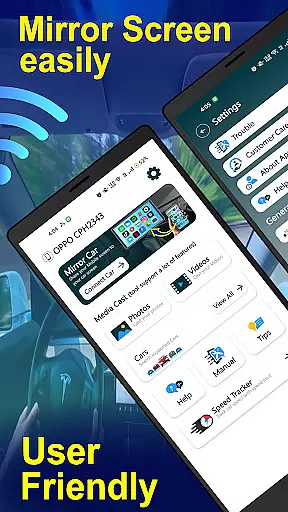
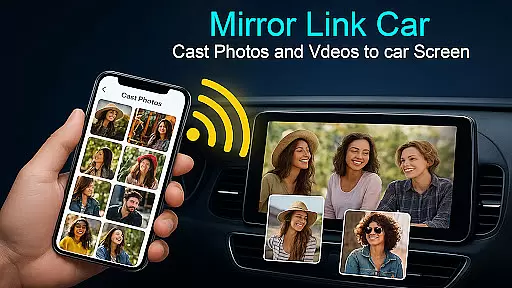
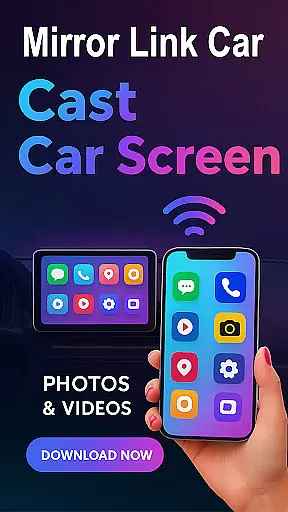
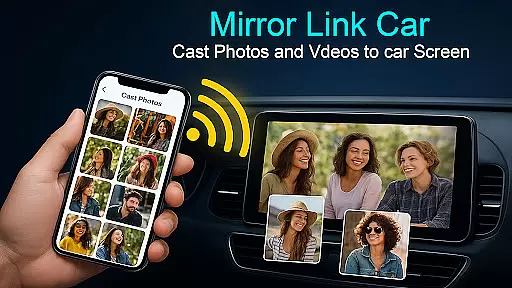
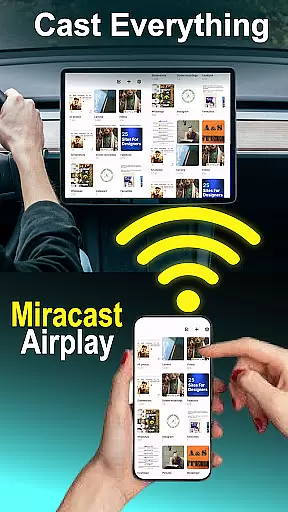
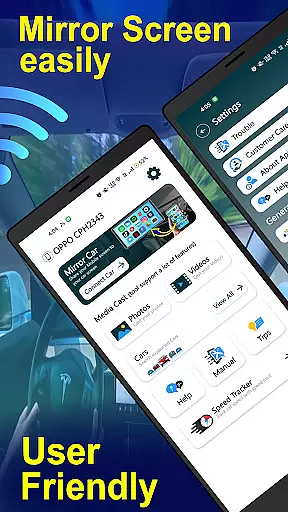
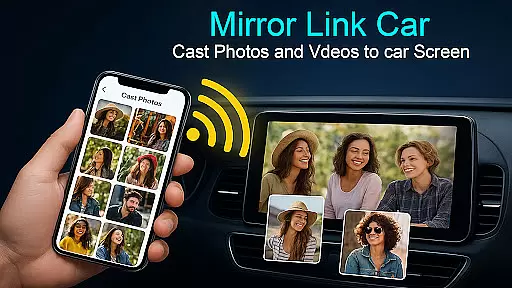
Mirror Link - Cast to Car is an innovative application that transforms your car's infotainment system into a smart display. By wirelessly mirroring your phone, it enables users to enjoy a full in-car multimedia experience with hands-free and distraction-free functionality. The app supports both wireless and wired connectivity options, ensuring flexibility and convenience for various driving scenarios.
With features like Wireless Screen Mirroring via Wi-Fi Screencast, USB Connection Support for stable performance, and compatibility with systems supporting standard screen mirroring protocols, this app caters to diverse user needs. Whether you're navigating through GPS, managing calls, or streaming apps directly from your car's touchscreen, Mirror Link enhances the driving experience while maintaining safety.
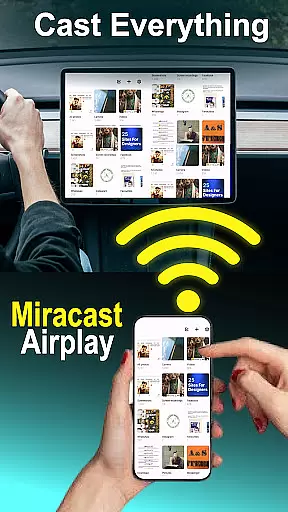
This application is not only limited to cars but also extends its utility by allowing users to mirror their phones to Smart TVs and home entertainment systems. Its universal compatibility works with most car infotainment systems that support Mirror Link, offering an enhanced driving experience with quick setup and one-click connection processes.
The Mirror Link - Cast to Car app boasts several top-tier features designed to elevate the in-car multimedia experience. One of its standout functionalities is the Wireless Screen Mirroring, which allows users to connect their smartphones to their car screens without any cables using Wi-Fi Screencast technology. This feature ensures a seamless and clutter-free environment inside the vehicle.
In addition to wireless capabilities, the app offers USB Connection Support for those who prefer a more stable and lag-free screen casting experience. This dual-connectivity option caters to different preferences and situations, ensuring consistent performance whether streaming music or watching videos when parked. Furthermore, the app provides a Multimedia Dashboard Experience where users can manage calls, use GPS navigation, and stream apps directly from their car’s touchscreen interface.
Another remarkable aspect of Mirror Link is its Hands-Free Functionality, which automates music play/pause and other functions to minimize distractions while driving. With One-Click quick car connection via supported CarLink/Mirror Link protocols, users benefit from fast setup and easy connections to their car's infotainment system or Smart TV. These features collectively contribute to a safer and more enjoyable driving experience.
Mirror Link - Cast to Car offers a comprehensive suite of functionalities that cater to diverse in-car multimedia needs. The app supports both wireless and wired connectivity options, ensuring users can mirror their phone screens to compatible car infotainment systems with ease.
Key features include Wireless Screen Mirroring via Wi-Fi Screencast, which allows for cable-free connections, and USB Connection Support for those who prefer stable, lag-free casting. This dual approach ensures broad compatibility and reliable performance across various devices and scenarios.
The app extends beyond basic screen mirroring by integrating hands-free functionalities and smart TV compatibility. Users can automate music playback controls and even mirror their phones to home entertainment systems, providing a versatile solution for both driving and leisure environments.
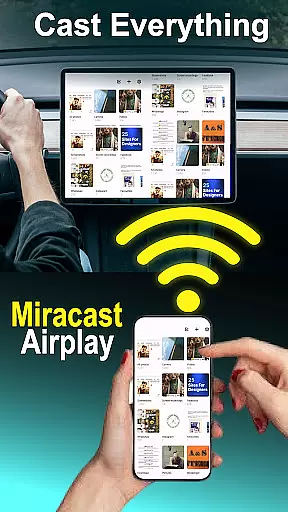
With support for standard protocols like Miracast and potential compatibility with Dashdroid-enabled systems, the app demonstrates extensive coverage of essential screen mirroring technologies. This comprehensive feature set makes Mirror Link - Cast to Car a robust tool for enhancing the modern driving experience.
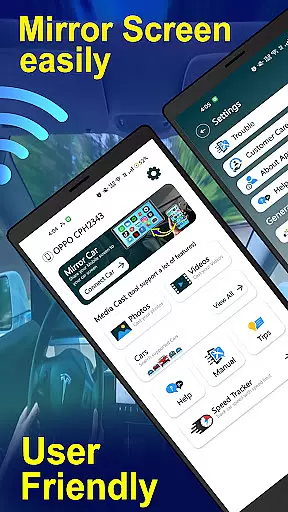
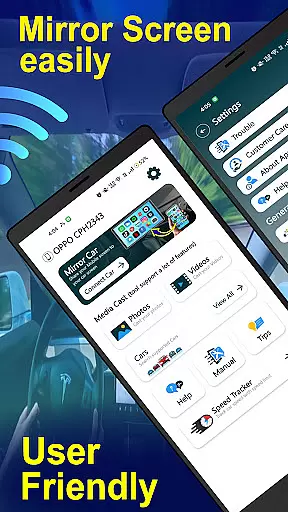
Usability is at the core of Mirror Link - Cast to Car's design philosophy, offering an intuitive interface that simplifies the connection process between smartphones and car systems. The one-click quick car connection through supported protocols exemplifies this commitment to operational smoothness.
The app provides clear instructions for setup, guiding users through enabling mobile hotspots and connecting to their car's Android panel. Its compatibility with standard Mirror Link and Miracast protocols ensures that users can establish connections quickly and reliably, regardless of their vehicle's specific infotainment system.
Operational smoothness is further enhanced by the app's ability to maintain stable connections during use. Whether streaming music or managing calls through the car's touchscreen, users can expect consistent performance without significant latency or interruptions.
Additionally, the app's flexible connectivity options, including both wireless and USB-based solutions, demonstrate its adaptability to different user preferences and situations. This combination of intuitive controls, reliable performance, and versatile connection methods creates a seamless user experience that enhances overall usability.
User-friendly interface
Wireless and wired connectivity
Enhanced driving safety
Universal compatibility
Quick setup process
Requires compatible car system
Limited to specific devices
Possible connectivity issues
No iOS support mentioned
Dependent on third-party protocols

Read Holy Quran Feel Like Real Quran & Listen Al Quran Mp3 Audio Online Offline.
 4.70
4.70
Tune your game graphics with our GFX optimizer for optimal gaming experience
4.50
Demo for Key Attestation feature of the Android system.
4.80
Sad ringtones full of feeling, sad music ringtones
3.90
Test DPC is a sample device policy controller for use with Android Enterprise.
4.20
TV USB connector app provides you a seamless cast option from your phone to tv.
4.70
Mirror link car connector to share your screen with car dashboard
3.80
Explore The Holy Quran Majeed for Muslim. Listen to MP3 Quran & Al Quran Kareem.
4.80
Barcode scanning made simple!
4.40
Expo is a free & open source platform to build apps using JavaScript and React.
4.70
MirrorLink for connecting your Android phone to your car’s infotainment screen.
4.50
Block, disable and secure phone camera from secretly taking photos by spyware.
4.50
Phone Software Update Quick Checker helps you to keep your phone apps up to date
4.50
Easily evaluate the performance of Scandit's barcode and ID scanning SDK
4.10
charging your phone by other phone easly
4.00
Use your Phone as Drone Controller.
3.70
Mirror phone to TV effortlessly! Stream, share & connect with Airplay ease.
3.60
Looking to connect your phone to your car screen? Mirror Link is the solution.
3.20
If you are looking for melon playground mod that fun you deffinitely try our app
2.70


User Reviews