
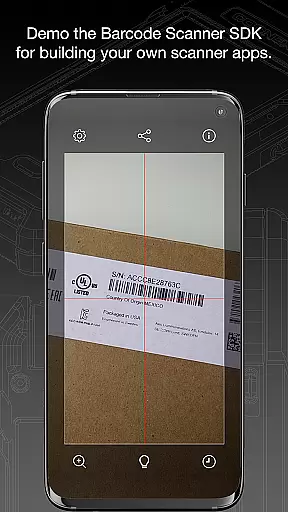
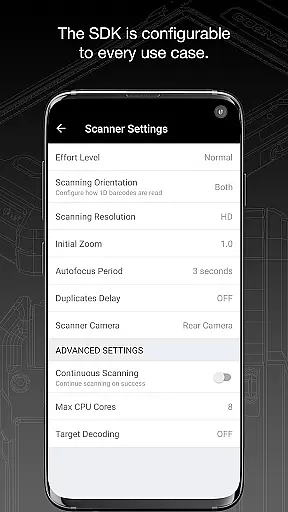
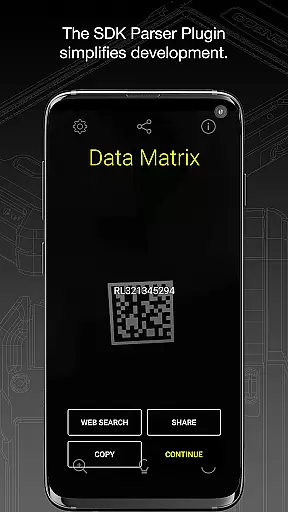
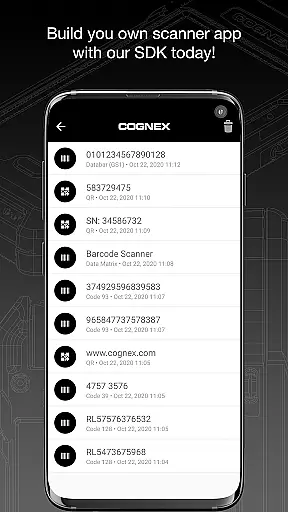
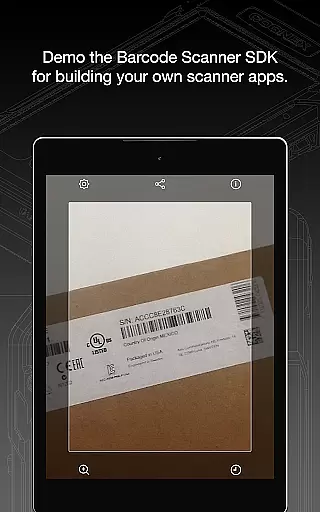
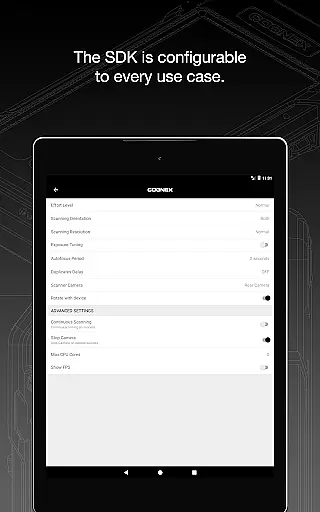
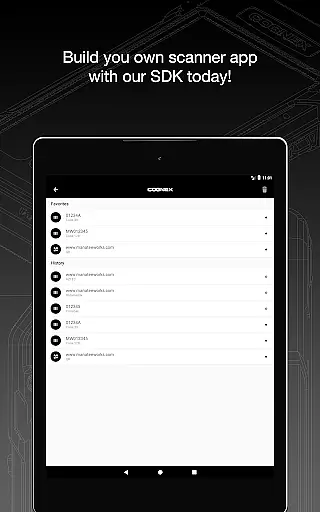
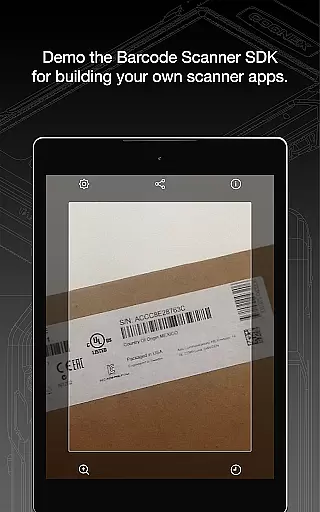
Barcode Scanner is a versatile tool designed to simplify the process of scanning various types of barcodes. With support for over 30 different barcode formats, including QR, UPC, GS1, Data Matrix, PDF417, and DotCode, this app caters to a wide range of industries and personal uses. Whether you're managing inventory, processing shipments, or simply curious about product details, Barcode Scanner provides an efficient solution.
The application's strength lies in its ability to decode all major barcode symbologies with ease. From Aztec Code to TELEPEN, users can rely on consistent performance across diverse barcode types. Additionally, the app includes specialized parsers that make it easier to interpret industry-standard formatted codes such as AAMVA (US and Canadian Driver’s Licenses) and GS1 sub-types. This comprehensive functionality makes Barcode Scanner an invaluable asset for businesses and individuals alike.
One of the standout features of Barcode Scanner is its extensive compatibility with various barcode formats. The app supports everything from common types like QR and UPC to more specialized codes like DotCode and MaxiCode. This versatility ensures that users can scan virtually any barcode they encounter in their daily operations.
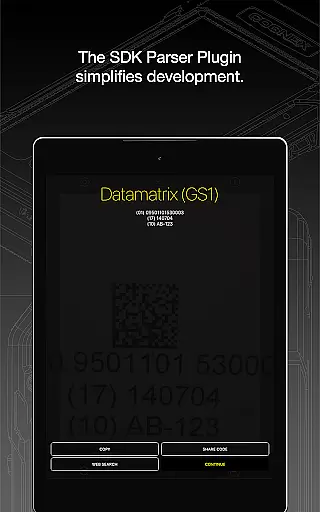
Beyond basic scanning capabilities, the app offers advanced parsing tools. These tools allow users to extract meaningful information from complex barcodes used in industries such as transportation and logistics. For example, the Structured Carrier Messages parser helps decode shipping information embedded in MaxiCode symbols. Furthermore, the app maintains high-speed scanning performance even when dealing with damaged or poorly printed barcodes, thanks to Cognex's sophisticated computer vision technology.
Barcode Scanner offers an extensive range of functionality, supporting over 30 different types of barcodes. This includes popular formats such as QR, UPC, GS1, Data Matrix, PDF417, DotCode, and many others.
The app's comprehensive coverage ensures that users can scan all major barcode symbologies, including but not limited to Aztec Code, Codabar, Code 11, various types of Code 25, Code 39, Code 93, Code 128, EAN, ISBN, GS1 DataBar, MaxiCode, MSI Plessey, Micro PDF417, Postal Codes, TELEPEN, and UPC. It also supports GS1 sub-types like GS1 QR Code, GS1 Data Matrix, and GS1-128.
This broad compatibility makes Barcode Scanner a versatile tool for both personal and professional use, ensuring that no matter the barcode type, the app is equipped to handle it efficiently.
Designed with usability in mind, Barcode Scanner provides a seamless operational experience. The app allows users to effortlessly scan barcodes thanks to its intuitive interface and fast processing capabilities.
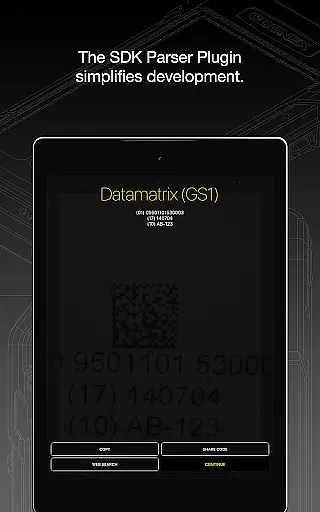
In addition to basic scanning, the app features powerful parsers that simplify the examination of industry-standard formatted barcodes. Formats such as AAMVA (US and Canadian Driveru2019s Licenses), GS1, IUID, Structured Carrier Messages (MaxiCode), and more are easily interpreted, enhancing user productivity.
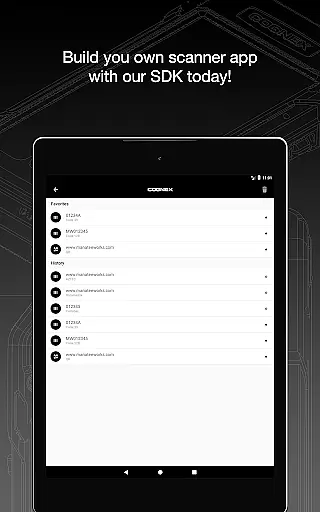
Whether you're managing inventory or simply scanning items for personal use, Barcode Scanner delivers a smooth and reliable experience, making barcode scanning accessible to everyone.
User-friendly interface
Wide format support
Advanced parsing tools
High-speed scanning
Reliable performance
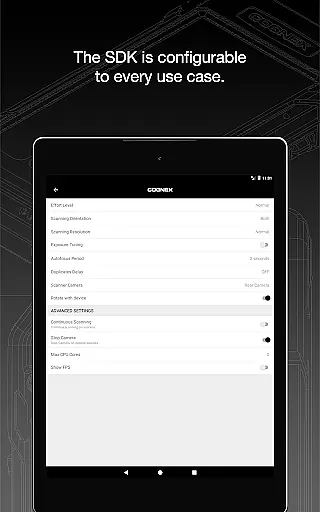
Limited customization options
No offline mode available
Occasional scanning errors
Requires internet connection
Some features need subscription

Read Holy Quran Feel Like Real Quran & Listen Al Quran Mp3 Audio Online Offline.
 4.70
4.70
Connect and find your Smart Tag 2 devices through our app.
3.60
Enjoy Minecraft Mod Scary Neighbor Granny for Minecraft PE.
4.30
charging your phone by other phone easly
4.00
Zlink Carplay Android a mirror link app with a Carplay interface style
4.5
Demo version of the mcpro24fps manual video camera. Try and buy a full version!
4.00
Turn your phone into a wireless Xbox controller – play, stream & control anytime
4.1
Simulator of real black light
3.50
Phone Software Update Quick Checker helps you to keep your phone apps up to date
4.50
Expo is a free & open source platform to build apps using JavaScript and React.
4.70
Tune your game graphics with our GFX optimizer for optimal gaming experience
4.50
You can remote control and play much easier.
4.10
The best PS2 games from your childhood come to life in their mobile version!
4.00
Sad ringtones full of feeling, sad music ringtones
3.90
Mirror link car connector to share your screen with car dashboard
3.80
Mobs maker Minecraft help MCPE creators make their own mob by using Blockbench
3.50
Endoscope camera an app to connect with endoscope cam or any device
3.30
Record with Double Camera Video Recording using Dual Camera Front and Back Video
3.00
Enjoy hours of entertainment with our Roblox mobile games app
4.5


User Reviews