
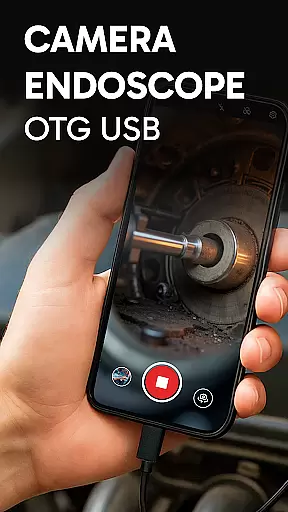
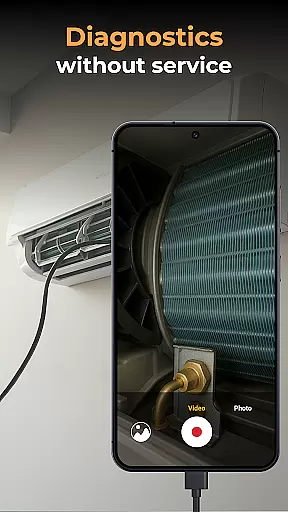
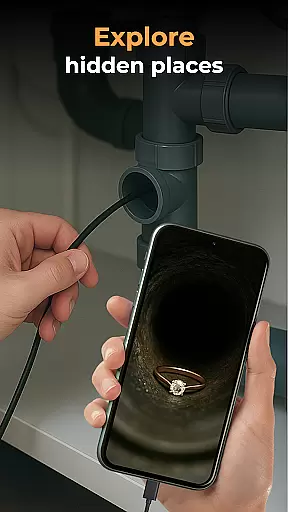
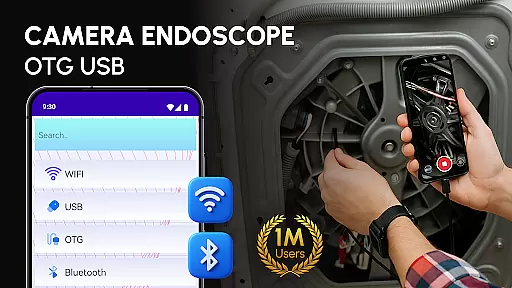
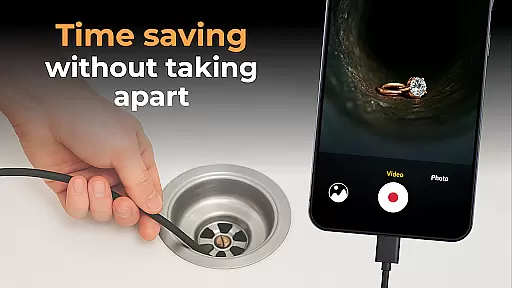
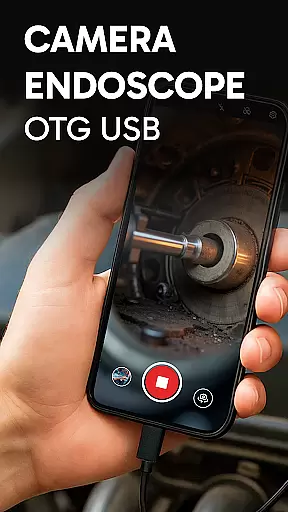
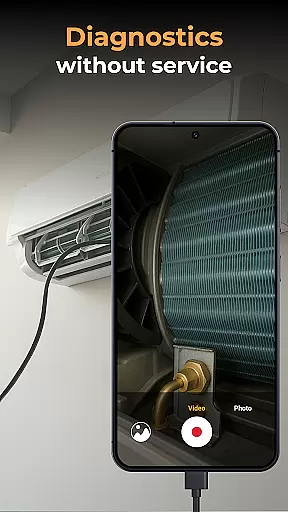
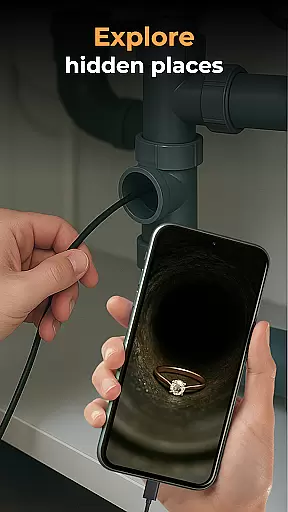
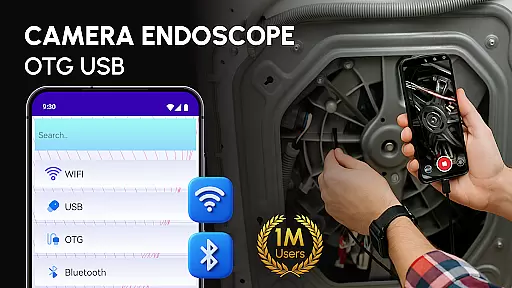
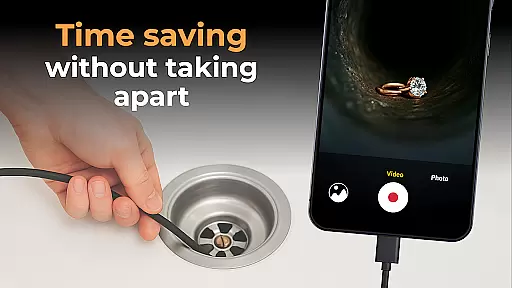
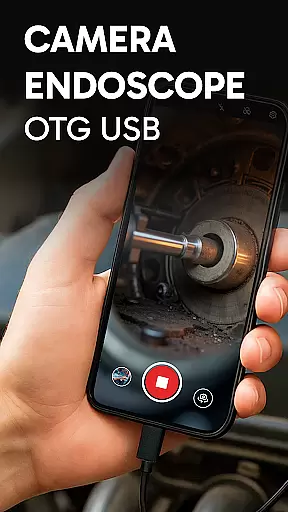
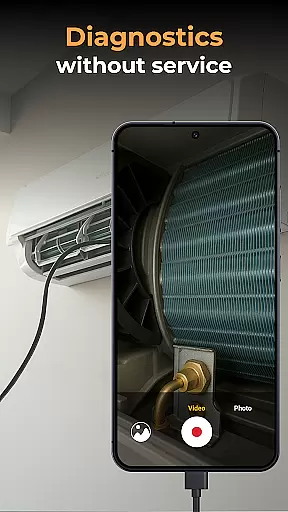
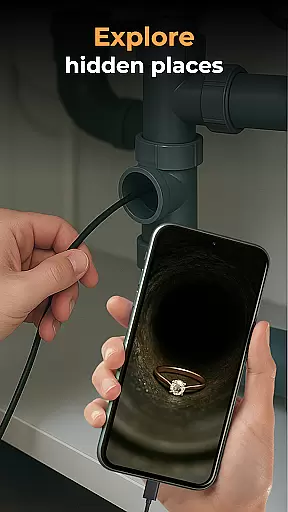
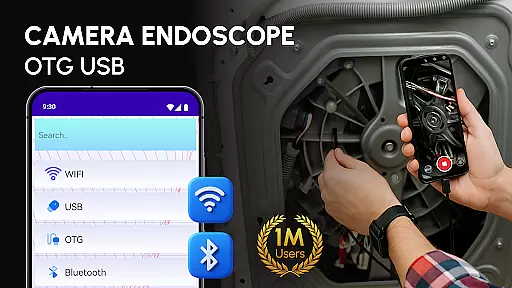
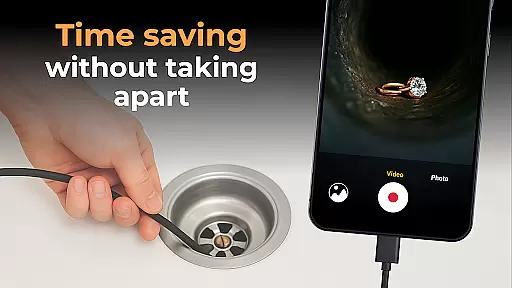
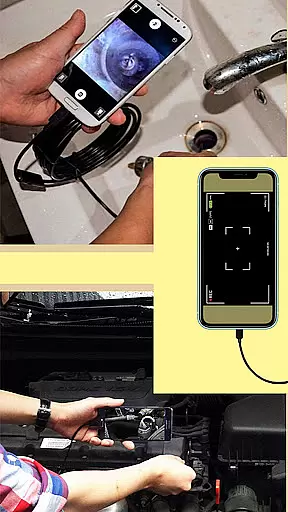
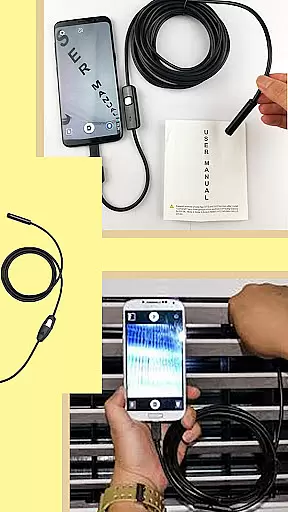
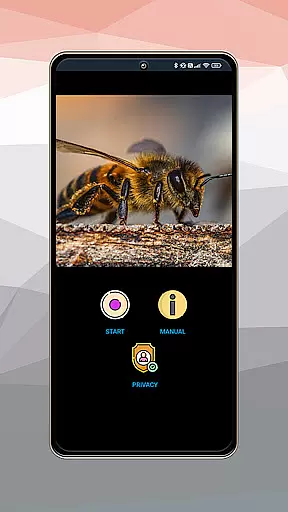
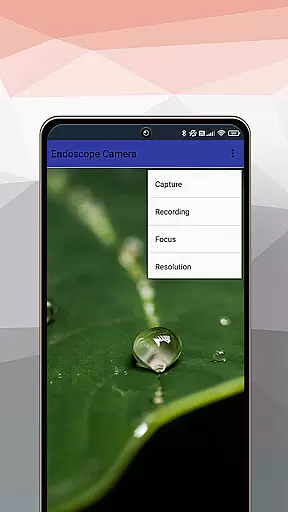
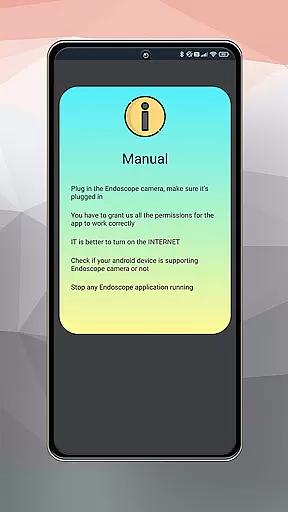
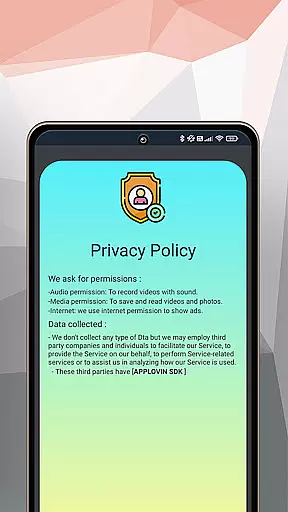
Camera endoscope / OTG USB is an innovative inspection tool that transforms your Android device into a professional-grade inspection system. This application supports real-time video capturing through external cameras like borescopes and microscopes, making it ideal for detailed inspections in hard-to-reach areas.
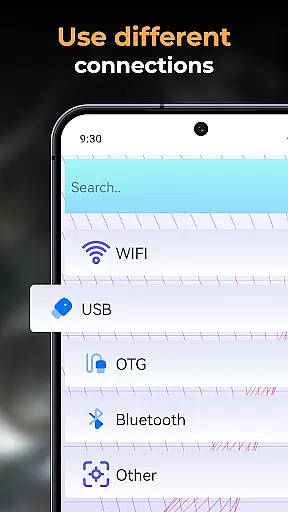
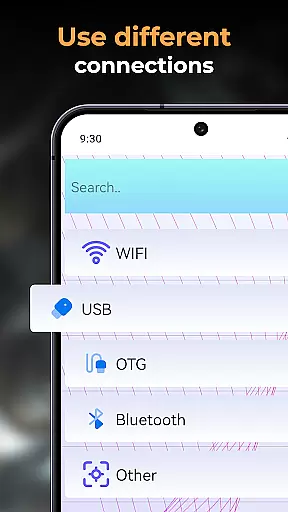
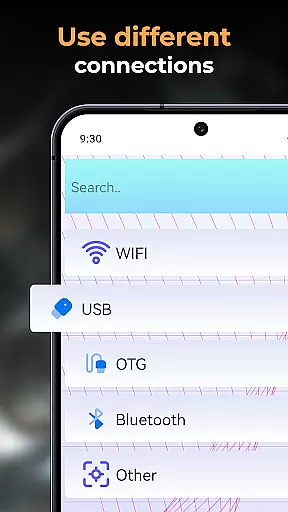
The app's key feature is its compatibility with various external devices via the USB OTG interface. Whether you're examining plumbing issues, diagnosing car problems, or inspecting small machine parts, this app provides clear visuals and precise control over the connected camera. The ability to record high-quality videos and images enhances its utility across multiple industries.
With its user-friendly interface and plug-and-play functionality, Camera endoscope / OTG USB is suitable for both professionals and DIY enthusiasts. The built-in gallery allows easy management of media files, while seamless integration with different devices ensures reliable performance. This makes it an essential tool for anyone needing detailed visual inspections on the go.
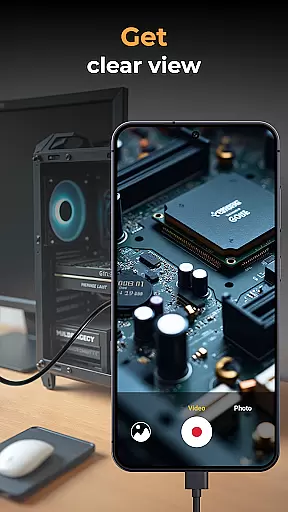
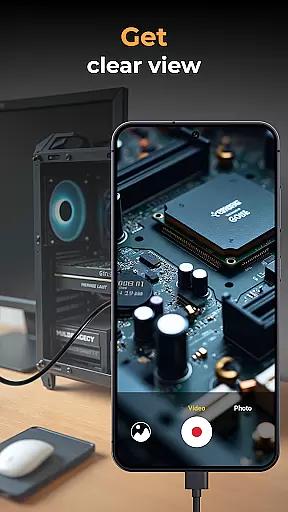
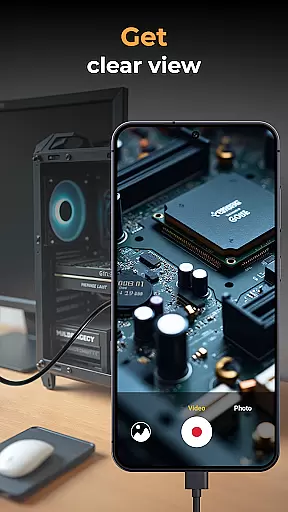
One of the standout features of Camera endoscope / OTG USB is its support for real-time video image capturing. This capability allows users to get live views from their connected external cameras, whether they are inspecting narrow pipes or examining tiny machine components. The app ensures stable and fast connections, providing clear visuals even in challenging environments.
In addition to video capture, the app offers robust media management functions. Users can easily record, store, view, delete, and share their captured images and videos. All media files are neatly organized within a built-in gallery, simplifying file management. These features make it convenient for users to document their findings and share them as needed.
Another notable aspect is the app's optimization for various devices using Endscopetool: OTG Connector Software for Android. It supports multiple types of external cameras, including borescopes and microscopes, ensuring broad compatibility. With its intuitive interface and seamless integration, Camera endoscope / OTG USB delivers a comprehensive solution for all inspection needs.
When evaluating an application like Camera Endoscope / OTG USB, functionality completeness refers to the app's ability to offer a wide array of features that cater to the needs of its users. This particular app excels in providing comprehensive support for USB OTG cameras, transforming Android devices into powerful inspection tools.
The app supports real-time video image capturing, making it suitable for detailed inspections in hard-to-reach areas. It is compatible with various external devices such as borescopes and microscopes, which expands its utility beyond just one type of task or industry.
Additionally, the app includes media management capabilities, allowing users to record, store, view, delete, and share high-quality videos and images directly from their device. These functions ensure that professionals in fields ranging from plumbing to electronics diagnostics can rely on the app for their inspection needs.
By covering a broad spectrum of functionalities required for effective inspections, Camera Endoscope / OTG USB demonstrates a significant level of completeness. Its compatibility with multiple devices through the OTG Connector Software further enhances its appeal, ensuring that users have all the necessary tools at their disposal for thorough and efficient inspections.
Usability and operational smoothness are critical factors that determine how effectively users can interact with an application. For Camera Endoscope / OTG USB, usability is characterized by its straightforward setup process and ease of use, which allows users to quickly begin inspecting with minimal hassle.
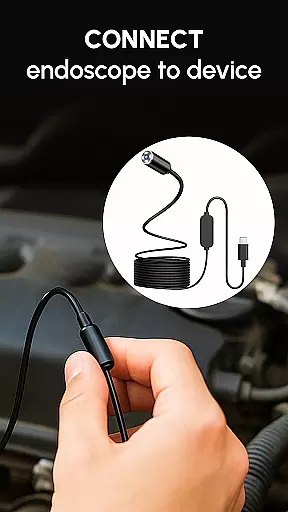
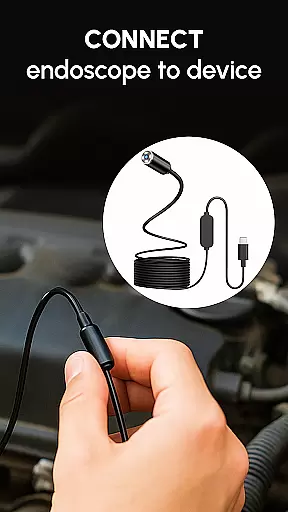
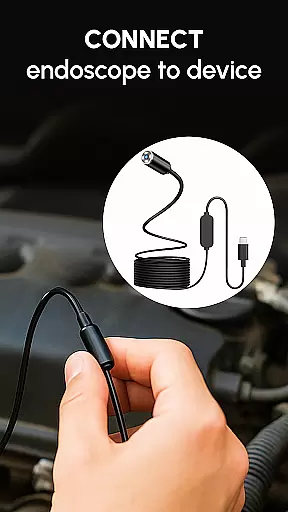
Once connected via a USB OTG cable, the app provides a stable and fast connection, enabling real-time camera views that are essential for accurate inspections. The intuitive interface ensures that even those new to endoscopic tools can easily navigate and utilize the app's features without a steep learning curve.
Operational smoothness is evident in the seamless performance when using different types of external cameras, including borescopes and microscopes. The app maintains consistent functionality across various devices, thanks to its optimization for OTG USB performance on Android platforms.
Furthermore, the inclusion of simple media management functions contributes to overall usability. Users can efficiently capture, store, organize, and manage files within the app, enhancing productivity. With these attributes, Camera Endoscope / OTG USB delivers a user-friendly experience that facilitates smooth operations during inspection tasks.
User-friendly interface
Real-time video capture
Broad device compatibility
Efficient media management
High-quality imaging
Limited free features
Requires compatible hardware
Occasional connection issues
No iOS support
Premium version costly

Read Holy Quran Feel Like Real Quran & Listen Al Quran Mp3 Audio Online Offline.
 4.70
4.70
If you are looking for melon playground mod that fun you deffinitely try our app
2.70
The Free Catholic Latin American Bible in complete Spanish
4.60
A great tool help you to format Micro SD memory Card
3.10
use your smartphone as Remote control drones .
4.20
Looking to connect your phone to your car screen? Mirror Link is the solution.
3.20
Barcode scanning made simple!
4.40
DamonSx2 is the open Source LGPL Emulator
3.20
Phone Software Update Quick Checker helps you to keep your phone apps up to date
4.50
SmartCast mirrors Android phone to TV screen With Cast Screen, Chromecast.
4.80
Demo for Key Attestation feature of the Android system.
4.80
Study Bible King James Version: the correct way to learn the Bible with audio
4.80
Al QURAN-القرأن الكريم app to read Quran offline just like an actual Quran book
4.30
The best PS2 games from your childhood come to life in their mobile version!
4.00
a wireless controller that provides a seamless and gaming experience for players
3.80
Connect your phone to any endoscope camera, USB camera, or borescope with ease.
3.70
Mobile Connect To TV - HDMI USB & WiFi Screen Mirroring
3.70
CloudEye 365 is a easy-handling APP
3.60
Now Available on Android ™
3.40


User Reviews