
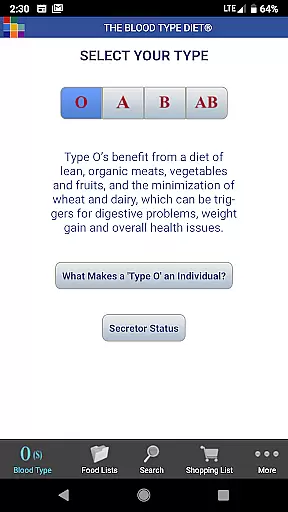
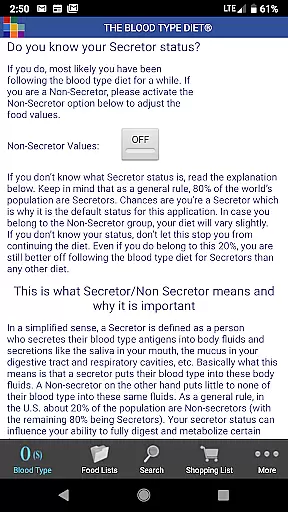
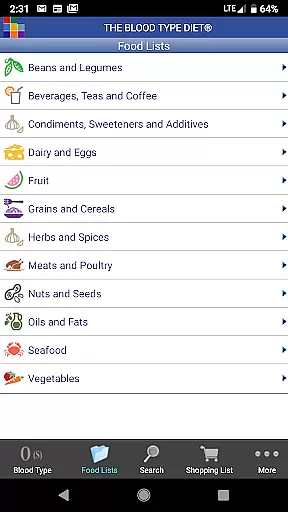
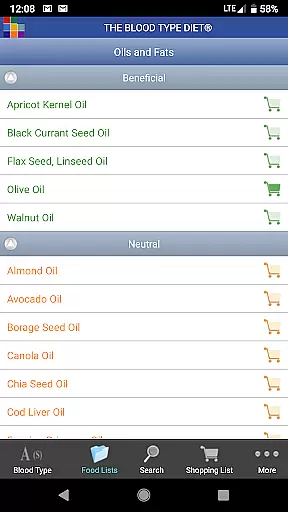
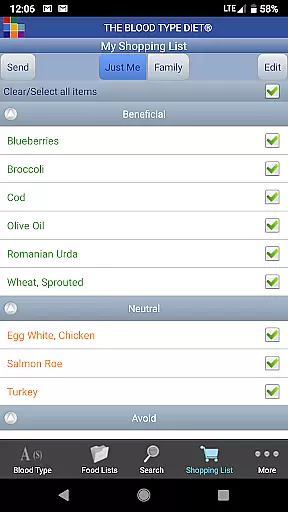
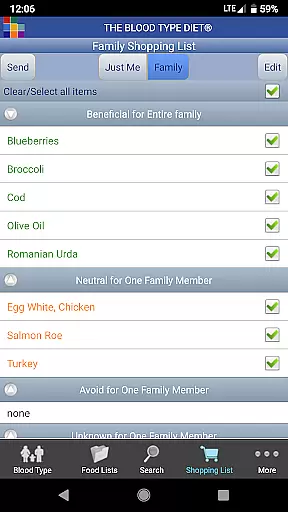
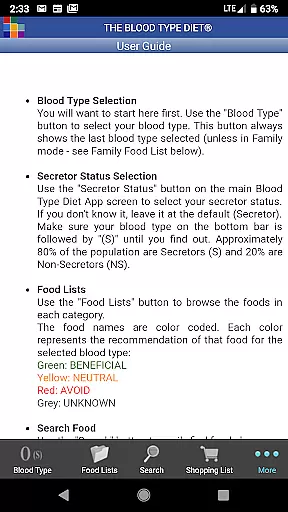
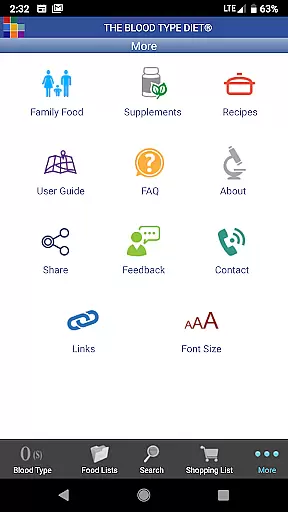
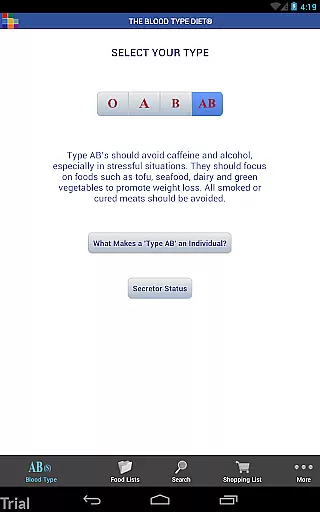
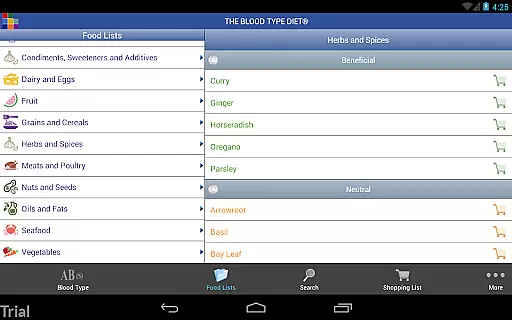
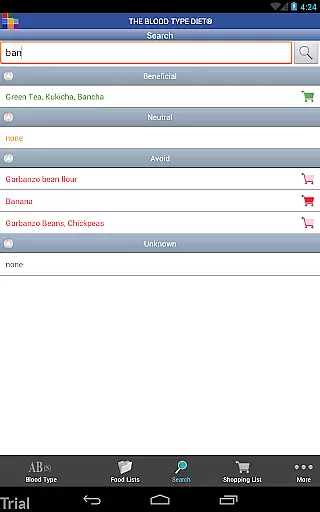
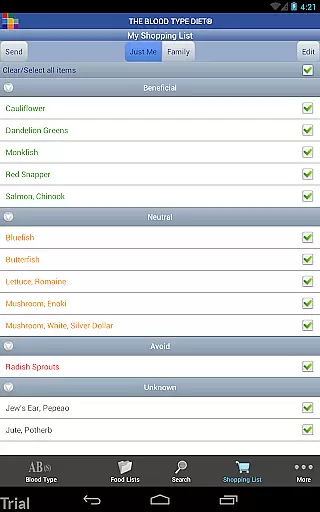
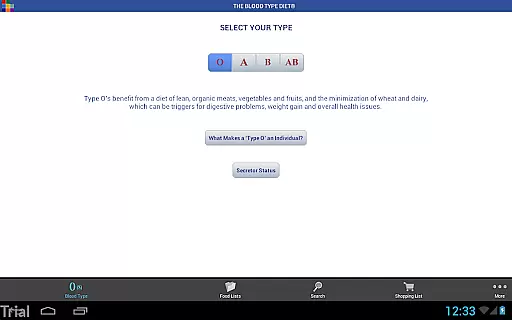
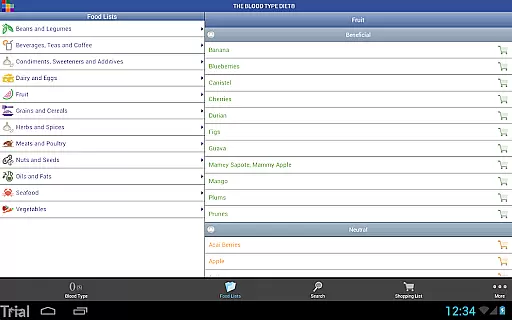
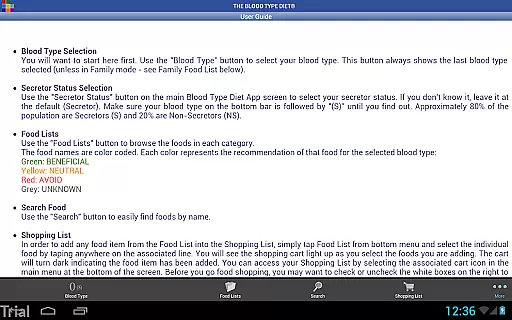
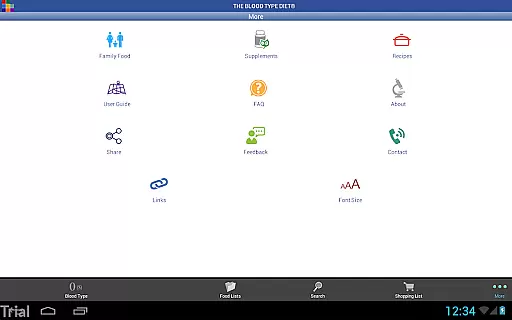
The Blood Type Diet® App, developed by Dr. Peter J. D'Adamo, is a comprehensive dietary guide tailored to the four blood types. This app provides users with detailed food lists categorized as Beneficial, Neutral, and Avoid for each blood type, ensuring optimal meal planning whether at home or on the go.
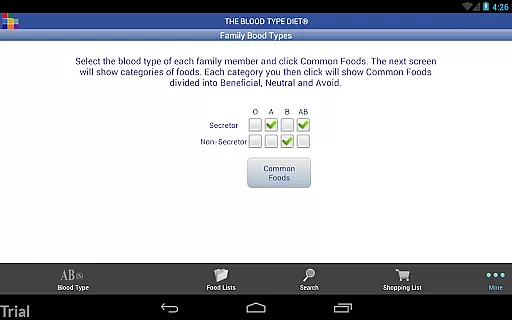
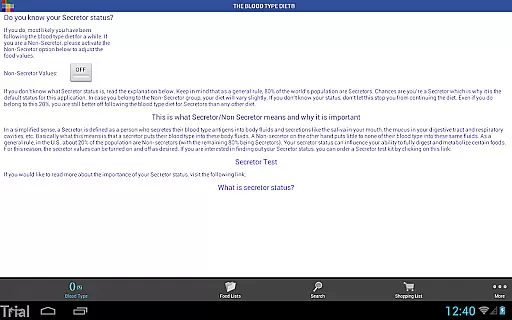
Designed for both Android phones and tablets, this app simplifies grocery shopping and dining out by offering an easy-to-navigate interface. Users can select their blood type and secretor status to receive personalized recommendations. With features like a customizable shopping list, family food list, and email functionality, managing dietary needs has never been easier.
This official app also includes intuitive icons, recipe access, dietary supplement information, and an FAQ section, making it an essential tool for anyone following the Blood Type Diet®.
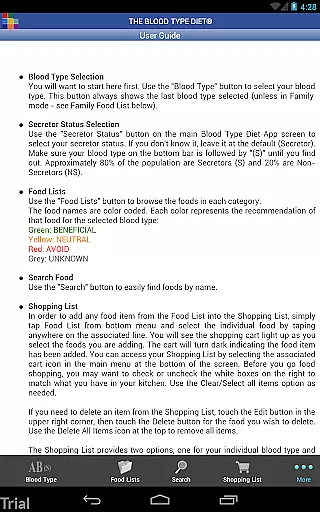
The Blood Type Diet® App offers a rich set of features designed to enhance user experience. One standout feature is the detailed food list that categorizes foods into Beneficial, Neutral, and Avoid for each blood type, helping users make informed dietary choices.
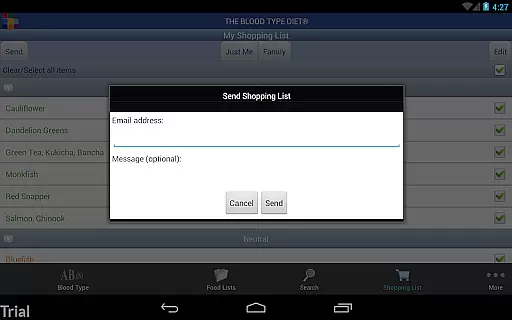
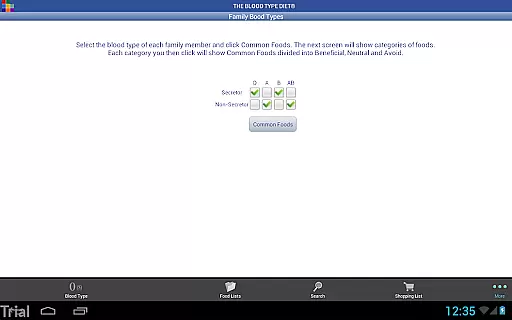
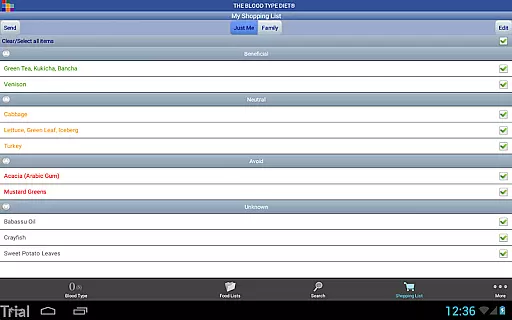
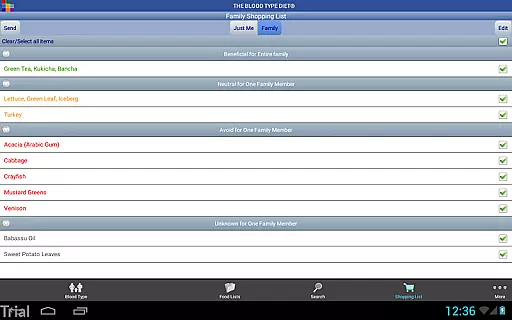
Another notable feature is the ability to create and manage a shopping list. Users can either choose items individually or combine lists for families with multiple blood types. The app also allows emailing the shopping list directly from the app, adding convenience to grocery planning.
Additionally, the app provides access to recipes and dietary supplement information, complete with an A to Z supplement link. Its intuitive icons and improved screen layouts make navigation seamless, especially on larger devices, ensuring users have a smooth and efficient experience.
Personalized planning is at the core of The Blood Type Diet app, offering tailored dietary recommendations based on individual blood types. This feature ensures that users receive specific advice that aligns with their biological makeup.
The app provides a comprehensive list of Beneficial, Neutral, and Avoid foods for each blood type, empowering users to make informed decisions about their nutrition. By incorporating secretor status, it further refines these recommendations, enhancing personalization.
Users benefit from practical tools like the Shopping List and Family Food List, which streamline meal planning and grocery shopping. These features ensure that dietary choices are not only personalized but also convenient and adaptable to family needs.
Ultimately, this personalized approach supports better health outcomes by making it easier for users to adhere to dietary guidelines that are specifically designed for their unique physiology.
Progress visualization in The Blood Type Diet app helps users track their journey towards better health through clear and accessible data representation. While the app focuses on dietary guidance, understanding progress is key to maintaining motivation.
Although the app doesn't include traditional charts or graphs, it offers intuitive icons and categorized food lists that serve as visual cues for dietary choices. These elements help users quickly identify suitable foods and track their adherence to recommended plans.
Features such as the Food Search and Recipe Access provide additional layers of engagement, allowing users to visualize how different foods fit into their diet. This fosters a deeper understanding of nutritional habits and encourages consistent progress.
By integrating these visualization tools, the app enhances user experience, making it simpler to follow and commit to a long-term health strategy tailored to individual blood types.
User-friendly interface
Personalized food lists
Comprehensive shopping list
Official Blood Type Diet® app
Recipe and supplement access
Requires internet connection
Limited to four blood types
No offline functionality
Premium features may require additional cost
Occasional updates needed

Chair Workout: Women's Edition for safe, flexible, and personalized fitness.
 4.40
4.40
Personal Measurements - Track your gains!
4.50
Easy reconstitution calc for mixing peptides and creating protocols
4.70
Get alert about getting out of desired heart rate zone.
4.10
Beauty Care, Makeup & Skin Care Scanner | Pregnancy App For A Mom | Healthy Baby
5.00
Wall Pilates at home & Pilates workout for beginners for core and weight loss.
4.80
Fast Body building & Weight Loss. Home Workouts with Daily Coach, No Equipment.
4.30
Understand your body’s most meaningful messages and transform your health.
3.90
Workouts for everyone
4.70
Power-lifting, weightlifting and Wendler 531 app to track your workout program.
4.90
a fun app full of surprises :)
4.70
Blood Pressure Log, HRV & Heartbeat Tracker. Pulse Checker.
4.40
Your portable blood pressure tracker. Record, monitor, and analyze BP anytime.
4.30
Walk, track, and burn calories with step counter & GPS walking tracker
4.20
Looking to take control of your health? Our psychology-based programs can help.
4.10
Focus on BP & Health
3.80
Find Paid Clinical Trials In Your Area
3.70
FitCloudPro takes care of your health every minute.
3.70
Using Recognise™ has been shown to reduce pain, and improve performance.
4.3


User Reviews