
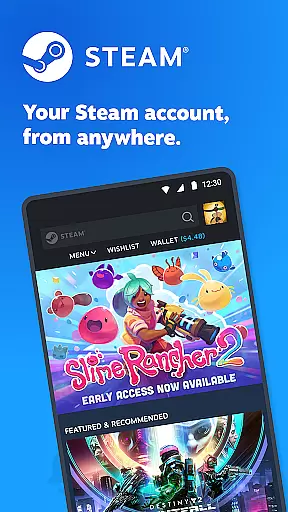
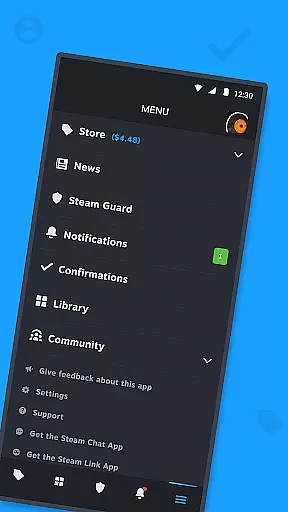

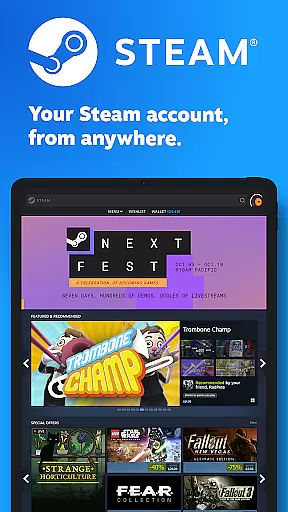
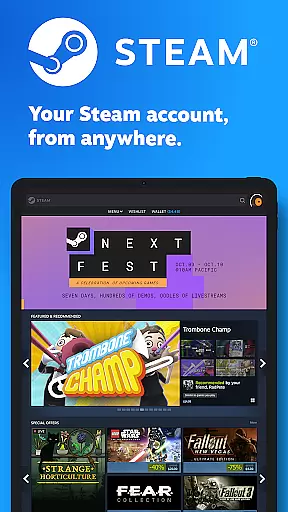
Steam Mobile is an essential companion for all Steam users, providing a comprehensive suite of features to manage your gaming experience on the go. The app allows you to shop for PC games, protect your account with advanced security features like Steam Guard, and stay updated with personalized news feeds.
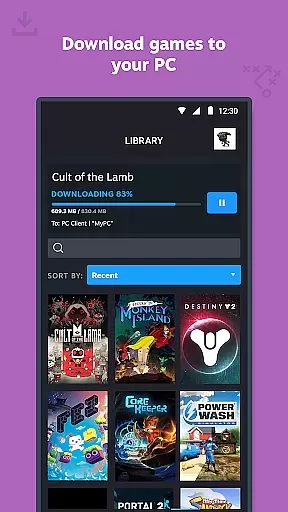
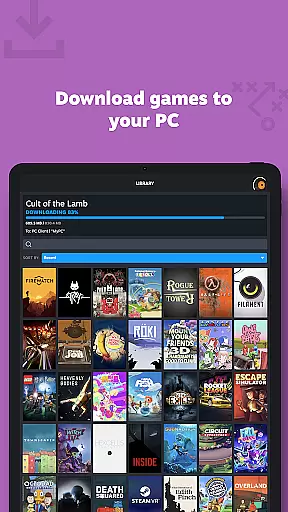
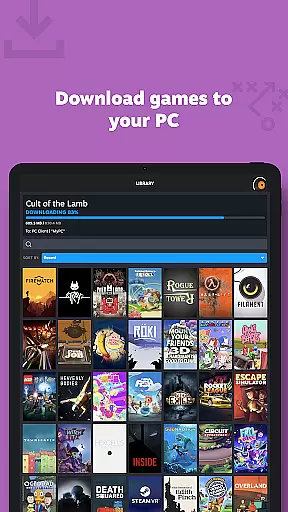
One of its standout features is the ability to remotely manage your game library, including initiating downloads and updates directly from your mobile device. Additionally, the app facilitates trade confirmations and market transactions, making it easier than ever to engage with the Steam community anytime, anywhere.
Whether you're a casual gamer or a dedicated enthusiast, Steam Mobile enhances your gaming lifestyle by keeping you connected to your favorite games and community, ensuring you never miss out on sales, news, or important updates.
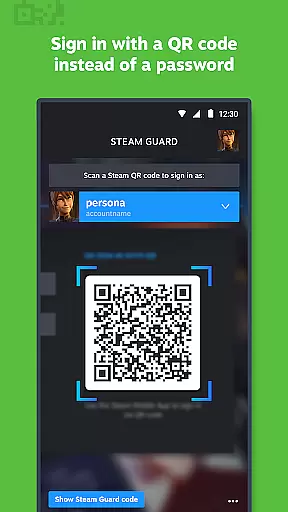
Steam Mobile offers a rich set of features designed to enhance your interaction with the Steam platform. Firstly, the app provides robust security measures through Steam Guard, which includes two-factor authentication, QR code sign-in, and sign-in confirmation, ensuring your account remains secure at all times.
Another significant feature is the Library & Remote Downloads functionality. This allows users to view detailed game content, participate in discussions, access guides, and even manage downloads and updates to their PC games remotely. The Trade and Market Confirmations add another layer of convenience, enabling quick approval of item trades and sales via your mobile device.
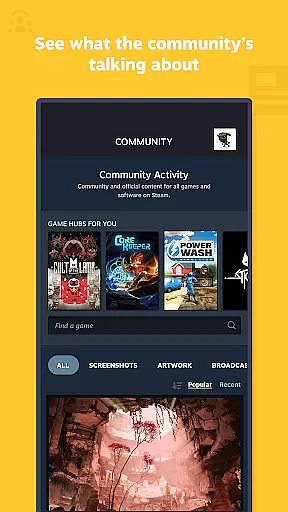
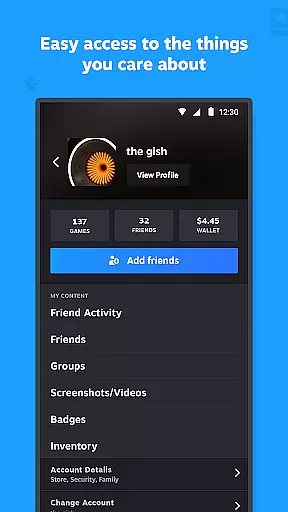
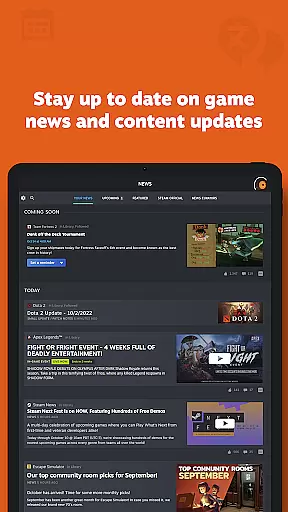
Additionally, the app delivers a personalized News feed based on your game library, customizable notifications, and full access to the Steam Community, including friends, groups, and more. These features collectively ensure that you have a seamless and enriched Steam experience, no matter where you are.
When it comes to entertainment applications, content variety and freshness are crucial factors that determine user engagement. The Steam Mobile App excels in this area by offering a diverse range of PC games available for purchase directly from your mobile device. With an ever-expanding catalog, users can explore new releases, popular titles, and exclusive deals without missing out on any sales.
Besides the extensive game library, the app provides a personalized News feed based on your gaming interests. This ensures you receive the latest news, events, and updates straight from publishers and developers. Whether it's patch notes, upcoming events, or community highlights, the app keeps you informed with timely and relevant information.
The inclusion of features like discussions, guides, and support further enriches the content offering. Users can engage with the community, access helpful resources, and stay updated on game-related developments. This multifaceted approach to content delivery ensures that there is always something new and engaging for users to discover.
User engagement duration and retention are key metrics for evaluating the success of any entertainment platform. The Steam Mobile App addresses these aspects through several innovative features designed to keep users connected and invested in their gaming experience. One standout feature is the Library view, which allows users to manage their game downloads and updates remotely, ensuring they can optimize their PC gaming sessions efficiently.
Additionally, the app offers Trade and Market Confirmations, enabling users to speed up item trades and sales by confirming them directly from their phones. This convenience factor not only enhances user satisfaction but also encourages continued interaction with the platform. By simplifying complex processes and making them accessible on-the-go, the app fosters a seamless user experience.
Customizable notifications play a significant role in maintaining user interest over time. From wishlist alerts and sales notifications to comments and friend requests, users can tailor their notification preferences to suit their needs. This level of personalization helps maintain high levels of engagement and ensures that users remain active participants within the Steam ecosystem.
User-friendly interface
Comprehensive security features
Remote management capabilities
Personalized news and notifications
Full Steam Community access
Limited offline functionality
Occasional sync delays
Requires stable internet
Some features need PC
Interface can be complex

Ultimate VR movie player for android mobile videos
 4.3
4.3
Stream over 80 hours of exclusive mashups and remixes by DJ Rehab.
4.0
Stream videos to VIDAA & VEWD TVs from Hisense, Sharp, Skyworth, Vestel & TiVo
3.00
Scan sets, track your builds, and enjoy intuitive digital instructions.
4.70
Your choice of 350+ networks plus movies and full TV series on-demand.
3.70
NFL, NBA, NHL, MLB, local sports coverage, shows, movies & news!
3.20
Experience the video editing experience brought by our intuitive interface
4.10
VR 360 Cinema Player is the ultimate VR player for playing videos on mobile
3.50
Pop Drama is a premier app crafted for short drama lovers
4.60
Wodfix Air aggregates popular online content for you.
4.80
Fun brain twisting challenge with trending Whirlpool Filter.
4.70
Your Avatar, Endless Fun
4.60
Rain and lightning effects for your Philips Hue lights
4.30
Music visualizer and party effects for Hue
3.90
Stream live TV shows, sports, news, movies & more - all without cable.
3.00
Unofficial Game Companion App” “Guides • Builds • Tips • Progression
4.5
EVP Recorder / Voice Recorder for ghost hunting, to communicate with ghosts.
4.2
Music visualizer and party effects for your Nanoleaf devices
4.3
Neon Christmas Tree Animated: Festive Wear OS watch face with fitness info
4.0


User Reviews