
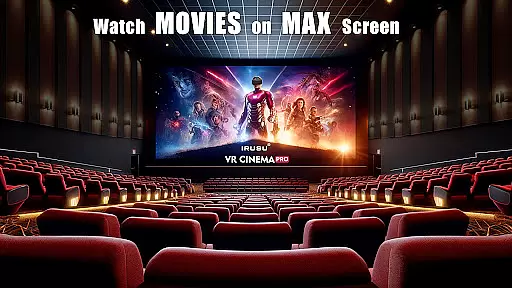
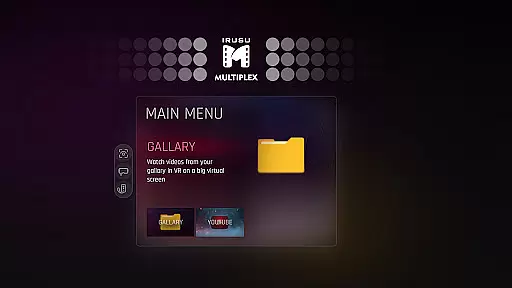

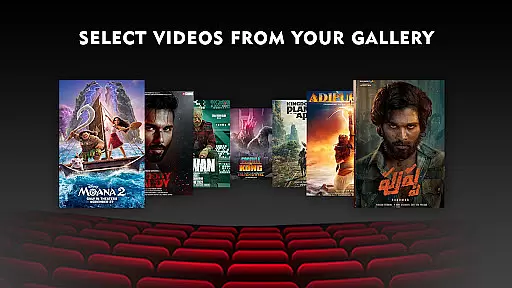
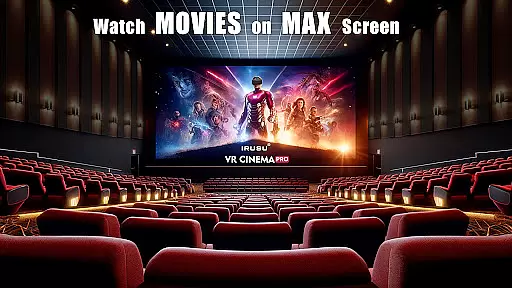
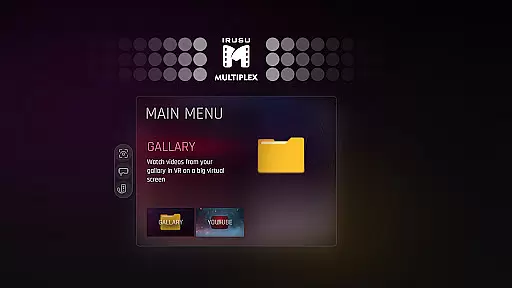

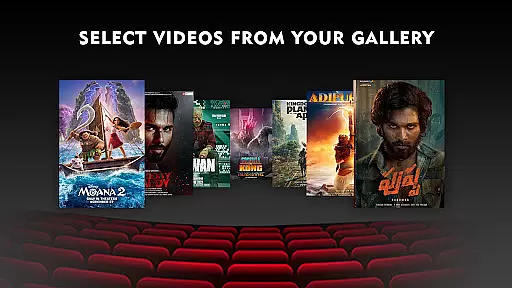
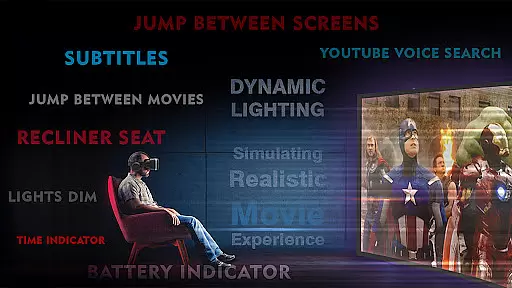
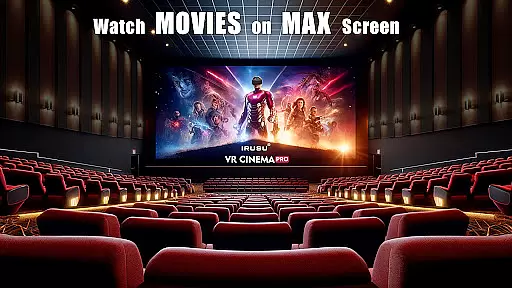
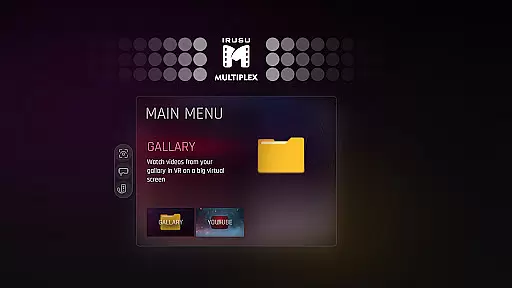

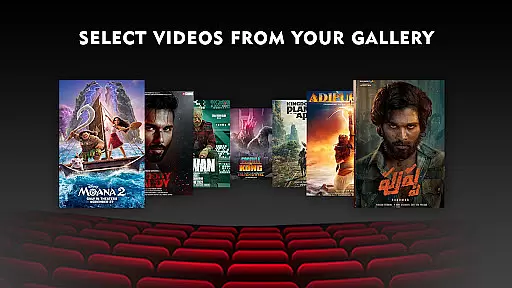
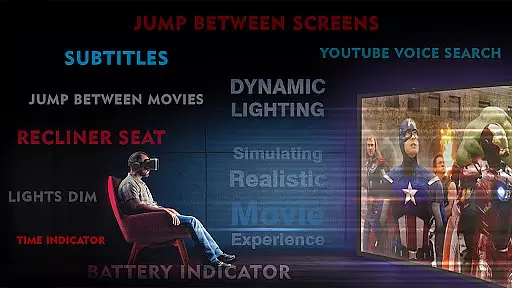
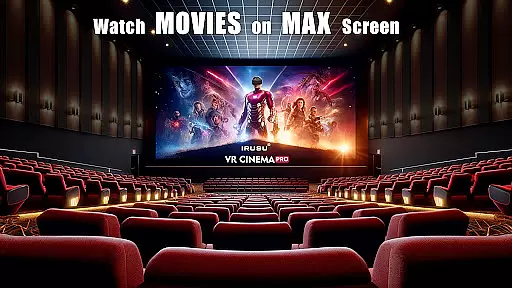

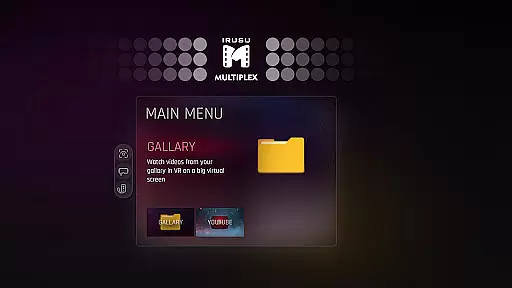
VR Player Pro is a premium VR video player app that transforms your smartphone into a personal virtual theater. With support for 2D, 3D SBS, and 360° videos, the app delivers an immersive viewing experience on massive virtual screens. Compatible with most mobile VR headsets like Google Cardboard, Irusu, VR Box, and Shinecon, it offers dynamic lighting and realistic ambient environments to enhance movie immersion.
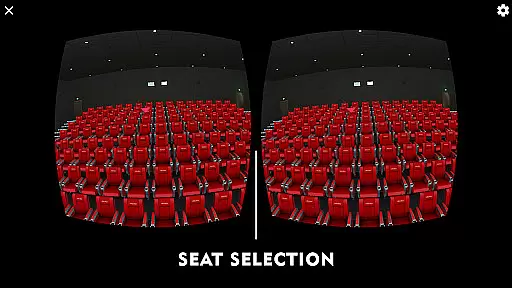
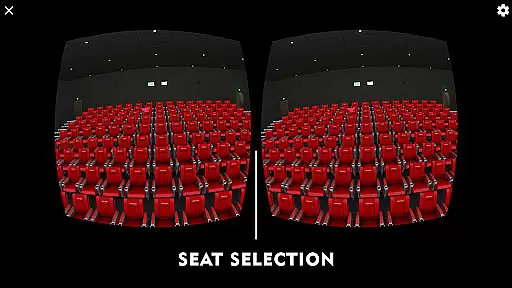
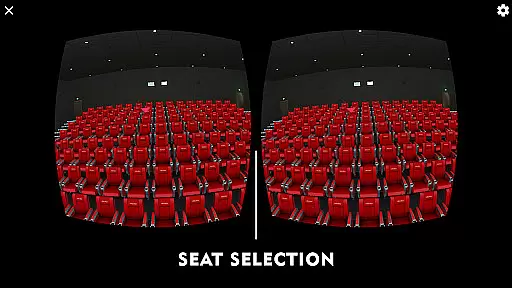
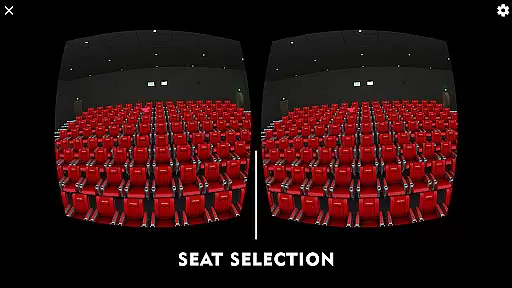
The app stands out with its unique seat selection system, allowing users to choose different viewing angles and distances. Whether you're watching downloaded content or streaming online through the built-in browser with YouTube VR playback, VR Player Pro provides a customizable and comfortable viewing experience. Ideal for movie enthusiasts looking for a private theater-like experience at home.
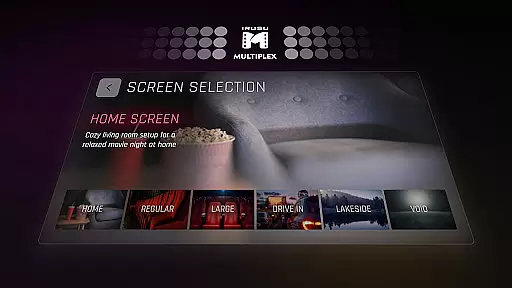
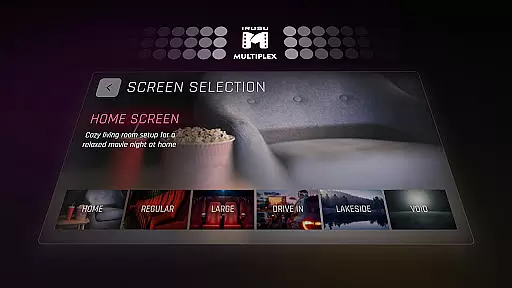
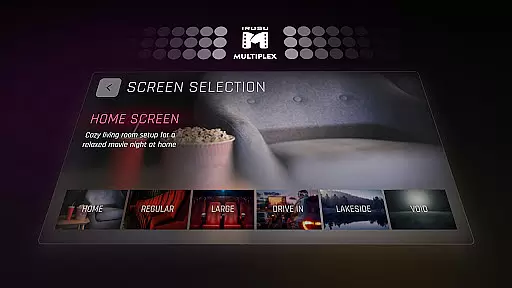
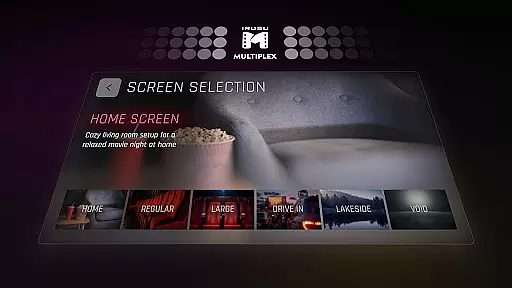
VR Player Pro boasts several innovative features that set it apart from other VR video players. The Irusu VR Cinema Player creates a fully immersive environment with multiple viewing locations such as Classic Movie Hall, Drive-in Lot, and Winter Lake View. Each scene offers a distinct atmosphere, making every viewing session unique.
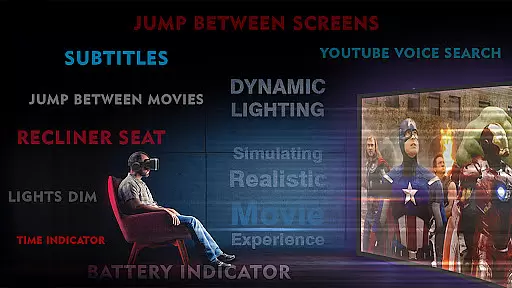
One of the standout features is the dynamic lighting system, which adjusts the virtual environment's lighting based on the video content in real-time. This enhances the overall immersion significantly. The app also includes an angle adjustment tool and a seat selection system, letting users customize their viewing position for optimal comfort.
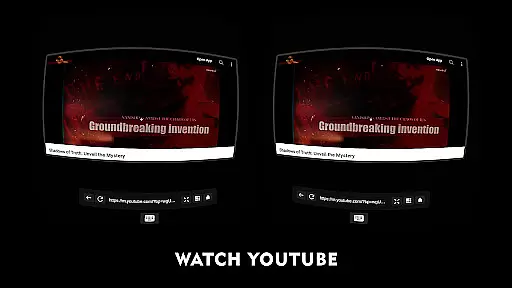
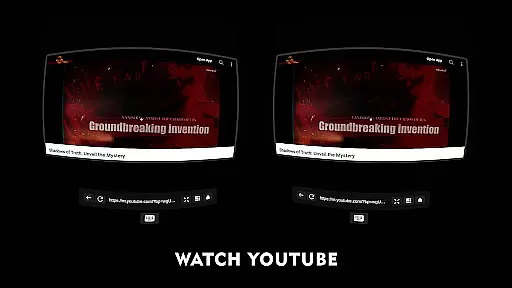
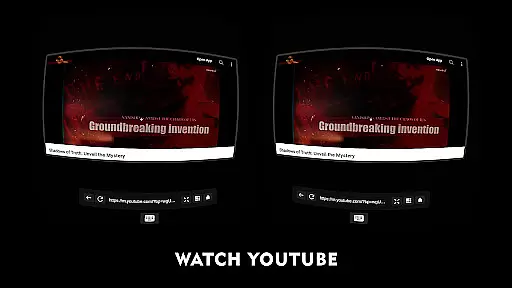
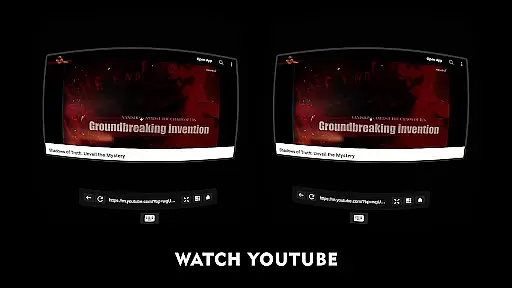
Additionally, the built-in browser with YouTube VR playback and voice search support allows seamless online video streaming. Supporting 4K & 2K video playback (hardware dependent), VR Player Pro ensures high-quality visuals across various devices, making it a versatile choice for all your VR video needs.
In the realm of virtual reality entertainment, content diversity is key to maintaining user interest and satisfaction. VR Player Pro rises to the occasion by offering an extensive range of viewing environments that cater to every taste. From classic movie halls to serene winter lake views, the app ensures that users can enjoy their favorite films in settings that enhance the mood and atmosphere.
Moreover, the inclusion of a built-in browser with YouTube VR playback significantly broadens the content spectrum. Users are not limited to their local media library; instead, they have access to the vast repository of online videos, which can be enjoyed in an immersive VR setting. This feature, coupled with voice search support, makes content discovery effortless and engaging.
The dynamic lighting system further enriches the viewing experience by adapting the virtual environment's ambiance according to the on-screen action. Such responsiveness creates a more convincing illusion of being present within the film itself, thus elevating the sense of immersion beyond static backdrops.
With compatibility across various VR headsets and support for multiple video formats including 2D, 3D SBS, and 360u00b0 videos, VR Player Pro positions itself as a versatile entertainment hub. Its ability to transform a smartphone into a powerful VR media center ensures that users have fresh and varied content at their fingertips, keeping the entertainment value consistently high.
User engagement is critical for any entertainment platform, and VR Player Pro employs several strategies to ensure viewers remain captivated. The seat selection system allows users to choose their preferred viewing location within the virtual space, mimicking the real-world act of selecting a cinema seat. This interactive element encourages longer sessions as users experiment with different perspectives and find their perfect viewing spot.
Additionally, the angle adjustment feature contributes to sustained engagement by enabling users to customize their field of view for optimal comfort. By removing physical discomfort as a barrier, viewers are more likely to extend their time within the virtual theatre, exploring the unique locations and dynamic lighting effects that change with the video content.
Retention is further bolstered by the app's ability to deliver high-quality visuals, supporting 4K and 2K video playback depending on hardware capabilities. High-resolution content is essential for maintaining the illusion of reality in VR, and VR Player Prou2019s commitment to visual fidelity helps keep users coming back for more.
By transforming a smartphone into a comprehensive VR media hub, the application not only provides a novel way to consume media but also fosters a dedicated user base eager to explore the full potential of virtual reality entertainment. This approach to enhancing user experience directly translates into increased engagement duration and improved retention rates.
Immersive Environments
Dynamic Lighting Effects
Multiple Viewing Angles
YouTube VR Playback
Wide Device Compatibility
Premium Price Tag
High Hardware Requirements
Limited Free Features
No Offline Support
Occasional Bugs

Tarot & Oracle Card Readings
 4.50
4.50
Journey to the world’s oldest rainforest and meet its Indigenous Custodians.
4.5
A companion app for the game Elite Dangerous
4.10
Neon Christmas Tree Animated: Festive Wear OS watch face with fitness info
4.3
Alice Box is an Instrumental Trans Communication app.
3.80
The classic game of rock, paper, scissors
4.5
Binaural Brainwave Doses for Every Imaginable Mood
3.60
Premium version to enjoy your favorite anime
4.60
Pop Drama is a premier app crafted for short drama lovers
4.60
5 funny and lovely ponies waiting for you to style them!
4.80
Underrated short-drama gems that hit hard and keep your heart hooked.
4.50
Chat with AI characters! Anime, games, roleplay & more.
4.50
* Multiple Matches * Intuitive UI * Scoring Made Easy!
4.40
Create melty bead designs by numbers, photos or your imagination
4.40
Catch the latest episodes of The Voice or live stream NFL games with The NBC App
4.20
Experience the video editing experience brought by our intuitive interface
4.10
Watch New Episodes & Live TV
3.80
Connect. Discover. Control.
3.60
Watch whatever you want, whenever you want, wherever you want.
3.30


User Reviews