
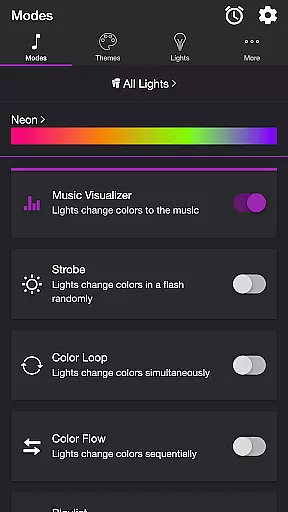
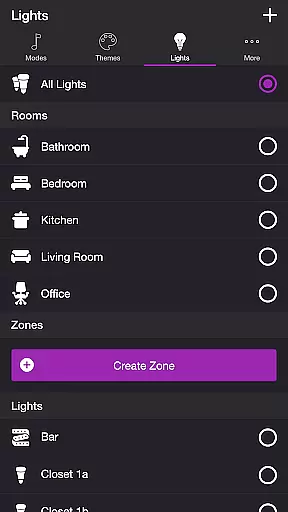
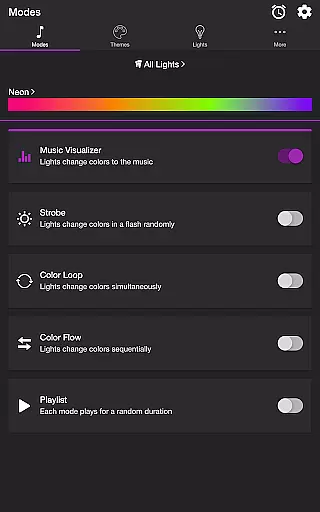
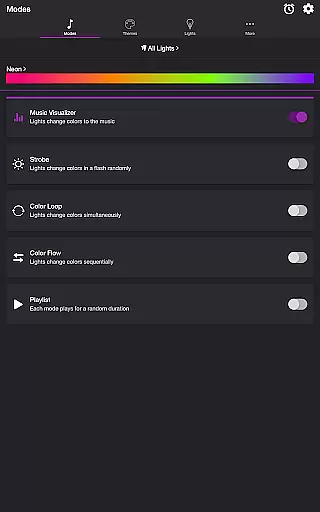
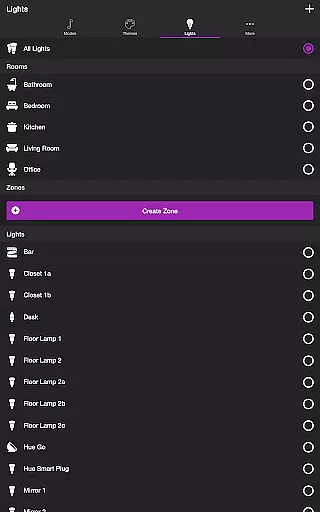
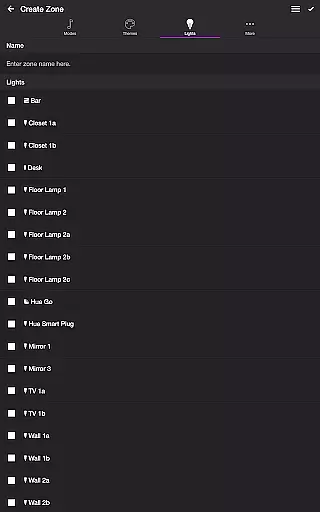
Soundstorm for Hue is an innovative entertainment app that brings your music to life through Philips Hue smart lighting. The app's core functionality revolves around synchronizing your Hue lights with audio, creating immersive light shows that pulse and flash in rhythm with your favorite tracks. This synchronization works across multiple modes including Music Visualizer, Strobe, Color Loop, Color Flow, and Playlist.
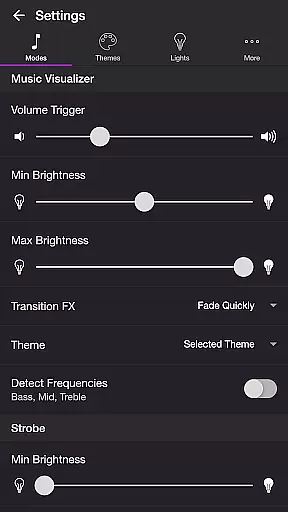
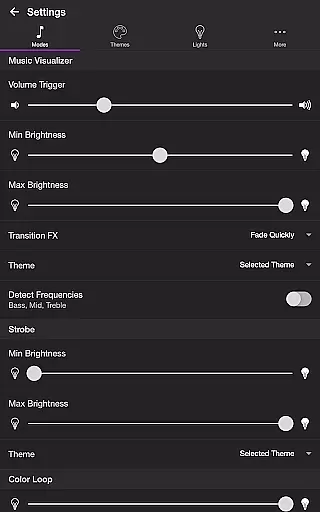
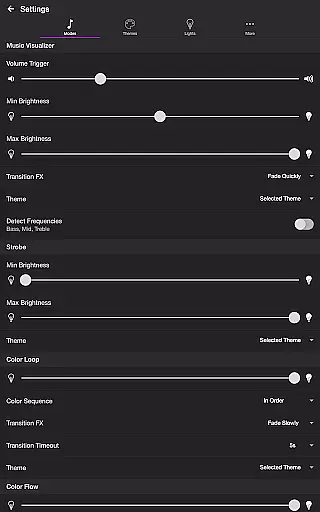
The application stands out with its sophisticated customization options. Users can fine-tune their experience through various settings such as volume triggers, brightness levels, transition effects, and frequency detection. The app supports both predefined themes and custom user-created configurations, allowing precise control over how lights respond to different audio frequencies. Whether you're hosting a party or simply enjoying music at home, Soundstorm for Hue transforms any space into a dynamic entertainment environment.
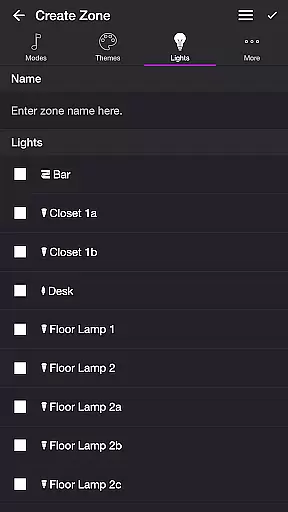
This app particularly shines in social gatherings and parties where it creates an engaging atmosphere by syncing lights with music. Its ability to target specific lights for effects and the option to create custom zones make it versatile for different room setups. The inclusion of a sleep timer and automatic mode scheduling demonstrates thoughtful design for practical daily use, while the comprehensive settings menu ensures users can optimize their light show experience according to their preferences and room configuration.
Soundstorm for Hue distinguishes itself through its diverse range of specialized features. The Music Visualizer mode employs advanced audio analysis, detecting bass, mid, and treble frequencies to create responsive light patterns that adapt to your music in real-time. This feature includes precise controls for transition effects, brightness levels, and frequency range triggers, enabling users to customize their light show experience with exceptional detail.
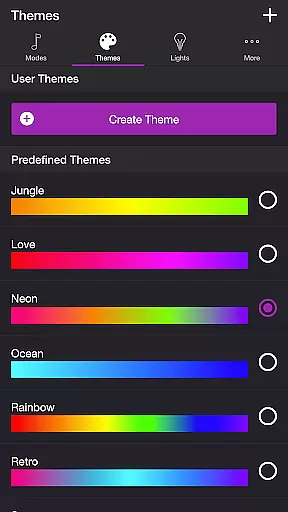
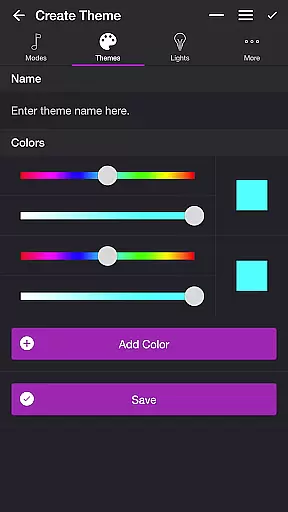
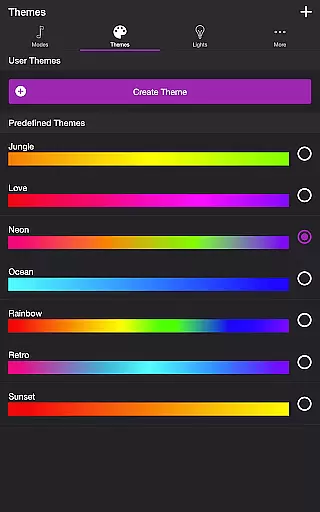
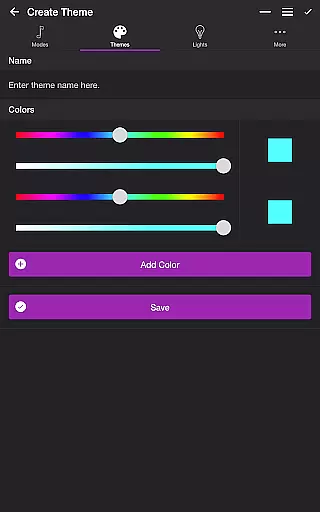
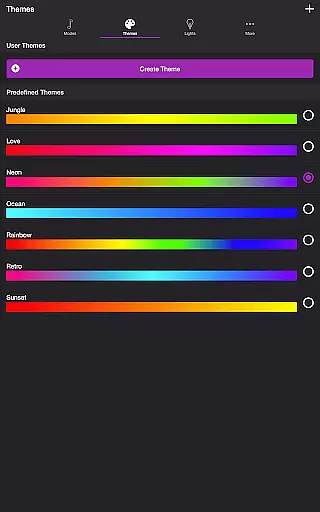
The app's theme system represents another significant advantage, offering both predefined options and custom user configurations. Each mode can utilize these themes differently, with particular attention to the Color Loop and Color Flow modes where users can reorder colors and sequence patterns. The Playlist mode adds another layer of sophistication by randomly cycling through different modes, each with customizable duration ranges, creating varied and unpredictable light shows.
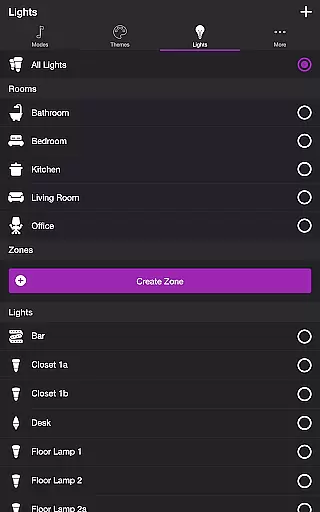
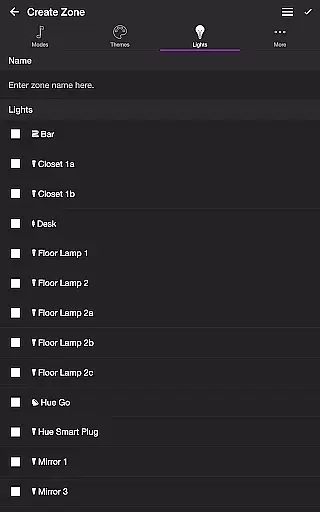
Additional technical features enhance the app's usability and flexibility. These include comprehensive light and group management capabilities, allowing users to create and modify zones directly within the app. The sleep timer function with customizable end states demonstrates the developer's attention to practical applications. Moreover, the app's ability to automatically start selected modes upon opening and schedule automatic stops showcases its thoughtful approach to user convenience and automation.
Soundstorm for Hue offers a diverse range of content through its various modes and themes, ensuring users have multiple entertainment options.
The app includes several engaging modes such as Music Visualizer, Strobe, Color Loop, Color Flow, and Playlist, each providing a unique way to enjoy Philips Hue lights. These modes allow the lights to change colors in sync with music or in pre-set sequences, offering fresh experiences every time.
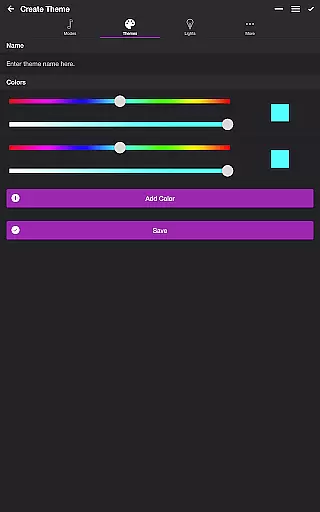
Users can choose from predefined themes or create their own, adding another layer of customization and personalization. This flexibility ensures that the content remains dynamic and adaptable to individual preferences.
With additional features like Sleep Timer and the ability to reorder colors and lights, Soundstorm for Hue maintains an element of novelty and engagement, encouraging regular use and exploration.
One of the key strengths of Soundstorm for Hue is its ability to engage users for extended periods through interactive and customizable features.
The Music Visualizer mode listens to ambient sounds or music and changes the lights accordingly, creating an immersive environment that can keep users entertained during parties or quiet evenings at home.
Customizable settings for each mode, including brightness levels, transition effects, and frequency triggers, ensure that users can tailor the experience to their liking, which enhances retention.
Moreover, the app's capability to save user-defined themes and zones allows for a personalized experience that encourages continued use, while the intuitive interface makes it easy for users to return and explore new features, thus boosting overall engagement duration.
Highly customizable
Real-time music sync
Multiple effect modes
User-friendly interface
Comprehensive settings
Hue Bridge required
Premium cost
Complex setup
Microphone access needed
Device limitations

The OFFICIAL PeeWee Purpdrank Soundboard!
 4.80
4.80
Simulation of Dashboard / Touch Screen for Tesla. (Works without actual Tesla).
4.0
Find out if you're on Santa's Naughty or Nice List with this magical scanner!
4.60
Create melty bead designs by numbers, photos or your imagination
4.40
Direct access to the most complete Guitar Tab Archive in Spanish: LaCuerda.net
4.60
Colorful flows will relax and calm you down, or get you trippy and creative!
4.90
Himnario LLDM - Fast and Easy to read , updated Hymnal 2019 Edition Official
4.20
Raise Christmas Magic with daily missions, magical scanners, and kindness.
4.5
The classic game of rock, paper, scissors
4.4
Open-source, fast, simple and powerful IPTV app
4.90
Catalog & tracker of your DVD, Blu-ray & Digital Movie and TV Collection Library
4.80
Stream Live TV, News & Documentaries. Watch Full Seasons with PBS Passport.
4.80
Hand-drawn, cartoon OC creator - original character creator
4.70
The JBL Portable app works with JBL portable Bluetooth speakers.
4.60
Triple A is a highly complex, kinetic, and interactive visualizer.
4.50
Chat with AI characters! Anime, games, roleplay & more.
4.50
Watch whatever you want, whenever you want, wherever you want.
3.30
Stream videos to VIDAA & VEWD TVs from Hisense, Sharp, Skyworth, Vestel & TiVo
3.00
Neon Christmas Tree Animated: Festive Wear OS watch face with fitness info
4.1


User Reviews