
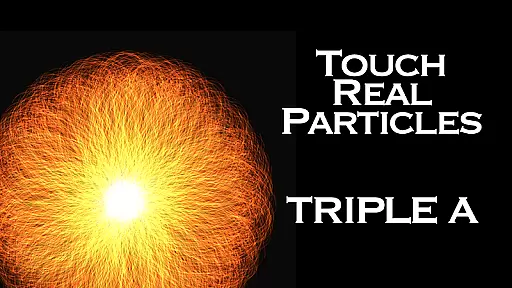
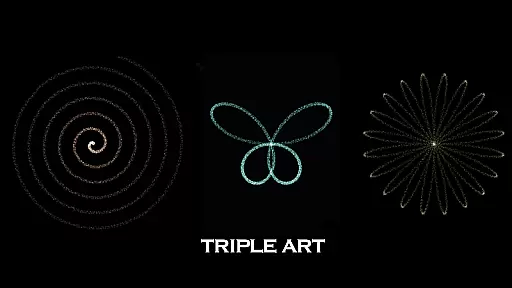
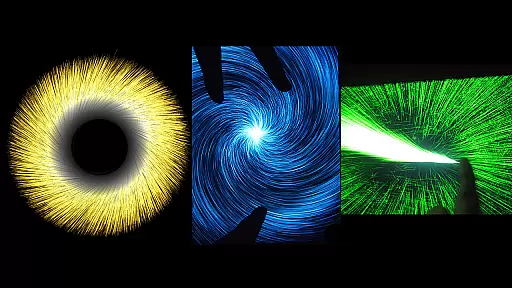
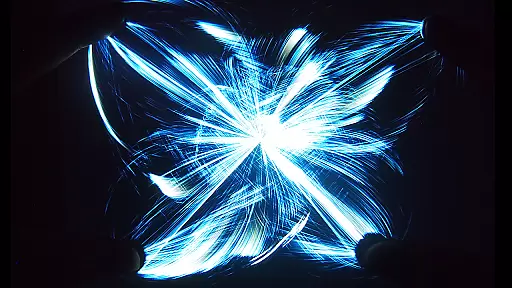
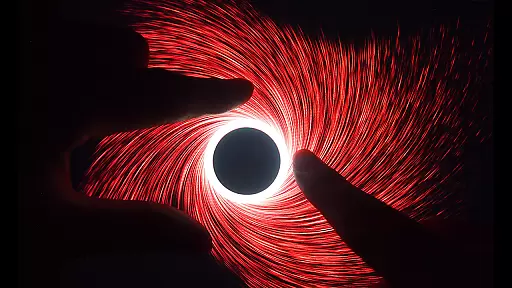
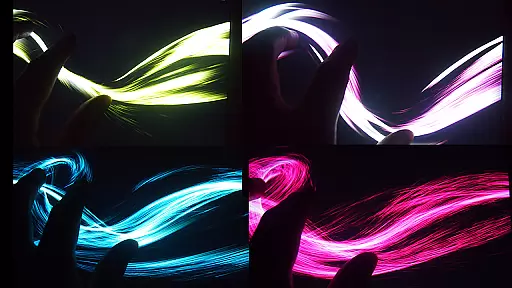
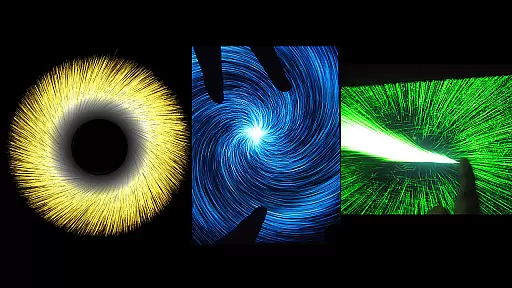
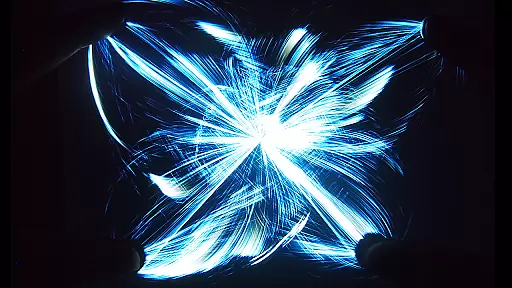
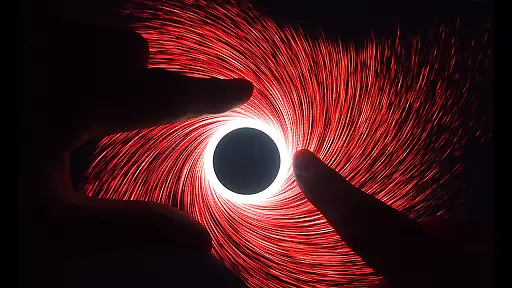
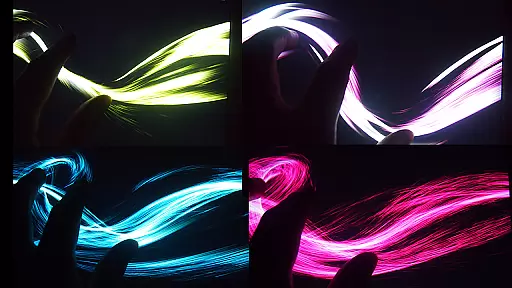
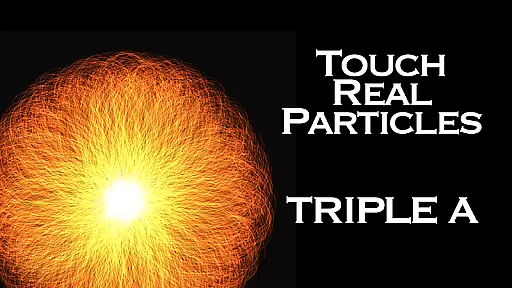
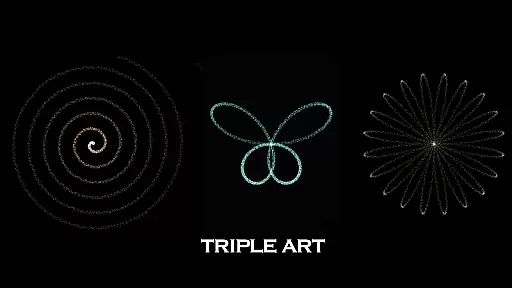
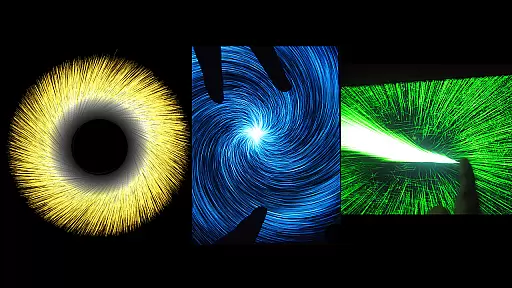
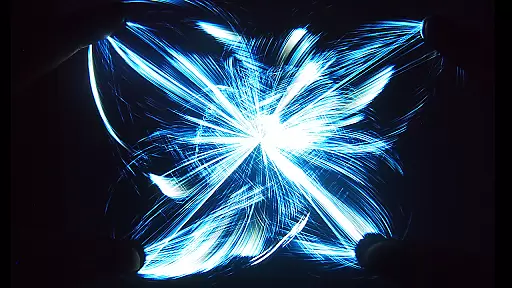
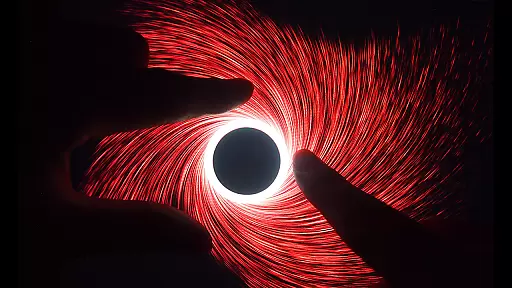
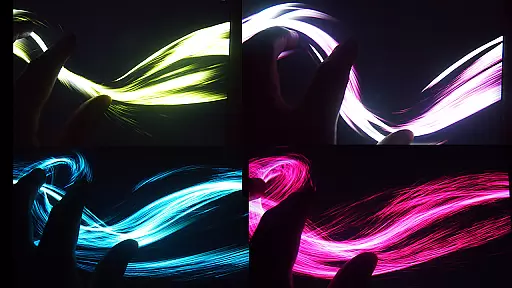
Triple A HD is an innovative entertainment app that combines interactive visual art with relaxation techniques, making it perfect for users of all ages. The app integrates five distinct art modes - Art Wave, Art Particle, Art Gravity, Art Linear, and Art Lightning - each offering six unique effects, resulting in 25 mesmerizing visual experiences. With its ability to emit up to 100,000 particles at 60 FPS, Triple A HD delivers stunning visuals that can be used for focused meditation, creative thinking, or simply as a fun digital toy.
Beyond its core features, the app includes built-in music tracks designed to enhance relaxation and reduce stress. Whether you're looking to unwind after a long day or seeking an engaging experience for children and pets, Triple A HD provides a versatile platform that encourages both mental clarity and enjoyment. Its ad-free HD version ensures uninterrupted usage while delivering three times more particle quantity through optimized performance.
Triple A HD stands out with its advanced multi-touch functionality, supporting up to five fingers and two-hand operation, allowing users to fully immerse themselves in the interactive experience. The app offers ten carefully curated music selections by Aden, which can be toggled on or off depending on user preference. Each of the five art modes provides customizable options such as particle length, quantity, and size, enabling users to tailor their experience to match their mood or setting.
The HD version further enhances the experience by providing an ad-free environment and tripling the particle count compared to the standard version. This optimization results in smoother animations and even more vibrant visuals, ensuring that users get the most out of their devices. Additionally, the app's ability to evoke images of vortexes, flowers, butterflies, rainbows, and more makes it not only a tool for relaxation but also a source of endless creativity and inspiration.
In the realm of digital entertainment, content variety and freshness are paramount to maintaining user engagement. Triple A HD excels in this area by offering an amalgamation of five distinct Art Modes - Art Particle, Art Wave, Art Gravity, Art Linear, and Art Lightning. Each mode contains six unique effects, culminating in a spectacular array of 25 mesmerizing visual effects that cater to a wide range of preferences and moods.
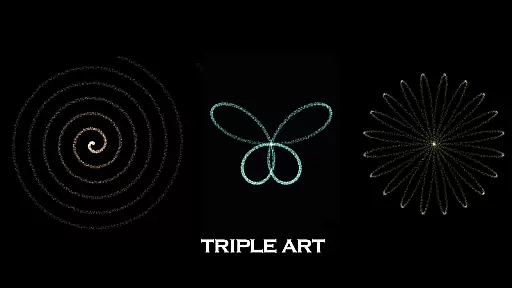
Moreover, Triple A HD goes beyond the core effects by providing users with additional captivating features that evoke vivid imagery such as vortexes, flowers, leaves, butterflies, rainbows, and more. This extensive library ensures that users have access to fresh and varied content each time they engage with the app, promoting longer sessions and encouraging regular revisits.
The inclusion of ten music selections composed by Aden further enriches the experience, allowing users to customize their auditory backdrop while indulging in the interactive visualizer. With the ability to toggle music on or off, individuals can tailor their sessions to match their current state of mind, whether they seek a meditative escape or a lively digital playground.
User engagement duration and retention are critical metrics for apps in the Entertainment category, and Triple A HD is designed to excel in these areas. By harnessing the power of interactive visualizers, the app captivates users with its fastest speed performance at 60 FPS and the ability to emit an astonishing 100,000 particles. This technical achievement not only provides a seamless experience but also entices users to spend more time exploring the vast possibilities within the app.
Triple A HD offers customization options for particle length, quantity, and size, which empowers users to create personalized experiences that resonate with them. This high degree of personalization enhances user investment in the app, leading to longer engagement durations as users lose themselves in the creative process.
Furthermore, the app's suitability for all ages broadens its appeal and fosters retention. Whether it's used as a tool for focused meditation, creative thinking, relaxation, or as an entertaining digital toy for children and pets, Triple A HD has been crafted to provide a relaxing and enjoyable break for everyone. The ad-free experience and enhanced performance found in the HD version also contribute to a more satisfying and uninterrupted user journey, prompting users to return to the app time and again.
Stunning visual effects
Relaxing built-in music
Customizable settings
Multi-touch support
Ad-free experience
Limited to 5 art modes
No offline mode
Premium price tag
High device requirements
Occasional bugs

Play games. Earn real rewards. Cash out in 3hours via PayPal or gift cards.
 4.40
4.40
Heroclix search units with multi filter , team builder, collection manager.
4.40
Time tracking, lap counting and much more for Carrera® Digital 132/124
4.80
Atomus is a 10-finger multi-touch interactive visualizer.
4.30
Stream videos to VIDAA & VEWD TVs from Hisense, Sharp, Skyworth, Vestel & TiVo
3.00
Experience the video editing experience brought by our intuitive interface
4.10
Stream, Watch, Chat. Live.
4.00
Earn Real Rewards Playing Fun Mobile Games & Easy Cash Out - PayPal & Gift Cards
4.40
Pop Drama is a premier app crafted for short drama lovers
4.60
SpiritWave is paranormal ITC application.
5.00
Stories that spark in seconds.
4.80
Tarot & Oracle Card Readings
4.50
The Xbox app keeps you connected to your gaming community.
4.50
Everything FOX in one place. Watch FOX News, NFL, MLB, TV shows and more.
4.50
Browser for Chromecast to stream webvideos, online movies, IPTV & HD livestreams
4.40
Come and watch short dramas, reels with diverse genres!
4.40
Connect. Discover. Control.
3.60
Unofficial Game Companion App” “Guides • Builds • Tips • Progression
4.5
Christmas Globe: Transform your Wear OS device into a festive timekeeper!
4.2


User Reviews