
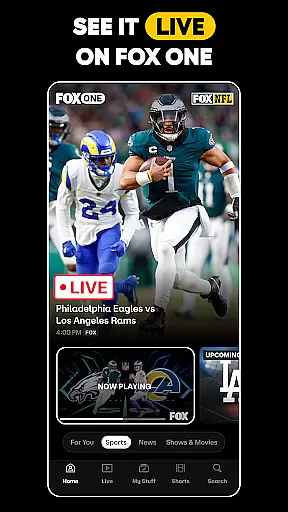
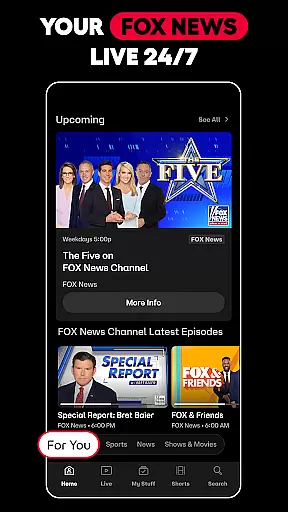


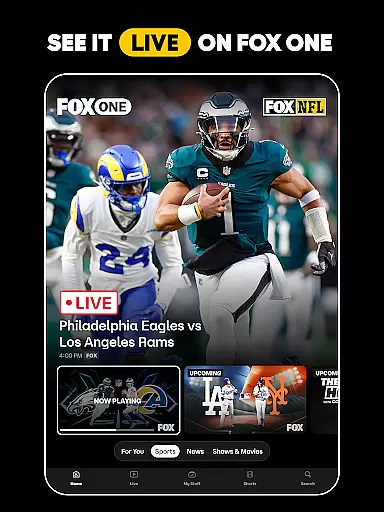
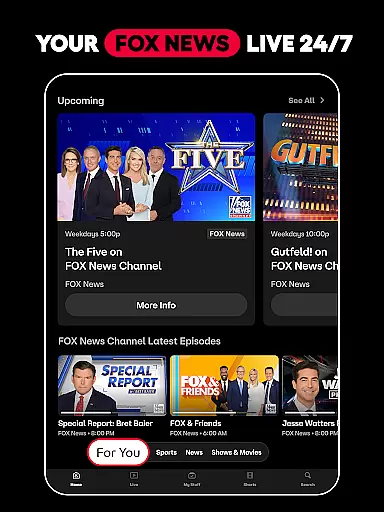





FOX One is a comprehensive streaming application that brings together live sports, news, and entertainment content in one place. The app offers users the ability to watch live events such as NFL showdowns, MLB games, FOX series, and breaking news from FOX News, all in real-time. With features like personalized content recommendations, unlimited DVR storage, and the option to catch up with highlights, FOX One caters to diverse user preferences. Whether you're a sports enthusiast, news junkie, or entertainment lover, this app provides an engaging experience tailored to your interests.
The platform also supports 4K streaming for select events, ensuring crisp visuals on compatible devices. Additionally, FOX One's Multiview feature allows users to watch up to four streams simultaneously, perfect for those who want to follow multiple games or shows at once. Available on both mobile and Android TV, FOX One delivers a seamless viewing experience across different devices, making it easy to stay connected to your favorite FOX content anytime, anywhere.
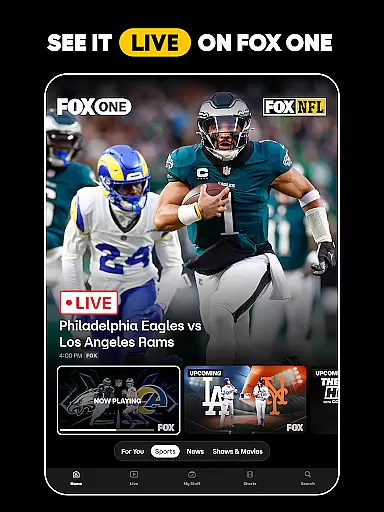
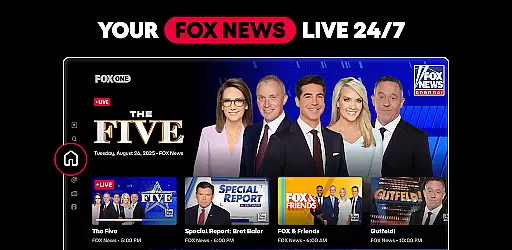
One of the standout features of FOX One is its robust live streaming capabilities. Users can access live sports events including NFL, MLB, NASCAR, and college football, along with popular FOX News programs like Hannity and The Five. The app's intuitive interface ensures fast navigation between live streams and on-demand content, while personalized recommendations help users discover relevant shows quickly. For sports fans, FOX One offers ultra-fast streams and in-depth analysis, keeping them engaged with their favorite leagues and teams.
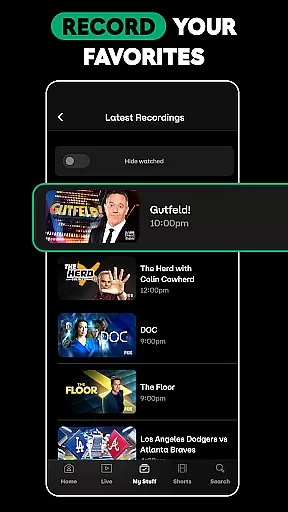
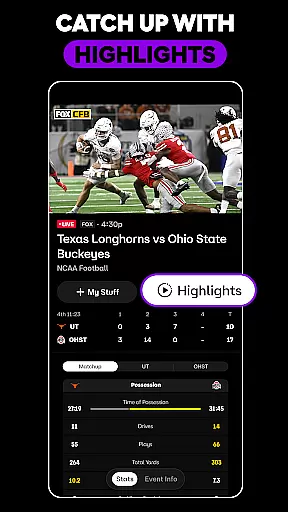
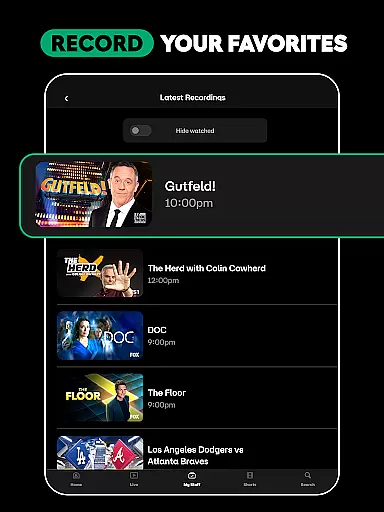
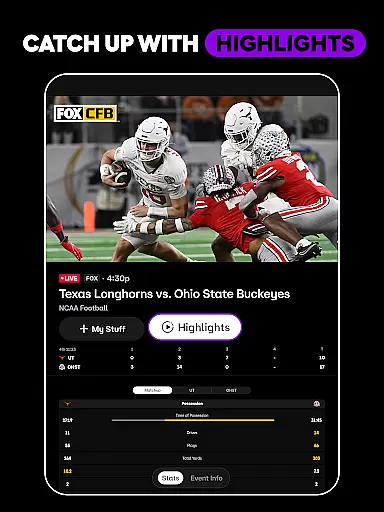
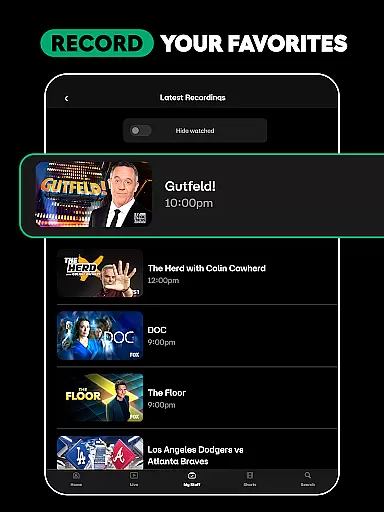
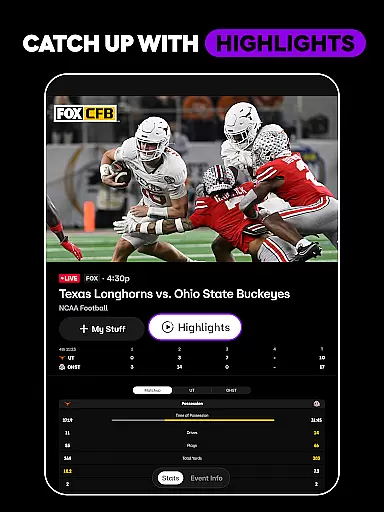
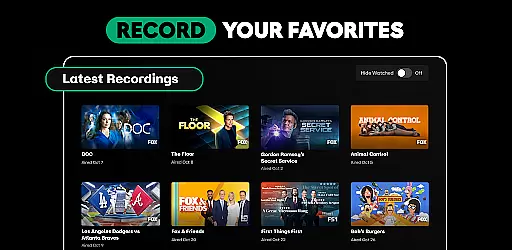
Another key aspect is the app's flexibility in content consumption. With unlimited DVR storage, users can record their favorite shows and watch them later at their convenience. The catch-up feature allows viewers to join live events late without missing crucial moments by providing instant highlights. Moreover, FOX One's Multiview functionality enhances the viewing experience by enabling users to watch multiple curated streams simultaneously, accompanied by customizable audio options. These innovative features make FOX One a versatile choice for modern media consumption.
FOX One stands out in the Entertainment category by offering an extensive range of content that caters to diverse interests. From live sports events, including NFL and MLB games, to popular FOX series like The Simpsons and Family Guy, the app ensures there's always something new and exciting for every user.
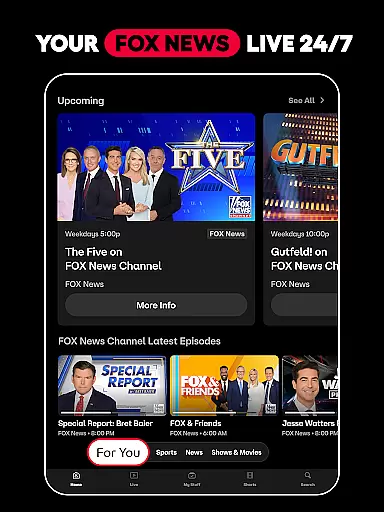
The platform provides up-to-the-minute news coverage through FOX News, available 24/7, ensuring users stay informed with the latest developments as they happen. This constant stream of fresh content is complemented by on-demand access to shows, movies, and sports highlights, making sure viewers never run out of options.
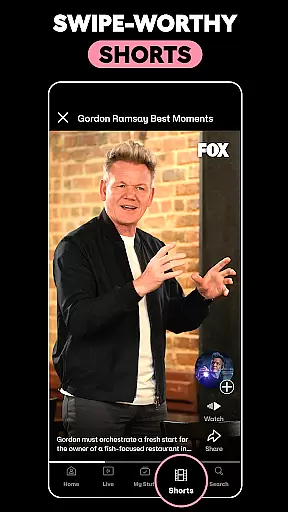
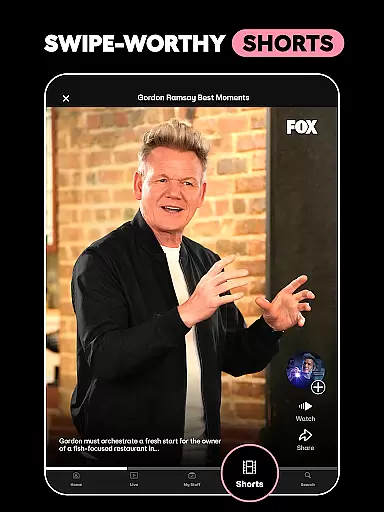
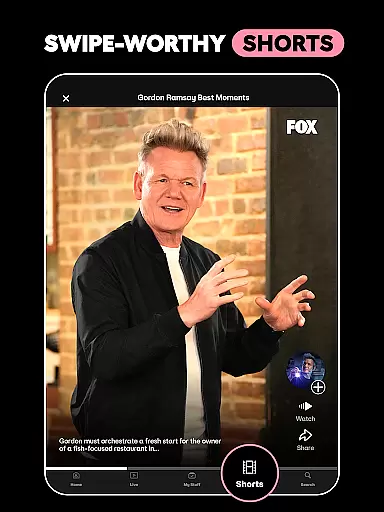
Additionally, FOX One enhances user engagement with its swipe-worthy shorts feature, delivering trending sports stories and entertaining TV clips tailored to individual preferences. By combining live broadcasts with personalized short-form content, FOX One keeps its library dynamic and engaging.
This commitment to variety and freshness not only maintains viewer interest but also encourages longer session durations. Users can seamlessly transition from watching a live football game to catching up on their favorite reality TV show or exploring bite-sized content pieces, creating a comprehensive entertainment experience that evolves with their changing moods and interests.
User engagement duration and retention are crucial metrics for any entertainment platform, and FOX One excels in these areas through its innovative features and content strategy. The app's ability to offer both live and on-demand content creates multiple touchpoints throughout the day, encouraging users to return frequently and stay longer during each visit.
One key retention feature is the app's recording capability, allowing users to save their favorite leagues, teams, and shows without storage limitations. This personal library system enables viewers to build their own content collection, increasing the likelihood of repeated app usage and extending overall engagement time.
Furthermore, FOX One's Multiview functionality, available on select devices, revolutionizes how users consume content by enabling them to watch up to four curated streams simultaneously. This feature, combined with the ability to choose preferred audio tracks, creates a more immersive and customizable viewing experience that keeps users engaged for extended periods.
The platform's strategic combination of real-time sports coverage, breaking news alerts, and personalized entertainment recommendations creates a sticky environment that naturally promotes longer viewing sessions. By consistently delivering fresh content and maintaining user interest through various interactive features, FOX One successfully builds strong viewer retention while fostering a loyal user base that returns regularly for their entertainment needs.
User-friendly interface
Live and on-demand content
Unlimited DVR storage
Personalized recommendations
4K streaming support
Limited 4K availability
Multiview on select devices
Highlight feature for select programming
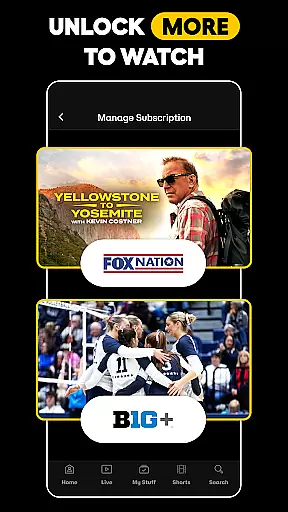
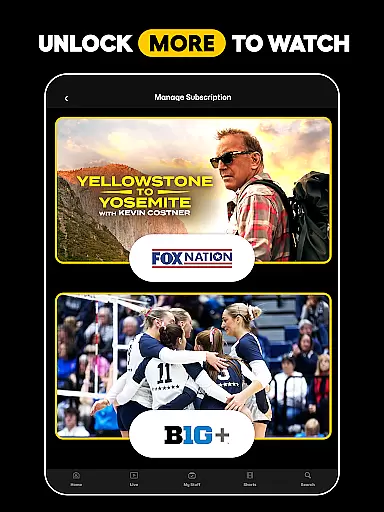
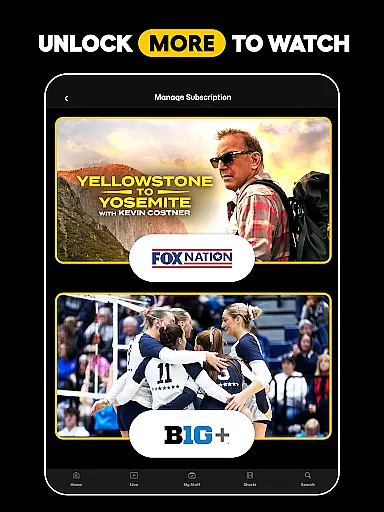
Premium subscription required
Occasional stream buffering

Tarot & Oracle Card Readings
 4.50
4.50
Watch whatever you want, whenever you want, wherever you want.
3.30
Rain and lightning effects for your Philips Hue lights
4.30
Triple A is a highly complex, kinetic, and interactive visualizer.
4.50
A companion app for the game Elite Dangerous
4.10
Create melty bead designs by numbers, photos or your imagination
4.40
Collaboration with popular VTubers
4.3
Neon Christmas Tree Animated: Festive Wear OS watch face with fitness info
4.1
Binaural Brainwave Doses for Every Imaginable Mood
3.60
Companion app for Elden Ring to track quests, bosses, progress and more.
4.70
Watch short films, dramas, reels, series and movies anytime on Micro Drama.
4.60
Direct access to the most complete Guitar Tab Archive in Spanish: LaCuerda.net
4.60
Create, chat & bond with AI souls who truly listen.
4.50
With the Steam Mobile App, you can take Steam with you anywhere.
3.00
With the credits you earn play more games
2.90
Watch everything you want.
2.90
Unofficial Game Companion App” “Guides • Builds • Tips • Progression
4.4
Music visualizer and party effects for your Nanoleaf devices
4.1
See the frequencies! Watch the magic!
4.1


User Reviews