
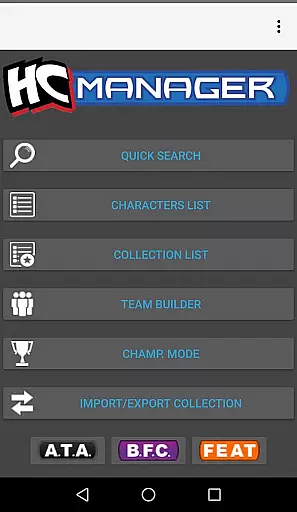
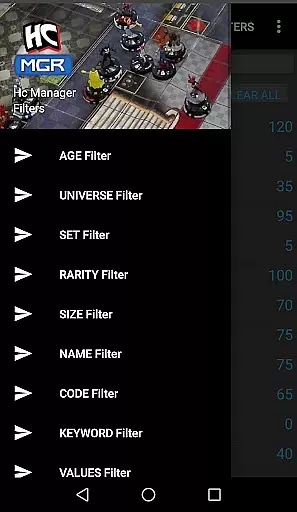
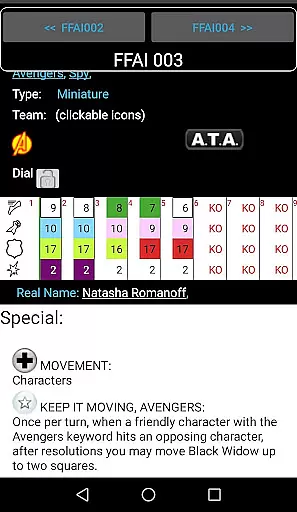
HC Manager is an essential tool for Heroclix enthusiasts, providing a comprehensive suite of features to enhance both gameplay and collection management. The app's core functionality revolves around its powerful search engine that allows users to filter through over 3000 characters using 15 different criteria such as Age, Set Expansion, Rarity, and more.
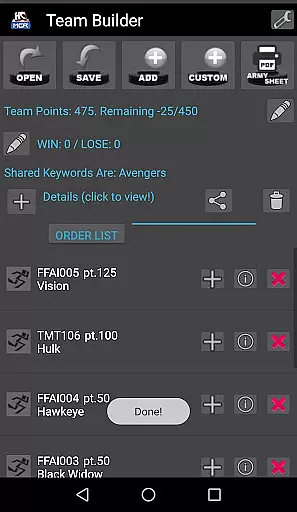
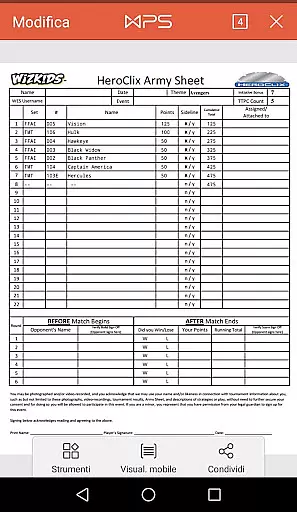
Beyond character search, HC Manager offers practical tools like the Team Builder, which enables players to save their team data and export it in PDF or CSV formats. Additionally, the Collection Manager lets users maintain their Heroclix collections efficiently by importing and exporting data via CSV templates. With continuous updates and error reporting features, this app ensures accurate and up-to-date information for all users.
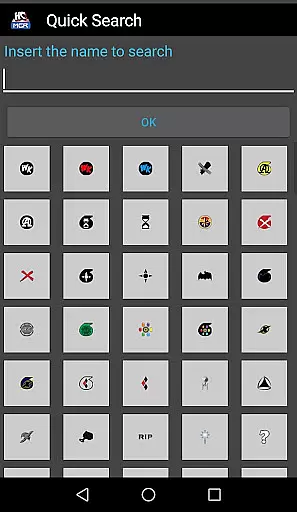
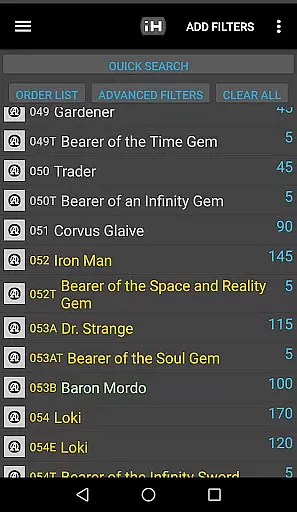
HC Manager stands out with its robust multi-filter search system, allowing users to pinpoint specific characters from a vast database of over 3000 entries. This feature supports filtering by various attributes including statistical values, keywords, and rarity, catering to both casual collectors and competitive players.
The app also includes a dedicated Team Builder module where users can create, save, and export team setups in convenient datasheet formats. Similarly, the Collection Manager provides seamless import/export capabilities for managing personal collections. These features are complemented by the Tourney Session mode and direct error reporting, ensuring optimal performance and accuracy during events or casual play.
What sets HC Manager apart is its commitment to continuous improvement through regular updates and responsive error correction. Users can access new content and corrected data swiftly, maintaining the app's relevance and reliability within the Heroclix community.
HC Manager offers an extensive range of content for Heroclix enthusiasts, ensuring that players and collectors have access to over 3000 unique characters. This vast selection is continually updated with new images and data, keeping the content fresh and relevant.
The application's multi-filter search functionality allows users to narrow down their choices using up to 15 different filters. These include specific details such as age, set expansion, rarity, size, name, keywords, real name, powers, or statistical values, providing a highly customizable search experience.
With regular updates and the ability to report errors directly via email, HC Manager ensures that its database remains accurate and comprehensive. This dedication to maintenance means users can rely on the app for the latest Heroclix information.
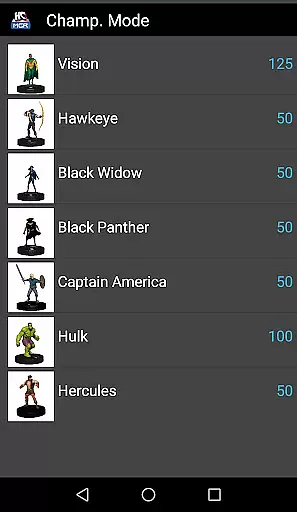
HC Manager is designed to keep users engaged with features like the Team Builder, which lets players save data and export their teams in datasheet PDF or CSV formats. This functionality not only enhances user interaction but also encourages prolonged use by facilitating strategic planning.
The Collection Manager feature further boosts engagement by allowing users to import and export their collections in CSV format. By providing a sample template, the app simplifies the process, making it easy for users to manage large collections efficiently.
Additionally, the Tourney Session mode lets players focus on selected cards, creating a personalized and engaging experience. Such dedicated features contribute significantly to user retention by catering specifically to the needs of Heroclix players and collectors.
User-friendly interface
Comprehensive filtering options
Team setup export
Collection management
Regular updates
Limited visual design
No iOS version
Premium features locked
Occasional bugs
Steep learning curve

Browser for Chromecast to stream webvideos, online movies, IPTV & HD livestreams
 4.40
4.40
SpiritWave is paranormal ITC application.
5.00
Direct access to the most complete Guitar Tab Archive in Spanish: LaCuerda.net
4.60
Series,Películas y Telenovelas
4.50
Neon Christmas Tree Animated: Festive Wear OS watch face with fitness info
4.0
Alice Box is an Instrumental Trans Communication app.
3.80
Browse popular images and videos from Reddit on Android TV!
3.90
Control your AWTRIX 3 easily
4.2
Create your Songs. Cover Maker with any Voice, Song Generator
3.30
Original short dramas with diverse genres for a rich viewing experience!
4.80
Watch Reels, Drama Shorts & TV Series Anytime. Download DramaWave Now!
4.70
Scan sets, track your builds, and enjoy intuitive digital instructions.
4.70
Find out if you're on Santa's Naughty or Nice List with this magical scanner!
4.60
Underrated short-drama gems that hit hard and keep your heart hooked.
4.50
Fetch money rewards all just for playing games. Cash out for gift cards in app.
4.50
The Xbox app keeps you connected to your gaming community.
4.50
Create melty bead designs by numbers, photos or your imagination
4.40
Experience the video editing experience brought by our intuitive interface
4.10
Necrophone is spirit box ghost hunting app made for spirit communication.
3.70


User Reviews