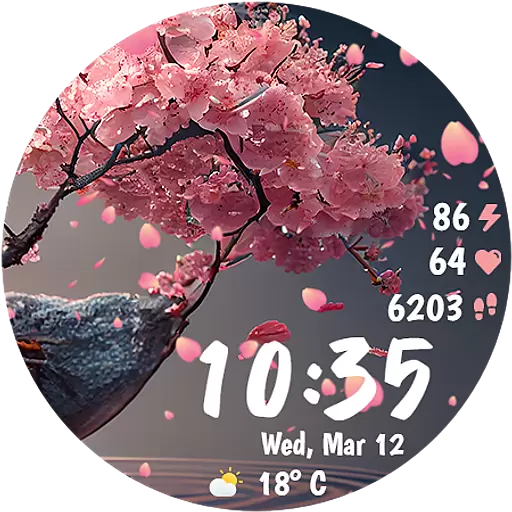
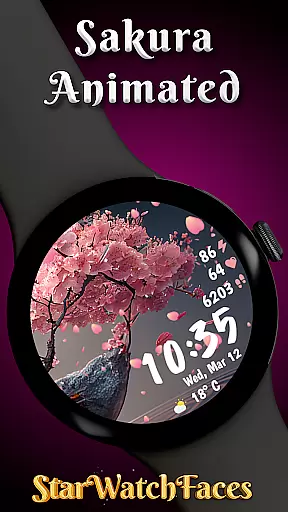
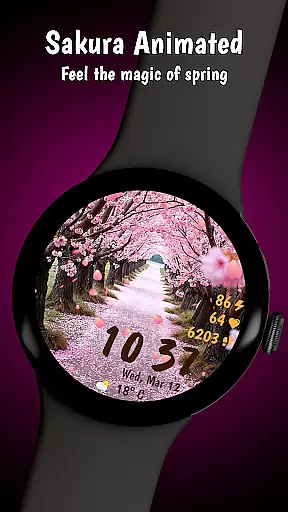
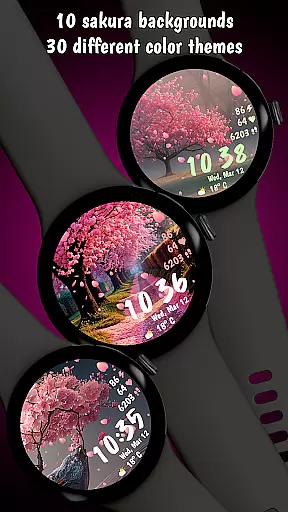
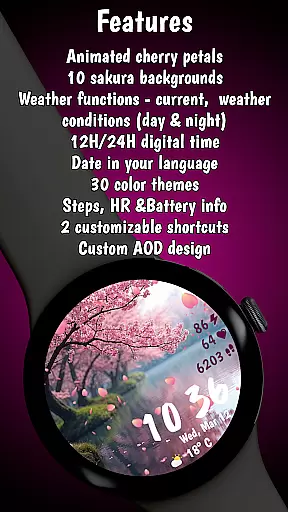

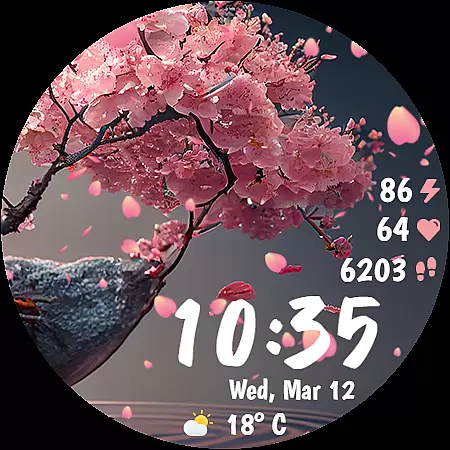
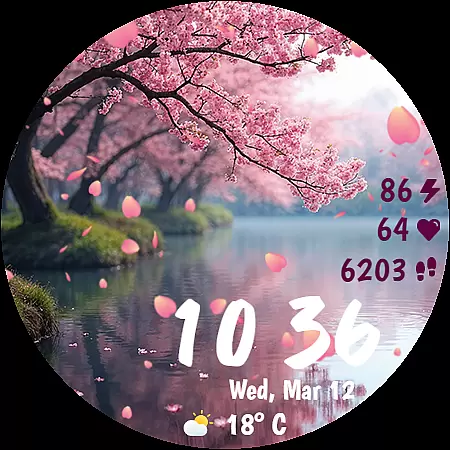
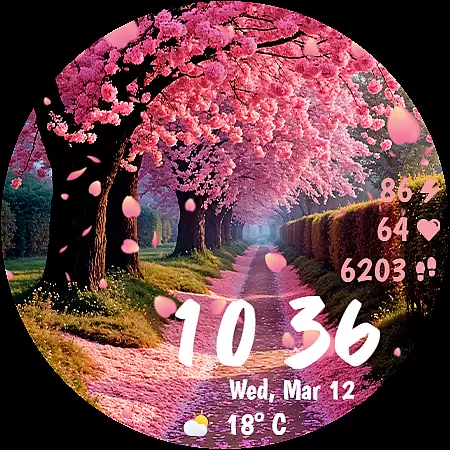
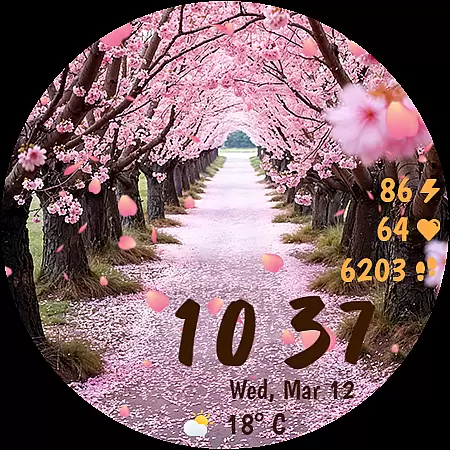
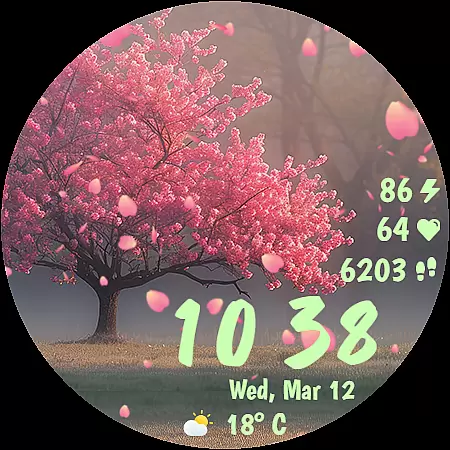
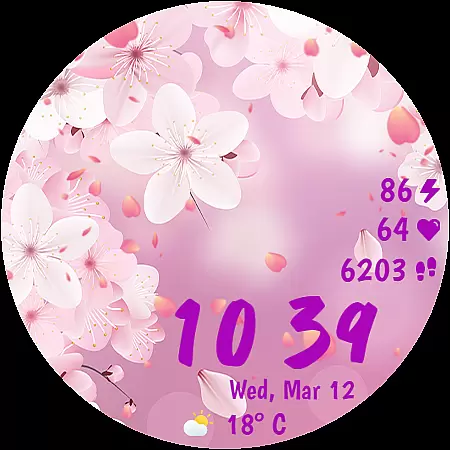
Sakura Animated is a premium Wear OS watch face that brings the serene beauty of cherry blossoms to your smartwatch. Featuring animated falling petals and 10 unique Sakura-inspired backgrounds, it creates an immersive experience while offering practical functionality.
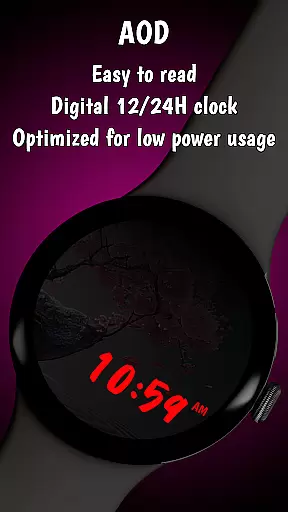
With 30 customizable color themes, digital clock options, and real-time health and weather data, this lifestyle app combines elegance with utility. Its battery-friendly Always-On Display ensures optimized power consumption, making it both beautiful and efficient for everyday use.
Sakura Animated stands out with its stunning animations and highly customizable design. The app includes gently falling cherry petals, 10 breathtaking background options, and 30 color themes to match any mood or style preference.
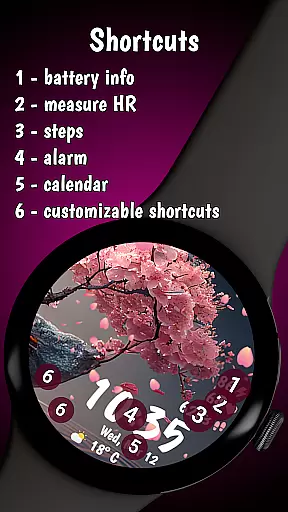
Functionality meets aesthetics through features like heart rate monitoring, step tracking, live weather updates in °C/°F, and a battery percentage indicator. Users can also personalize their experience further with two customizable complications for quick access to favorite apps or tools.
The inclusion of an Always-On Display mode ensures smooth performance without compromising battery life, providing users with both visual delight and practical usability on their smartwatches.
In the realm of lifestyle applications, Sakura Animated stands out by offering a unique blend of aesthetics and functionality tailored for Wear OS users. This application goes beyond mere timekeeping; it transforms your smartwatch into a canvas of nature-inspired art.
The watch face features an array of 10 breathtaking backgrounds, each capturing the serene beauty of cherry blossoms in various settings. With 30 color themes at your disposal, personalization reaches new heights, allowing you to match the watch face with your style or mood effortlessly.
Moreover, Sakura Animated enriches user experience by integrating essential lifestyle elements such as heart rate monitoring, step counting, and live weather updates. These features ensure that while you enjoy the elegance on your wrist, you're also staying informed about your wellness and environment.
Sakura Animated prides itself on delivering authentic content crafted with attention to detail. The animation of falling cherry petals is not just visually appealing but also engineered for smooth performance, ensuring that the beauty on screen does not compromise the device's efficiency.
Each of the 10 unique backgrounds has been carefully designed to offer a distinct visual experience, inspired by real Sakura landscapes. This dedication to authenticity ensures that every glance at your watch is a reminder of nature's tranquility.
Furthermore, the inclusion of customizable complications and real-time data displays like battery percentage and date in the device language speaks volumes about the app's credibility. By focusing on these practical aspects, Sakura Animated proves its commitment to providing both aesthetic pleasure and functional reliability.
Beautiful animations
Highly customizable
Battery efficient
Real-time data
Unique designs
Limited to Wear OS
Premium cost
Few extra features
No analog clock
Backgrounds fixed

Discover how to help puppies stay calm around noise with this helpful app.
 4.4
4.4
Take Hobby Lobby with you wherever you go!
3.40
Get your life organized with My Agenda!
4.30
A smart Siddur with halachic times
4.60
See wait times and check into a hair salon ahead of time with Online Check-In.
4.80
My Diary - Daily Journal with lock: Diary journal app and secret diary with lock
4.80
Share opinions, get paid cash
4.30
Redecor your home with Home AI interior design, room planner and home designer.
4.50
Control your Tapo smart devices from anywhere.
4.60
Tap to the beat with interactive videos — warm up your reflexes & have fun
4.70
Stay connected with your loved ones & vehicles | Share live GPS location updates
4.60
Crochet made easy: step-by-step tutorials, beginner patterns & projects
4.60
PARAVOX 4 is a professional ITC paranormal research application.
4.50
Fly your Solo like a boss.
4.10
Do you want to communicate with spirits?
3.80
Your home in your hand
3.80
Smart home security protection
3.20
LineLearner, the quick way to learn lines.
2.90
A watch face with transparency and fluid visuals inspired by liquid glass design
4.3


User Reviews