
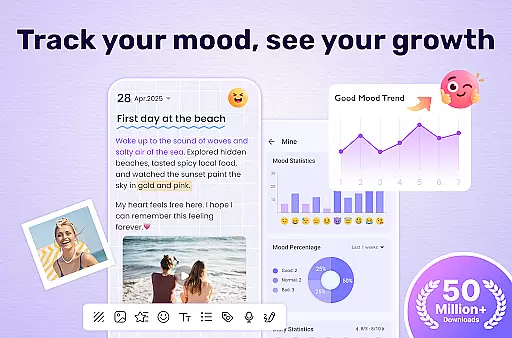
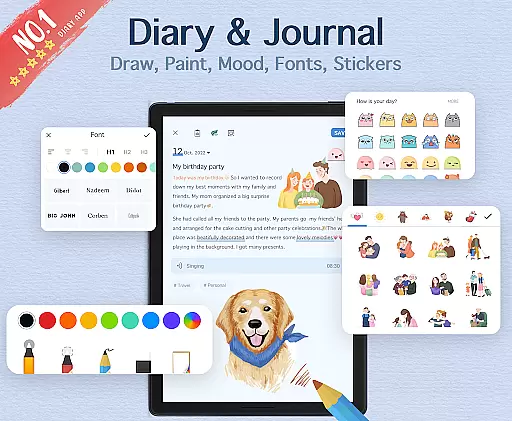

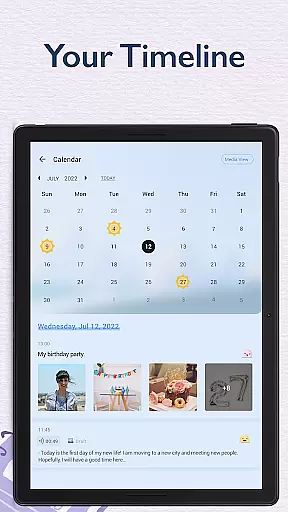
My Diary is a feature-rich digital journaling app designed for users seeking a secure and customizable way to document their daily lives. This lifestyle application offers a comprehensive suite of tools that go beyond basic text entry, allowing users to create rich multimedia diary entries complete with photos, videos, and various decorative elements.
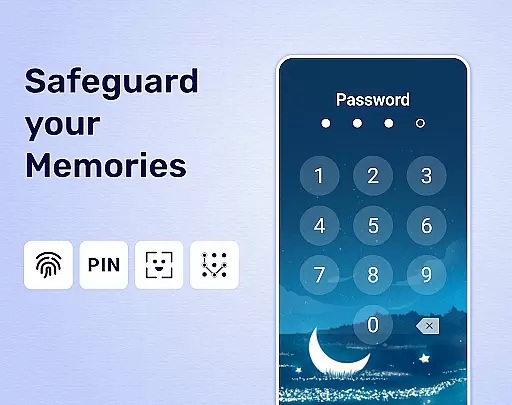
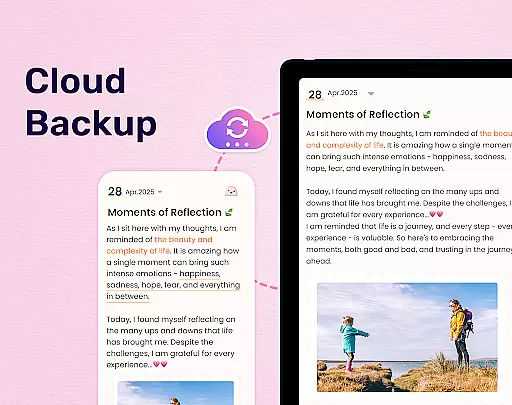
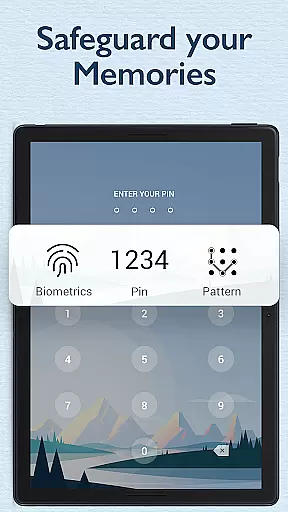
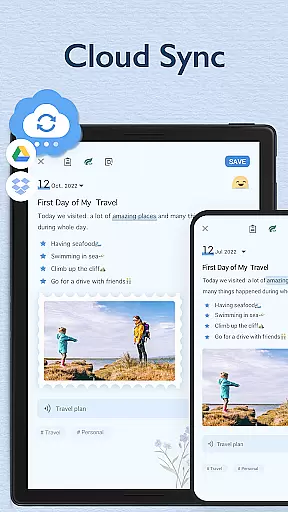
The app's standout features include robust security measures through password protection and fingerprint authentication, ensuring users' private thoughts remain confidential. With cloud synchronization capabilities via Google Drive and Dropbox, My Diary enables seamless access across multiple devices while providing automatic backup protection for precious memories.
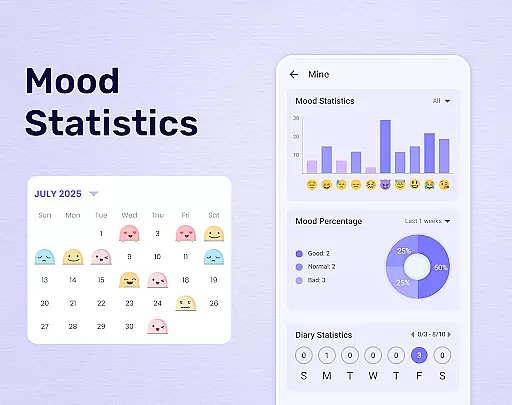
Beyond its practical functionality, My Diary serves as a personal wellness companion by incorporating mood tracking, eye protection mode, and customizable themes that enhance the journaling experience. Whether documenting life's milestones or processing daily emotions, this application creates a safe space for personal reflection and memory preservation.
My Diary distinguishes itself through an impressive array of features designed to enhance the modern journaling experience. The application's security framework includes multiple layers of protection, featuring both traditional passcode entry and biometric authentication through fingerprint scanning, ensuring quick yet secure access to personal entries.
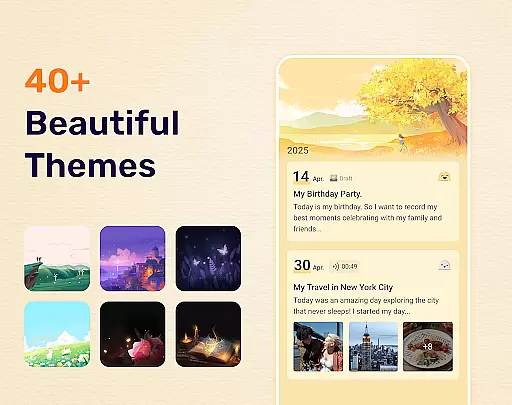
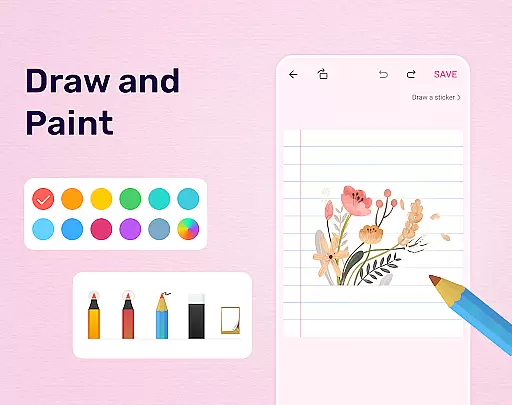
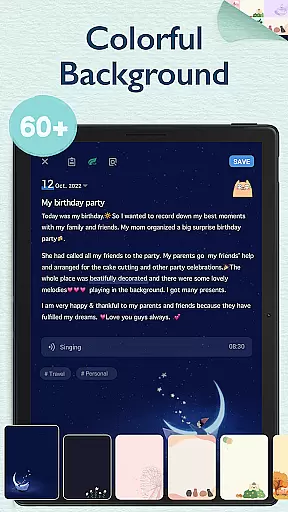
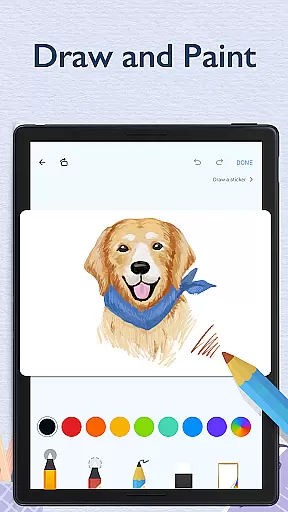
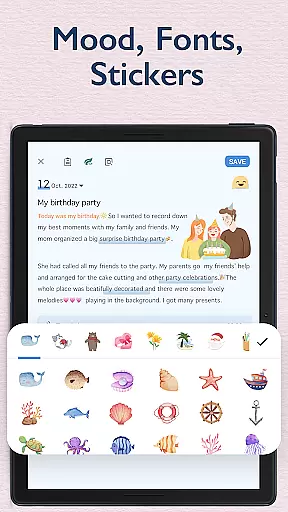
The app's customization options are particularly noteworthy, offering users a variety of artistic themes, background patterns, and decorative stickers to personalize their journal entries. The inclusion of night mode provides both aesthetic appeal and practical benefits for evening writing sessions, while the eye protection feature demonstrates thoughtful consideration for users' visual comfort during extended writing periods.
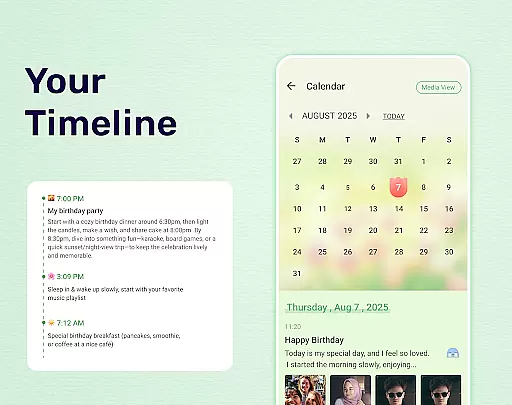
Perhaps most significantly, My Diary implements comprehensive data management solutions including cloud synchronization across devices, multiple export formats (TXT, PDF), and printing capabilities. These features, combined with advanced organizational tools such as tagging systems and mood tracking, create a sophisticated ecosystem for managing personal memories and reflections in today's digital age.
My Diary offers extensive lifestyle category coverage, making it more than just a digital journal. It supports various forms of expression including text, photos, videos, and voice recordings, allowing users to capture every aspect of their daily lives.
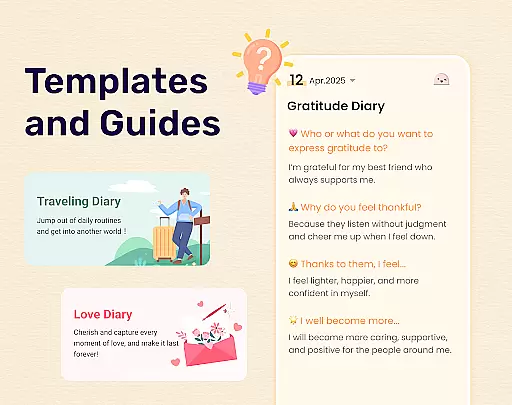
The app provides specialized themes for different types of diaries such as travel journals, mood diaries, baby diaries, and more. This ensures that users can tailor their diary entries to fit specific moments or phases in their life, enhancing the personal connection with their records.
With features like mood tracking, customizable stickers, and artistic themes, My Diary goes beyond basic journaling. These elements help users express their emotions and creativity, making each entry not only a record but also an artistic reflection of their day.
Additionally, the inclusion of practical tools such as tags for easy searching and organization, cloud sync for backup, and export options to PDF or TXT formats, ensures that My Diary is a comprehensive lifestyle companion. Users can trust that their memories are secure, accessible, and organized for future reflection.
My Diary places a strong emphasis on content authenticity by providing users with secure and private journaling capabilities. The app includes a lock feature with passcode protection, ensuring that personal thoughts and memories remain confidential and tamper-proof.
Security is further enhanced through biometric authentication, supporting fingerprint unlocking for quick and safe access. This level of protection reassures users that their private journal entries are safeguarded against unauthorized access, maintaining the integrity of their personal content.
In addition to security, My Diary offers reliable backup solutions by integrating with cloud services like Google Drive and Dropbox. This ensures that diary entries are not only authentic but also preserved safely, preventing data loss and enabling cross-device accessibility.
While My Diary may not involve expert validation in the traditional sense, its robust feature set and user-centric design reflect a deep understanding of personal journaling needs. By prioritizing privacy, security, and usability, the app establishes itself as a credible tool for capturing genuine and unfiltered life experiences.
User-friendly interface
Strong security features
Cloud sync capability
Multimedia support
Customization options
Premium features locked
Occasional bugs
Ads in free version
Storage limitations
Learning curve

Daily lessons from A Course in Miracles with scheduled reminders
 4.80
4.80
A watch face with transparency and fluid visuals inspired by liquid glass design
4.5
Do you want to communicate with spirits?
3.80
Material You inspired colors with BIG and Bold looks for Wear OS watches.
4.20
Smart & Healthy Living
4.60
Colorful minimal digital watch face for Wear OS
4.60
An Eerie Musical Trigger Toy for Spirits to Play with!
3.50
A unique and customizable watch face which rotates its layout every minute.
4.80
AAA Mobile provides on-the-go access to the services you know and trust.
4.60
Get the news, events and savings that matter to you with AARP Now.
4.80
Kasa Smart is your portal to your TP-LINK Smart Home.
4.70
Discover your Nationality, Family Origin, and Ancestry from one selfie
4.50
Share opinions, get paid cash
4.30
Fly your Solo like a boss.
4.10
Smart controls for your Ember Smart Mugs
4.10
Connect to your Shark ROBOT™ from anywhere using the SharkClean™ App.
3.60
The Miracle Box includes methods used by Steve Huff of Huff Paranormal.
3.20
Cute animated Thanksgiving watchface for your WearOS smartwatch
4.2
Wear your favorite memories, loved ones, pets or travel photos on your watch
4.1


User Reviews