
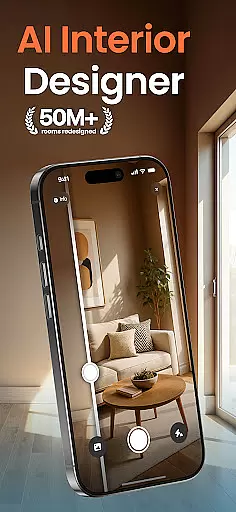
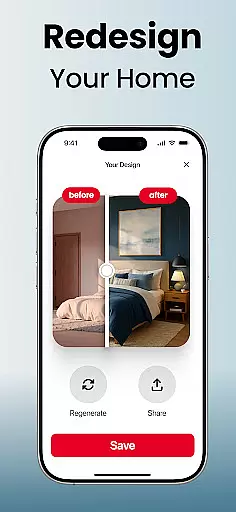
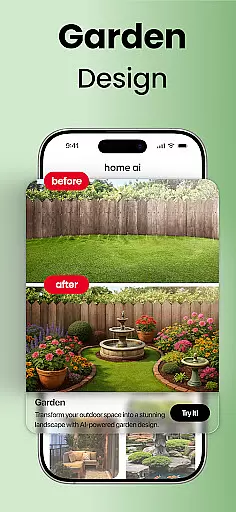
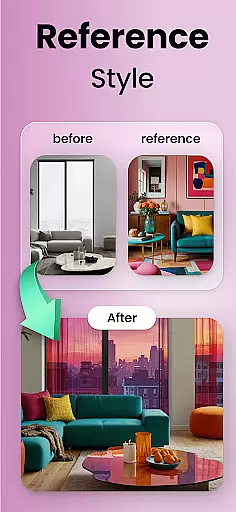
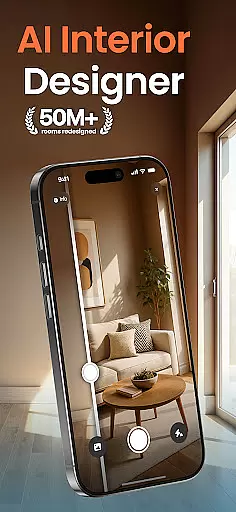
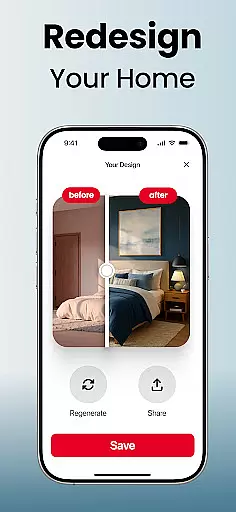
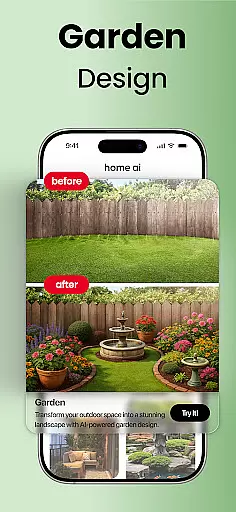
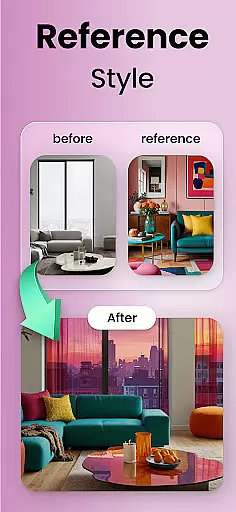
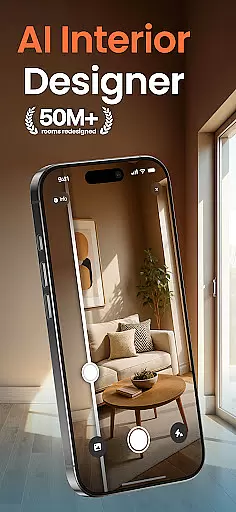
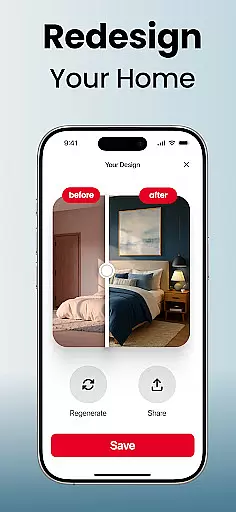
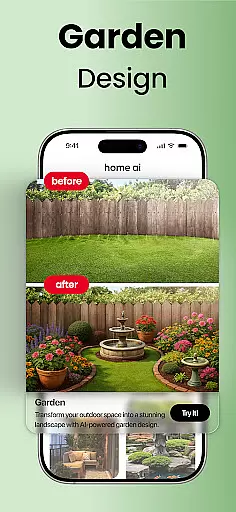
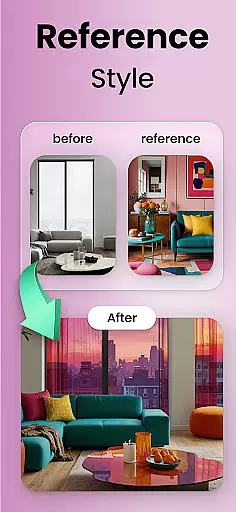
Home AI is an innovative lifestyle application designed to transform the way users approach home design. This app allows homeowners, designers, and real estate professionals to reimagine interior spaces, gardens, and exteriors through advanced visualization tools. By uploading a photo and selecting a preferred style, users can experiment with harmonious layouts, color schemes, and landscaping options that suit their personal tastes.
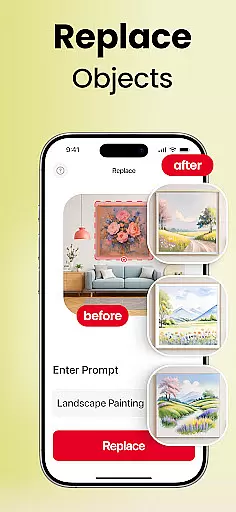
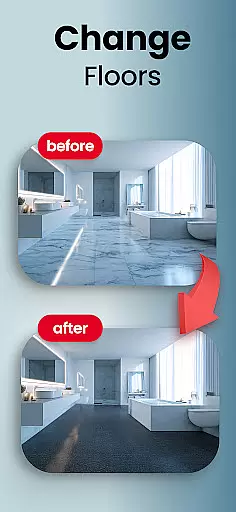
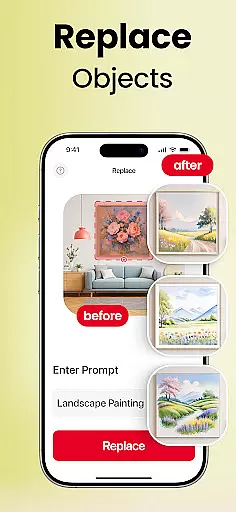
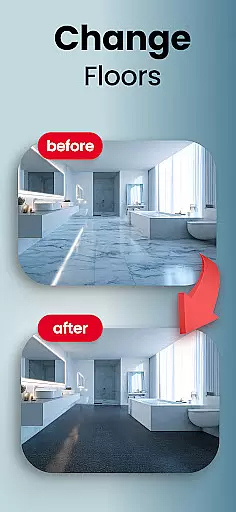
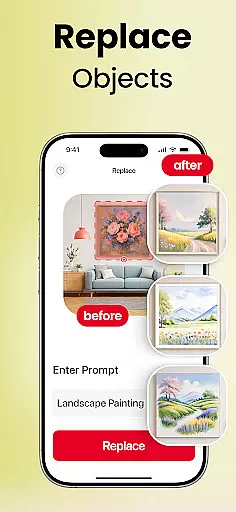
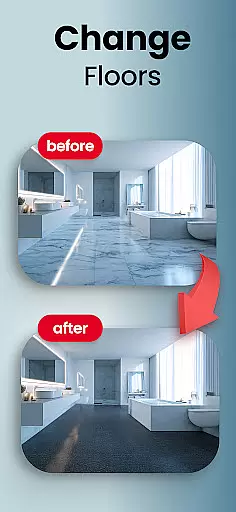
The app's core functionality lies in its ability to provide selective changes such as swapping furniture, trying new flooring, or adjusting wall colors with ease. Whether planning renovations, staging properties, or simply dreaming of a more personalized living space, Home AI offers practical solutions for every project. Its AI-powered tools enable users to preview design options before committing to real-world changes, ensuring confidence in their decisions.
With applications ranging from small décor updates to large-scale renovations, Home AI proves invaluable for anyone looking to create inspiring and functional environments. The platform not only facilitates creativity but also fosters collaboration by allowing users to share concepts with family, friends, or professionals. This makes it easier than ever to bring dream spaces to life while eliminating guesswork from design choices.
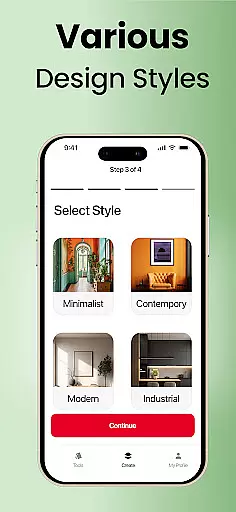
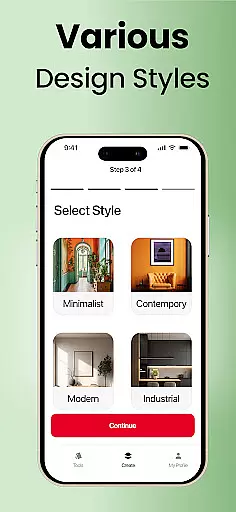
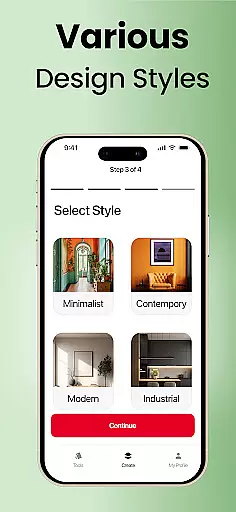
Home AI stands out with its comprehensive suite of features tailored for both amateur decorators and professional designers. One of the key highlights is the Style Matching feature, which lets users upload mood boards or inspiration photos and see those ideas reflected in their own spaces. This capability ensures that even complex design visions can be accurately translated into realistic previews.
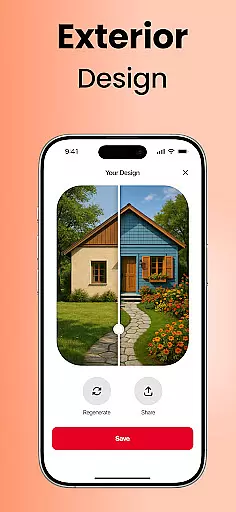
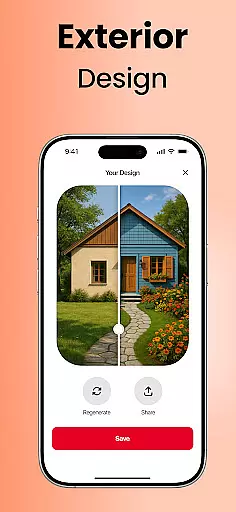
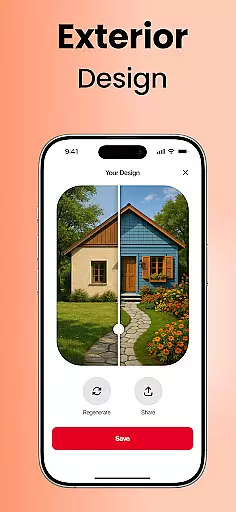
In addition to style matching, the app provides specialized tools for Interior Design, Garden & Landscape, and Exterior Design. Users can refresh living rooms, craft tranquil outdoor retreats, or reimagine facades with tasteful variations. Selective Changes further enhance flexibility by enabling easy swaps of furniture, flooring, and wall colors. These granular controls empower users to fine-tune every aspect of their designs without limitations.
Another standout feature is the ability to save favorite versions and compare different concepts side-by-side. This functionality supports iterative design processes and helps users refine their ideas over time. Furthermore, sharing capabilities allow seamless communication with architects, contractors, or loved ones, making Home AI not just a visualization tool but also a collaborative platform for achieving design excellence.
Home AI offers an extensive range of design options that cater to various aspects of lifestyle enhancement. From interior design transformations to garden and landscape makeovers, the app ensures comprehensive coverage of all elements that contribute to a fulfilling home environment.
The application provides specialized tools for interior spaces, allowing users to experiment with layouts, color schemes, and furniture styles. This feature is particularly beneficial for homeowners planning renovations or designers seeking quick visual concepts, as it enables them to preview changes before implementation.
In addition to indoor spaces, Home AI extends its capabilities to outdoor areas. Users can shape their gardens and landscapes with features that introduce greenery, paths, and tranquil corners, making it perfect for garden lovers and outdoor creators who wish to craft their ideal retreats.
Furthermore, the app's exterior design functionalities empower users to reimagine facades, balconies, or patios. With these diverse design aspects covered, Home AI stands out in the Lifestyle category by offering a holistic approach to home personalization and improvement.
Authenticity and credibility are at the core of Home AI's offerings. The app employs advanced algorithms that ensure the design suggestions and transformations provided are not only visually appealing but also grounded in real-world feasibility. This commitment to authenticity assures users that the inspirations they draw from the app can be realistically implemented.
Expertise is infused into Home AI through carefully curated style matching and selective change features. By uploading a mood board or inspiration photo, users can receive recommendations that align with professional design standards, bridging the gap between amateur attempts and expertly crafted spaces.
Moreover, Home AI supports professionals such as architects and contractors by providing precise visualizations that facilitate clearer communication with clients. This function significantly enhances the credibility of proposed designs when shared with stakeholders involved in home improvement projects.
By consistently delivering accurate and trustworthy content, Home AI has garnered the trust of thousands of homeowners, renters, and design enthusiasts. This user base relies on the app not just for visualization but also for guidance and confidence in making informed design decisions.
User-friendly interface
Wide range of styles
Accurate design previews
Collaborative sharing tools
Flexible customization options
Limited free features
Requires stable internet
Premium subscription cost
Steep learning curve
Occasional rendering delays

Cute Adorable Animals now on your wrist with our Wear OS watch face!
 4.40
4.40
Smart controls for your Ember Smart Mugs
4.10
Bring the warm colors of fall directly to your wrist with Autumn Leaves!
4.2
Smart home security protection
3.20
Kasa Smart is your portal to your TP-LINK Smart Home.
4.70
A smart Siddur with halachic times
4.50
Digital smart watch face made for Wear OS.
4.70
Have your Tehillim with you at all times
4.70
Share opinions, get paid cash
4.30
Countdown to Christmas 2025 with festive games & activities in a virtual village
4.80
Pay your rent, submit work orders and much more with the RentCafe Resident App.
4.70
Simple, stylish & fresh watch face. Customize colors, gradients & complications.
4.70
Retro animated weather with hourly forecast Watch Face for Wear OS
4.60
Earn money & gift cards when you take surveys, play games, scan receipts & more.
4.50
Material You inspired colors with BIG and Bold looks for Wear OS watches.
4.20
Fly your Solo like a boss.
4.10
Use your device sensors to detect energy and convert it into spoken words.
4.10
Do you want to communicate with spirits?
3.80
Your home in your hand
3.80


User Reviews