

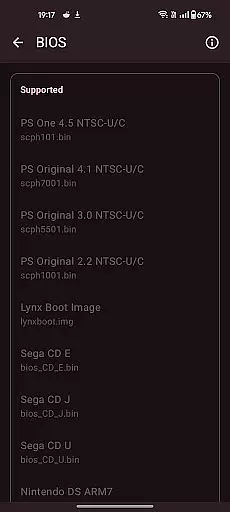
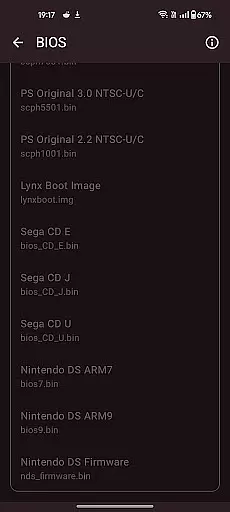
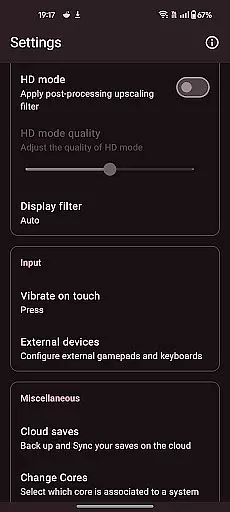
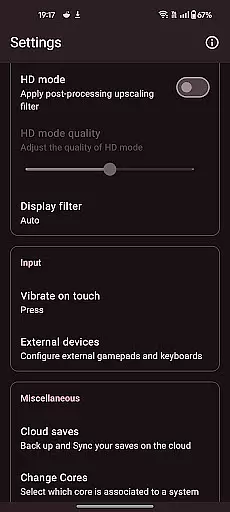

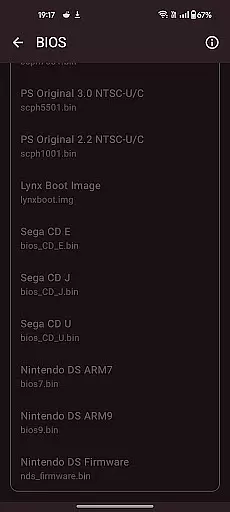
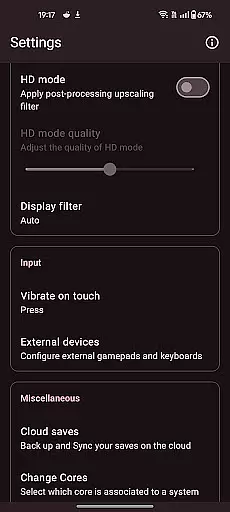
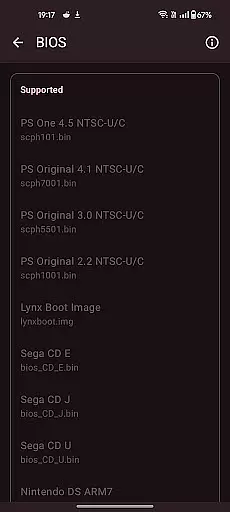

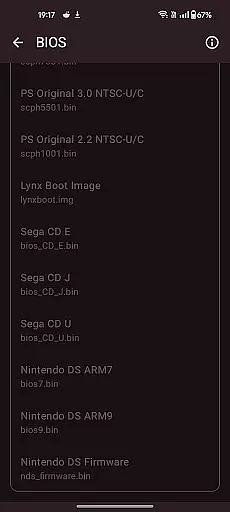
Retro emulator classic is an all-in-one emulator app designed for retro gaming enthusiasts. It supports a wide range of gaming systems including Atari, Nintendo, PlayStation, Sega, and more. The app offers smooth performance with an intuitive interface and is completely free of ads.
Key features include automatic save and restore states, ROM scanning, optimized touch controls, quick save/load functionality, video filters, fast-forward support, cloud save sync, and gamepad compatibility. Whether you're playing on a phone, tablet, or TV, this app ensures a seamless retro gaming experience.
This emulator is ideal for users who want to relive the nostalgia of classic games on modern Android devices. With support for multiple systems and advanced customization options, it provides both casual and hardcore gamers with an authentic and enjoyable retro gaming experience.
The Retro emulator classic stands out with its comprehensive feature set tailored for retro gaming. One of its notable features is the automatic save and restore states, allowing users to pick up exactly where they left off. This is complemented by ROM scanning and library indexing, making game management effortless.
For control customization, the app offers optimized touch controls that are fully customizable, ensuring a comfortable gaming experience. It also includes quick save/load functionality with multiple slots, support for zipped ROMs, and advanced video filters that simulate LCD/CRT displays, enhancing the visual authenticity.
Additional features such as fast-forward support, cloud save sync, gamepad and tilt-stick support, and local multiplayer for multiple controllers make it a versatile choice for any retro gaming setup. These features collectively deliver a high-quality, ad-free gaming experience across various devices.
Arcade authenticity and nostalgia are at the heart of Retro emulator classic, providing users with an immersive experience that takes them back to the golden era of gaming. This app meticulously emulates a wide range of systems, ensuring that each game feels as authentic as possible.
The developers have paid close attention to detail, replicating not just the gameplay but also the original graphics and sound effects. This dedication to preserving the integrity of classic games ensures that players can relive their favorite moments without any modern-day interruptions.
For enthusiasts who appreciate the charm of retro gaming, this emulator offers customizable video filters and display simulations. These features mimic the visual experience of playing on old CRT or LCD screens, enhancing the nostalgic atmosphere while maintaining high-quality performance standards.
Control responsiveness is a critical aspect of any gaming emulator, and Retro emulator classic excels in delivering precise and immediate feedback. The app supports various control schemes, including touch controls, gamepads, and tilt-stick functionality, ensuring that every action translates seamlessly into the game.
One standout feature is the fully customizable touch controls, allowing users to adjust button sizes, positions, and sensitivities according to their preferences. This level of personalization guarantees a comfortable and intuitive gaming experience tailored to individual playstyles.
Additionally, Retro emulator classic supports local multiplayer with multiple controllers on one device, making it perfect for friendly competitions. With fast-forward support and quick save/load options, players can enjoy uninterrupted sessions, knowing they have full command over their gaming experience at all times.
User-friendly interface
Wide system support
Customizable controls
Cloud save functionality
No in-app advertisements
Device performance varies
ROMs not included
Advanced systems need powerful hardware
Limited to Android platform
Requires legal ROM acquisition

Nostalgia.GBC is a high quality GBC emulator.
 4.50
4.50
Frenetic party game, pass the bomb to the other players!
3.80
Join the art challenge: Guess the word and draw fast before the timer runs out!
4.20
Catch ghosts, shoot monsters and defeat bosses in this RPG idle shooting game.
4.70
Infinite Arcade
4.2
Jump and fly your way through danger in this rythm-based action platformer!
4.50
Shoot the web, jump and teleport! Be a stickman hero and destroy your enemies!
4.50
John GBA is GBA emulator. This emulator is easy to use.
3.10
You are a Black Hole, escaping the darkness trying to swallow you!
3.60
Absorb, or be absorbed...
4.70
Eat & evolve your shark in the ultimate shark survival game!
4.50
Nostalgia.GBA Pro is a high quality GBA emulator.
4.40
The only Sega Saturn emulator for Android
4.40
Granny keeps you locked in her house.
4.30
Genesis, Mega Drive, Mega CD, Master System, Game Gear Emulator!
4.20
Bounce through platforms. Avoid obstacles. Get the bouncing ball to the finish.
4.00
Mine planets, upgrade your space ship, battle others, and dominate the galaxy!
3.90
Snake Legacy, sans pub, repensé pour une expérience fluide et élégante.
4.4
Divine powers at your fingertips! An innovative and frantic shoot-'em-up!
4.2


User Reviews