
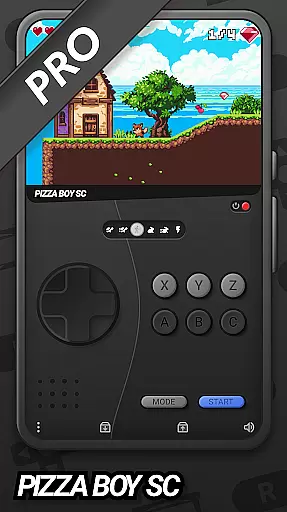
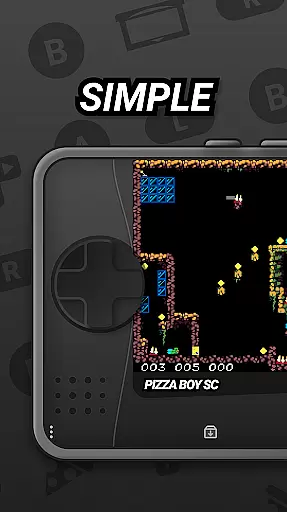
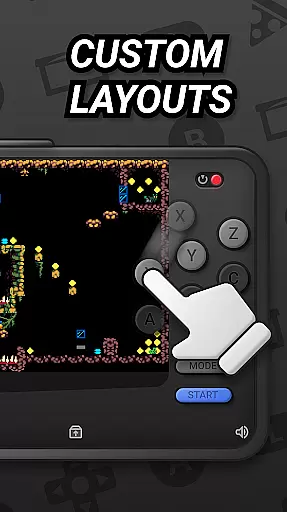
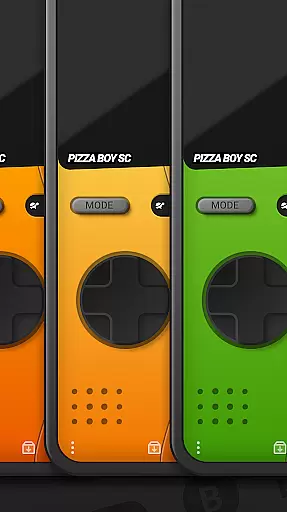
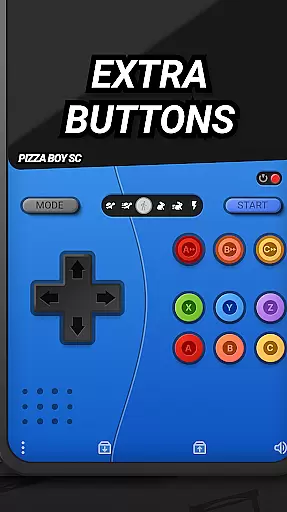
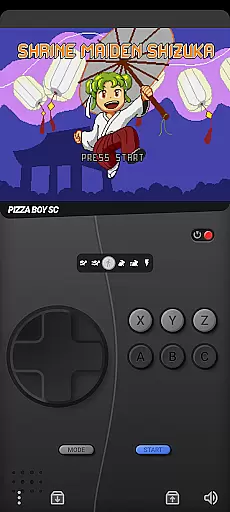
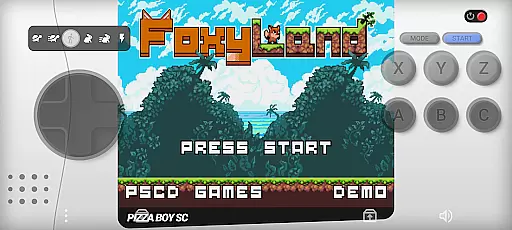
Pizza Boy SC Pro Genesis Emu is a high-performance emulator that reimagines classic '90s console gaming for modern devices. This app supports multiple systems including Genesis, Mega Drive, Mega CD, Master System, and Game Gear, offering users an authentic retro gaming experience with enhanced modern features.
Designed for gaming enthusiasts, the emulator provides customizable skins, a unique rewind function, and boxart support to enrich the visual and interactive aspects of gameplay. With its cutting-edge core built in Rust, the app ensures exceptional performance and stability, while supporting gamepad controls and multiplayer options for an immersive experience.
Whether reliving childhood memories or discovering retro games for the first time, Pizza Boy SC Pro Genesis Emu brings timeless classics to life on your mobile device, making it easy to enjoy beloved games anytime, anywhere.
The app boasts a range of advanced features tailored for retro gaming aficionados. Its high-performance emulation engine delivers smooth, fast gameplay optimized for classic consoles, ensuring lag-free sessions. The customizable skins allow users to personalize their interface, creating a unique look that suits individual preferences.
One standout feature is the rewind function, which lets players correct mistakes by rewinding gameplay—a boon for challenging levels. Additionally, full boxart support enhances the library browsing experience by displaying original game covers. Built entirely in Rust, the emulator guarantees top-tier performance and reliability, while hardware gamepad support offers a more authentic feel.
Other notable features include RetroAchievements for earning trophies, built-in cheat support, and multiplayer capabilities, all designed to elevate the nostalgia of playing classic titles. With upcoming expansions like 32-bit support on the horizon, this app continues to evolve, promising even more functionality for users.
Arcade authenticity and nostalgia are at the heart of any classic gaming emulator, providing users with an experience that harks back to the golden era of video gaming. The Pizza Boy SC Pro Genesis Emu captures this essence by offering high-performance emulation for consoles like the Genesis, Mega Drive, and others from the '90s.
This powerful emulator allows gamers to relive their favorite retro games and homebrews with optimized performance. It ensures a smooth, high-speed emulation that makes each gaming session reminiscent of the past yet compatible with modern technology standards.
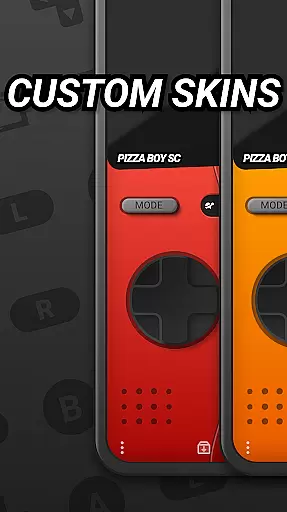
Customizable skins further enhance the nostalgic journey by letting users switch between various visual themes or even create their own. This feature not only personalizes the gaming experience but also adds a layer of authenticity that resonates with both seasoned players and newcomers alike.
Control responsiveness is crucial in delivering an immersive arcade experience, especially when emulating classic games where precision and timing are key. The Pizza Boy SC Pro Genesis Emu excels in this area by supporting gamepad input, which allows for a more authentic and tactile gaming session.
With built-in cheat support and a rewind function, the emulator offers modern enhancements that ensure mistakes can be easily corrected without disrupting gameplay flow. These features contribute to a seamless control scheme that caters to both casual play and competitive challenges.
The emulator's cutting-edge core, developed entirely in Rust, guarantees exceptional performance and stability. This technical foundation translates into responsive controls that react instantly to user inputs, making every gaming moment as thrilling as it was decades ago.
High-speed emulation
Customizable skins
Rewind functionality
Boxart display
Multiplayer support
No SEGA affiliation
Beta Mega CD
Paid version
Complex setup
Limited 32-bit

Bomb the communists back to 1916!
 4.70
4.70
Sharpen your mind and reflexes while playing 4Way Dash
4.0
Sit back and relax! Tap to move the black hole, and swallow weapons to win.
4.20
Join the art challenge: Guess the word and draw fast before the timer runs out!
4.20
Sega Saturn Emulator
4.20
John GBC is GB/GBC emulator. This emulator is easy to use.
3.80
NEOGEO's masterpiece game is now available in the app!
4.10
A fast, full-featured GBA emulator with link cable emulation.
3.90
Challenge your friends in this game! Two players on one device!
4.70
This is an emulator for a certain 64 bit console with online cloud backup.
4.80
Ready… Set… DASH! Play now!
4.70
Local offline 2 3 4 player multiplayer minigames - race, tanks, football
4.60
Motorcycle racing games! Prove your paperboy can win in the bike race 3D!
4.50
NES Emulator
4.40
Antistress & relaxing games,stress relief; Antistress toys, calming games.
4.20
Mine planets, upgrade your space ship, battle others, and dominate the galaxy!
3.90
This app is a very fast emulator
3.40
BallStack is a vibrant match-3 game where you stack and match colorful balls!
4.5
Infinite Arcade
4.4


User Reviews