
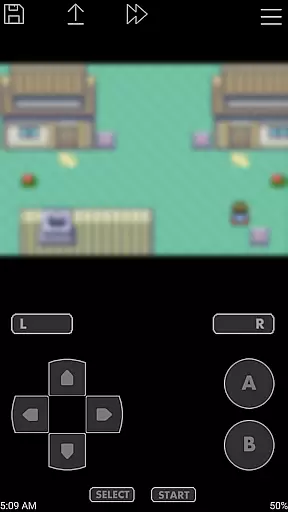
John GBA is a high-performance Game Boy Advance emulator designed for Android devices running version 6.0 and above. This application allows users to relive their favorite classic games directly on their smartphones or tablets.
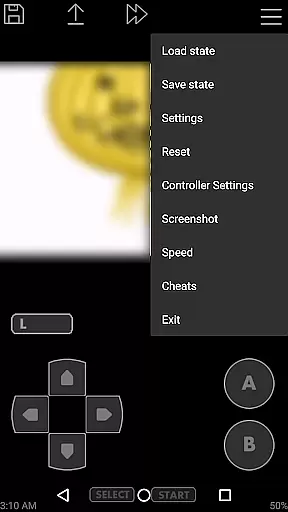
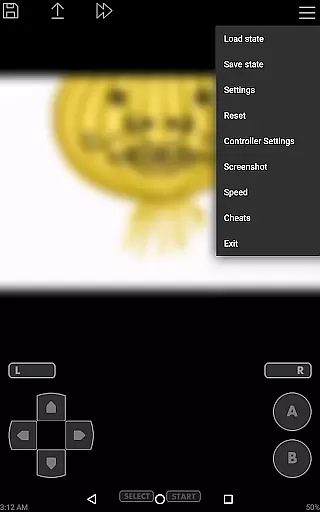
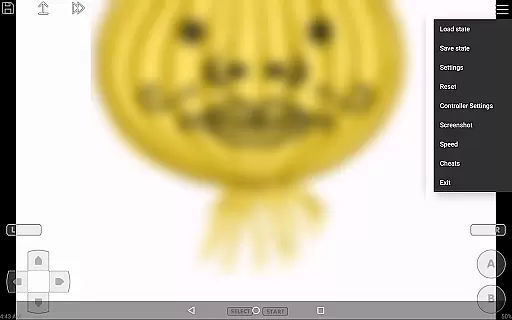
The emulator boasts an original GBA engine, ensuring authentic gameplay experiences. It supports various features such as cheats, high-quality rendering, and customizable controls, making it versatile for different types of gamers. With support for save states, screenshots, and adjustable playback speeds, John GBA offers both convenience and enhanced gaming options.
Ideal for retro gaming enthusiasts, this app provides a seamless way to enjoy Game Boy Advance titles on modern devices without compromising quality or performance.
John GBA stands out with its robust feature set tailored for an optimal emulation experience. The app includes an original GBA engine that ensures accurate and smooth gameplay, capturing the essence of classic Game Boy Advance titles.
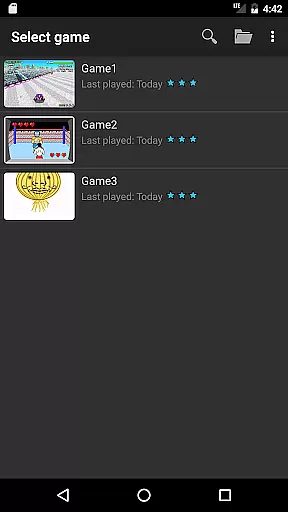
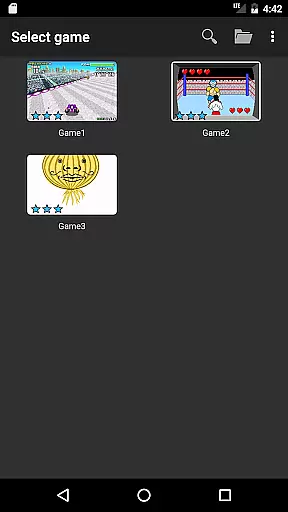
Among its notable features are support for multiple cheat formats, including Raw, GameShark, and CodeBreaker, allowing players to customize their gaming experience. The emulator also offers high-quality rendering and supports zipped game files, making it easy to manage and play large libraries of games stored on your device's SD card or internal storage.
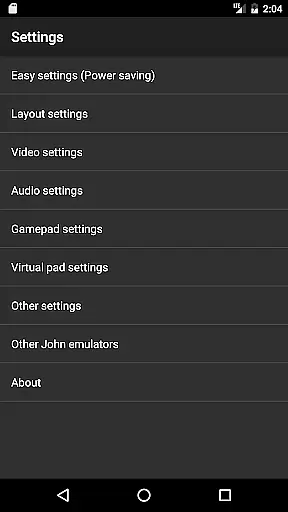
Additional functionalities include virtual on-screen keypads, turbo buttons, and customizable keys, providing flexibility in control schemes. Users can also take advantage of save states with previews, screenshots, and adjustable playback speeds ranging from 0.25x to 16x, catering to both casual and hardcore gamers.
Arcade authenticity is crucial for users seeking a genuine gaming experience. John GBA emulator delivers this by faithfully replicating the original Game Boy Advance environment on Android devices.
The app's emulation engine ensures that classic games run as they did on the original hardware, preserving the look and feel cherished by retro gaming enthusiasts. This includes accurate color reproduction and pixel-perfect graphics.
Players benefit from an authentic arcade experience with support for cheats and save states, enhancing gameplay while maintaining nostalgic value. The ability to use zipped files and take screenshots further enriches the user's connection to their favorite classics.
Control responsiveness defines how well a game reacts to user inputs, which is vital for an immersive arcade experience. John GBA addresses this through its customizable virtual on-screen keypad.
Users can tailor the layout and size of controls to suit their preferences, ensuring quick access and comfortable play sessions. Turbo buttons add another layer of functionality, allowing for rapid inputs during intense gaming moments.
With support for external controllers like MOGA and Bluetooth devices, John GBA offers versatile control schemes that cater to different play styles. Fast forward and slow down features provide additional control over gameplay speed, enhancing both enjoyment and strategic planning.
Authentic GBA engine
High-quality rendering
Customizable controls
No advertisements
Save state functionality
Requires game files
No internet features
Hardware intensive
Limited to Android 6.0+
Paid version only

Snake Legacy, sans pub, repensé pour une expérience fluide et élégante.
 4.0
4.0
Sit back and relax! Tap to move the black hole, and swallow weapons to win.
4.20
Mine planets, upgrade your space ship, battle others, and dominate the galaxy!
3.90
Catch ghosts, shoot monsters and defeat bosses in this RPG idle shooting game.
4.70
Use superpower in your magic hands. Defeat the enemies in a fun elemental game.
4.50
Cool car builder & racing simulator: make a car to win the obstacle course race!
4.60
Shoot the web, jump and teleport! Be a stickman hero and destroy your enemies!
4.50
The precise emulator of 8 bit handheld... Now even better!
4.50
Train your Champ. Compete. Get rewards.
4.50
Master the hills in this extreme downhill racing game!
4.60
Flip and flail a rag doll through endless levels and plunge into outlandish fun!
4.60
Save the Galaxy from galaxiga alien - Classic arcade shooter game
4.60
Payback 2 includes everything from tank battles to high speed helicopter races!
4.50
Hit as hard as you can and make the penguin learn to fly! Arcade jumping game
4.50
Motorcycle racing games! Prove your paperboy can win in the bike race 3D!
4.50
PC Engine/TurboGrafx-16 Emulator
4.50
Collect layers in running game & build the biggest slinky toy to beat the giant!
4.30
John GBC is GB/GBC emulator. This emulator is easy to use.
3.80
Neogeo MVS/AES Emulator
3.30


User Reviews