
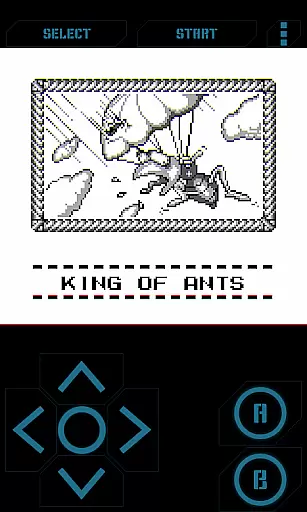
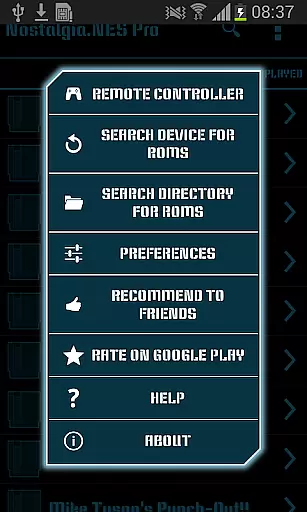
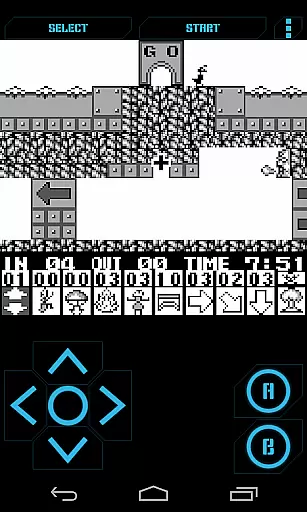
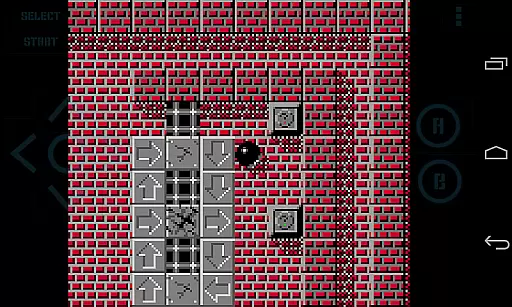
Nostalgia.GBC Pro is a premium Game Boy Color emulator that offers an immersive retro gaming experience on modern devices. Built on the latest revision of the renowned gambatte emulation core, this ad-free version provides exceptional performance and compatibility for classic GB and GBC games.
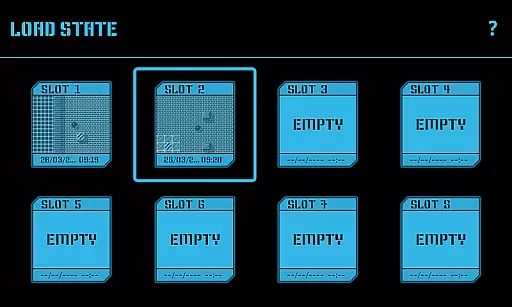
The application features a sleek user interface combined with advanced customization options, including adjustable virtual controllers and customizable control opacity. Its powerful save state functionality supports up to 8 manual slots with screenshots, plus an autosave feature, enabling seamless game progress management across devices through Bluetooth or other sharing methods.
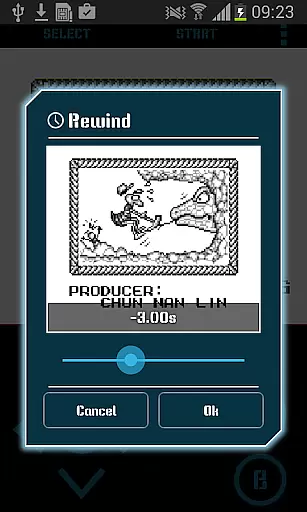
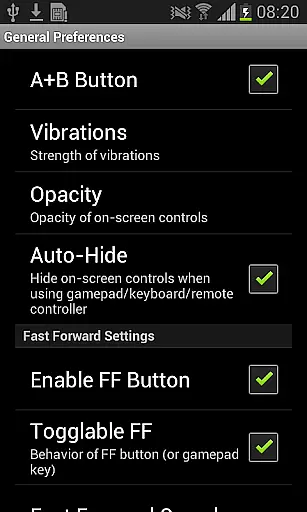
Perfect for both casual players and emulation enthusiasts, Nostalgia.GBC Pro enhances the classic gaming experience with modern features like rewinding, turbo buttons, and cheat code support, making it an ideal choice for those seeking authentic retro gameplay on their mobile devices.
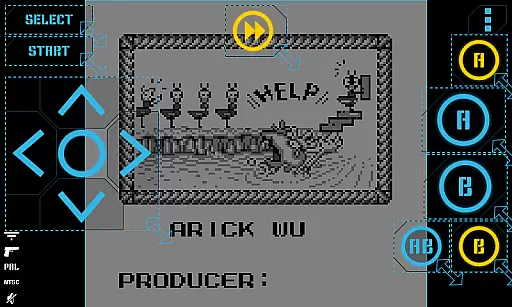
Nostalgia.GBC Pro stands out with its extensive feature set designed to maximize user convenience and gaming enjoyment. The app's modern interface combines aesthetic appeal with usability, featuring a highly customizable virtual controller that allows users to adjust button size and position according to their preferences.
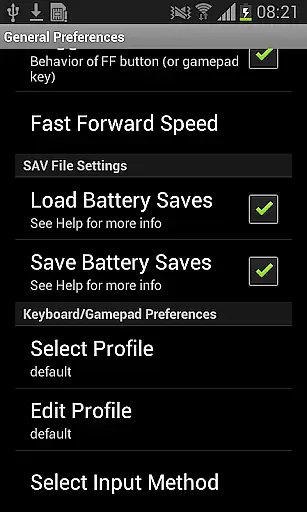
Gaming continuity is ensured through comprehensive save state management, including quick save/load functions, multiple manual slots with visual previews, and cross-device sharing capabilities via Bluetooth or other communication channels. Advanced features such as game rewinding provide unprecedented flexibility, while hardware acceleration through OpenGL ES guarantees smooth performance even during demanding sessions.
The emulator supports various input methods, including hardware keyboards and Bluetooth gamepads (compatible with MOGA and 8bitdo controllers), and offers additional enhancements like screenshot capture, cheat code integration, and support for GB, GBC, and ZIP file formats, all while maintaining GPLv3 licensing compliance.
Arcade authenticity and nostalgia are essential elements in any arcade-style game or emulator, as they recreate the classic gaming experience that many users fondly remember. Nostalgia.GBC Pro (GBC Emulator) captures this essence by offering a high-quality Game Boy Color (GBC) emulation based on the latest revision of the renowned gambatte engine.
This app provides an immersive experience with its support for original GB and GBC games, ensuring that players can relive their favorite childhood moments without compromise. The inclusion of features such as rewind functionality adds a modern twist while maintaining the nostalgic charm, allowing gamers to correct mistakes instantly and continue their uninterrupted play.
Moreover, the ability to use special cheat codes enhances gameplay enjoyment, giving users the freedom to explore different gaming scenarios. With turbo buttons and A+B button combinations, Nostalgia.GBC Pro ensures that the fast-paced action synonymous with arcade classics is preserved, delivering an authentic and thrilling experience.
By supporting zipped ROM files and providing seamless integration with external controllers like MOGA and 8bitdo, this emulator guarantees a hassle-free setup process. Players can easily manage their game library and save states, making it simple to pick up where they left off at any time. This dedication to preserving the past while embracing modern technology exemplifies the true spirit of arcade nostalgia.
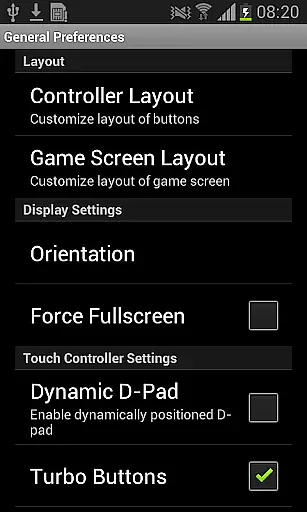
Control responsiveness is crucial in arcade-style games, as it directly impacts the player's ability to execute precise movements and react quickly to in-game challenges. Nostalgia.GBC Pro (GBC Emulator) excels in this area by offering highly customizable virtual controllers that adapt to individual preferences.
Users can adjust the size and position of each button on the screen, ensuring optimal comfort and accessibility during extended gaming sessions. This level of personalization allows for a tailored experience that caters to both casual players and hardcore enthusiasts alike, enhancing overall satisfaction and performance.
In addition to customizable controls, Nostalgia.GBC Pro supports hardware-accelerated graphics through OpenGL ES, which contributes to smoother animations and reduced input lag. This technological advantage ensures that every action taken within the game is reflected immediately, providing a seamless connection between the user's commands and the character's actions on screen.
The incorporation of hardware keyboard support and compatibility with HID Bluetooth gamepads further solidifies the app's commitment to responsive controls. Whether using touch-based inputs or physical controllers, gamers can expect consistent feedback and reliable performance, making Nostalgia.GBC Pro a top choice for those seeking an authentic arcade experience on mobile devices.
High-quality emulation
User-friendly interface
Customizable controls
Save state sharing
Turbo functionality
No games included
Advanced setup required
Large file sizes
Limited device support
Complex permissions

Monster Run its a game for relax.
 4.2
4.2
Neogeo MVS/AES Emulator
3.30
Enter Double Dragon Trilogy, a compilation of the beloved arcade series
4.10
Gameboy Color Emulator
4.60
Motorcycle racing games! Prove your paperboy can win in the bike race 3D!
4.50
Play, Craft and Share your Endless Runner Levels on Kooply Run: Subway Craft
4.50
Flip and flail a rag doll through endless levels and plunge into outlandish fun!
4.60
NES Emulator
4.40
A fast, full-featured GB/GBC emulator with link cable emulation.
3.80
Try this unique restaurant sim and enjoy the fun of cooking in busy kitchens!
4.70
Meet Snake Run Race! Slither through an obstacle course in our fun running game!
4.70
Local offline 2 3 4 player multiplayer minigames - race, tanks, football
4.60
Cool car builder & racing simulator: make a car to win the obstacle course race!
4.60
Save the Galaxy from galaxiga alien - Classic arcade shooter game
4.60
Outrun cops, ignite the thrill of a high-speed chase!
4.50
Granny keeps you locked in her house.
4.30
Sit back and relax! Tap to move the black hole, and swallow weapons to win.
4.20
Epic offline war strategy game - build your city, train your army, conquer
4.20
Bounce through platforms. Avoid obstacles. Get the bouncing ball to the finish.
4.00


User Reviews