
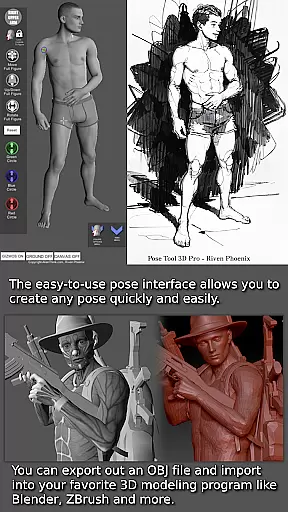
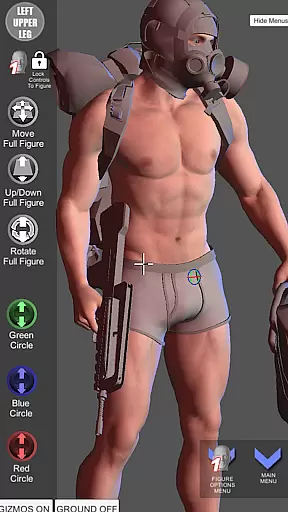

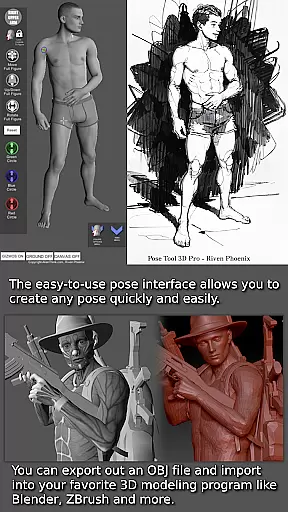
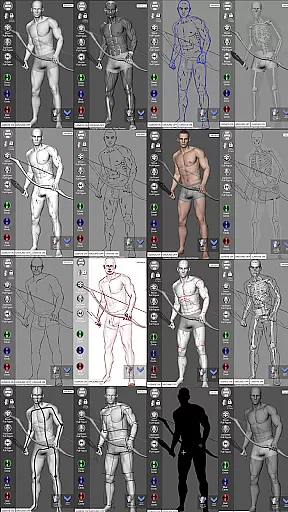
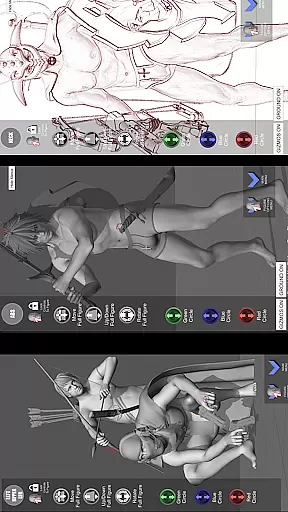


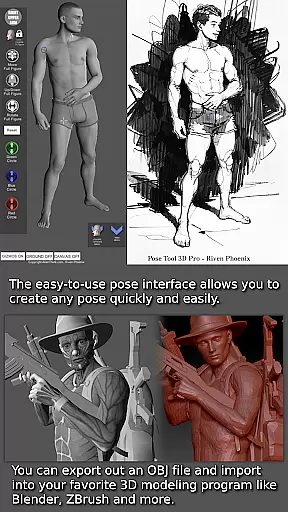
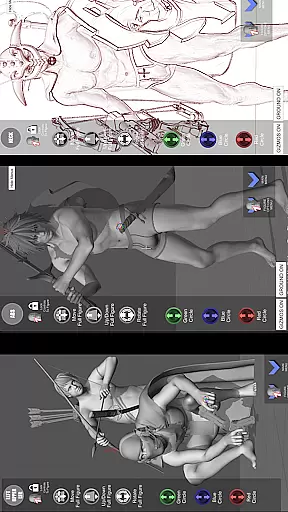
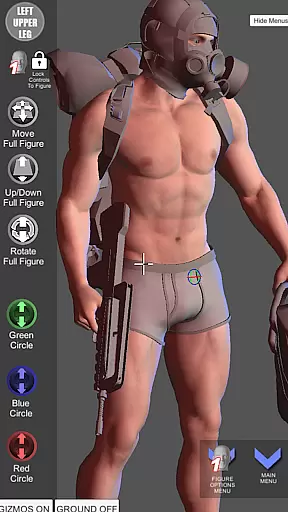
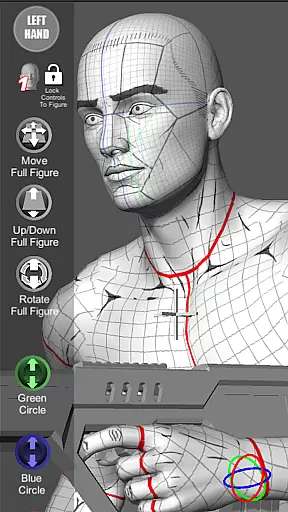

Pose Tool 3D is an essential app for artists, illustrators, and animators seeking a powerful figure posing tool. Declared one of the Top 10 must-have apps by ImagineFX magazine, it offers an easy-to-use interface to create any pose with both male and female figures. The app stands out with its unconstrained posing capabilities, allowing geometry to intersect for realistic or extreme poses. Whether you are working on illustrations, comic books, manga, or storyboarding, Pose Tool 3D provides the flexibility needed to bring your ideas to life.
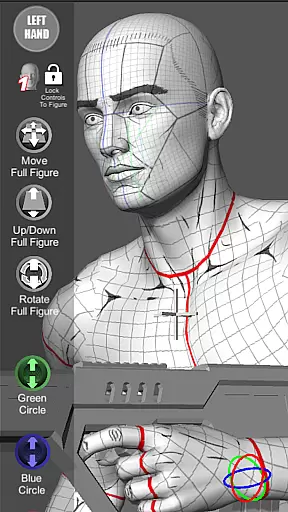
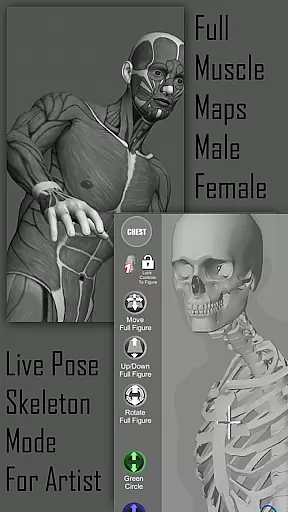
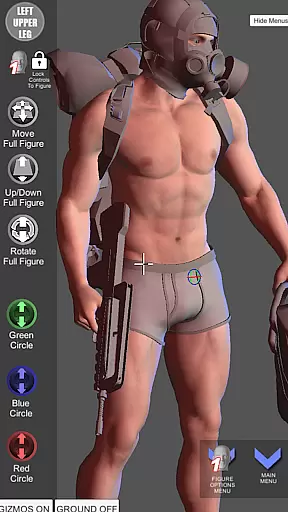
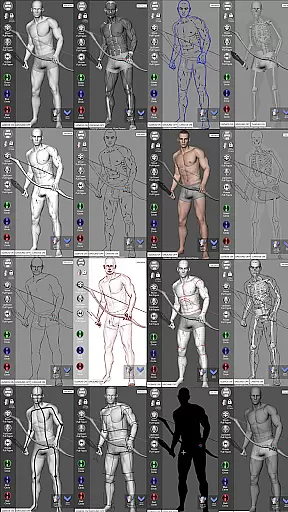
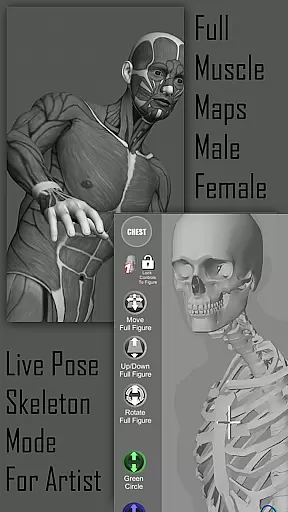
One of the key features of Pose Tool 3D is its ability to visualize the human figure in different drawing modes, including 2D and 3D. With muscle maps included, users can gain a deeper understanding of anatomy, enhancing their ability to create believable poses. The app also includes everyday objects and weapons that can be attached to figures, adding depth and detail to compositions. This makes Pose Tool 3D not just a posing tool but a comprehensive resource for artists at all levels.
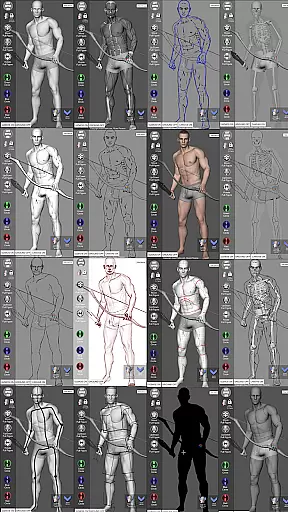
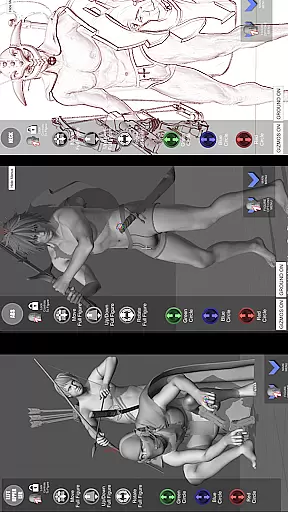
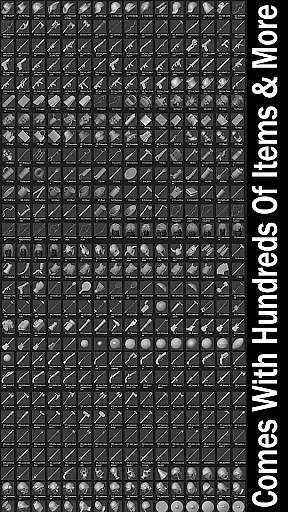
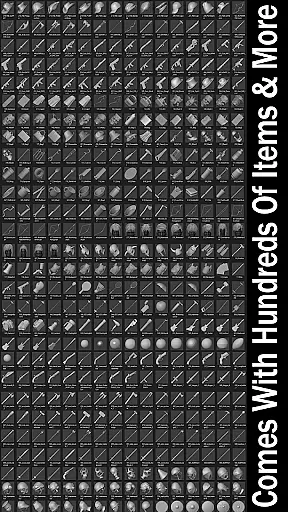
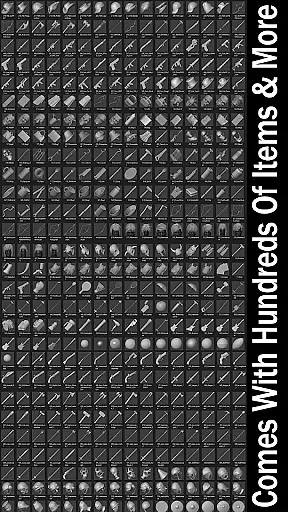
Pose Tool 3D boasts a wide array of features designed to enhance the creative process. The app includes an inventory system with hundreds of items, easy pose buttons, and various modes such as Mannequin Mode, Black Mode, and Pencil Sketch Mode. Users can switch between six male and six female figures, each with multiple body types ranging from average to muscular. The inclusion of perspective grids and a 3-point lighting system allows for dramatic and dynamic compositions, while the camera FOV settings help achieve the perfect perspective.
Touch controls in Pose Tool 3D make the user experience seamless and intuitive. With one finger, users can orbit around the figure or select body parts with a tap. Two-finger pinch gestures allow for zooming and panning simultaneously, setting up dramatic shots quickly. Advanced features like posing hips for complex angles and resetting to T-pose ensure precision and ease. Additionally, the app supports saving and loading poses, random pose generation, and even taking screenshots, making it a versatile tool for artists who need quick references and detailed studies alike.
Pose Tool 3D offers an extensive library of male and female figures, providing artists with a rich variety of options to suit their creative needs. With six different male and female figure types available, users can explore diverse body shapes including average, heavy, old, skinny, and muscular forms.
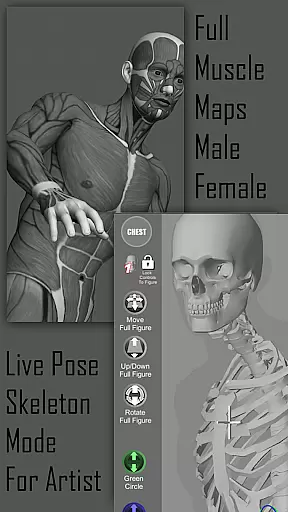
The app goes beyond basic posing by offering specialized modes such as Mannequin Mode, Skeleton Mode, and Muscle Maps Mode. These features allow artists to study anatomy and create more realistic poses while having the flexibility to switch between different artistic styles like pencil sketch and comic sketch modes.
What sets Pose Tool 3D apart is its inclusion of various drawing modes that cater to both 2D and 3D workflows. Artists can choose from multiple visual styles including Life Drawing Mode, Cube Mode, and Gesture System Mode, making it adaptable to different art forms from traditional manga to digital painting.
This comprehensive toolset ensures that whether you're working on illustrations, storyboarding, or character design, Pose Tool 3D provides the resources necessary to bring your artistic vision to life with remarkable depth and authenticity.
The content within Pose Tool 3D has been carefully crafted to ensure accuracy and authenticity in every aspect of its design. The app features anatomically correct muscle maps that provide valuable insights into human anatomy, helping artists understand how muscles move and flex during different poses.
All figures and objects included in the app are original creations developed by AlienThink, guaranteeing proper licensing and copyright compliance. This means artists can confidently use these models for their projects without worrying about legal issues or improper representation.
In addition to its robust figure library, Pose Tool 3D includes hundreds of inventory items ranging from everyday objects to weapons, all designed with attention to detail and historical accuracy. These elements enhance compositions while maintaining professional standards.
Recognized by ImagineFX magazine as one of the Top 10 must-have apps for artists, Pose Tool 3D demonstrates its commitment to delivering authentic, high-quality content that meets industry standards and supports artistic growth across various disciplines.
User-friendly interface
Extensive customization options
Realistic muscle maps
Variety of drawing modes
Comprehensive inventory system
Steep learning curve
Occasional performance lags
Limited free content
No collaborative features
Subscription fees apply

Become a real PKM Card Maker, create or custom any Poke TCG cards and share them
 4.10
4.10
A free paradise specially built for comic lovers. When you step into this comic universe full of surprises, it is like opening a door to endless joy. You are immediately immersed in the wonderful world brought by reading and enjoy the infinite charm of reading.
4.5
The fastest and most convenient comic book reader - comics of all formats
4.40
File management and show images, comics and pictures in compressed cbr, pdf file
4.70
Catalog your collection. Just scan covers with your device camera. (US $20/yr)
4.80
See the newest comic book releases and manage your comic collection or pull list
4.70
Welcome to SnapSaga - your ultimate manga and novel destination!
4.4
Comic Book Identifier Value - Scan comics & prices. Your comic book price guide!
4.50
Read webcomics & webnovels
4.20
Read comics & manga
4.70
Artists wanting to use decent hand reference on the go, this app is for you!
4.70
Joke book collection with the funniest dad jokes and riddles for you to enjoy!
4.60
TMOLector is an app to read all kinds of manga and stories!
4.50
Discover manga stories & stream anime series with unlimited entertainment access
4.40
Arabic manga reader
4.00
Instantly create comic-style art with AI.
3.90
Comic Scanner - Book Value - Identify and sell your comic collection with AI.
3.80
+Not your everyday comic. Everyday.
3.50
Comic reader app: open ZIP, RAR, CBZ, CBR, and PDF files
3.00


User Reviews