

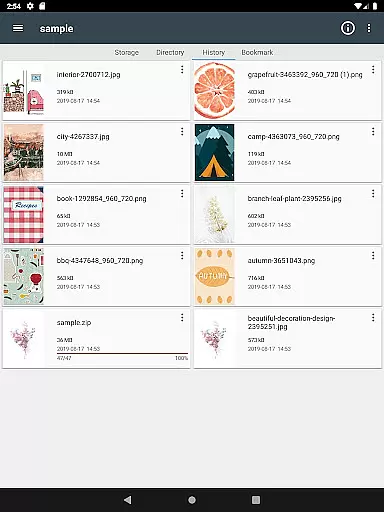
ComicScreen is a versatile comic reader and manager designed for comic enthusiasts who require both functionality and ease of use. This app supports various compressed file formats including zip, rar, cbz, cbr, and pdf, making it easy to access your entire comic library in one place. With support for multiple image formats such as jpg, png, gif, bmp, tiff, webp, and avif, ComicScreen ensures that all your files are viewable without compatibility issues.
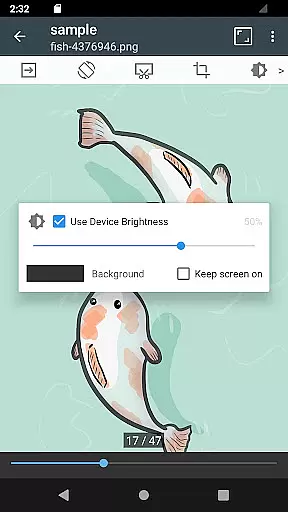
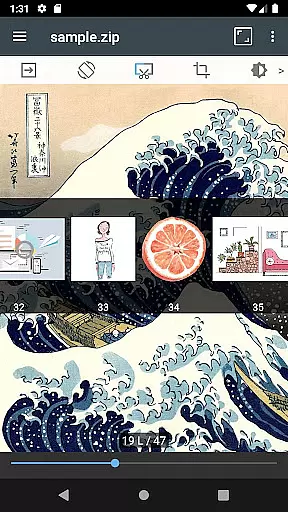
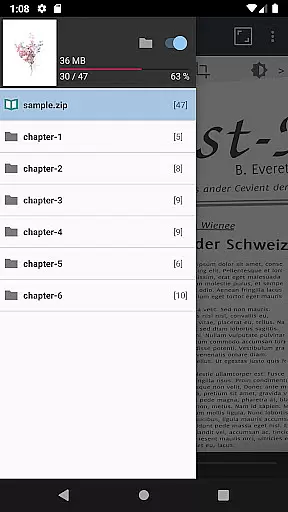
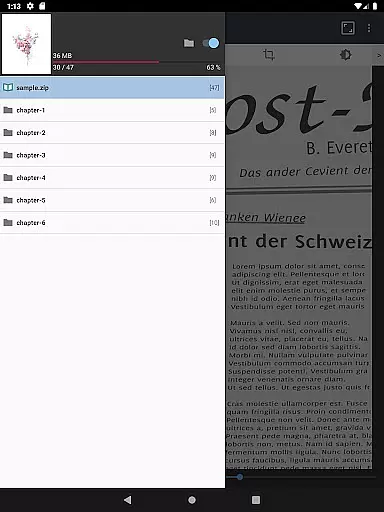
The app offers advanced features like smooth image scrolling, bookmark previews, and page move previews, enhancing the reading experience. Its horizontal and vertical view modes allow users to customize their reading style, while automatic page sorting and chapter drawers help organize content efficiently. ComicScreen also includes practical tools such as folder and file explorers, USB-OTG drive support, and network connectivity options like SMB and FTP, providing comprehensive file management capabilities.
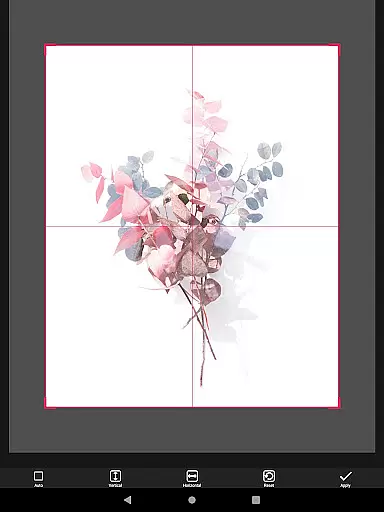
Whether you're at home or on the go, ComicScreen's intuitive interface and robust feature set make it an ideal choice for managing and enjoying digital comics. The ability to cut margins, move pages with hardware keys, and drag-and-drop files further streamline the user experience, ensuring that your focus remains on the content you love.
ComicScreen stands out with its extensive list of features tailored specifically for comic readers. One of its key strengths is the comprehensive support for various file types, including compressed formats like zip, rar, cbz, cbr, and pdf, as well as a wide range of image formats such as jpg, png, gif, bmp, tiff, webp, and avif. This versatility ensures that no matter what format your files are in, ComicScreen can handle them seamlessly.
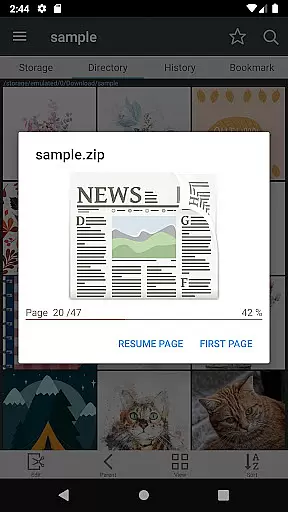
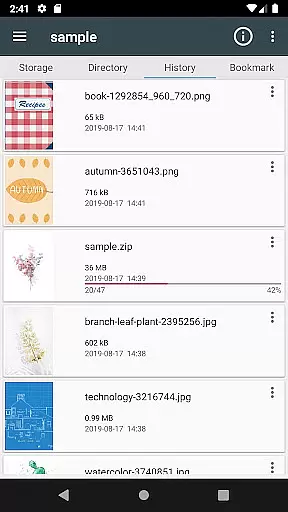
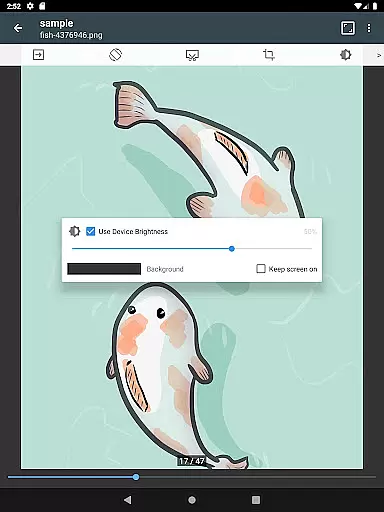
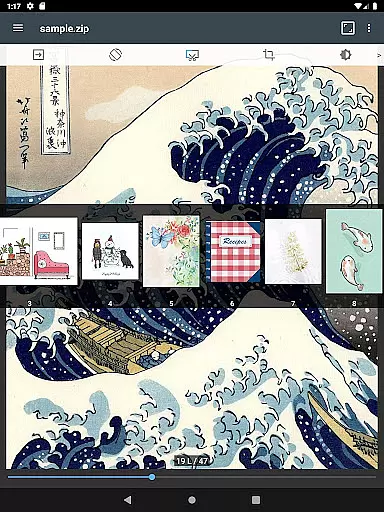
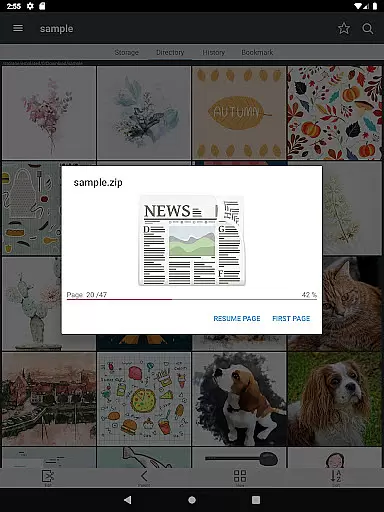
The app provides several innovative viewing options to enhance user experience. Smooth image scrolling allows for effortless navigation through pages, while bookmark previews and zip file quick views enable users to pick up right where they left off. Page move previews and automatic page resorting ensure that reading remains uninterrupted and organized. Additionally, the horizontal view mode displays two pages at once, mimicking a traditional book layout, whereas the vertical view mode focuses on single-page viewing, catering to different preferences.
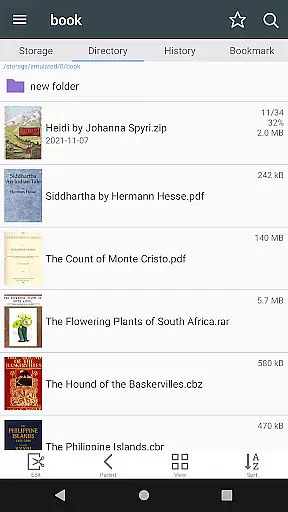
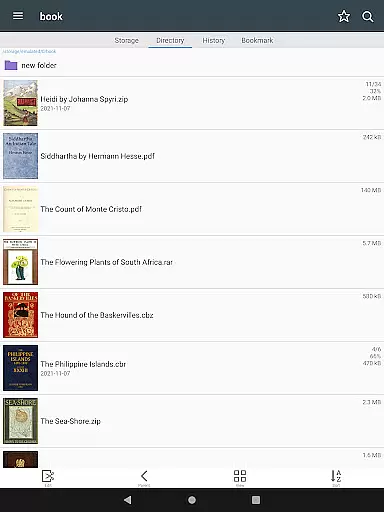
ComicScreen also excels in file management. It includes a robust folder and file explorer with functionalities like search, rename, and delete. Users can connect external drives via USB-OTG and access network storage through SMB and FTP protocols. Drag-and-drop functionality simplifies file organization, and the app's ability to display lists of images within folders adds another layer of convenience. These features collectively make ComicScreen a powerful tool for both reading and managing digital comics.
ComicScreen offers an extensive and versatile comic library that caters to a wide range of preferences. The app supports various compressed file types such as zip, rar, cbz, cbr, and pdf, allowing users to access their favorite comics in multiple formats.
In addition to supporting different file types, ComicScreen is compatible with numerous image formats including jpg, png, gif, bmp, tiff, webp, and avif. This ensures that no matter the source or format of your comic images, you can enjoy them without any compatibility issues.
The application's strength lies in its ability to manage large collections efficiently. With features like Folder and File Explorer, users can search, rename, and delete files effortlessly. Moreover, the support for USB-OTG drives and network protocols such as SMB and FTP makes it easy to import and manage comics from various sources.
When it comes to digital comics, ensuring content authenticity and proper licensing is crucial. ComicScreen respects copyright laws and encourages users to access only legally obtained comics. While the app itself does not provide images or compressed files, it serves as a powerful tool for managing and viewing your legally acquired collection.
ComicScreen incorporates several features that enhance the reading experience while maintaining the integrity of the content. For instance, the Bookmark Preview and Zip File Quick View functions allow users to swiftly navigate through their collection without altering the original files. This respect for the source material ensures that creators' rights are upheld.
Furthermore, ComicScreen provides options like Automatic Page Resort and Cut Margin, which improve readability without modifying the core content. By focusing on user-friendly management and display functions, ComicScreen strikes a balance between enhancing the reader's experience and preserving the authenticity of the comic materials.
User-friendly interface
Wide file format support
Advanced viewing options
Comprehensive file management
Network connectivity options
Limited social sharing
No cloud sync
Occasional bugs
Heavy on resources
Ads in free version

Webtoons, comics, web novels, and e-books are all here! RIDI, my own space to enjoy stories
 4.30
4.30
Discover manga stories & stream anime series with unlimited entertainment access
4.40
Free Comic Book Collection Management & Price Guide
4.60
Welcome to SnapSaga - your ultimate manga and novel destination!
4.2
This application will enable donated users only function in Perfect Viewer.
4.90
from HipComic: Value Your Comic Book Collection with Just the Snap of a Photo.
3.80
Official from Japan
4.80
Crunchyroll Manga—unlimited, uninterrupted reading with offline access & more!
4.50
Get the latest manga chapters daily, released simultaneously with Japan.
3.10
Catalog your collection. Just scan covers with your device camera. (US $20/yr)
4.80
Artists wanting to use decent hand reference on the go, this app is for you!
4.70
The ultimate app for comic lovers
4.50
The fastest and most convenient comic book reader - comics of all formats
4.40
Read latest manga with this minimal reader with NO ADS.
4.30
Browse and read all your comics and mangas from YACReaderLibrary
4.20
The most powerful and fast image/comics viewer.
4.10
Instantly create comic-style art with AI.
3.90
Anime TV App: Watch all anime online,anime tv subtitles online with big anime tv
3.80
Create your personalized cartoon comic strips & comic books.
3.20


User Reviews