
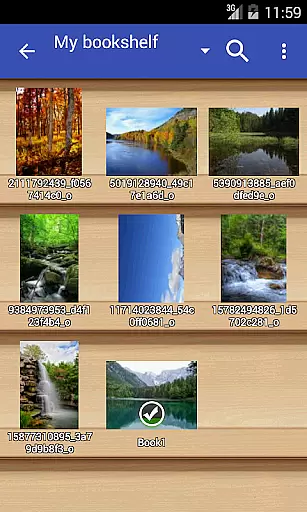
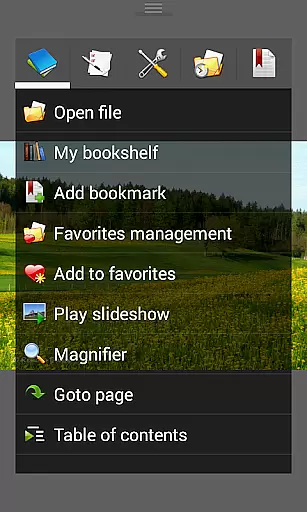
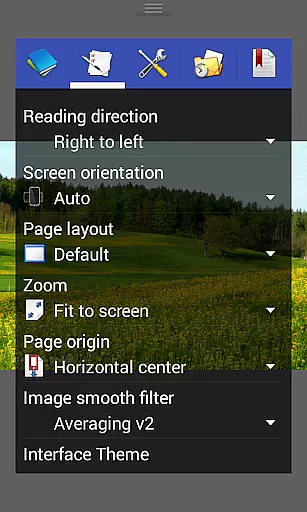
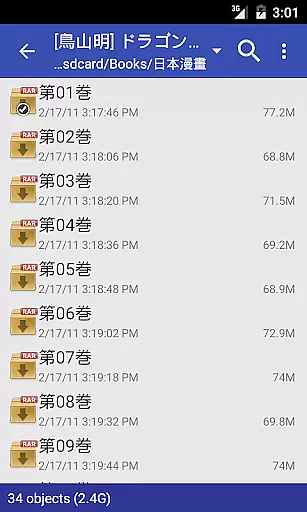
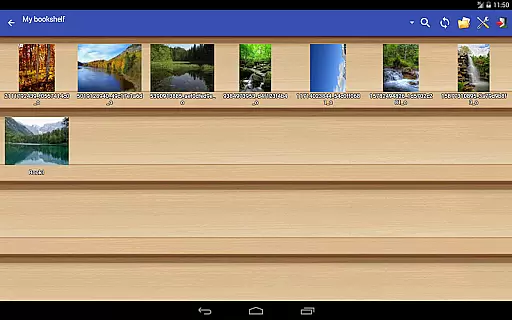
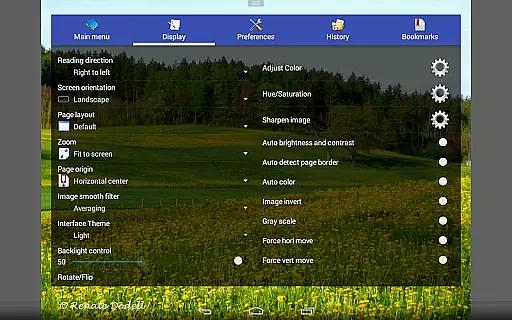
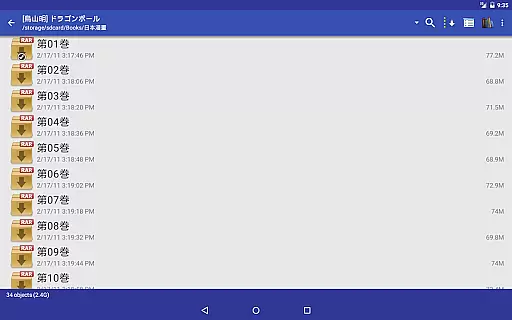
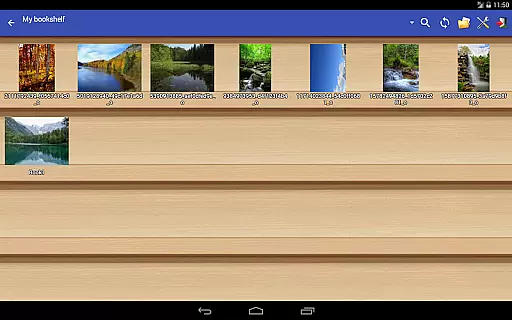
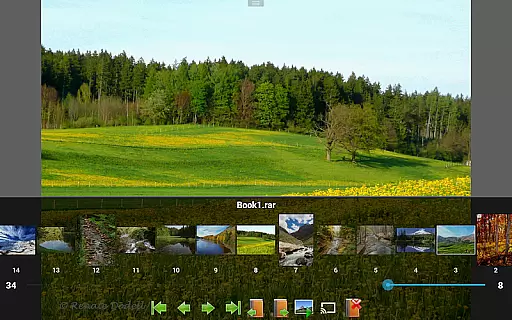
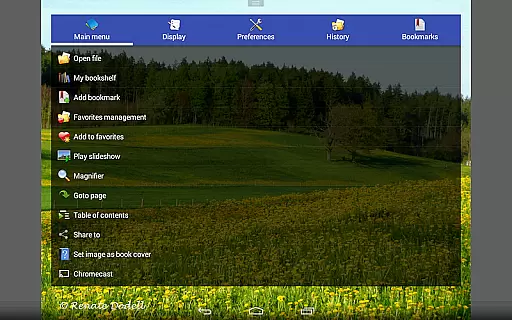
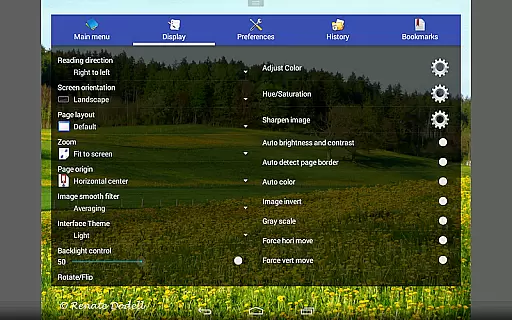
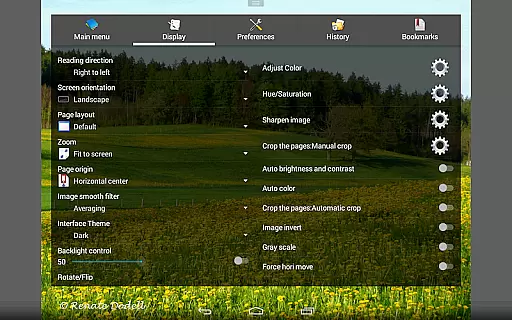
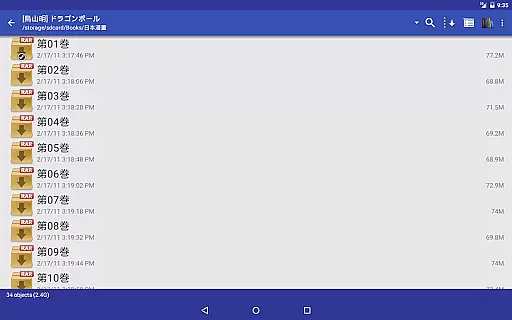
Perfect Viewer is a versatile and fast image, comic, and ebook viewer designed for seamless reading experiences. The app supports multiple file formats including EPUB, HTML, TXT, JPEG, PNG, GIF, BMP, WebP, TIFF, CBZ/ZIP, CBR/RAR, 7Z/CB7, LZH, and CBT/TAR. With additional plugins, it can also handle PDF, XPS, and DJVU files. Perfect Viewer offers advanced page layout options such as auto single page, auto dual page, and orientation-based switching, making it adaptable to various devices and orientations.
One of the standout features is its ability to open files from network file sharing (CIFS/SAMBA), FTP, SFTP, FTPS, OPDS, Google Drive, Dropbox, and OneDrive, ensuring users can access their content from virtually anywhere. Its three viewer modes - Page mode, Vertical scroll mode, and Horizontal scroll mode - cater to different reading preferences. Additionally, the app provides five view modes, smooth filters, left-to-right or right-to-left reading options, and pinch-to-zoom functionality, enhancing user interaction and comfort.
Perfect Viewer is ideal for comic enthusiasts and readers who require efficient file management and high-quality viewing options. Its comprehensive feature set, including bookshelf function, slideshow, brightness adjustment, and Google Chromecast support, ensures an engaging and customizable experience. Whether you're managing a digital library or enjoying your favorite comics, Perfect Viewer delivers both performance and flexibility.
Perfect Viewer stands out with its extensive list of features tailored for comic and ebook enthusiasts. The app supports a wide array of file formats, including EPUB, HTML, TXT, JPEG, PNG, GIF, BMP, WebP, TIFF, CBZ/ZIP, CBR/RAR, 7Z/CB7, LZH, and CBT/TAR. By installing optional plugins, users can extend compatibility to PDF, XPS, and DJVU files. This versatility ensures that users can access virtually any type of digital content without limitations.
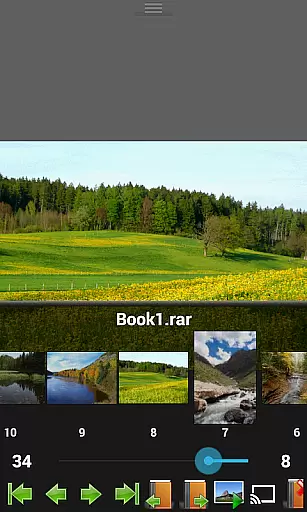
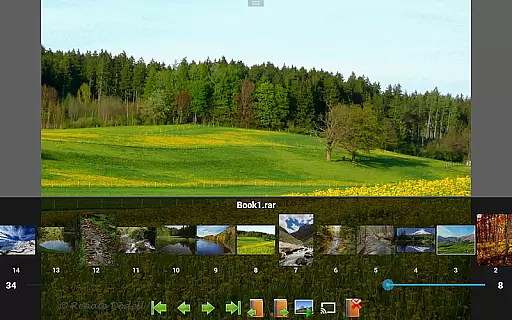
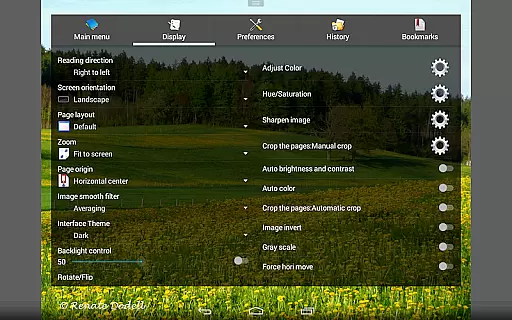
The app's page layout options are robust, offering auto single page, auto dual page, and automatic switching based on screen orientation. Users can choose from three distinct viewer modes: Page mode, Vertical scroll mode (ideal for webtoon-like experiences), and Horizontal scroll mode. Additionally, Perfect Viewer provides five view modes - Full size, Fit Screen, Fit Width, Fit Height, Fixed size, and Stretch - allowing precise control over how content is displayed. Smooth filters like Averaging, Bilinear, Bicubic, and Lanczos3 enhance image quality, while features like left-to-right or right-to-left reading, pinch-to-zoom, and fling gesture support ensure intuitive navigation.
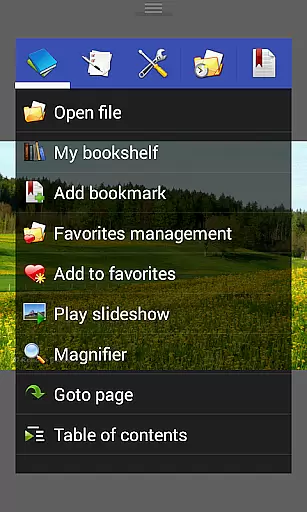
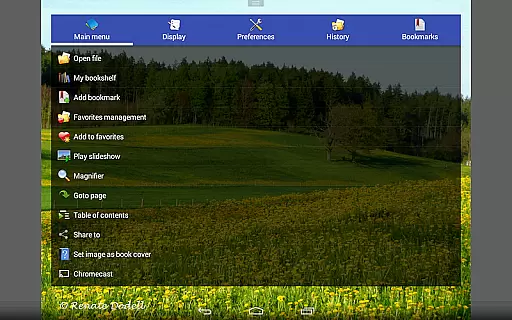
Perfect Viewer also excels in connectivity and convenience. It can open files from network file sharing (CIFS/SAMBA), FTP, SFTP, FTPS, OPDS, Google Drive, Dropbox, and OneDrive, providing unparalleled access to digital libraries. The app includes practical tools such as a bookshelf function, slideshow, simple bookmarking, favorites management, and cache next/previous page options. Advanced functionalities like adjusting image brightness, contrast, gamma, auto-cutting white borders, and extracting files from archives further enhance usability. With Google Chromecast support, users can enjoy their content on larger screens effortlessly.
Perfect Viewer offers an extensive comic library that supports multiple file formats including CBZ/ZIP, CBR/RAR, 7Z/CB7, and LZH. This ensures that users can access a wide variety of comics without worrying about compatibility issues.
In addition to supporting various comic file formats, the app also allows users to open files from network file sharing like CIFS/SAMBA, FTP, SFTP, and even cloud services such as Google Drive, Dropbox, and OneDrive. This flexibility in accessing content greatly enhances the variety of available reading material.
The inclusion of support for PDF, XPS, and DJVU files after installing the necessary plugin further expands the range of readable content. Users can enjoy not only comics but also other document types within the same application.
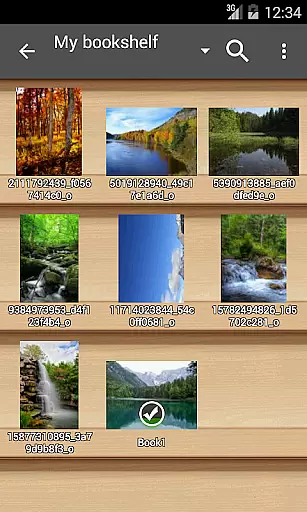
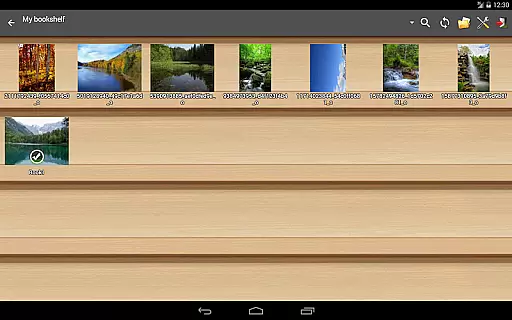
With features like bookshelf function, thumbnail browsing, and the ability to extract files from archives, Perfect Viewer provides a comprehensive solution for managing and enjoying a diverse comic library. These tools ensure that users have everything they need at their fingertips.
Perfect Viewer emphasizes content authenticity by allowing users to manage their legally acquired digital media effectively. The app supports DRM-free EPUB, HTML, TXT ebooks, ensuring readers can access authentic content without restrictions.
Users are encouraged to install the source plugin to access files from legitimate sources such as Google Drive, Dropbox, and OneDrive. This approach promotes the use of licensed materials while providing convenience through integrated cloud storage options.
For those interested in customizing their reading experience, Perfect Viewer offers advanced features like turning black-and-white images into four-colorized ones. However, this feature is exclusive to users who have installed the donation application, reinforcing the importance of supporting creators.
By focusing on legal distribution channels and offering tools for organizing personal collections, Perfect Viewer upholds high standards of content authenticity and licensing. Readers can trust that their library consists of verified and legally obtained works.
User-friendly interface
Extensive format support
Advanced viewing modes
Network file access
Customizable settings
Premium features locked
Requires plugins
Complex for beginners
Occasional bugs
Heavy on resources

Become a real PKM Card Maker, create or custom any Poke TCG cards and share them
 4.10
4.10
Scan comics instantly! Find comic value, price, and key collector details fast.
4.50
Draw the comics with glow brushes! Easy and relax!
4.40
TMOLector is an app to read all kinds of manga and stories!
4.50
The best app for digital comics - Welcome to Lezhin!
3.10
Daily updates & FREE chapters
4.00
Comic Scanner - Book Value - Identify and sell your comic collection with AI.
3.80
Read and track manga across the web with ease
4.90
Read Manga, Comics & Manhwa of Romance, Action, Fantasy, Drama, BL and more!
4.40
The pure application on the Manga SWAT website
4.80
The most popular comic book reader.
4.80
Artists wanting to use decent hand reference on the go, this app is for you!
4.70
Joke book collection with the funniest dad jokes and riddles for you to enjoy!
4.60
Comics and stories from Japan
4.60
The ultimate app for comic lovers
4.50
Crunchyroll Manga—unlimited, uninterrupted reading with offline access & more!
4.50
The fastest and most convenient comic book reader - comics of all formats
4.40
Pocket Toons: Free Webtoons, Comics, & Manga - New Chapter Drops Everyday
4.30
A free paradise specially built for comic lovers. When you step into this comic universe full of surprises, it is like opening a door to endless joy. You are immediately immersed in the wonderful world brought by reading and enjoy the infinite charm of reading.
4.3


User Reviews