
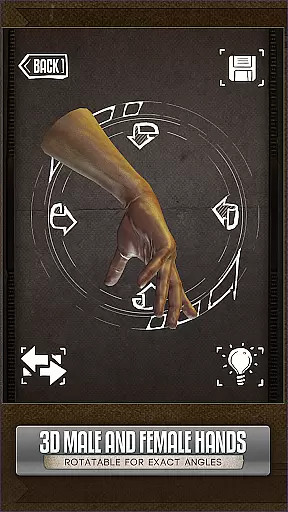
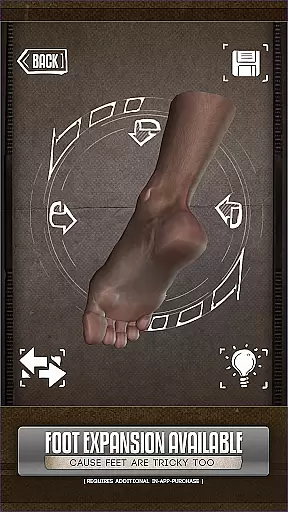
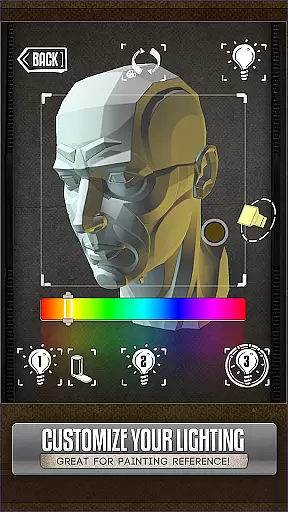
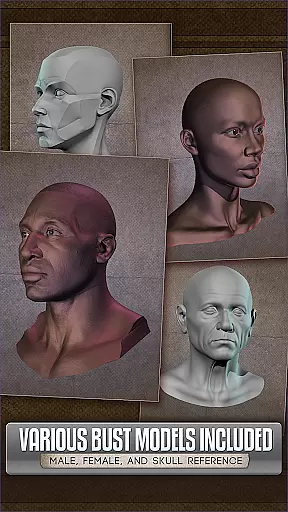
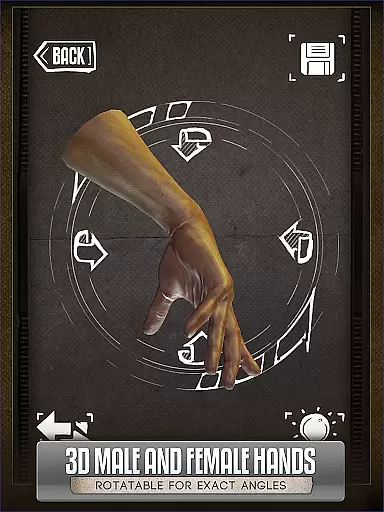
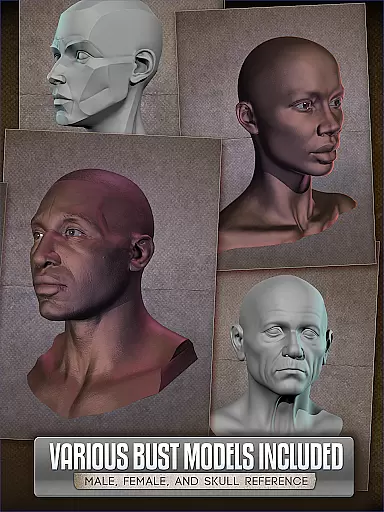
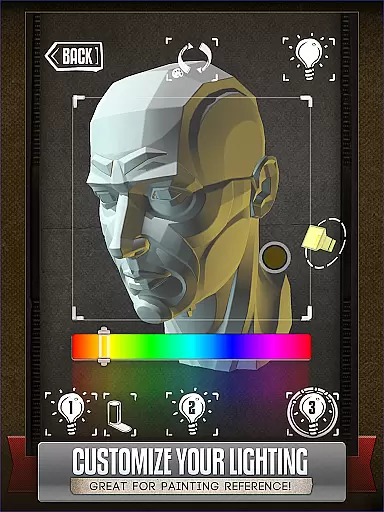
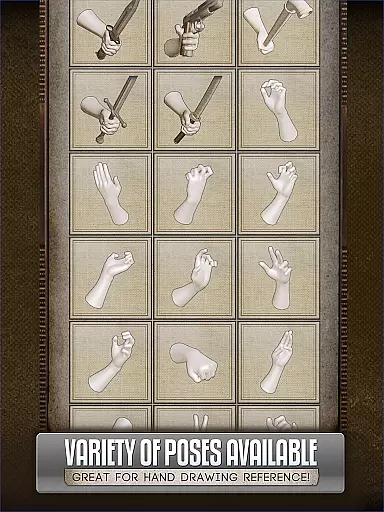
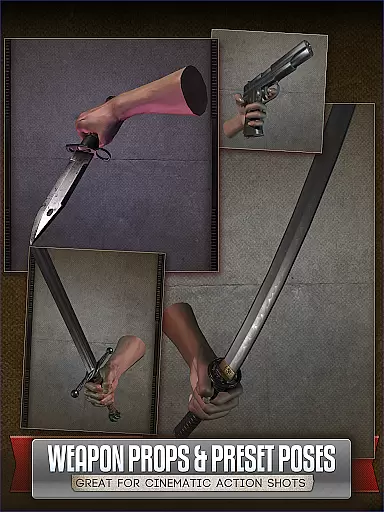
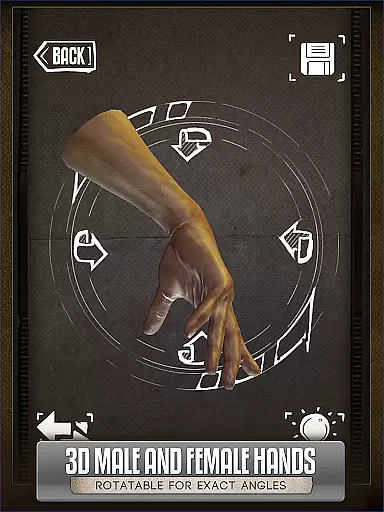
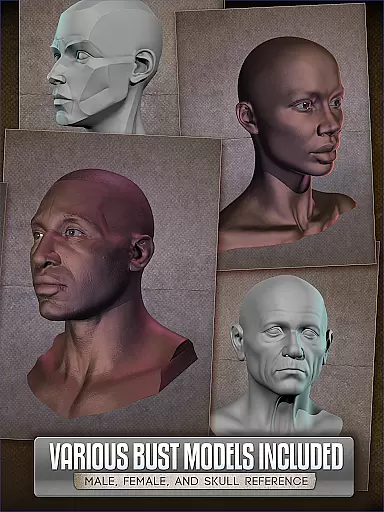
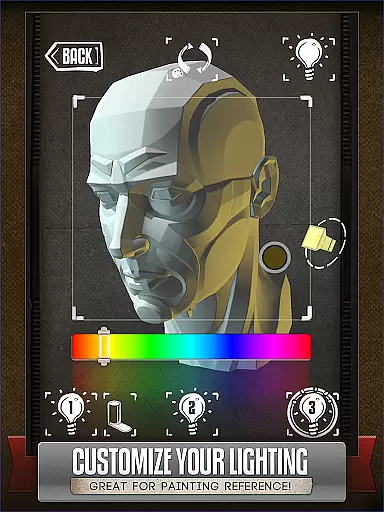
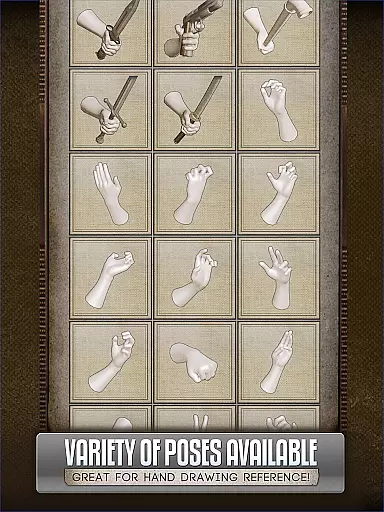
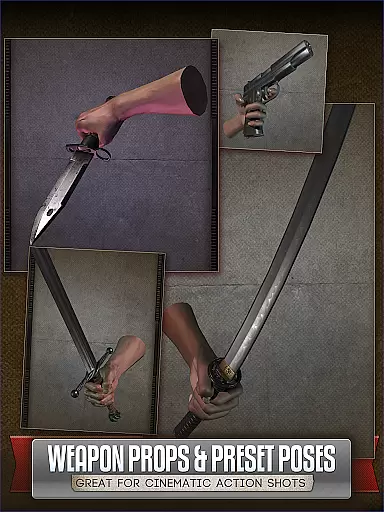
Handy Art Reference Tool is an innovative 3D reference app designed specifically for artists. The application provides rotatable 3D models of hands, feet, skulls, and animal skulls that can be used as drawing references. With over 10 different head busts and adjustable 3-point lighting, it offers realistic shadow and angle references for portrait work.
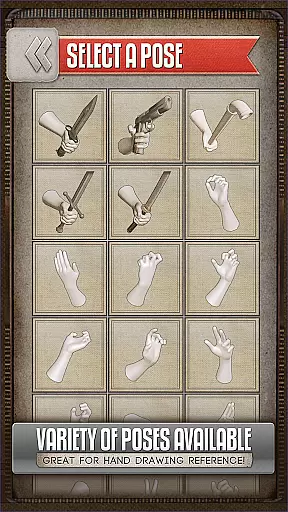
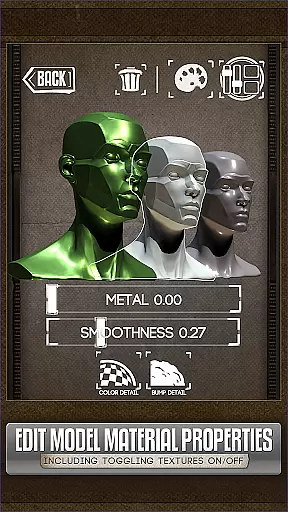
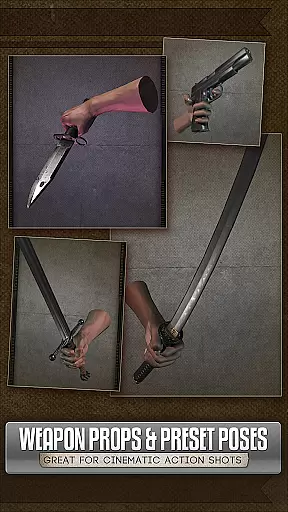
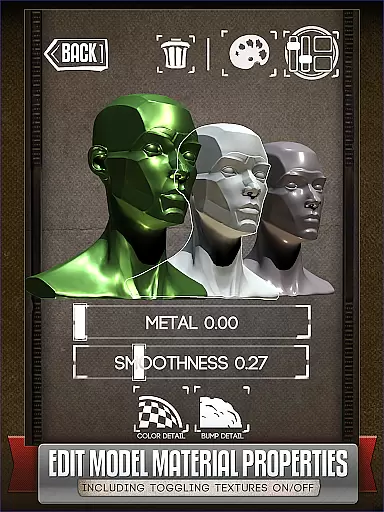
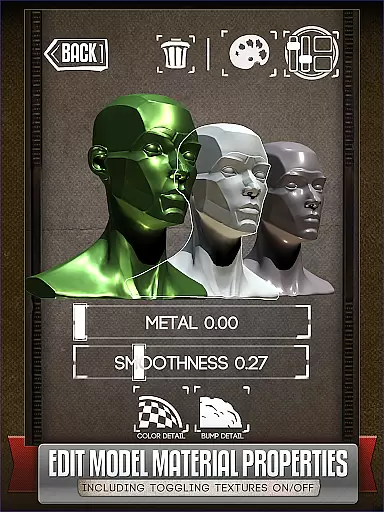
The app stands out with its customizable pose creation feature, allowing users to save specific positions for future use. Its intuitive interface makes it easy to adjust model materials, toggle textures, modify specularity, and apply color tints. These features make it particularly valuable for comic book artists and painters who need accurate anatomical references.
Perfect for both professional and casual artists, Handy serves as a portable art studio reference that eliminates the need for physical models or awkward self-posing. The recently added material editing capabilities in version 5 enhance its value by providing more creative control over reference models.
Handy Art Reference Tool distinguishes itself through several advanced features. The core functionality includes multiple 3D limb models with customizable posing options, plus over 10 detailed head busts for portrait reference work. The 3-point lighting system allows precise control over light direction and intensity, crucial for understanding shadow patterns.
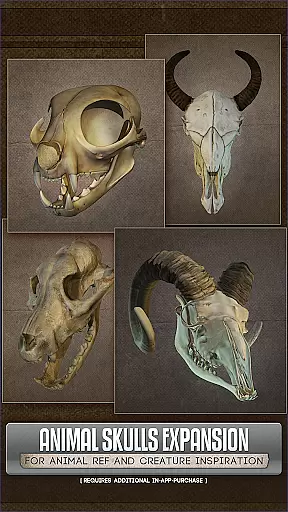
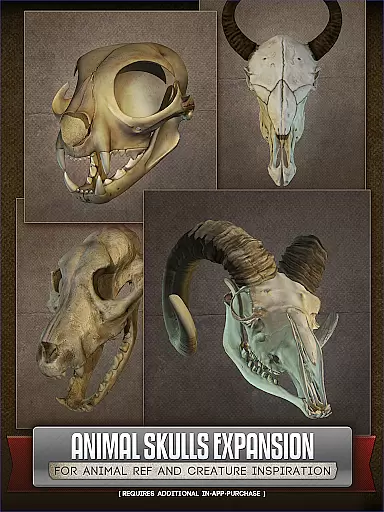
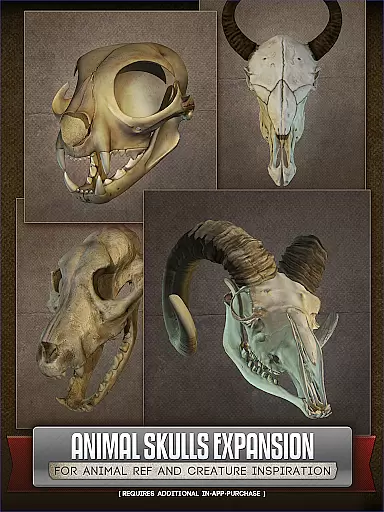
A key innovation is the pose saving system, which lets artists store and recall specific positions instantly. Version 5 introduced material editing capabilities, enabling users to modify texture properties, adjust specularity, and apply color tints to models. The optional Animal Skull pack expands its utility for creature designers and anatomical studies.
The app's versatility extends to various art forms including comics, paintings, and sketches. Its compatibility with modern devices ensures smooth performance while working with detailed 3D models. Regular updates and new features demonstrate the developer's commitment to continuous improvement.
For comic book artists and illustrators, having access to a diverse range of references is crucial. HANDYu00ae offers an extensive library of rotatable 3D models that include hands, feet, skulls, and even animal skulls as part of its optional pack. This vast selection ensures that creators can find the exact reference they need for their work.
The app provides over 10 different animal species in the Animal Skulls pack alone, making it a comprehensive tool for anatomical studies or creature design inspiration. With more than 10 included 3D head busts, artists have plenty of options to explore various poses and angles without needing to set up complex physical references.
HANDYu00ae doesn't stop at just offering a wide array of static models; users can customize and edit their own poses. This feature allows artists to tailor each model to fit their specific project needs, enhancing both the variety and utility of the available references.
Authenticity and proper licensing are vital when using reference materials for professional artwork. HANDYu00ae ensures that all its 3D models are created with attention to detail and accuracy, providing reliable references for artists. The app's commitment to quality means that every model is crafted to serve as a trustworthy guide for drawing and painting.
In addition to authenticity, HANDYu00ae respects copyright laws by allowing users to create and save their own customized poses. This approach not only supports original content creation but also gives artists peace of mind knowing they are working within legal boundaries.
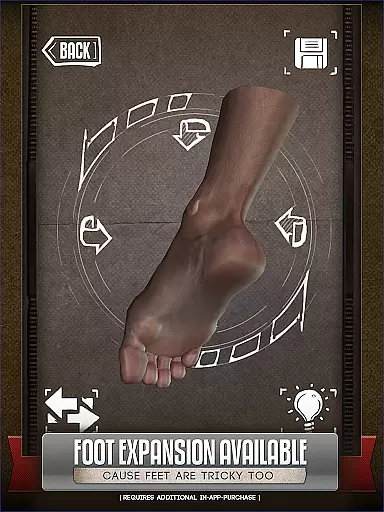
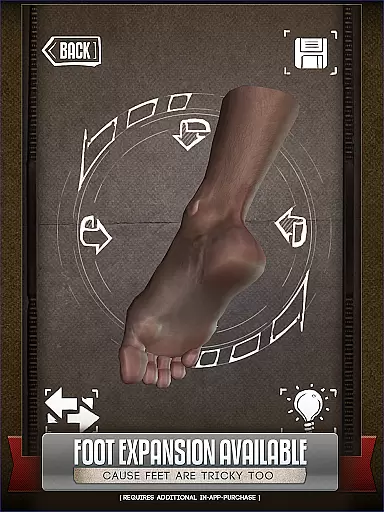
Furthermore, while HANDYu00ae offers additional content through in-app purchases like the Animal Skulls pack and foot rigs, these extras come with clear terms and conditions. Users can confidently invest in these expansions, knowing they are receiving officially sanctioned and high-quality assets for their artistic endeavors.
User-friendly interface
Customizable 3D models
Adjustable lighting
Pose saving feature
Material editing tools
Basic content is limited
Additional packs cost extra
Steep learning curve
Occasional bugs
Subscription required

Hot-blooded / Romance / Science Fiction All themes, Smart Recommendation + HD Reading
 3.10
3.10
Goat sound simulator. This app makes for fun.
4.0
See the newest comic book releases and manage your comic collection or pull list
4.70
Pose Tool 3D for the Artists, create any human figure pose quickly for your art.
4.00
Read latest manga with this minimal reader with NO ADS.
4.30
Read and track manga across the web with ease
4.90
SQUARE ENIX's official Manga app!
4.40
Official from Japan
4.80
The largest manga, comics, and manhwa community with millions of fans!
4.50
This application will enable donated users only function in Perfect Viewer.
4.90
Catalog your collection. Just scan covers with your device camera. (US $20/yr)
4.80
Read comics & manga
4.70
Kodansha official Manga app
4.30
Browse and read all your comics and mangas from YACReaderLibrary
4.20
The most powerful and fast image/comics viewer.
4.10
Daily updates & FREE chapters
4.00
Toomics is a premium comic service with every genre for all readers to enjoy!
4.00
Read official webcomics, webtoons, Korean manga & webnovels
3.70
A free paradise specially built for comic lovers. When you step into this comic universe full of surprises, it is like opening a door to endless joy. You are immediately immersed in the wonderful world brought by reading and enjoy the infinite charm of reading.
4.0


User Reviews