
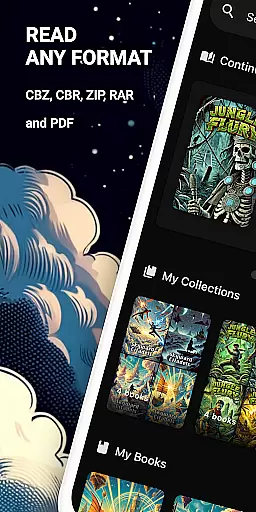
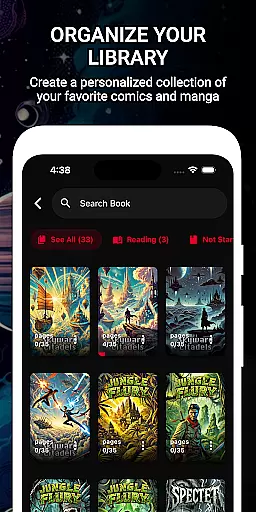
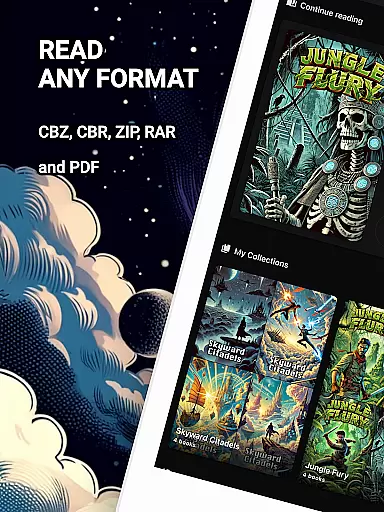
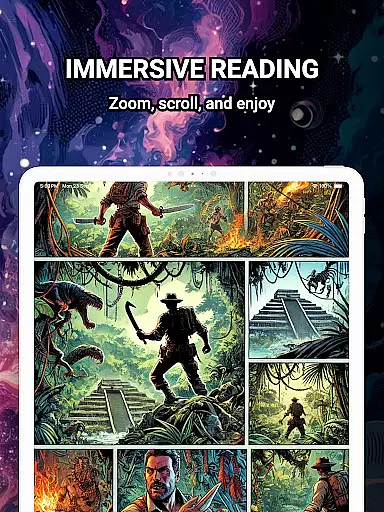
ComiQuest is a versatile comic reader app tailored for fans of CBR, CBZ, and PDF formats. It offers seamless navigation and smart library features, allowing users to effortlessly organize their collections into custom categories such as graphic novels, manga, or webtoons. The app supports direct file imports from local storage or USB drives without the need for format conversion.
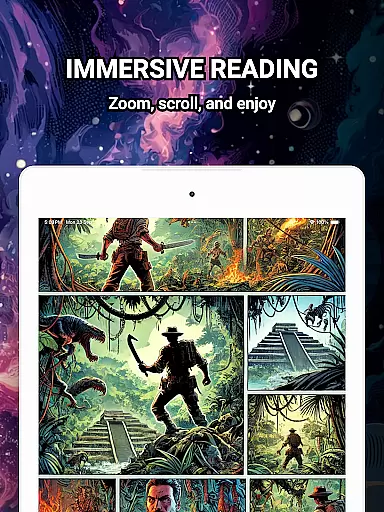
One standout feature is its 100% ad-free reading experience, ensuring uninterrupted focus on your favorite comics. Additionally, ComiQuest includes an experimental blue light filter for CBR and CBZ files, enhancing eye comfort during extended reading sessions. Whether you're managing a large collection or simply enjoying individual issues, this app provides all the tools necessary for an optimal comic-reading experience.
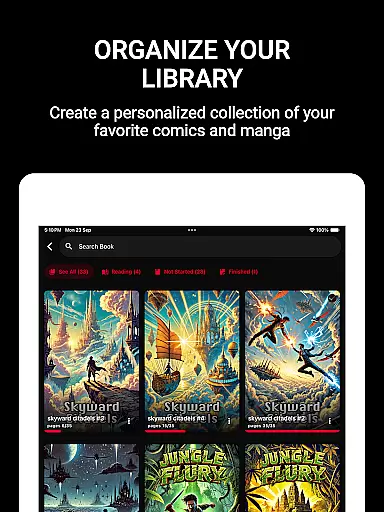
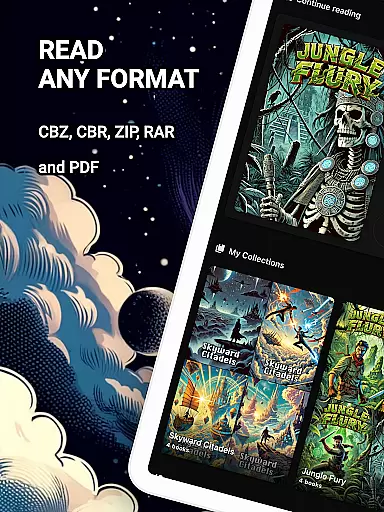
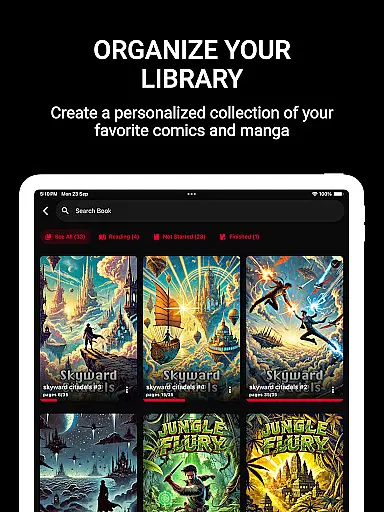
ComiQuest stands out with its robust support for multiple comic file formats including CBR, CBZ, and PDF. This eliminates the hassle of converting files before reading, making it convenient for users to access their entire library in one place. The app's intuitive interface allows easy sorting and organizing of comics into personalized collections, catering to different types of readers—from graphic novel enthusiasts to manga lovers.
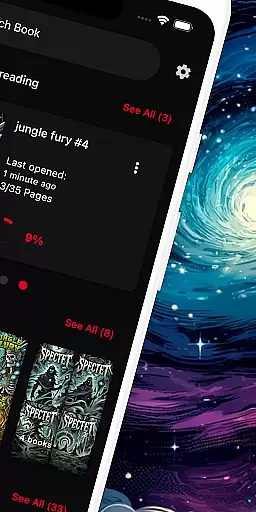
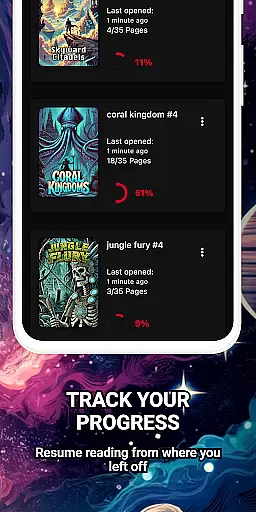
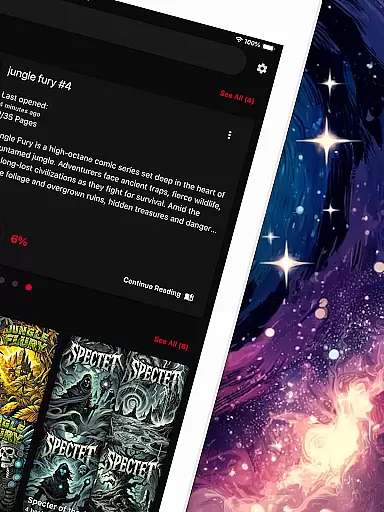
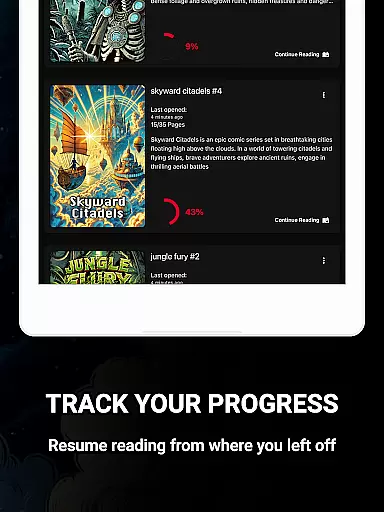
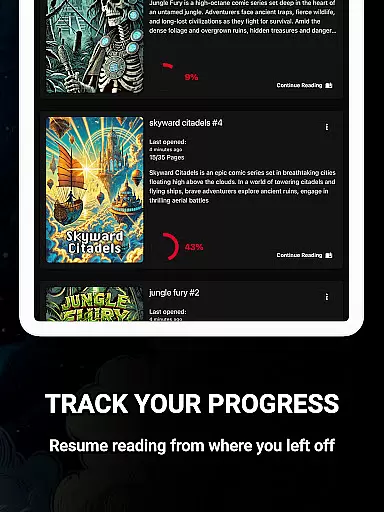
A key highlight is the automatic tracking of reading progress across all titles and formats, enabling users to pick up exactly where they left off. Furthermore, ComiQuest offers premium features like unlimited imports and custom collections, along with continuous updates that enhance functionality over time. With its commitment to providing a distraction-free environment through an ad-free design, ComiQuest ensures that nothing comes between you and your comics.
ComiQuest offers an extensive comic library that supports multiple formats including CBR, CBZ, and PDF. This ensures users can access a wide variety of comic book types without the need for conversion or additional apps.
The app allows seamless import of files from local storage or USB drives, making it easy to expand your digital collection. Whether you're a fan of graphic novels, manga, or webtoons, ComiQuest provides a centralized platform to store and enjoy all your favorite titles.
With unlimited imports available through the premium version, users can continuously grow their library with no restrictions. The automatic reading progress tracking feature ensures that managing large collections is effortless, allowing readers to jump back into any title right where they left off.
ComiQuest places a strong emphasis on content authenticity by ensuring that all supported file formats retain their original quality and metadata. This guarantees that users experience comics exactly as intended by the creators.
While the app doesn't directly handle licensing, it provides tools for organizing legally acquired collections. Users can sort their imported comics into custom collections, maintaining a personal library that respects copyright laws.
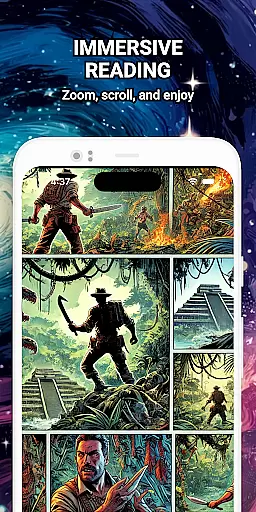
The ad-free reading experience further enhances the legitimacy of content consumption, offering a clean interface that focuses solely on the comics themselves. With experimental features like the blue light filter, ComiQuest ensures that readers can enjoy authentic content while taking care of their eye health.
User-friendly interface
Multiple format support
Automatic progress tracking
Ad-free experience
Customizable collections
Premium features locked
Limited free imports
Experimental eye comfort mode
No cloud sync
USB import only

Alpha Manga is a Japanese manga app where you can read isekai manga.
 4.10
4.10
Draw the comics with glow brushes! Easy and relax!
4.40
Read manga, comics, and manhwa
4.0
Goat sound simulator. This app makes for fun.
4.5
Webtoons, comics, web novels, and e-books are all here! RIDI, my own space to enjoy stories
4.30
Pocket Toons: Free Webtoons, Comics, & Manga - New Chapter Drops Everyday
4.30
The most powerful and fast image/comics viewer.
4.10
Toomics is a premium comic service with every genre for all readers to enjoy!
4.00
Read official webcomics, webtoons, Korean manga & webnovels
3.70
Official from Japan
4.80
The most popular comic book reader.
4.80
File management and show images, comics and pictures in compressed cbr, pdf file
4.70
Manga reader for manga, manhua, manhwa & webtoon, online & offline, update daily
4.50
A gathering place for a massive collection of genuine comics.
4.50
The largest manga, comics, and manhwa community with millions of fans!
4.50
Manga Reader for Comics, Webtoons & Manhwa. Read Mangas, Chat Stories and Novel.
4.30
Kodansha official Manga app
4.30
The anime tv for fans Sud and Dub
4.20
from HipComic: Value Your Comic Book Collection with Just the Snap of a Photo.
3.80


User Reviews