
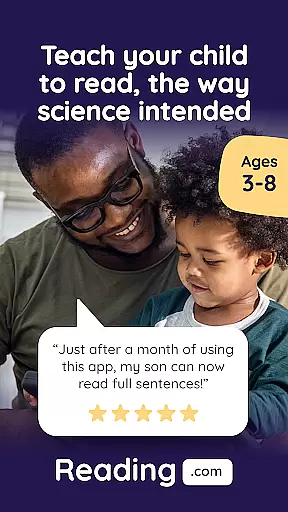
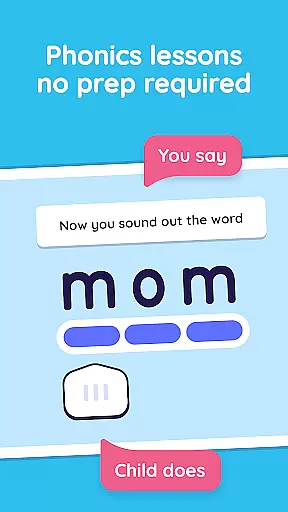
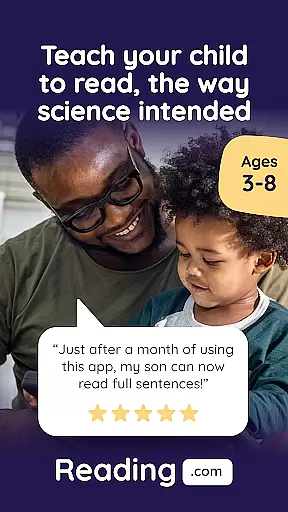
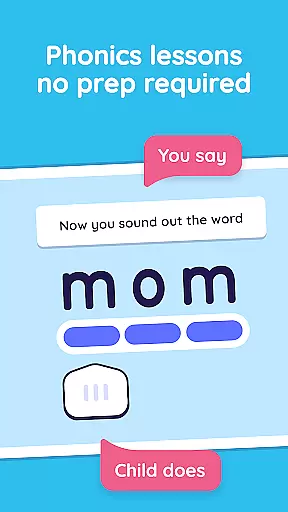
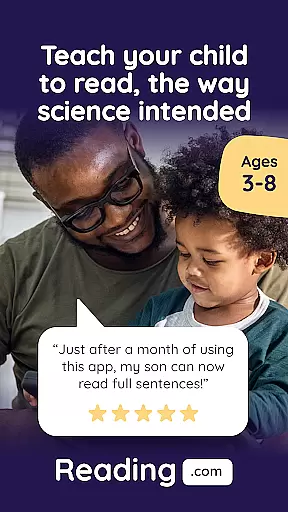
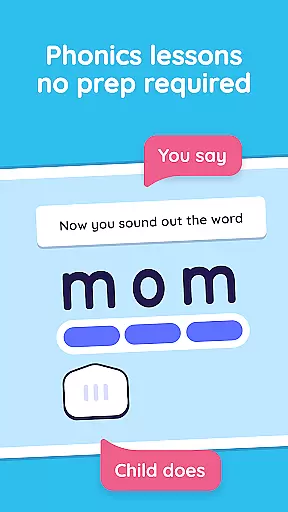
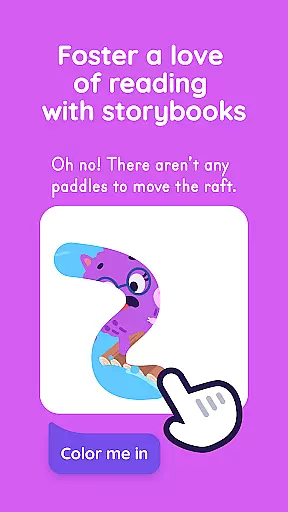

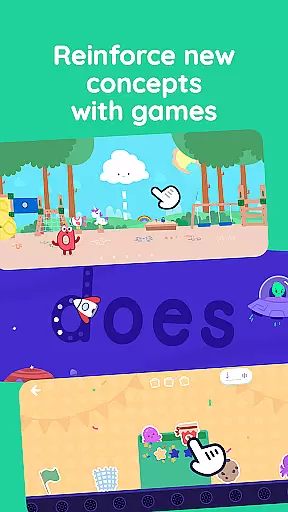
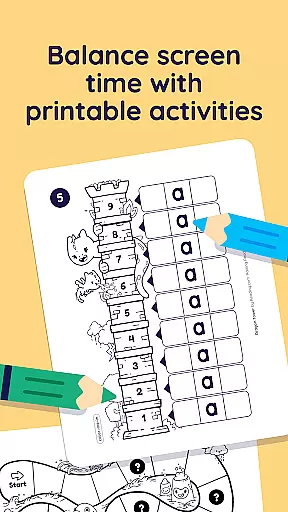
Learn to Read is an innovative educational app designed specifically for young learners and their parents. Developed by Teaching.com, this phonics-based reading program helps children in preschool through first grade develop essential reading skills. The app features 99 step-by-step phonics lessons that are fully scripted, making it easy for parents to guide their children without requiring specialized knowledge. Each lesson takes just 15-20 minutes, allowing families to progress at their own pace while building a strong foundation in letter recognition, blending, and decoding.
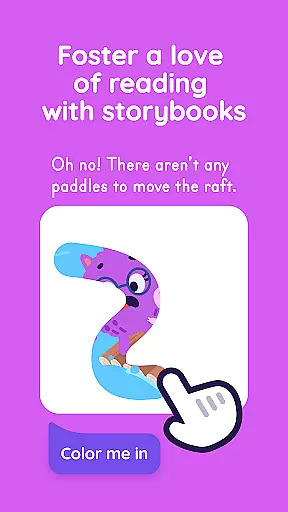
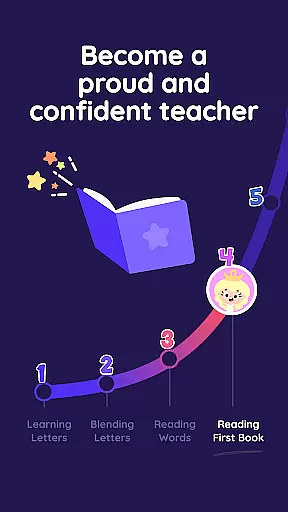
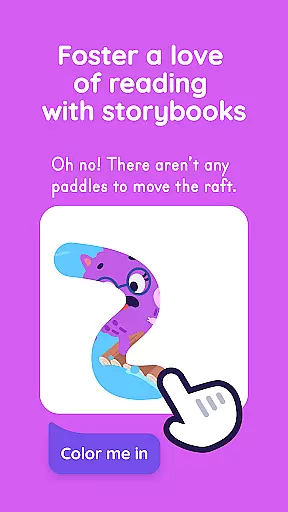
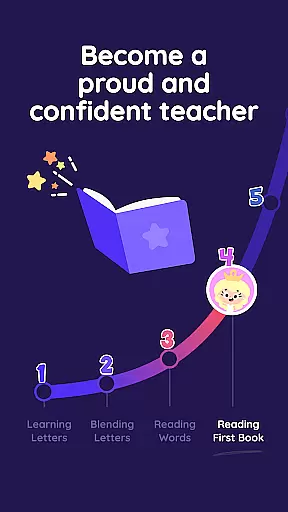
The app's unique co-play design encourages parental involvement, which research shows makes children 19 times more likely to learn effectively. As kids master new concepts, they unlock interactive books, videos, reading games, and printable activities. By lesson 10, children will be reading their first book, progressing from basic alphabet knowledge to reading at a late first-grade level. With its comprehensive approach and engaging content, Learn to Read creates a meaningful learning experience that fosters a lifelong love of reading.
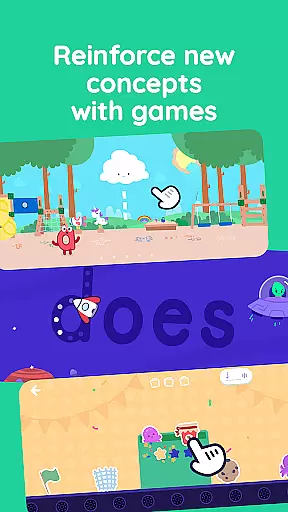
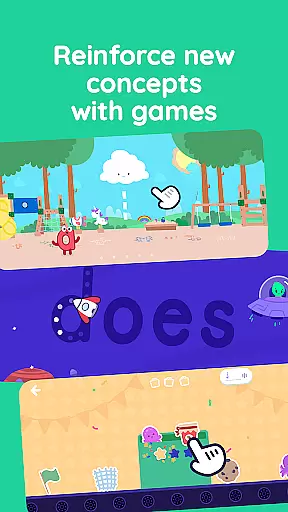
Learn to Read offers an impressive array of features designed to make learning both effective and enjoyable. The app includes 60 decodable digital books and 42 educational videos featuring letters, sounds, and an exclusive alphabet song. Three expertly-designed reading games allow independent practice in crucial areas such as letter recognition, phoneme correlation, and vocabulary building. The app also provides access to printable activities for offline reinforcement, ensuring continuous learning opportunities.
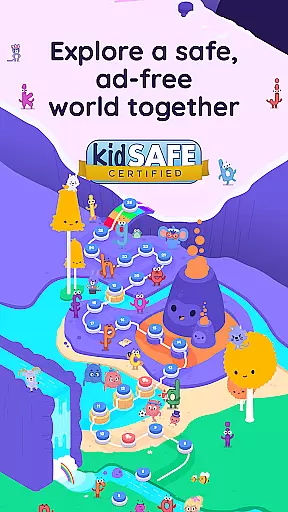
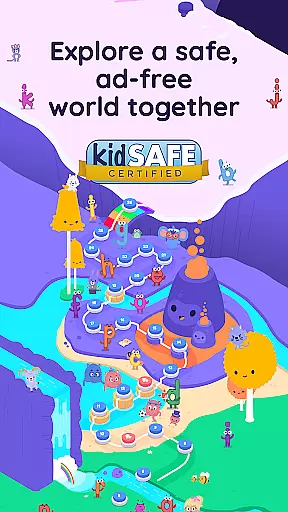
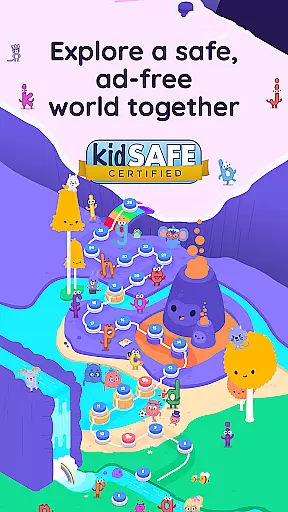
One of the app's standout features is its structured progression system. Lessons systematically cover letters, blends, vowel sounds, and digraphs, advancing students from basic letter recognition to advanced decoding skills. The app supports up to three child profiles per subscription, making it ideal for families with multiple young learners. All content is carefully crafted by education experts and presented in an ad-free environment, ensuring focused learning sessions. This comprehensive feature set, combined with its research-backed methodology, makes Learn to Read an exceptional tool for early literacy development.
In the realm of education, particularly for foundational skills like reading, content accuracy is paramount. Reading.com offers a research-backed phonics program meticulously designed by education experts. This ensures that each lesson is not only engaging but also pedagogically sound and aligned with proven teaching methodologies.
The app provides 99 step-by-step phonics lessons, covering essential reading components such as letter recognition, blending, and advanced decoding. These lessons are fully scripted, meaning parents don't need any special training to guide their children effectively. The structured progression from basic alphabetic knowledge to more complex reading skills at a late 1st grade/early 2nd grade level demonstrates the depth and precision of the educational content.
With features like 60 decodable interactive books, 42 educational videos, and three expertly-designed reading games, the platform reinforces learning through varied and reliable resources. This multifaceted approach supports different learning styles, ensuring comprehensive understanding and retention.
By emphasizing accurate and authoritative content, Reading.com equips parents with the tools necessary to foster a robust reading foundation in their children, ultimately promoting lifelong literacy and a love for reading.
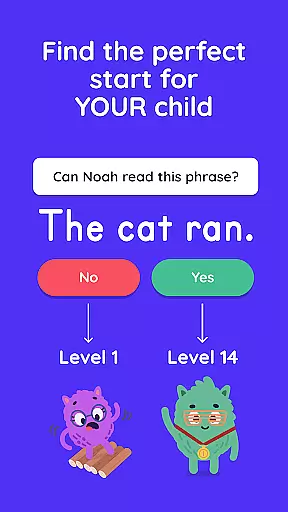
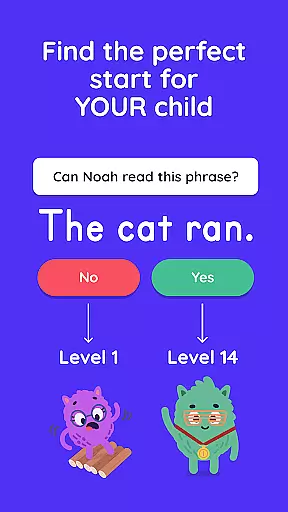
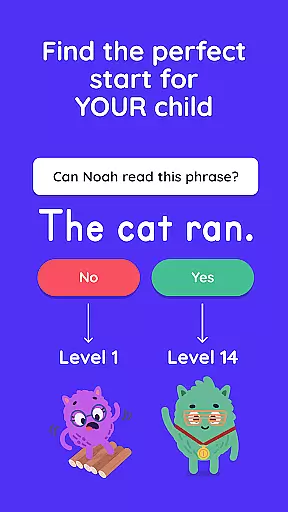
Every child's learning journey is unique, and personalized learning paths are crucial for effective education. Reading.com addresses this by offering tailored experiences that adapt to each child's pace and progress. The app includes up to three kid profiles per subscription, allowing families to customize learning trajectories for each child.
Structured in five detailed phases, from learning letters to achieving reading fluency, the app guides children through a personalized development process. As kids master letters, sounds, and words, they unlock interactive books, videos, and games that align with their current skill levels. This system ensures that each child remains engaged and challenged appropriately.
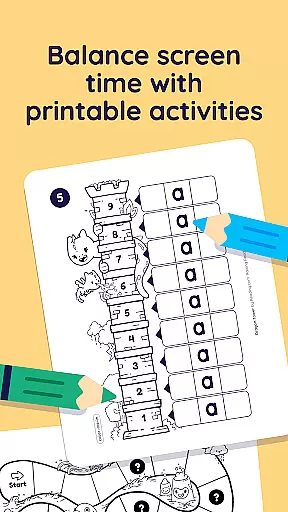
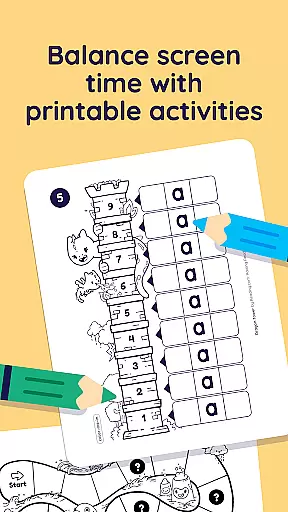
Moreover, the app incorporates printable activities and offline reinforcement options, providing flexibility in learning environments. Parents can actively participate in their child's education, thanks to simple guided instructions that make it easy to support individual learning needs.
By integrating personalized learning paths, Reading.com empowers children to develop confidence and competence in reading at their own speed, making the educational experience both effective and enjoyable.
User-friendly interface
Comprehensive curriculum
Parent-child co-learning
Progressive skill-building
Ad-free environment
Subscription required
Limited to early grades
No advanced levels
Internet connection needed
Premium pricing

Short Lessons for Better Finances, Health, Skills, Jobs & Relationships.
 4.80
4.80
Astronomy Guide to the Night Sky
4.40
Welcome to the Speak Navajo Language Application - Volume 1
4.50
Skelly is a fully poseable, anatomically correct reference skeleton for artists.
4.10
Hasbro's Classic Board Game - Make Cavity Sam better or get the buzzer!
3.50
A collection of favorite stories from Daniel Tiger's Neighborhood
2.00
Discover Your Place in the Universe
4.70
Learn & Speak New Languages
4.70
Snap a dog photo to identify its breed instantly. Fast, accurate and easy to use
3.40
Age-Related Child Developmental Milestones
4.80
Guitar chord finder, analyzer, smartly visualized theory, progressions, quizzes.
4.70
Intuitive Transformer Lab - By a Lineman, For Linemen & Apprentices
4.50
The Fighter Verses Bible memory system helps you memorize God's Word.
4.50
Study for your 608 certification.
4.50
School Communication
4.30
Master note reading with StaffWars….
4.00
An aviator’s preparation, study and test tool for FAA Knowledge Exams.
3.90
The official CCM Glossary app, including 700+ terms and definitions.
2.90
AR planetarium app that brings the solar system to you via XREAL Glasses.
4.3


User Reviews