
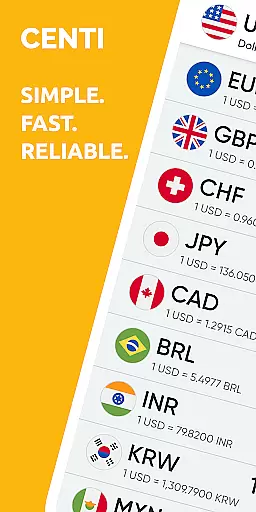
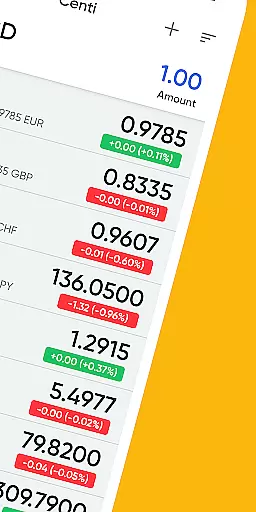
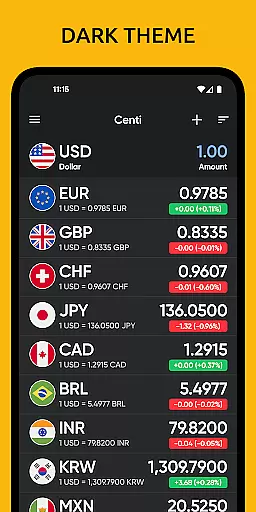
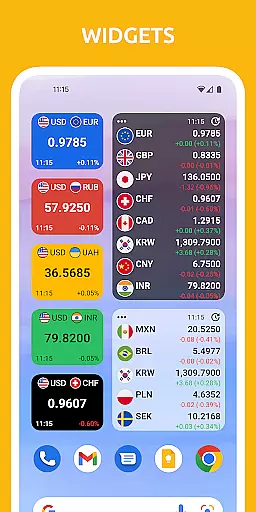
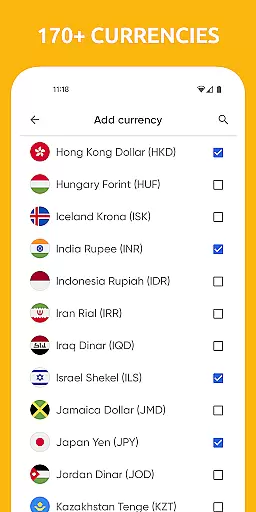
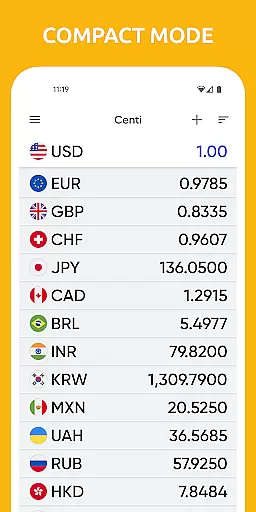
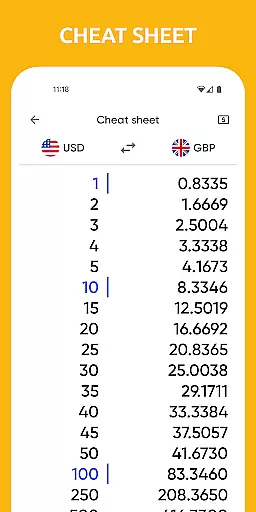
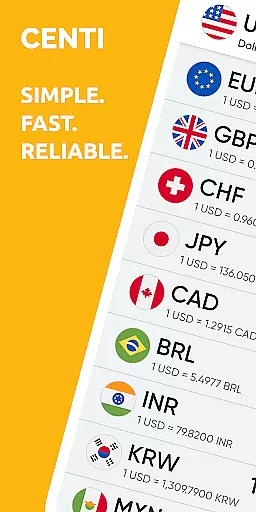
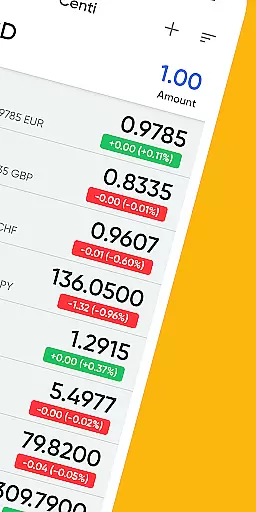
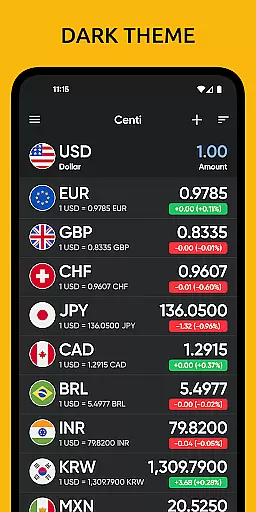
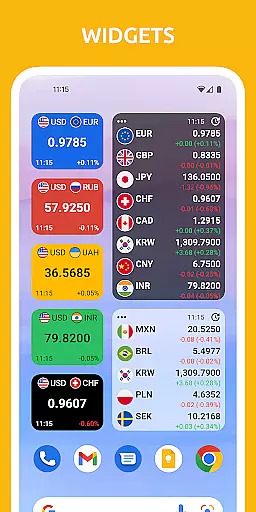
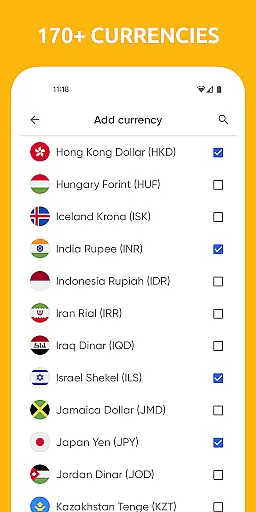
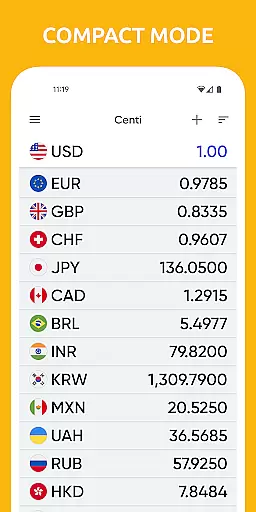
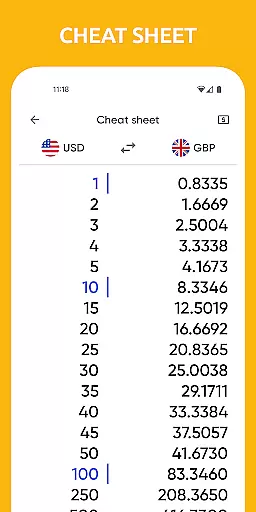
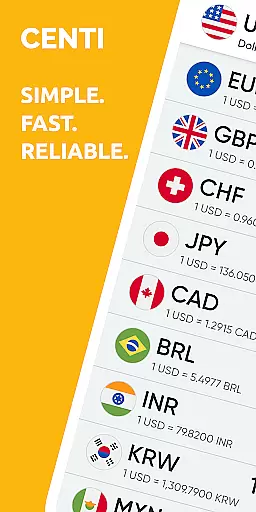
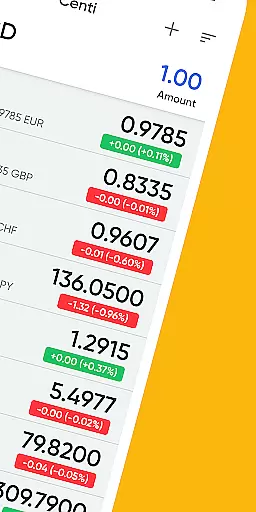
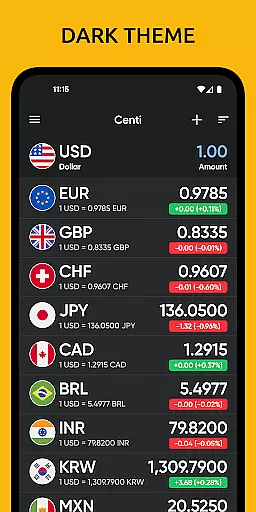
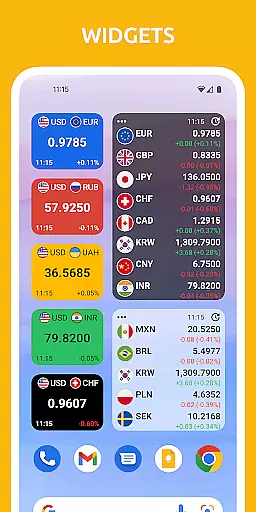
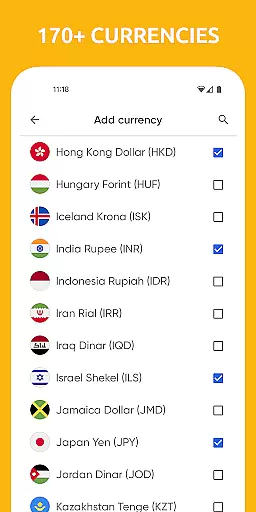
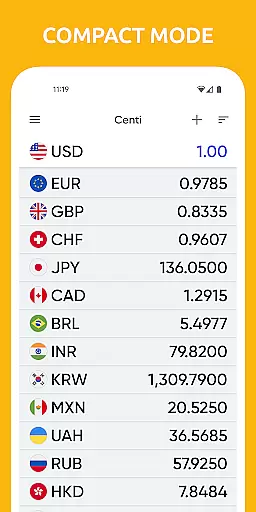
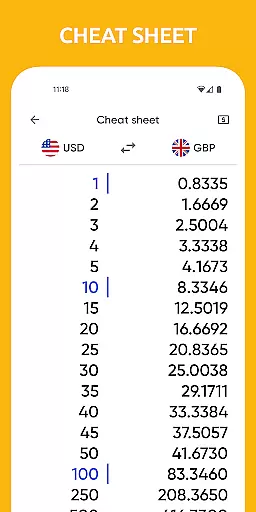
Centi PRO is a premium currency converter app designed for users who require accurate and up-to-date exchange rate information without interruptions from advertisements. Supporting over 170 currencies, this app offers an ad-free experience with advanced features such as offline functionality, customizable widgets, and historical currency charts. Its user-friendly interface ensures quick access to essential conversions, making it ideal for travelers and finance professionals alike.
One of the standout features of Centi PRO is its ability to function offline by storing the last updated exchange rates, ensuring that users can make conversions even without an internet connection. Additionally, the app allows users to create custom currencies and personalize settings like Wi-Fi-only updates and night themes. Powered by Yahoo! Finance API, Centi PRO provides reliable data trusted by millions worldwide, while its efficient design optimizes battery use by avoiding background services.
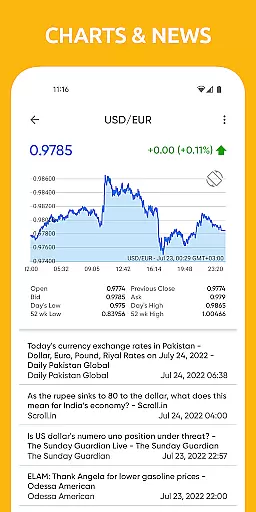
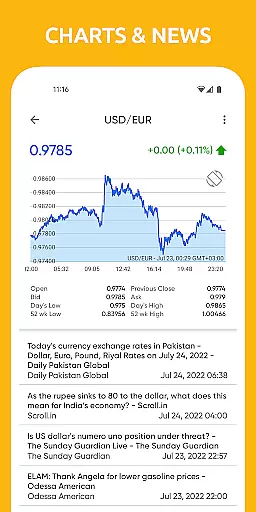
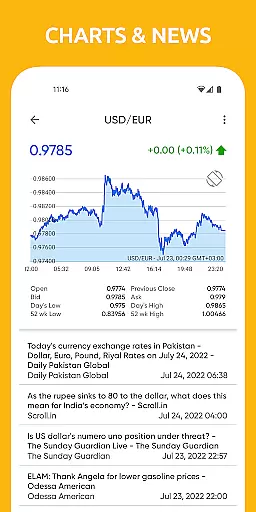
Centi PRO stands out with its comprehensive set of features tailored for both casual users and finance enthusiasts. The app supports over 170 currencies, including precious metals like Gold Ounces (XAU) and Silver Ounces (XAG), offering unparalleled versatility. Users can view historical currency charts for any two currencies, with options ranging from 1-day to 5-year intervals, providing valuable insights into market trends.
The app's personalization options are extensive, allowing users to tailor their experience through features like night mode, Wi-Fi-only data downloads, and adjustable update frequencies. With no background data usage, Centi PRO ensures optimal battery performance while still delivering real-time exchange rates. Furthermore, the app's widget support and ability to copy calculation results enhance productivity, making it an indispensable tool for anyone dealing with foreign currencies.
When it comes to financial applications, security is paramount. Centi PRO - Currency Converter ensures account and fund security through various means. The app does not run background services or download data unless in use, which optimizes battery usage and minimizes potential security risks.
The exchange rates are cached locally when you have an internet connection, allowing the app to function securely without an internet link. This means that your data stays on your device and is not transmitted unnecessarily, enhancing privacy.
Furthermore, the app provides up-to-date exchange rate information for over 170+ currencies, ensuring that users always have the most accurate and secure transaction environment. With no background data download, users can be confident that their financial information remains confidential and secure.
A seamless transaction experience is at the core of Centi PRO - Currency Converter's design. It offers a simple interface with quick access to currency conversions, making it ideal for travelers and those monitoring foreign markets. Its efficiency saves time and boosts productivity.
Users can convert over 170+ currencies with ease, add custom currencies, and view historical charts. These features provide a comprehensive and user-friendly transaction experience that caters to both casual users and professionals.
Additionally, the app updates exchange rates on demand or automatically at intervals ranging from 1 hour to 1 day. This ensures that users receive real-time notifications and have access to the latest transaction history, further enhancing the overall transaction experience.
Ad-free experience
Offline functionality
Customizable settings
Historical charts
Wide currency range
Premium price tag
No live chat support
Limited design themes
Occasional sync delays
Yahoo dependency

Manage your account, make a payment, and redeem your rewards on the go.
 4.50
4.50
Expenses, Bills, Budget and Accounts - All seamlessly integrated in one app!
3.80
The simplest way to budget, bank, save and invest.
4.50
Car Insurance Made For You.
4.50
Banking, Budgeting & Investing
4.60
Keep track of your subscriptions with no limitations
4.80
SuperQi, Your all-in-one Super App.
1.30
Our Chase Mobile App makes it easy for you to bank on the go 24/7.
4.60
The PayPal app is the secure way to send and receive money, shop and pay in 4.
4.20
The Citi Mobile® App lets you manage your accounts virtually anytime, anywhere
4.80
Check EBT, SNAP, WIC balances, manage food stamps, and save money with benefits
4.80
Wells Fargo Mobile allows you to access your investment and bank accounts.
4.80
Cash Advance, Credit Cards, Credit Lines, Score Monitoring, Saving, Budgeting
4.70
Over 180 currencies conversion rates with live exchange rates and offline mode.
4.60
Read and extract public data on NFC Contactless banking card (VISA, MasterCard
4.30
BTC, Crypto, Stocks & Options.
4.20
Make your paycheck work harder for you with Perpay.
4.10
View BSC Transactions for multiple accounts
3.90
Retirement plan, IRA, retail and HSA customers serviced by Empower.
3.10


User Reviews