

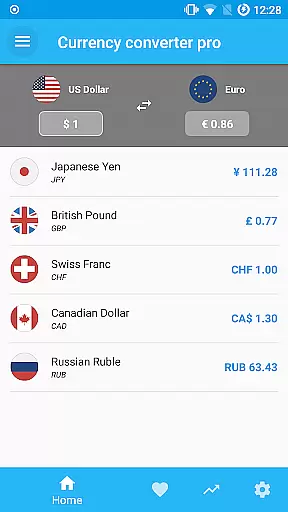


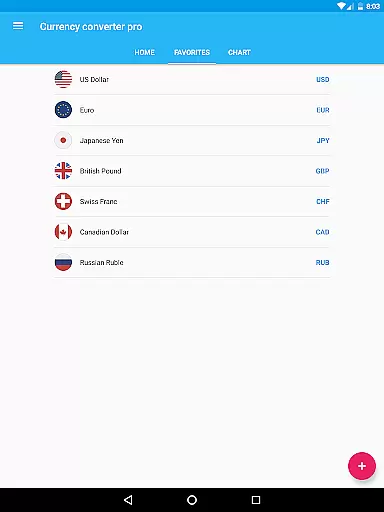
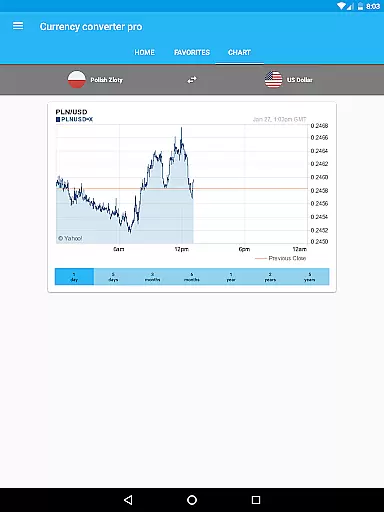

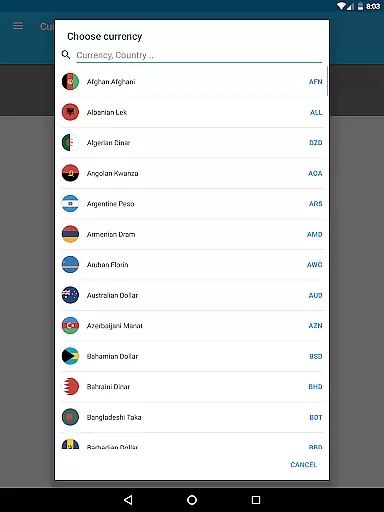
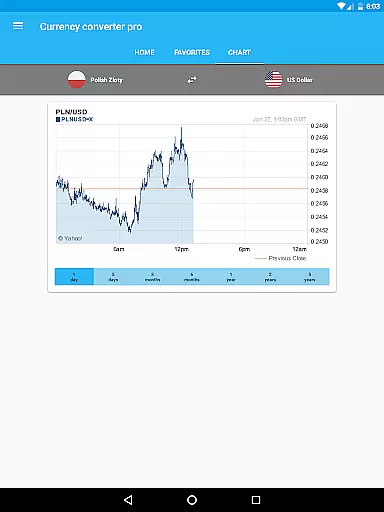
Currency Converter Pro is a comprehensive finance application designed for effortless currency conversion across over 180 global currencies, including popular cryptocurrencies like Bitcoin and Ethereum. The app stands out with its offline functionality, ensuring users can access updated exchange rates without an internet connection.
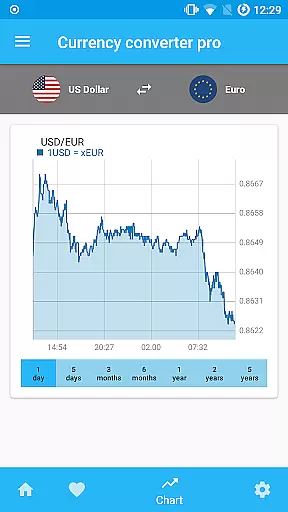
With a sleek material design interface, the app offers both live and historical exchange rate data, interactive charts spanning up to five years, and customizable widgets for tracking favorite currencies. Whether you're a frequent traveler or involved in international trade, this tool provides reliable financial data at your fingertips.
The app boasts several standout features that cater to both casual users and finance professionals. Its quick update system ensures exchange rates are consistently refreshed, providing accurate conversions. The offline mode allows users to access previously saved rates, eliminating roaming fees and connectivity issues.
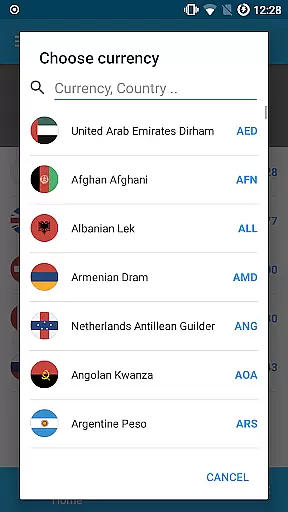
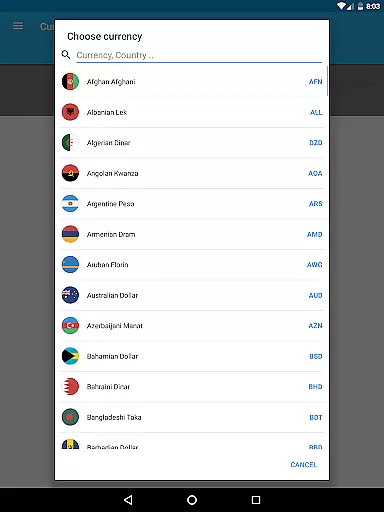
Additional functionalities include an intuitive search feature for adding new currencies by country name, interactive historical charts for in-depth analysis, and a user-friendly widget for easy access to frequently used conversions. The absence of ads enhances the overall user experience, making it a premium choice for currency conversion needs.
When it comes to financial applications, security is paramount. Currency Converter Pro ensures the safety of user data through regular updates and secure offline functionality. The app stores exchange rate data locally on the device, which means sensitive information never leaves the user's control.
The absence of ads not only enhances user experience but also reduces potential security risks associated with third-party advertisements. This approach guarantees that users can convert currency values without exposing themselves to unwanted tracking or malicious content.
Furthermore, the app employs a robust update mechanism that keeps exchange rates current while maintaining data integrity. Users can trust that their conversions are based on the most accurate and reliable information available, whether they're online or using the app in offline mode.
Currency Converter Pro offers an exceptional transaction experience by providing quick access to over 180 currencies and popular cryptocurrencies. The customizable widget allows users to monitor their favorite currencies effortlessly, making frequent conversions seamless and efficient.
With its user-friendly interface and material design, the application simplifies the process of converting amounts between different currencies. Users can easily search for specific currencies by country name and add them to their personal favorites list for even faster access in the future.
The app's offline mode ensures uninterrupted service, allowing users to perform conversions without internet access. This feature is particularly valuable when traveling or in areas with limited connectivity, ensuring that users always have access to the latest exchange rates stored during the last update.
Offline functionality
Updated exchange rates
User-friendly interface
No ads
Wide currency coverage
Premium version cost
Limited advanced tools
Occasional update delays
Basic chart options
Regional restrictions

The all-in-one app to save, earn, travel, and put more money in your pocket
 4.50
4.50
Get a cash advance instantly. File taxes & cover unexpected bills in minutes.
4.60
Put crypto to work & earn rewards. Stake crypto like Ethereum, Solana & Cardano
4.40
Mine Bitcoin in the cloud! Earn BTC daily with high-speed mining power.
4.30
Easy budgeting planning on a calendar!
4.80
All expenses at a glance.
4.80
Amazing Financial Calculator. Based on HP 10bII, but easier to use!
4.40
Venmo is the fun and easy way to pay and get paid.
4.10
Banking with no monthly fees, fee-free overdraft, and early payday.
4.70
Secure, simple money transfer app. Send money to Mexico and worldwide fast.
4.80
Your Big Financial Friend
4.70
Military retirement pay estimation calculator
4.70
Navigate your unique financial path confidently with help from Credit Karma.
4.70
Debt pay off. Build credit history. AI budget tool. Loan offers.
4.60
Early payday & cash advances with no-fee mobile banking!
4.60
Real-time tracking: Stocks, Indices, Futures, Commodities, ETF, & Funds prices.
4.60
Manage budget, save money, or file tax. Build, track & improve your credit score
4.40
The PayPal app is the secure way to send and receive money, shop and pay in 4.
4.20
Retirement plan, IRA, retail and HSA customers serviced by Empower.
3.10


User Reviews