
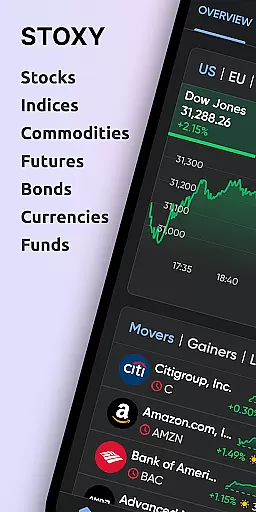

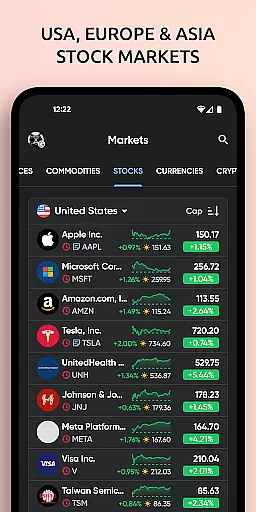
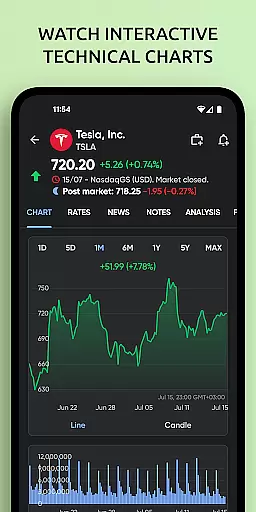

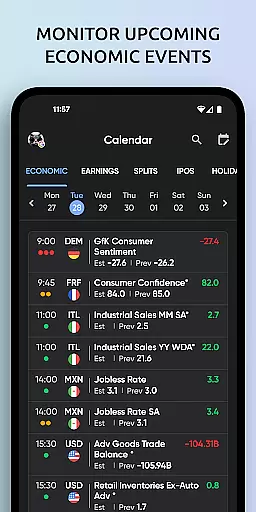
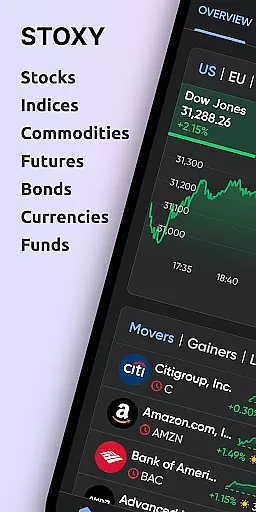
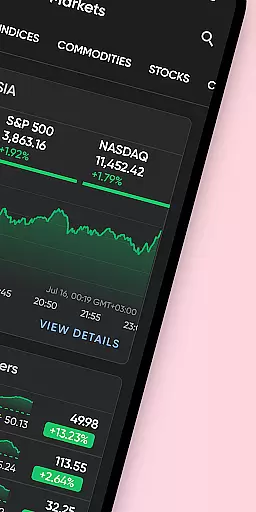
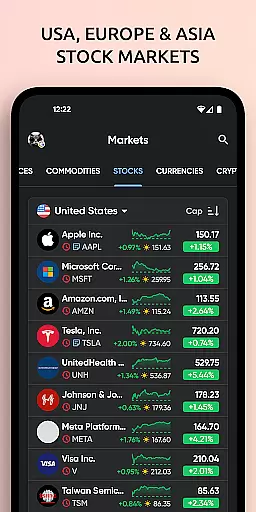

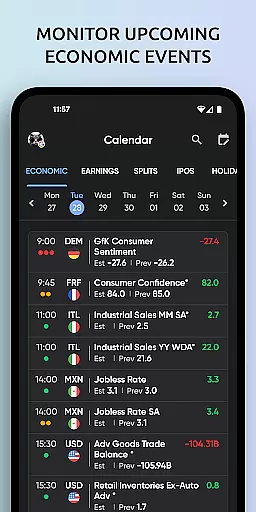
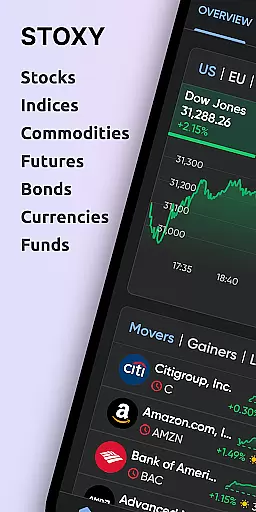
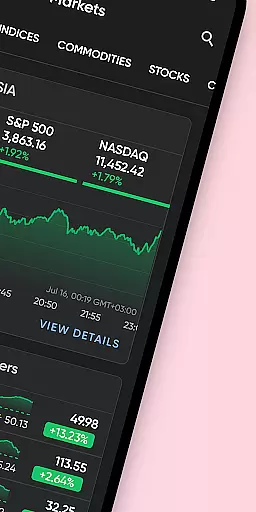
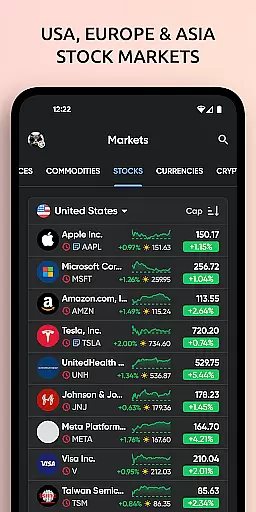
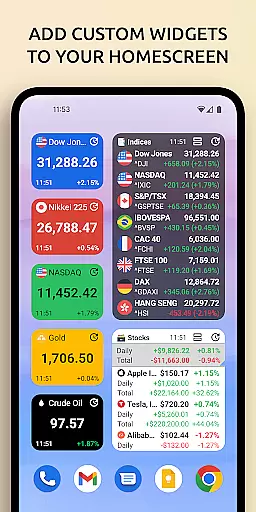
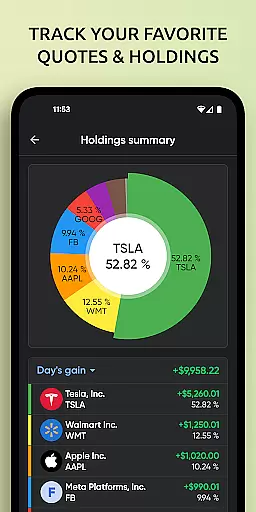
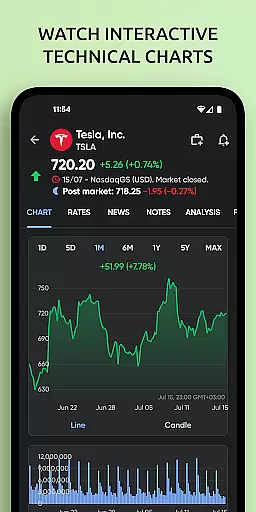

Stoxy PRO is a comprehensive stock market tracking and investment management application designed for both novice and experienced investors. The app provides real-time data from over 50 global exchanges, including major ones like NYSE and NASDAQ, allowing users to monitor stocks, ETFs, commodities, futures, mutual funds, bonds, and cryptocurrencies all in one place. With its powerful analytics tools, users can visualize portfolio performance through dynamic charts and graphs, set personalized alerts for price changes, and access curated financial news.
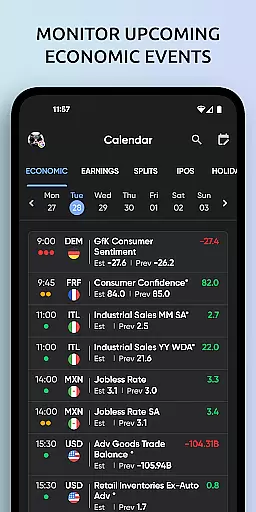
The application stands out with advanced features such as stock screeners, dividend calendars, and market breadth indicators. These tools enable users to discover new investment opportunities, stay informed about upcoming dividends and IPOs, and gauge overall market sentiment. Additionally, Stoxy PRO offers seamless cloud sync across devices and an optional premium subscription for an ad-free experience with enhanced features. Whether you're tracking major world indices or monitoring Bitcoin and altcoins, Stoxy PRO equips you with the necessary tools to make informed investment decisions.
Stoxy PRO boasts an impressive array of features that cater to the needs of modern investors. One of its key strengths is the provision of real-time data from more than 50 global exchanges, enabling users to track live stock prices, world indices, commodities, futures, and currencies. This extensive coverage ensures that users have a holistic view of the financial markets at their fingertips. The app also includes advanced stock screeners that allow filtering based on industry, country, and market cap, helping investors identify potential opportunities efficiently.
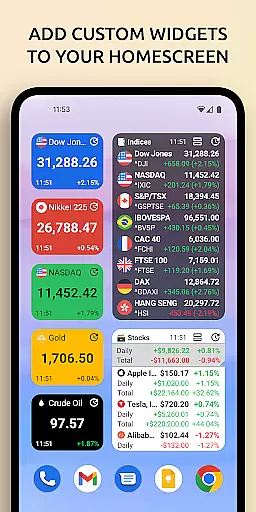
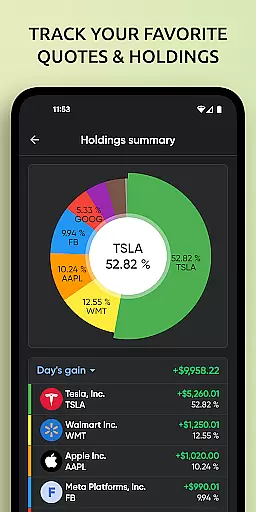
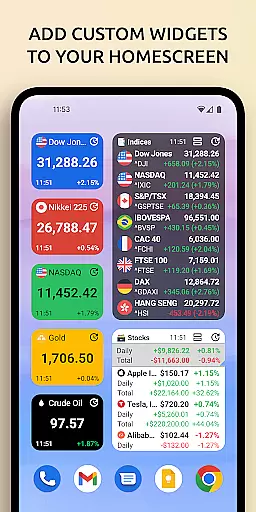
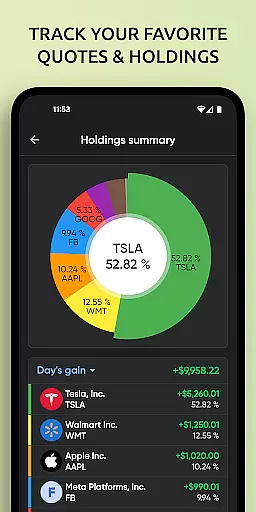
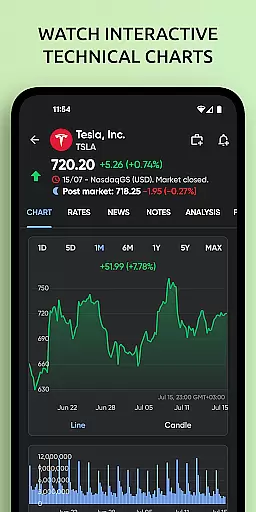
Another standout feature is the ability to manage a comprehensive portfolio that includes various asset classes such as stocks, ETFs, commodities, futures, mutual funds, bonds, and cryptocurrencies. Users can analyze their portfolio's performance with interactive charts and graphs, receive custom alerts and notifications, and stay updated with curated financial news. Furthermore, Stoxy PRO supports home screen widgets and cloud sync functionality, ensuring that critical information is always accessible and up-to-date across all devices. These robust features collectively enhance the user's ability to track investments effectively and make timely decisions.
When it comes to managing investments, security is paramount. Stoxy PRO ensures the safety of your financial data through advanced encryption protocols and secure authentication methods. The app employs industry-standard security measures to protect user information and transaction details from unauthorized access.
The application's security framework includes multi-factor authentication, biometric login options, and real-time fraud monitoring. These features work together to create a robust defense against potential threats. Additionally, all data transmissions between the app and servers are encrypted using the latest cryptographic standards.
For users, this means peace of mind knowing that their portfolio details, personal information, and financial transactions are safeguarded. The app also provides clear privacy policies and offers users control over their data sharing preferences. With these comprehensive security measures in place, investors can focus on their financial goals without worrying about data breaches.
Stoxy PRO's commitment to security extends beyond just technical implementations. The development team regularly updates the app to address emerging security challenges and conducts routine audits to ensure compliance with international data protection regulations. This dedication to maintaining top-tier security standards makes Stoxy PRO a trustworthy choice for investment management.
A seamless transaction experience is crucial for effective investment management. Stoxy PRO excels in providing users with smooth and intuitive transaction capabilities. The app supports real-time trading across 50+ global exchanges, allowing investors to execute buy and sell orders instantly from their mobile devices.
Each transaction is processed with maximum efficiency, ensuring that users never miss critical market movements. The interface is designed to make trading accessible even for beginners, while still offering advanced tools for experienced traders. Features like one-click trading, customizable order types, and detailed trade confirmations enhance the overall transaction process.
Users benefit from instant notifications about their transaction status, including order fills, partial executions, and any relevant market updates. The app maintains a comprehensive transaction history, enabling investors to track their trading activity and analyze performance over time. This level of transparency helps users make more informed investment decisions.
Stoxy PRO's transaction system is integrated with its powerful analytics engine, providing immediate feedback on how each trade impacts portfolio performance. The app also supports various asset classes, from traditional stocks and bonds to modern cryptocurrencies, all within a unified trading environment. This comprehensive approach to transaction management sets Stoxy PRO apart as a versatile investment tool.
User-friendly interface
Real-time data updates
Comprehensive asset coverage
Advanced analytics tools
Customizable alerts
Premium subscription required
Occasional data delays
Limited free features
High learning curve
Ads in free version

Bank better with our new app
 3.80
3.80
Bill Manager is a simple app to help you keep track of your upcoming bills.
4.2
The Citi Mobile® App lets you manage your accounts virtually anytime, anywhere
4.80
Check EBT, SNAP, WIC balances, manage food stamps, and save money with benefits
4.80
StockTiles lets you view prices & charts of your favorite stock assets
2.30
Access State Farm accounts, policies, ID cards and more
4.60
Trade NFL, NBA, Crypto, Tech
4.50
Banking with no monthly fees, fee-free overdraft, and early payday.
4.70
Pay, bank & build credit.
4.70
Early payday cash advance up to $150 a day with a max of $1,000 per pay period
4.70
Cash Advance, Credit Cards, Credit Lines, Score Monitoring, Saving, Budgeting
4.70
Payday cash advance & Instant cash advance: Borrow money instantly, Get cash now
4.60
The US Debt Clock .org App gives you a Real-Time glimpse of US Financial Stats
4.60
Manage your account, make a payment, and redeem your rewards on the go.
4.50
The simplest way to budget, bank, save and invest.
4.50
Make Real Cash by Playing Games! Fetch Playful Rewards, Win & Triumph
4.50
Amazing Financial Calculator. Based on HP 10bII, but easier to use!
4.40
BTC, Crypto, Stocks & Options.
4.20
The PayPal app is the secure way to send and receive money, shop and pay in 4.
4.20


User Reviews