
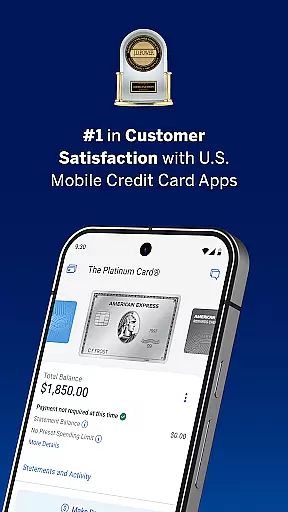
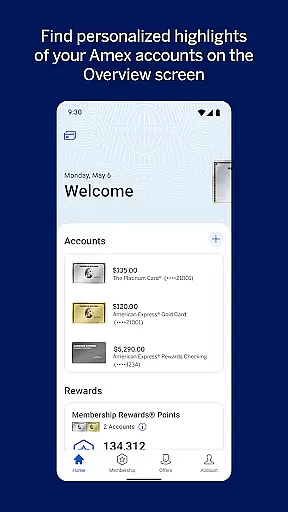

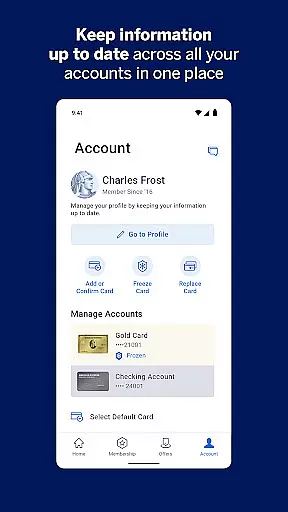
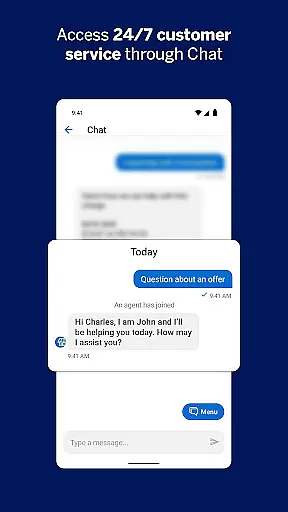
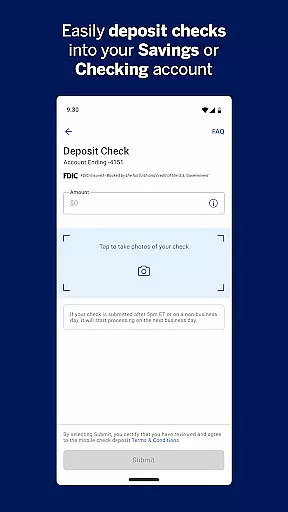
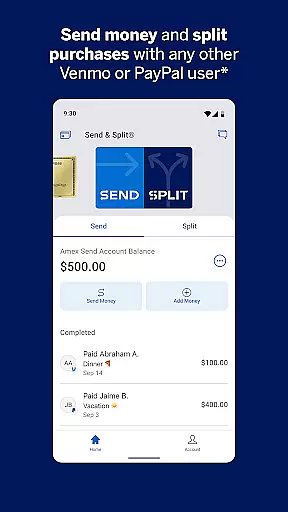
The American Express App for Android is a comprehensive financial management tool that allows users to securely access their account information from anywhere. With features like biometric login, real-time alerts, and enhanced account activation, the app provides a secure and convenient way to manage your finances.
Users can track spending, view rewards balances, and explore personalized offers. The app also supports paperless statements, AutoPay functionality, and instant card freezing, making it an essential tool for American Express cardholders who want to stay on top of their financial activities while enjoying the benefits of digital convenience.
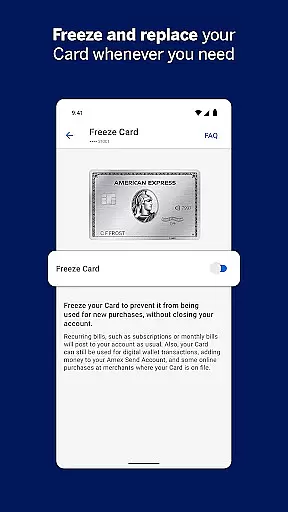
The Amex App stands out with its robust set of features designed to enhance user experience and security. One key feature is the ability to activate Credit Cards for Google Pay directly within the app, allowing for seamless contactless payments. Additionally, users can instantly freeze and unfreeze their cards, providing peace of mind in case of loss or theft.
Another notable feature is the real-time transaction tracking and filtering capabilities. Users can sort charges by amount and date, check spending power for expected purchases, and receive instant fraud alerts. These features not only help users manage their finances more effectively but also provide an extra layer of protection against unauthorized transactions.
In the realm of digital finance, security stands as a paramount concern for users. The Amex app addresses this with robust features designed to protect user accounts and funds. Biometric login on supported devices ensures that access is both swift and secure, minimizing unauthorized entry risks.
Card management capabilities further enhance security. Users can instantly freeze and unfreeze their credit cards at any time, providing immediate control over card usage. This feature proves invaluable in scenarios where a card might be lost or stolen, allowing users to prevent fraudulent transactions promptly.
The app also incorporates real-time alerts for suspicious activities and purchase notifications. These alerts keep users informed about account activities, enabling them to respond quickly to potential fraud. Such proactive measures significantly bolster account protection, offering peace of mind to users who rely on their mobile devices for financial management.
A seamless transaction experience is crucial for maintaining user satisfaction in financial applications. The Amex app excels in this area by providing comprehensive tools for managing transactions efficiently. Users can check their account balance, review pending transactions, and sort charges by amount and date, ensuring they maintain a clear overview of their financial activities.
For added convenience, the app supports paperless access to past PDF statements and offers an AutoPay feature that automatically pays the Amex bill from the user's bank account each month. These functionalities streamline financial management, reducing manual tasks and enhancing overall user experience.
Moreover, the app includes innovative features like checking spending power, which allows users to enter an expected purchase amount and see if it will be approved based on their current account status. This empowers users to make informed decisions before committing to purchases. Additionally, filtering transactions helps users understand spending patterns across different cards, promoting better financial awareness and control.
User-friendly interface
Secure biometric login
Instant card controls
Real-time alerts
Reward optimization tools
Limited to American Express users
Device compatibility issues
Occasional syncing delays
No support for prepaid cards
Geographical restrictions

Earn cash & save money daily. Access instant cash advances* - no credit check!
 4.50
4.50
Retirement plan, IRA, retail and HSA customers serviced by Empower.
3.10
The simplest way to budget, bank, save and invest.
4.50
Your insurance, anytime, anywhere
4.00
The Citi Mobile® App lets you manage your accounts virtually anytime, anywhere
4.80
Real-time tracking: Stocks, Indices, Futures, Commodities, ETF, & Funds prices.
4.60
Military retirement pay estimation calculator
4.70
Manage budget, save money, or file tax. Build, track & improve your credit score
4.40
Join 12M+ users. Instant cash advances, personal loans, build credit, save money
4.80
Currency Converter, Exchange Rates, Widgets
4.90
Wells Fargo Mobile allows you to access your investment and bank accounts.
4.80
Early payday cash advance up to $150 a day with a max of $1,000 per pay period
4.70
Easily invest, save, and plan—all in one app.
4.60
Earn cash back. Build credit.
4.60
Banking, Budgeting & Investing
4.60
The US Debt Clock .org App gives you a Real-Time glimpse of US Financial Stats
4.60
Manage your account, make a payment, and redeem your rewards on the go.
4.50
Change the way you money with Credit Genie
4.30
Bank better with our new app
3.80


User Reviews