
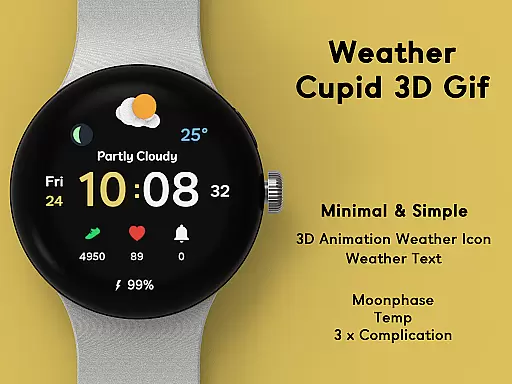
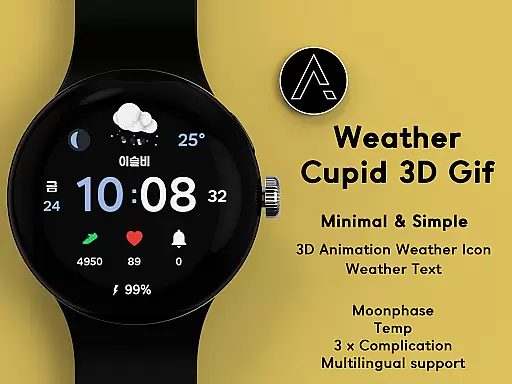
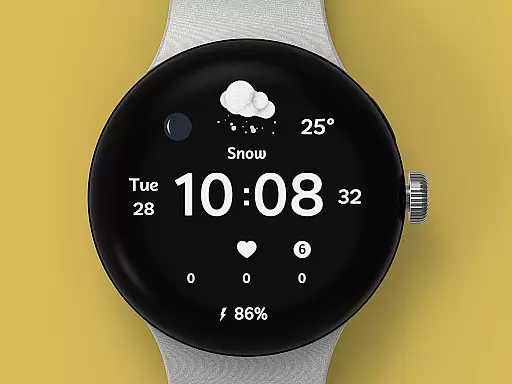
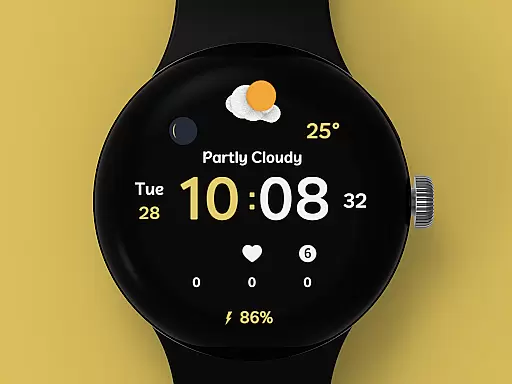
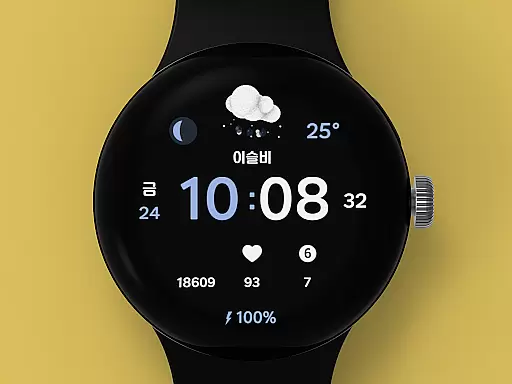
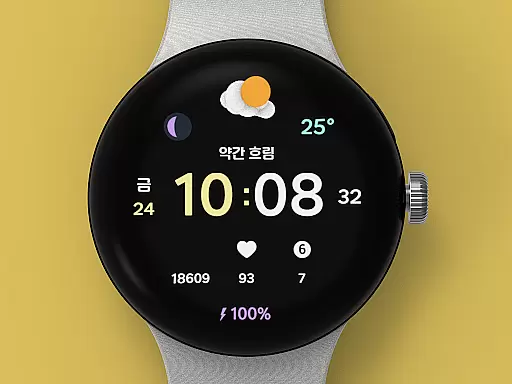
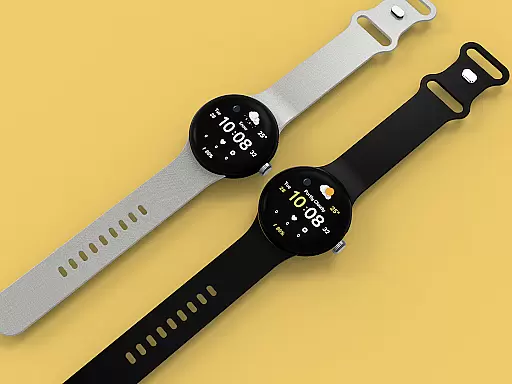
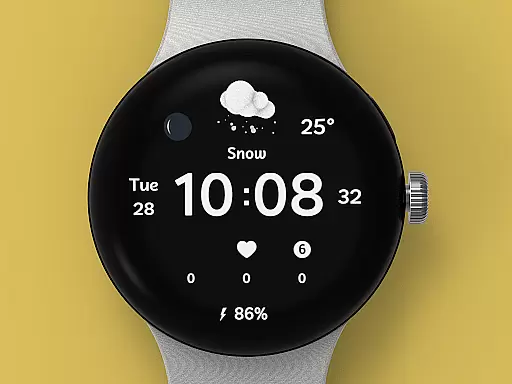
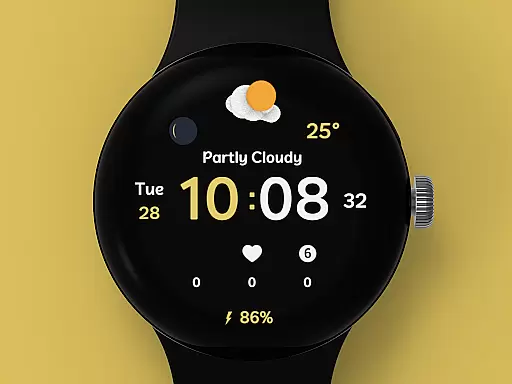
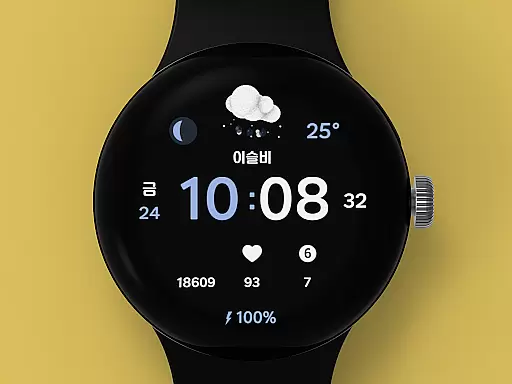
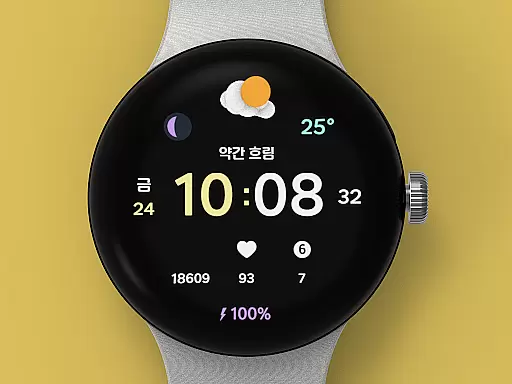
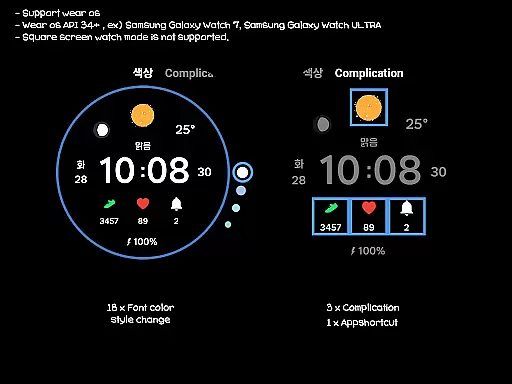
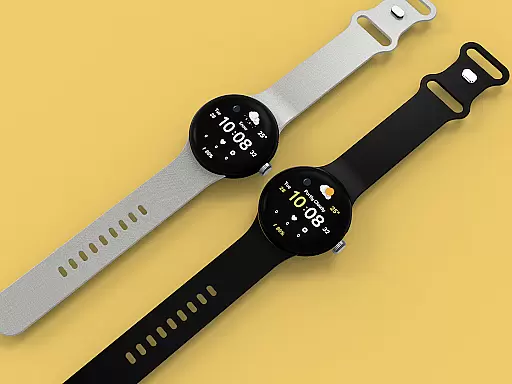
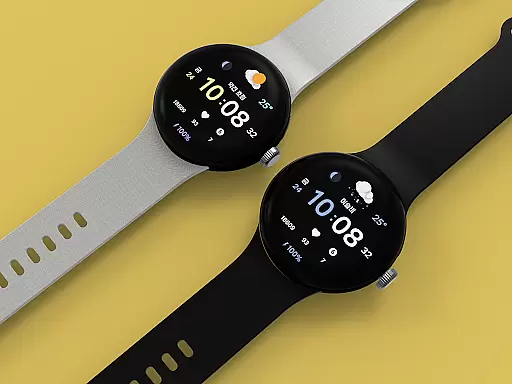
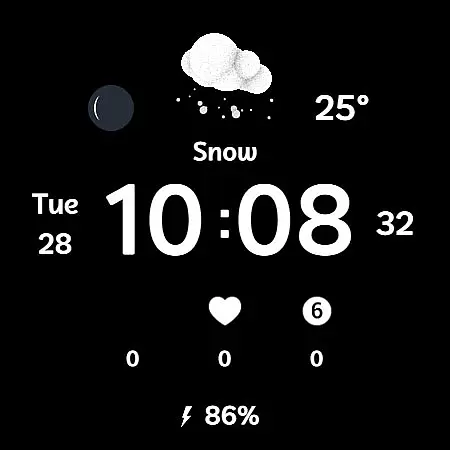
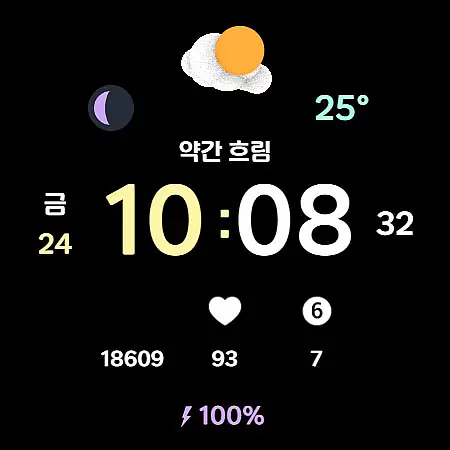
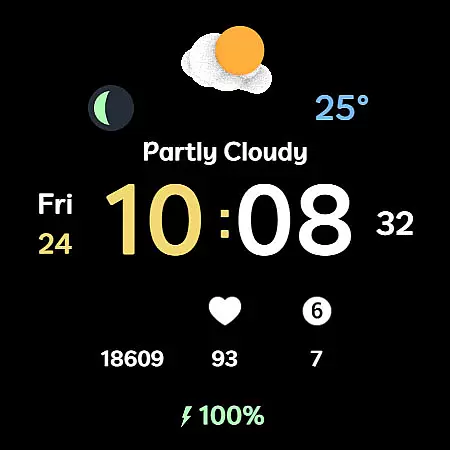
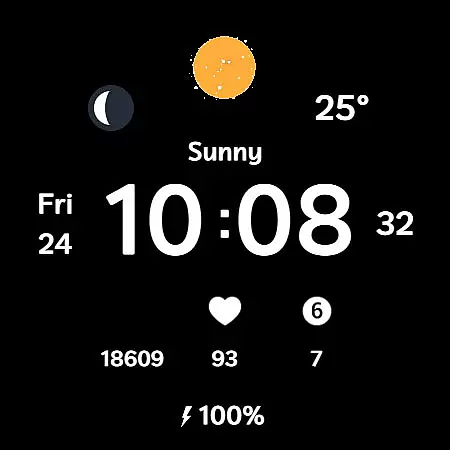
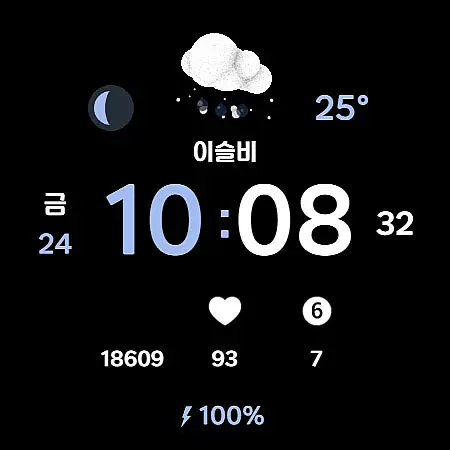
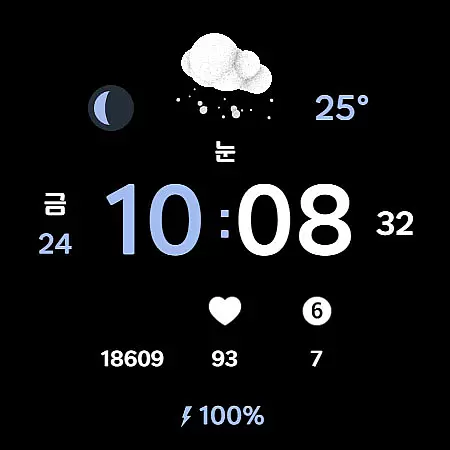
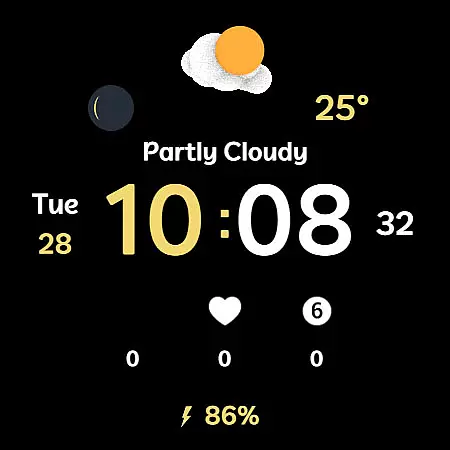
Weather Cupid 3D Gif is a visually appealing Wear OS watch face that combines functionality with aesthetics. This digital watch face features a minimalistic design complemented by lively 3D animated weather icons, making it both practical and engaging. Users can easily check essential information such as temperature, moon phase, and battery percentage directly from their watch screen.
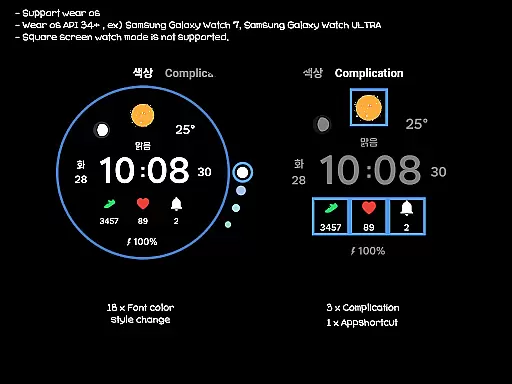
The app supports multiple languages and offers both 12h/24h time formats, ensuring global accessibility. Weather data is automatically updated every 30 minutes through Samsung's API, providing reliable and timely information. With intuitive customization options including 18 font color styles and multiple complications, users can personalize the watch face to suit their preferences while enjoying accurate weather updates on their Wear OS devices.
Weather Cupid 3D Gif stands out with its unique combination of features tailored for Wear OS users. The watch face displays temperature in both Celsius and Fahrenheit, catering to international audiences. Its standout feature is the dynamic 3D weather animation that brings weather information to life, offering an interactive user experience.
Additional functionalities include multilingual support, moon phase tracking, and battery percentage display. The app allows customization through 18 font color options and three complication slots, giving users control over their watch face's appearance. Although square screen modes aren't supported, the automatic weather updates and compatibility with Samsung's weather API ensure users receive consistent and accurate information, enhancing their wearable experience.
Weather Cupid 3D Gif provides accurate weather forecasts through an intuitive digital watch face. The application uses Samsung's API to deliver reliable weather information directly to your Wear OS device.
The temperature data supports both Celsius and Fahrenheit, ensuring global usability. With automatic updates every 30 minutes, users can trust that the displayed weather conditions are current and precise. For those needing the latest updates, a manual refresh option is available through the app interface.
Moon phases and multilingual support further enhance the credibility of the data provided. These features ensure that users receive comprehensive environmental information tailored to their specific needs and location.
This application offers extensive temporal and spatial forecast coverage, presenting weather updates that are both timely and geographically relevant. Weather Cupid 3D Gif ensures users have access to necessary weather details such as temperature, moon phase, and battery percentage.
Although weather information may not display immediately after restarting the watch, reapplying the watch face resolves this issue and restores normal functionality. This minor hiccup does not detract from the overall reliability of the forecast range provided.
Customization options like font color styles and complications allow personal adjustments within the square screen watch mode constraints. Such flexibility guarantees that each user experiences optimized and accurate weather reporting tailored to individual preferences.
Visually appealing design
Accurate weather updates
Customizable interface
Multilingual support
Intuitive user experience
Limited to Wear OS
No square screen support
Weather update delay
Initial setup complexity
Bluetooth dependency

Live local weather updates: various widgets & radar maps & hourly forecast.
 4.70
4.70
Arrive safely! Travel weather forecasts for your entire trip at time of arrival.
3.60
Get accurate rainfall and snowfall totals for pinpoint locations on a map.
4.60
Storm Radar, Alerts & Live Weather Forecasts Right on Your Home Screen
3.70
weather forecast, weather radar, weather widget in one local weather app
4.70
Industry leading whitetail movement predictor & hunting app.
4.60
The moon phases app for tracking the lunar calendar, blue moon and full moon.
4.80
Download now and give your smartwatch a fresh, premium look!
4.20
Your Reliable Weather Companion
4.10
Nuts Weather, your ideal choice for knowing weather forecast & weather radar
4.70
Thermometer shows indoor and outdoor temperature
4.70
Live Alabama weather from James Spann—forecasts, radar, alerts, Spanncams.
4.70
The reliable and trusted global air quality, wildfire, pollen, PM2.5 forecast
4.70
Powerful US and worldwide earthquake feed with earthquake alerts and maps.
4.70
Your ultimate app for real-time weather information!
4.70
Prepare for severe weather with notifications, future radar, and live alerts.
4.60
Accurate, beautiful weather with landscapes depicting weather, sky, season.
4.50
Accurate weather forecast and beautiful weather & clock widgets
4.20
A powerful weather forecast to get real-time weather information
3.60


User Reviews