

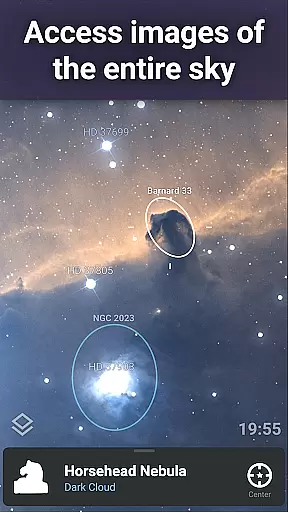
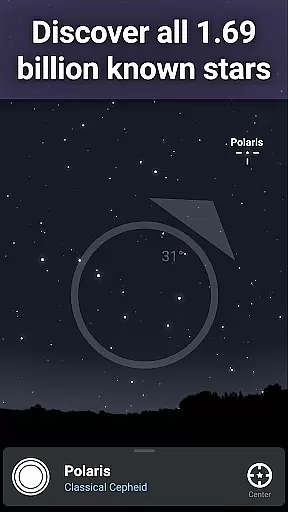
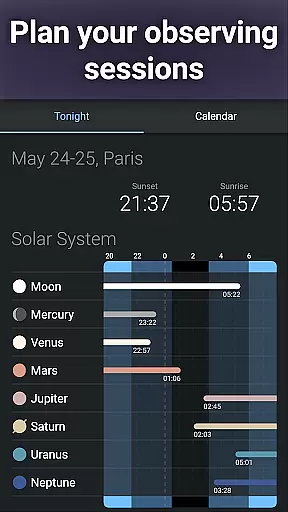
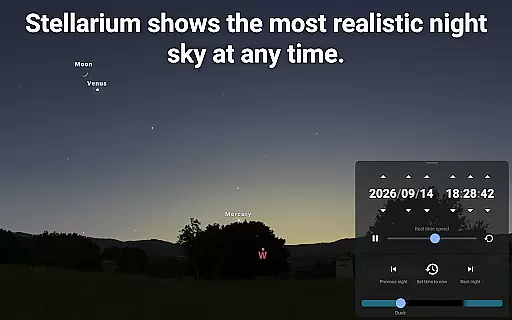

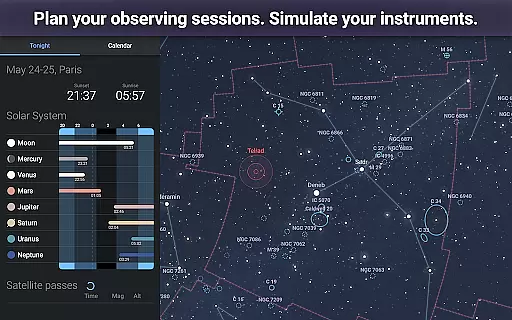
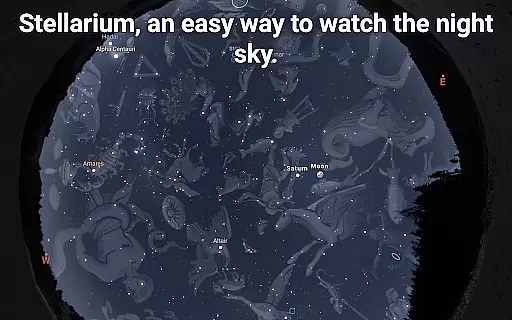
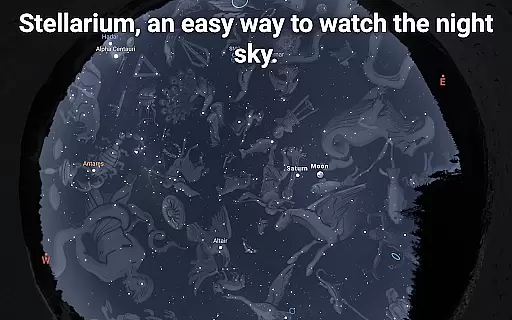
Stellarium Mobile - Star Map is an advanced planetarium app designed for both amateur stargazers and professional astronomers. This application provides a real-time representation of the night sky, accurately displaying stars, planets, constellations, and deep-sky objects visible to the naked eye or through telescopes. With its intuitive interface and precise celestial simulations, it serves as an essential tool for exploring and learning about astronomy.
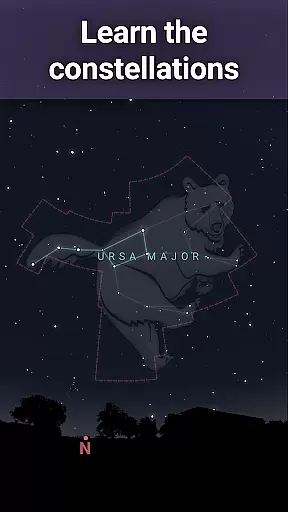
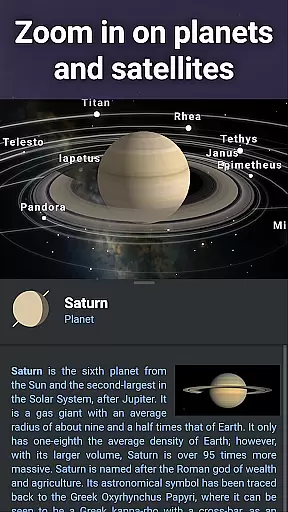
The app offers users the ability to simulate the sky from any location on Earth, at any given date and time. It includes features such as zoomable views of the Milky Way, detailed illustrations of constellations from various cultures, and 3D renderings of planets and their moons. Whether you're an educator, student, or enthusiast, Stellarium Mobile transforms your device into a powerful telescope companion that enhances your understanding of the cosmos.
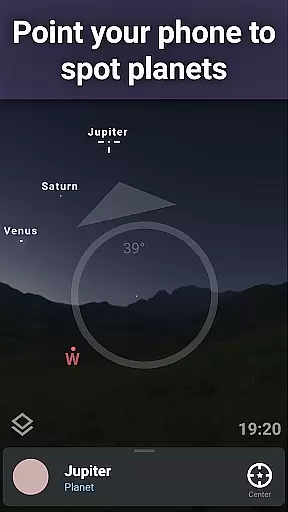
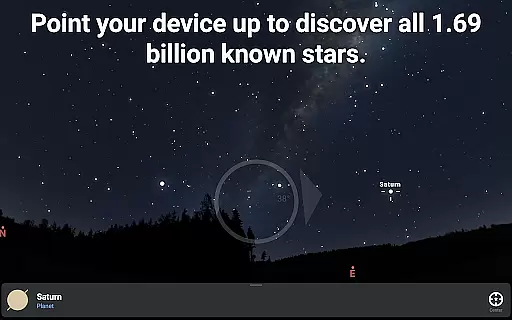
One of the standout capabilities of Stellarium Mobile is its augmented reality feature, which allows users to simply point their phone at the sky to identify celestial bodies instantly. This functionality makes it particularly useful during outdoor stargazing sessions, providing an interactive way to engage with the universe. The app's educational value extends beyond casual observation, offering in-depth astronomical data that supports serious scientific inquiry.
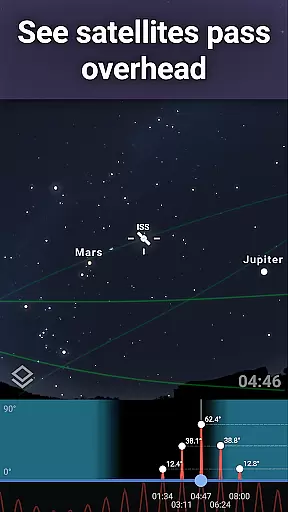
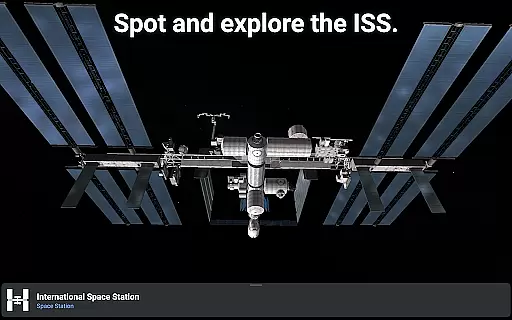
Stellarium Mobile stands out with its comprehensive set of features tailored for astronomy enthusiasts. The app provides an accurate simulation of the night sky, including over 1.69 billion stars from the Gaia DR2 catalog, making it one of the most detailed mobile planetariums available. Users can explore a vast collection of deep-sky objects, such as nebulas and galaxies, and track artificial satellites like the International Space Station in real time.
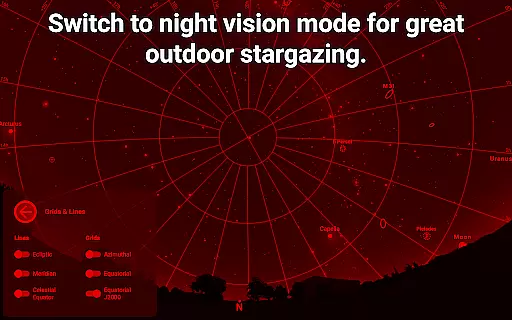
A key feature of Stellarium Mobile is its support for advanced observation tools. These include landscape and atmospheric simulations with realistic sunrises, sunsets, and atmospheric refractions. Additionally, the app offers a red night mode to preserve night vision while observing. For those interested in astrophotography or telescope control, Stellarium Plus (available via in-app purchase) unlocks high-resolution images of planetary surfaces and deep-sky objects, along with telescope compatibility through Bluetooth or Wi-Fi.
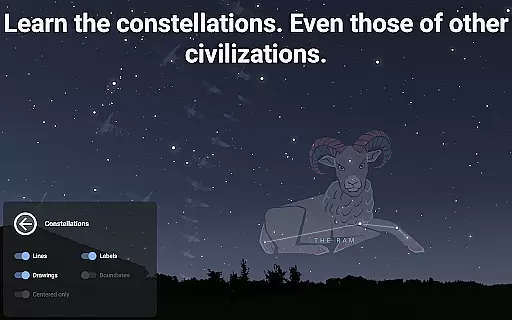
Another notable aspect is the app's offline functionality, allowing users to access a reduced dataset of 2 million stars and 2 million deep-sky objects without an internet connection. This ensures uninterrupted exploration even in remote locations. Furthermore, Stellarium Mobile supports multiple sky cultures, enabling users to view constellation shapes and illustrations from different cultural perspectives. These robust features make the app an invaluable resource for anyone passionate about astronomy education and research.
Stellarium Mobile - Star Map stands out in the realm of educational applications due to its commitment to content accuracy and authority. The app provides an accurate simulation of the night sky, featuring stars, planets, and deep-sky objects for any date, time, and location. This precision is achieved through the integration of extensive astronomical catalogs, including the Gaia DR2 catalog with over 1.69 billion stars, ensuring that users have access to the most up-to-date and scientifically verified data available.
The application goes beyond mere visual representation by offering detailed information on celestial bodies, such as nebulas, galaxies, star clusters, and even man-made satellites like the International Space Station. With features allowing users to explore the shapes and illustrations of constellations from various cultures, Stellarium Mobile not only imparts knowledge but also fosters a deeper appreciation for global perspectives on astronomy.
For those seeking advanced observational capabilities, Stellarium Plus offers an expanded view into the universe, displaying objects as faint as magnitude 22. This level of detail enables educators, students, and enthusiasts alike to delve into complex astronomical studies with confidence in the reliability of their source material.
While Stellarium Mobile - Star Map excels in delivering authoritative astronomical content, it also supports personalized learning paths, catering to individual exploration and discovery. Users can tailor their experience by selecting specific dates, times, and locations to simulate the night sky, which allows learners at all levels to set their own pace and focus on areas of personal interest within the vast field of astronomy.
The app's user-friendly interface encourages self-guided study, empowering users to zoom in on realistic images of the Milky Way and other deep-sky objects. By providing tools to track artificial satellites and simulate atmospheric conditions, including sunrises and sunsets, Stellarium Mobile facilitates a hands-on approach to understanding complex astronomical phenomena, making it suitable for both casual stargazers and serious students.
Moreover, the availability of in-app purchases for upgrading to Stellarium Plus unlocks additional resources that further enhance personalized learning. These include high-resolution images for closer examination of planetary surfaces and deep-sky objects, as well as offline functionality for uninterrupted study sessions. Such features ensure that each user's journey through the cosmos is both enriching and uniquely their own.
User-friendly interface
Accurate star maps
Augmented reality
Offline functionality
Comprehensive object database
Premium features locked
High system requirements
Limited free content
Occasional performance issues
Subscription cost

Childcare Management App: Daily sheets, sign in-out, billing and learning tools
 4.70
4.70
Break Language Barriers with AI—Learn Language Anytime, Anywhere!
4.00
THE MOST COMPREHENSIVE JUMPMASTER STUDY RESOURCE AVAILABLE.
3.40
Pass your FAA written with flying colors - Study Buddy can help.
4.30
Flashnote Derby is the fun way for kids to learn music notes and memorize them.
3.40
Discover Your Place in the Universe
4.70
A fast and fun way to learn guitar - works with any guitar.
4.60
Cool math games & learn to read activities- loved by kids, approved by teachers.
4.50
Reading for kids has never been easier. Learn phonics, letter tracing & more!
4.70
Short Lessons for Better Finances, Health, Skills, Jobs & Relationships.
4.80
Age-Related Child Developmental Milestones
4.80
Turn scrolling hours into improving your knowledge, communication, intelligence
4.50
Astronomy Guide to the Night Sky
4.40
Ignite curiosity, spark learning: All babybus videos &games
4.30
Astronomy Guide To Night Sky
4.30
An aviator’s preparation, study and test tool for FAA Knowledge Exams.
4.00
FAR/AIM, FAR for Flight Crew and FAR for Aviation Maintenance Technicians
3.80
A must-have app for mastering Japanese verb/adjective conjugations.
3.60
Animals pop up and make sounds—learn names and noises in Peekaboo Barn!
4.2


User Reviews