
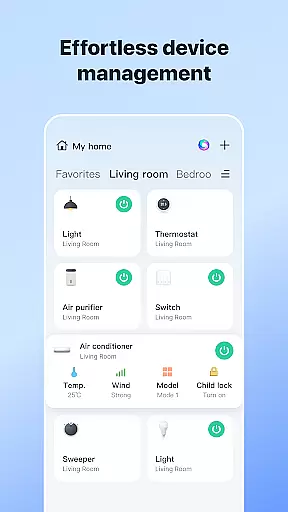
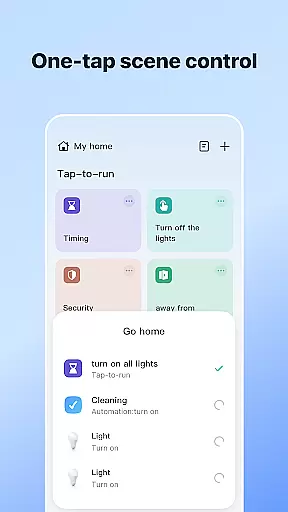
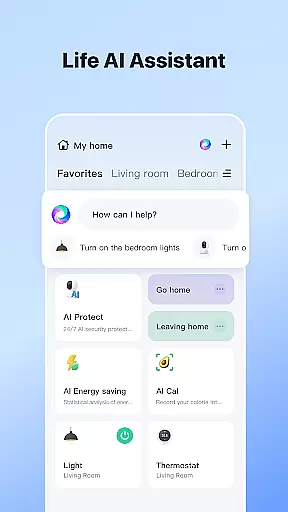


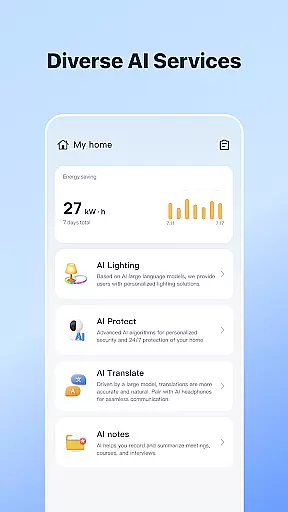
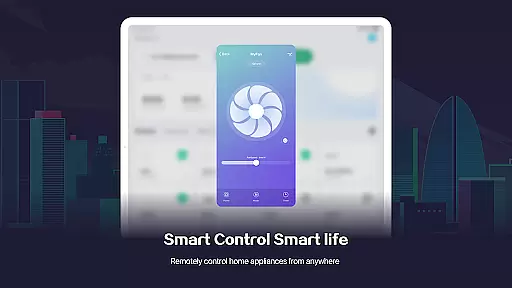
SmartLife is a comprehensive smart home management application that allows users to seamlessly control and monitor all their smart devices from a single platform. The app's intuitive interface enables effortless device interconnection, creating a truly integrated smart home ecosystem. With support for a wide range of smart devices, users can customize settings and automate routines based on various triggers like location, time, and environmental conditions.
Beyond basic device control, SmartLife offers advanced features such as voice command integration with smart speakers and real-time event notifications. The application also facilitates family sharing, allowing multiple users to access and manage the home environment. Whether you're looking to automate your daily routines or remotely monitor your property, SmartLife provides a complete solution for modern living.
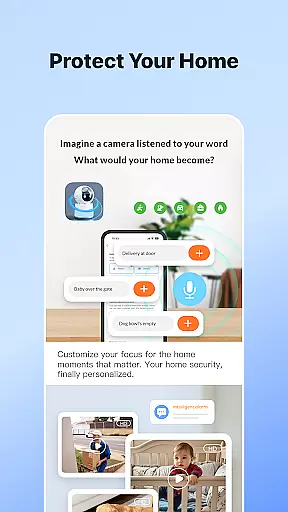
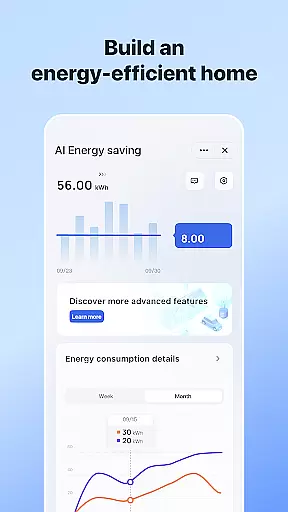
This lifestyle app particularly shines in its ability to bring convenience and peace of mind to homeowners. By centralizing control of lighting, security systems, climate control, and other smart appliances, it creates a more comfortable and energy-efficient living space. The app's automation capabilities help users save time while enhancing home security through intelligent alert systems.
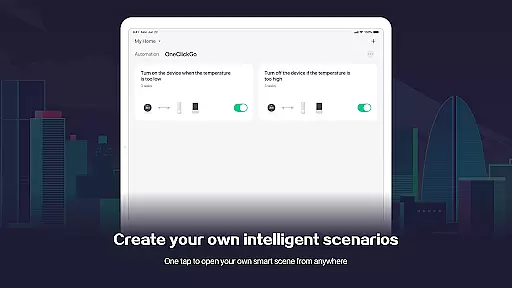
SmartLife distinguishes itself through several key features that enhance the smart home experience. The app's core functionality revolves around its robust device management system, which supports seamless integration across different brands and protocols. Users can create customized automation scenarios that respond to various triggers, including geolocation, time schedules, and environmental sensors.
A standout feature is the app's voice control capability, which works with popular smart speakers to enable hands-free operation. The notification system provides timely alerts about device status, security events, and system updates. Advanced security features include multi-factor authentication and end-to-end encryption for all communications between devices and the app.
The application also offers sophisticated scene management, allowing users to create complex automation routines. For instance, users can set up 'Good Morning' scenes that gradually increase lighting, adjust thermostat settings, and activate coffee makers. The recently added Bluetooth device discovery enhances local connectivity options, while the video talk feature enables direct communication with visitors through smart doorbells and cameras.
SmartLife offers extensive coverage across various lifestyle categories, ensuring that users can manage multiple aspects of their daily lives through a single, integrated platform. The app supports smart device connectivity for home automation, ranging from lighting and climate control to security systems and entertainment setups.
The application's broad scope includes functionalities such as location-based scene automation, weather-responsive actions, and scheduling capabilities. This comprehensive approach allows users to tailor their smart homes according to specific needs and preferences, whether they're at home or away.
Additionally, SmartLife enhances user engagement by providing voice control options through smart speakers, which makes managing the household more intuitive and accessible. With timely notifications and alerts, it ensures that users stay informed about important events within their connected environment.
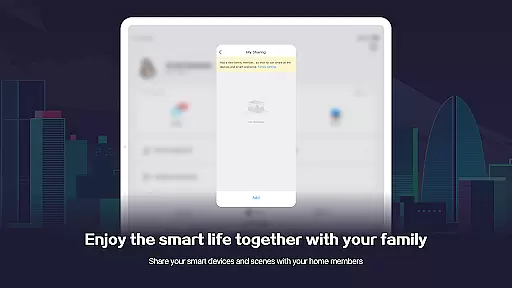
By inviting family members to join the app, users can create a shared smart living space that is comfortable and convenient for everyone involved. This collaborative feature extends the app's utility beyond an individual user to encompass entire households.
SmartLife prides itself on delivering authentic content that has been validated by experts in smart home technology. The app provides accurate information regarding device compatibility, network configurations, and troubleshooting guides, all of which are essential for maintaining a reliable smart home ecosystem.
Each feature within SmartLife is designed with expert oversight to ensure that users receive credible advice when setting up or managing their devices. For instance, the app's guidance on using optional access permissions like location services, notifications, and camera functions is thorough and trustworthy.
Moreover, the integration of advanced features such as video doorbells and smart cameras is supported by detailed instructions and support, ensuring that users can confidently set up these devices knowing they meet industry standards for security and performance.
With regular updates and contributions from professionals in the field, SmartLife remains a dependable source for creating an efficient and secure smart living environment, reinforcing its commitment to content authenticity and expert validation.
User-friendly interface
Wide device compatibility
Advanced automation options
Real-time notifications
Family sharing capabilities
Requires stable internet connection
Premium features subscription-based
Occasional connectivity issues
Some advanced settings complex
Device-specific limitations exist

Healthy eating timer app to track meal pace, improve habits, and eat slowly.
 4.0
4.0
Big bold weather watch face with dynamic backgrounds and 3 complications
4.3
Cute Adorable Animals now on your wrist with our Wear OS watch face!
4.40
Daily lessons from A Course in Miracles with scheduled reminders
4.80
Premium floor cleaning robots
4.50
Unique "Isometric" style digital watch face for Wear OS
4.50
Connect to your Shark ROBOT™ from anywhere using the SharkClean™ App.
3.60
Your home in your hand
3.80
Subwoofer school’s in session! You’ve now enrolled into KICKER U.
3.80
Play. Earn. Repeat. Get rewarded for playing mobile games. Welcome to Mobius!
4.80
Get your life organized with My Agenda!
4.30
SmartHQ: Your Connected Home Command Center
4.10
Digital watch face design. Modern looking, hi-res & battery friendly.
4.00
Paranormal EVP, Ghost Box, Spirit box, ITC, Haunted, Spirit communication device
3.70
Take Hobby Lobby with you wherever you go!
3.40
Big bold digital watch face with 30 colors, 6 complications and AOD.
4.4
Bring the warm colors of fall directly to your wrist with Autumn Leaves!
4.1
Big bold hybrid watch face with 30 colors, 5 fonts & 5 complications.
4.1
Wear your favorite memories, loved ones, pets or travel photos on your watch
4.5


User Reviews