
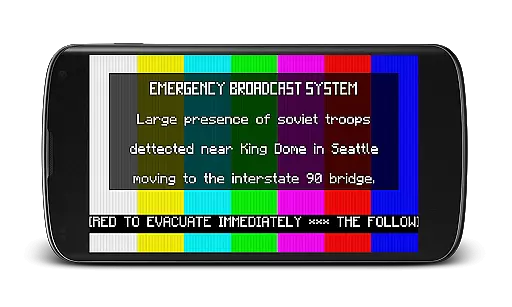
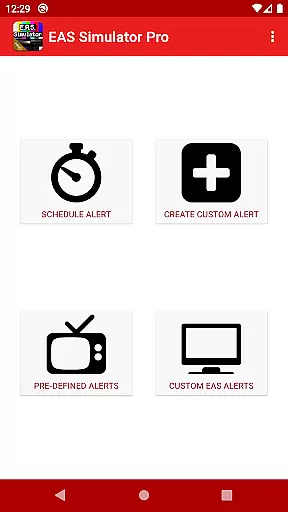
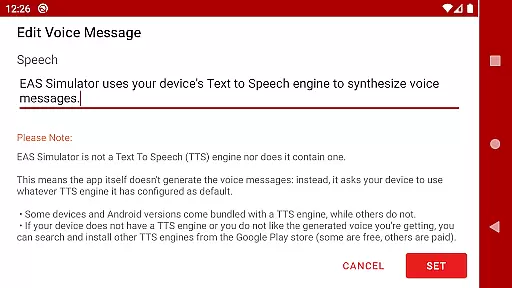
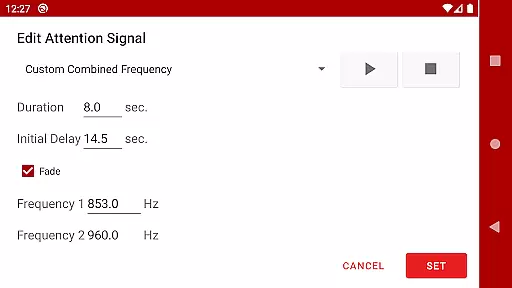
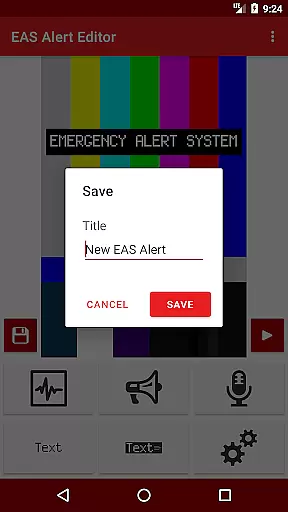
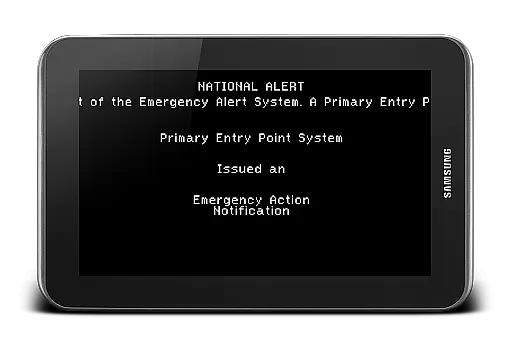
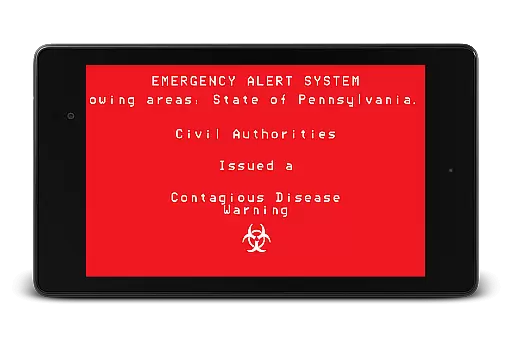
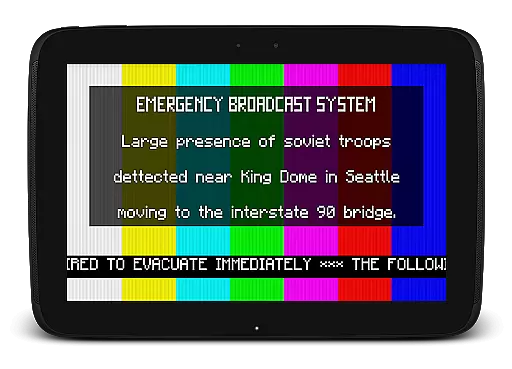
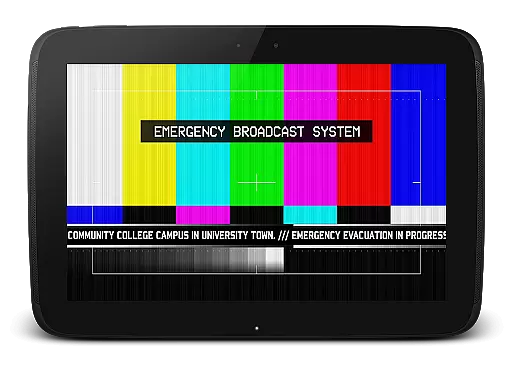
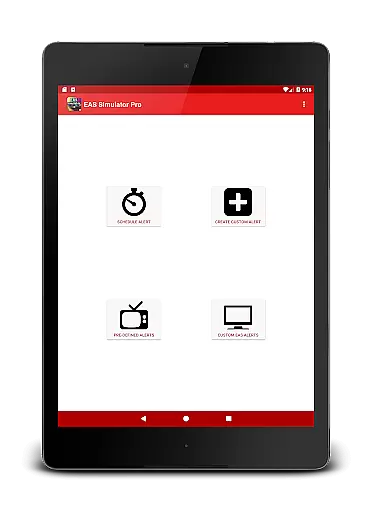
EAS Simulator Pro is an innovative entertainment app that allows users to create and experience realistic Emergency Alert System (EAS) simulations on their Android devices. The app offers a comprehensive suite of features for crafting detailed emergency scenarios, ranging from natural disasters to fictional apocalyptic events. With its robust alert editor, users can design custom alerts with various visual and audio elements, including SAME headers, attention signals, and Text-to-Speech voice messages.
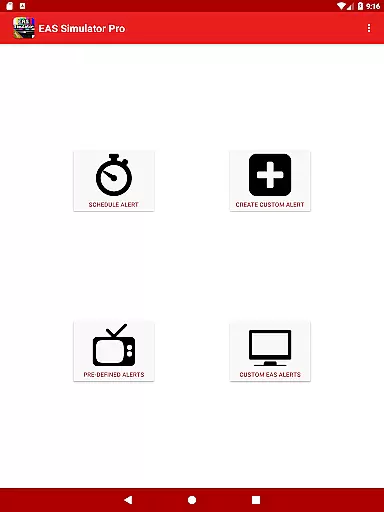
What sets this app apart is its versatility and attention to detail. Users can schedule alerts to play at specific times, even when the device is locked, making it perfect for drills or immersive role-playing experiences. The app comes pre-loaded with real-life disaster scenarios as well as thrilling fictional situations inspired by popular culture. Whether you're interested in emergency preparedness or simply looking for an engaging simulation experience, EAS Simulator Pro delivers both functionality and entertainment value.
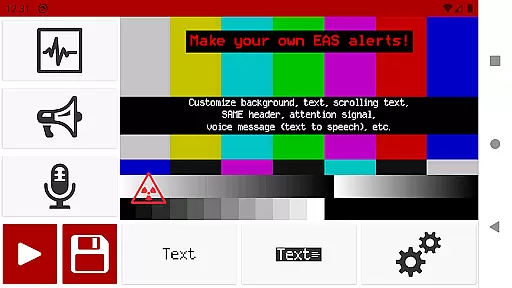
The app boasts an impressive array of features designed to provide a realistic EAS simulation experience. At its core is the full-featured alert editor, which allows users to create unlimited custom alerts with various backgrounds, text styles, and sound effects. These include authentic SAME headers, attention signals like tornado sirens, scrolling news ticker texts, and end-of-message sounds. The integration with the device's Text-to-Speech engine enables dynamic voice message generation, adding another layer of realism to the simulations.
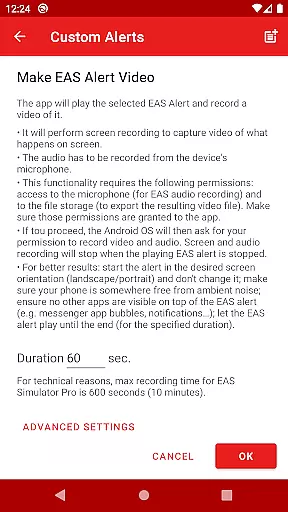
One of the standout capabilities is the ability to convert EAS alerts into video format using screen recording and microphone audio. This feature, combined with the option to export/import alerts as files, makes it easy to share creations with others or back up your work. The scheduling function adds practical utility, allowing users to set alerts for specific times, while the pre-loaded scenarios provide instant access to a wide range of emergency situations. These comprehensive features make EAS Simulator Pro a powerful tool for both educational purposes and creative entertainment.
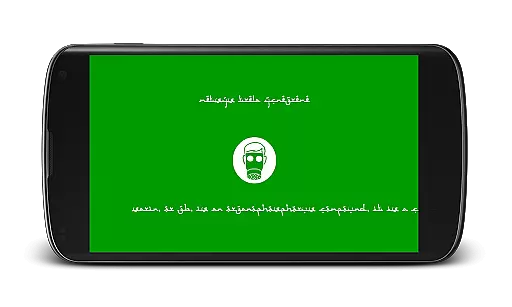
In the realm of digital entertainment, content diversity is paramount to maintaining user engagement. EAS Simulator Pro excels in this area by offering a wide array of Emergency Alert System scenarios that cater to various interests. From simulating real-life natural disasters such as flash floods and tornadoes to more fictional situations like zombie apocalypses or nuclear strikes, the app provides an extensive selection designed to captivate users' imaginations.
Moreover, the application goes beyond static simulations by allowing dynamic creation and customization of alerts. Users can craft their own unique emergency broadcasts with features such as scrolling texts, SAME headers, attention signals, and voice messages generated through the device's Text-to-Speech engine. This level of personalization ensures that each user experience remains fresh and engaging over time.
The developers have also integrated pre-defined alerts based on actual events alongside thrilling fictional scenarios inspired by popular culture. By regularly updating these offerings, EAS Simulator Pro keeps its content library current and relevant, encouraging repeat usage and exploration within the app. Such dedication to variety not only enhances replay value but also solidifies the applicationu2019s position as a leader in simulated emergency alert entertainment.
User engagement duration and retention are critical metrics for any entertainment application seeking long-term success. EAS Simulator Pro addresses these aspects effectively by providing tools that encourage extended play sessions. The ability to schedule alertsu2014even when the device is lockedu2014ensures that users remain connected to the app throughout their day, whether they're participating in drills, pranks, or role-playing activities.
Additionally, the app's feature set supports sustained interaction through creative freedom. With full access to the Emergency Alert System editor, users can create, save, and modify custom alerts without limitations. This flexibility fosters a sense of ownership and investment in the content being produced, prompting users to return frequently to refine their creations or experiment with new ideas.
Retention is further bolstered by seamless integration with other devices via export/import functionalities for backup or sharing purposes. By enabling community interaction among friends using either the Demo or Pro versions of EAS Simulator, the app cultivates a network effect that enhances user stickiness. As a result, EAS Simulator Pro not only captures attention but also maintains it, ensuring that users continue to find value and enjoyment within its offerings over time.
User-friendly interface
Highly customizable alerts
Realistic simulation options
Ad-free experience
Export to video functionality
Requires TTS engine
Video export may be unstable
Paid version only
Permissions needed
Device compatibility issues

SpiritWave is paranormal ITC application.
 5.00
5.00
Catalog & tracker of your DVD, Blu-ray & Digital Movie and TV Collection Library
4.80
Watch everything you want.
2.90
Series,Películas y Telenovelas
4.50
The Xbox app keeps you connected to your gaming community.
4.50
Your Avatar, Endless Fun
4.60
Everything FOX in one place. Watch FOX News, NFL, MLB, TV shows and more.
4.50
Pop Drama is a premier app crafted for short drama lovers
4.60
Scary prank camera & on face app: Shoot videos, selfies with spiders & scorpions
4.60
Open-source, fast, simple and powerful IPTV app
4.90
Exclusive creator communities
4.70
Find out if you're on Santa's Naughty or Nice List with this magical scanner!
4.60
Atomus is a 10-finger multi-touch interactive visualizer.
4.30
Official KennysGifs Stickers
4.20
Real ghost box scanner with echo, reverb, EMF, & multi-stream channels.
3.80
VR 360 Cinema Player is the ultimate VR player for playing videos on mobile
3.50
NFL, NBA, NHL, MLB, local sports coverage, shows, movies & news!
3.20
A wonderful collection of the most beautiful sounds of animals and birds
4.0
Christmas Globe: Transform your Wear OS device into a festive timekeeper!
4.4


User Reviews