
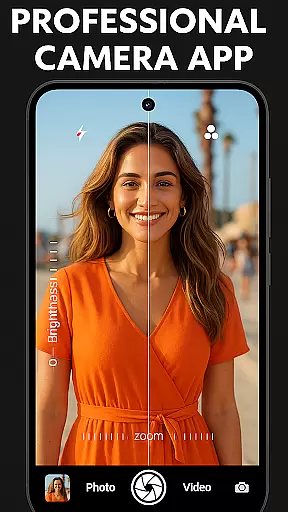
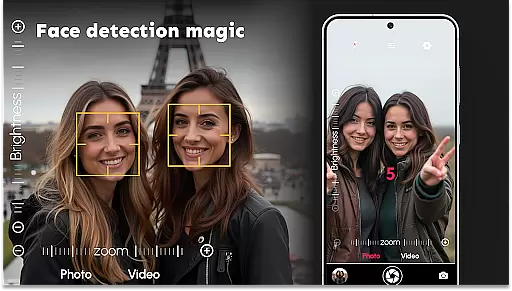
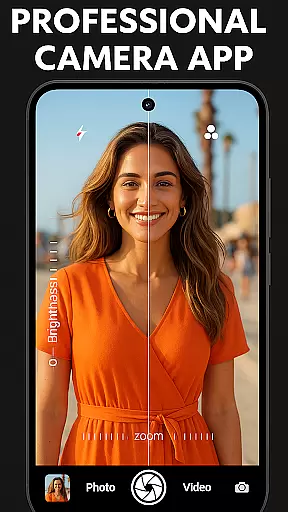
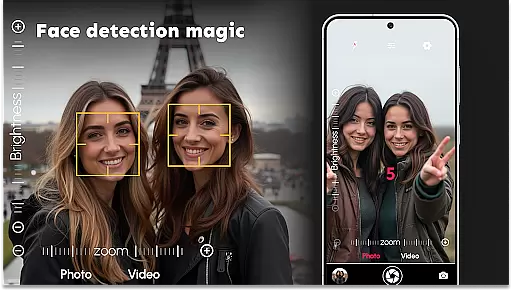
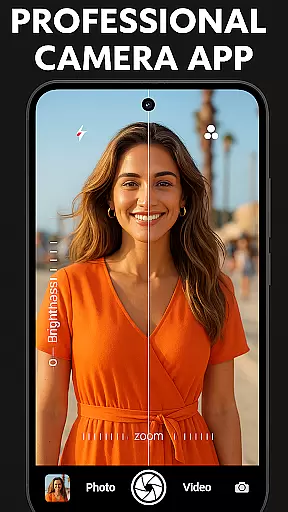
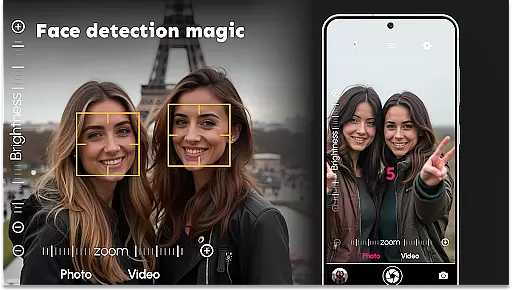

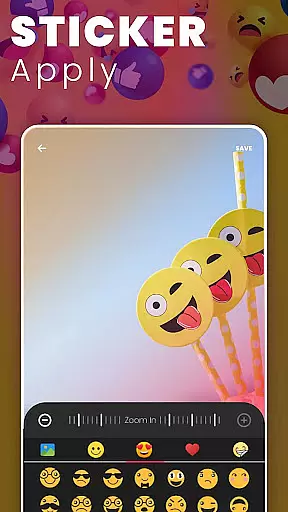
DSLR HD Camera is a professional-grade mobile photography application designed to transform your smartphone into a powerful DSLR-like camera. With its advanced features, the app allows users to capture stunning 4K HD photos and videos with ultra blur effects, making it perfect for both amateur and professional photographers. The app includes precise face detection, adjustable resolutions, and multi-touch gesture controls, ensuring crisp and clear images every time.
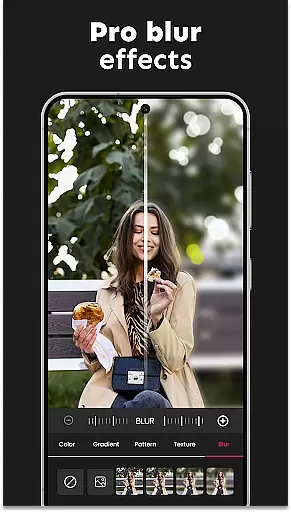
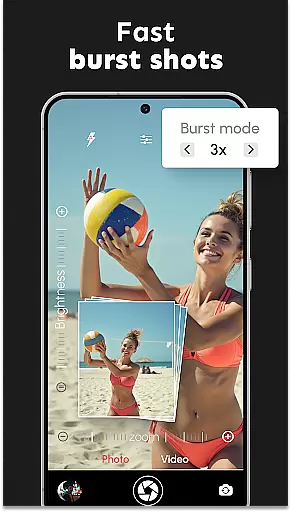
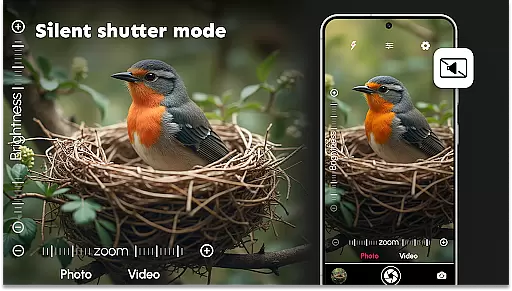
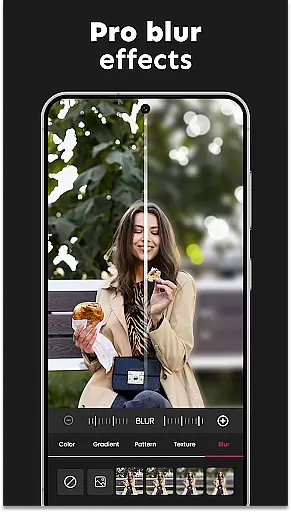
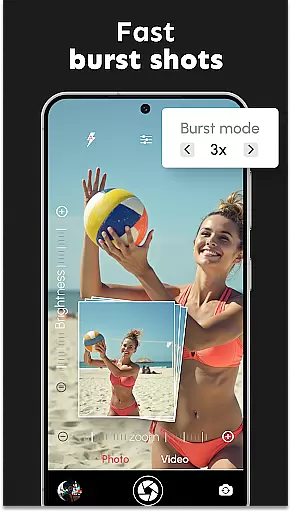
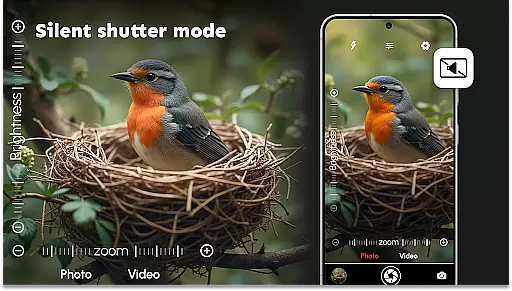
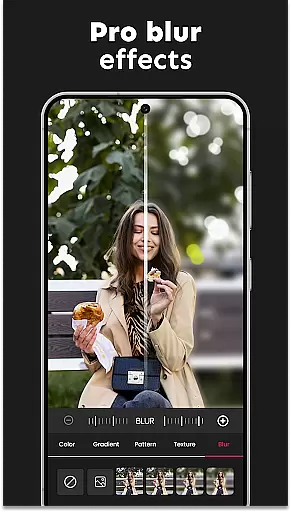
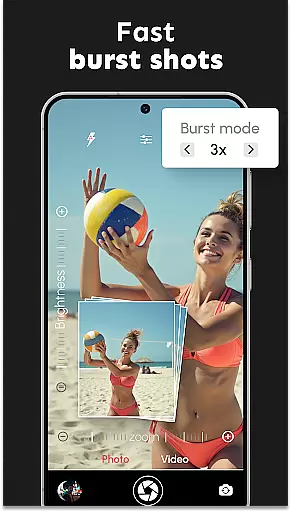
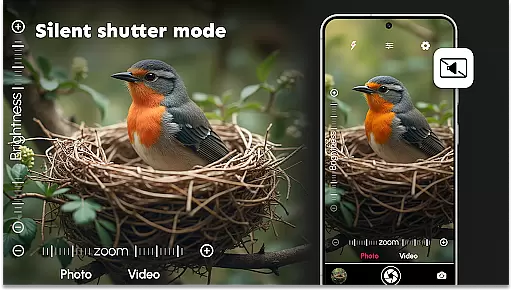
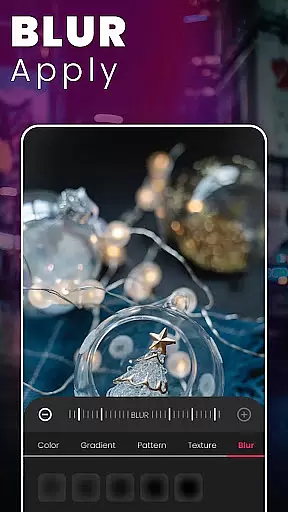
In addition to its core functionality, DSLR HD Camera offers creative tools such as customizable color effects, white balance adjustments, and exposure compensation. Whether you're shooting action-packed moments in burst mode or capturing discreet shots with the silent shutter option, this app provides versatility for all types of photography needs. Its intuitive blur editor lets you create professional portraits by effortlessly blurring backgrounds while keeping subjects in sharp focus.
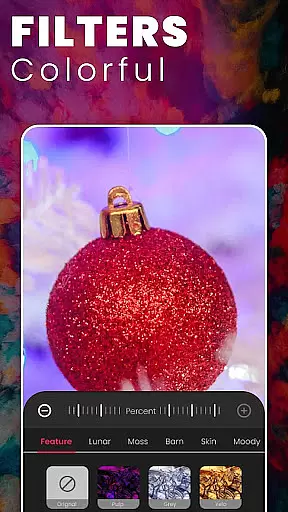
This app is ideal for anyone looking to enhance their mobile photography experience. From high-quality selfies to breathtaking landscapes, DSLR HD Camera ensures that every photo looks polished and professional. By combining innovative digital filters with user-friendly controls, it delivers an exceptional photography tool that fits right in your pocket.
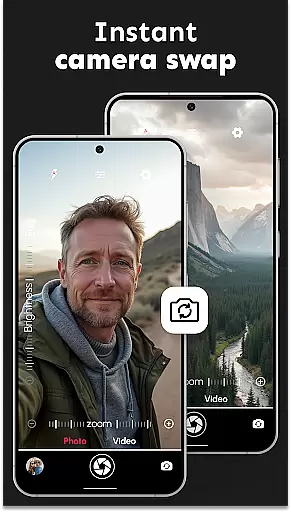
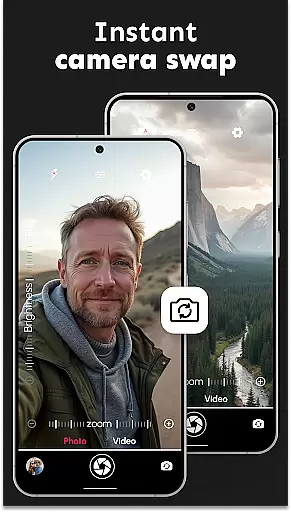
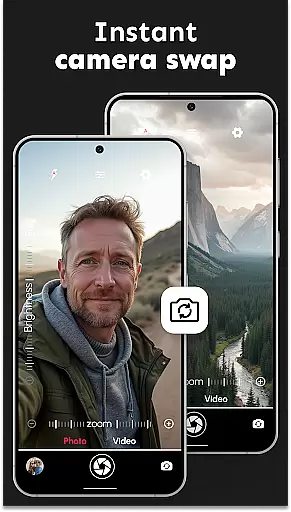
DSLR HD Camera stands out with its comprehensive suite of professional features tailored for mobile photographers. One of its key highlights is the ability to shoot in 4K resolution, providing unparalleled clarity and detail in both photos and videos. The app's accurate face detection technology ensures every shot is perfectly focused, while the front and rear camera switching feature allows for seamless transitions between different shooting modes.
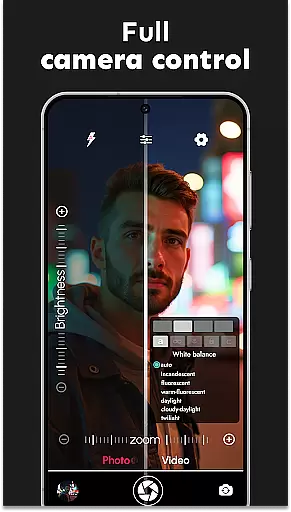
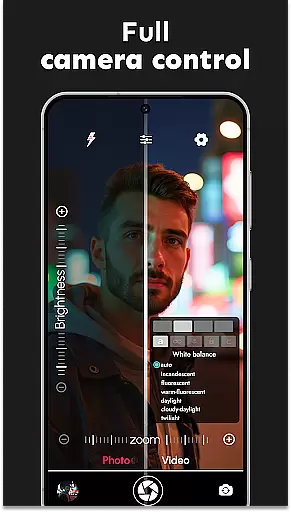
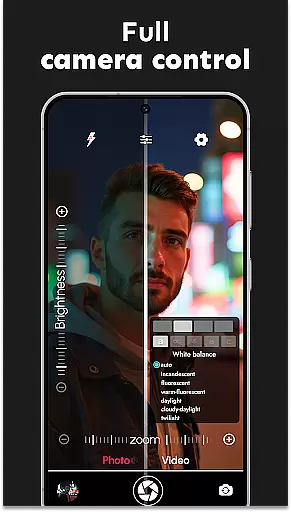
Another remarkable aspect is the ultra blur effect, which enables users to create depth-of-field effects commonly seen in DSLR cameras. This feature includes an adjustable blur intensity slider and customizable brush sizes, giving photographers full control over their edits. Additionally, the app supports various manual settings such as white balance, scene modes, and exposure compensation, allowing users to fine-tune their shots according to specific lighting conditions.
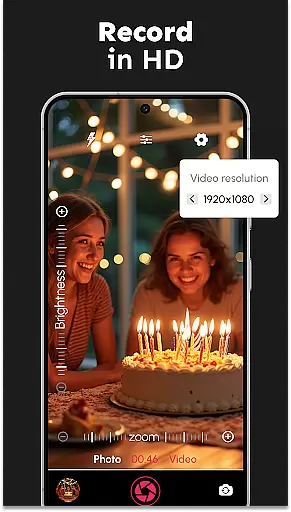
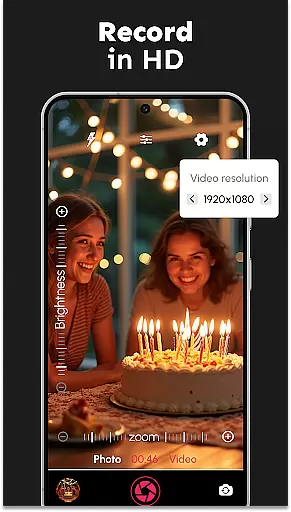
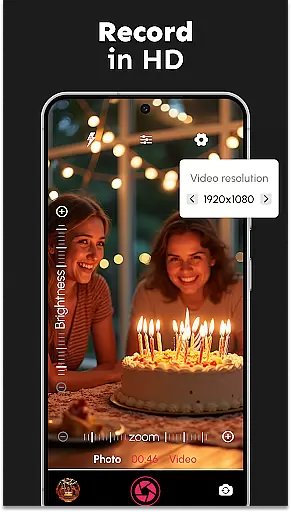
For those who value convenience, DSLR HD Camera offers practical tools like remote control timers, audio countdowns, and silent shutter options. These features make it easy to capture group photos or low-light shots without any disruptions. With support for multiple video resolutions and multi-touch zoom controls, this app truly empowers users to explore their creativity and take their mobile photography skills to the next level.
DSLR HD Camera offers an extensive product database that caters to a wide array of photography needs. This application is not just about taking pictures; it's about providing users with detailed information on camera settings, photo effects, and shooting modes.
The app includes comprehensive details on various features such as white balance, exposure compensation, and scene modes. Users can easily adjust these settings to match their specific requirements, ensuring each photo taken is of the highest quality.
With its deep product database, DSLR HD Camera empowers users by offering in-depth knowledge about advanced functionalities like ultra blur effect and multi-touch gesture control. This allows for precise adjustments and professional-grade results every time you capture a moment.
By leveraging this wealth of information, photographers can make informed decisions while editing their photos or adjusting camera parameters, leading to enhanced creativity and superior image quality.
Personalization is at the heart of DSLR HD Camera, allowing users to tailor their photography experience with remarkable accuracy. The app provides customizable options that cater to both amateur and professional photographers alike.
One key aspect of personalization within DSLR HD Camera is its intuitive blur editor. This feature enables users to adjust the intensity of background blurs, ensuring subjects stand out prominently in each shot. With control over brush sizes and blur levels, photographers have unparalleled precision when editing images.
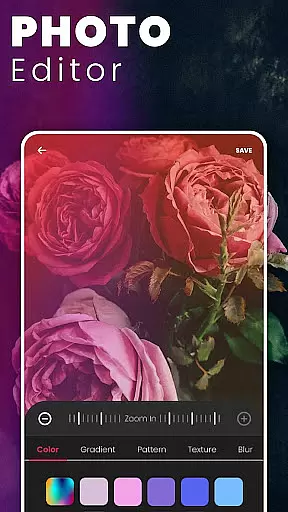
In addition to the ultra blur effect, users can personalize other aspects such as color effects, zoom controls, and video resolutions. These personalized settings ensure that every photograph reflects individual style and meets specific project requirements.
Ultimately, DSLR HD Camera's focus on personalization precision transforms a standard smartphone into a powerful tool for capturing stunning visuals. By fine-tuning every detail according to personal preferences, users achieve polished and professional-looking results effortlessly.
User-friendly interface
High-quality 4K video
Advanced blur editing
Accurate face detection
Versatile shooting modes
May drain battery quickly
Occasional lag in processing
Limited free features
Requires high storage space
Not compatible with older devices

Beauty Camera - Selfie Camera with beauty editing tool, makeup, filter, sticker
 4.60
4.60
Transform your sweet selfies with Selfie Beauty Camera Filters And Effects!
4.60
Edit Your Photos and Videos with Beauty Filters & Get Makeup Artist Tutorials
3.60
Create, design and dress up your own beautiful characters in cute fashion styles
3.50
Manage your daily skin care beauty regimen & track your skin's progress.
4.70
Beauty Camera & Selfie Camera snap Beauty selfie with filter, makeup, stickers
4.80
Mirror app that shows your image with photo editor, zoom and light!
4.70
Monthly Perfume Subscription
4.70
Snap stunning selfies with AI from the Sweet Beauty Camera editor
4.10
Salon appointment booking and scheduling software for beauty pros and barbers.
4.80
Try interesting trending filters allows you switch to a cute girl
4.70
Unique selfie filter camera! Upload live sticker & face filter every week!
4.70
AI Stylist, Try On Millions Of Clothes In Any Brand & Style, AI Clothes Changer
4.70
Top brand haircare & fragrance
4.60
Beauty Camera - Selfie Camera with sweet selfie, makeup, filter, sticker, editor
4.50
Your on-demand aesthetician
4.40
Healthier, more beautiful with Medicube Digital Clinic AGE-R!
4.10
The all new Cosmo Prof app offers exclusive pro products, deals, and training.
4.00
Design your nails, manicure and pedicure with nail paint art and nail idea app
3.90


User Reviews