
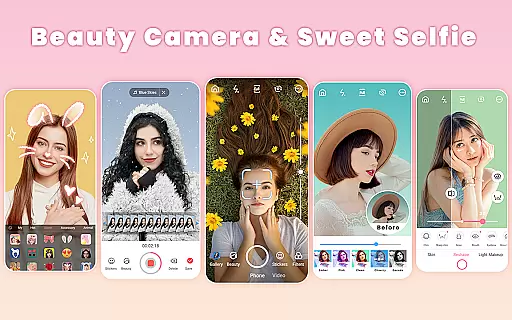
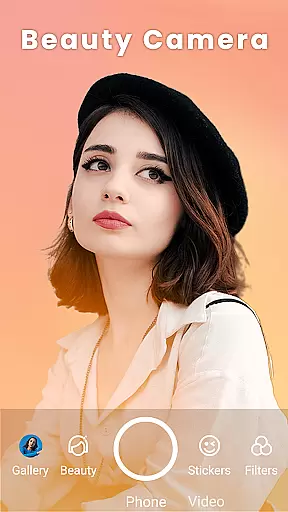

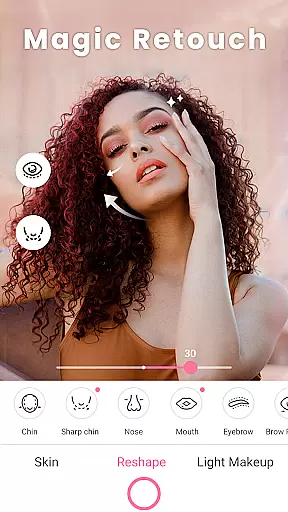
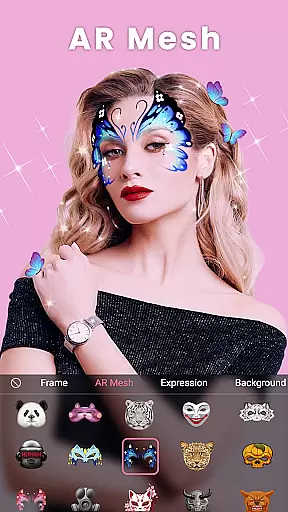
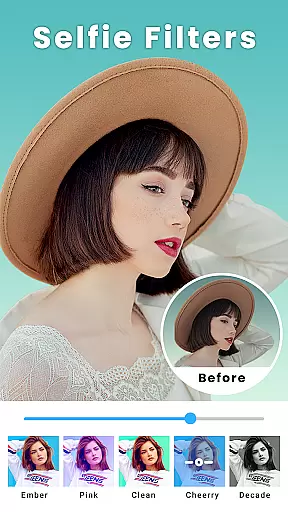
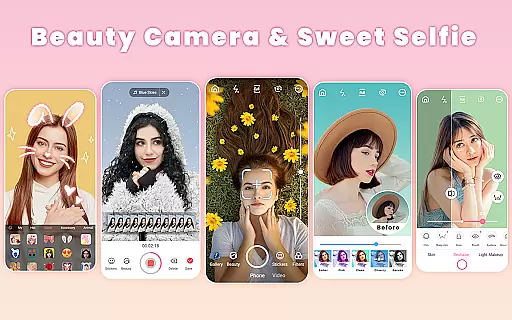
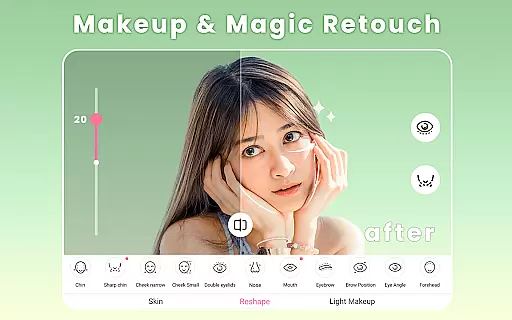
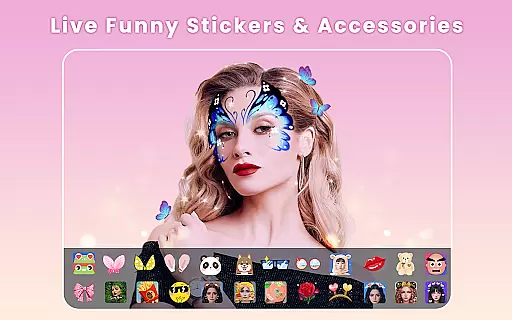
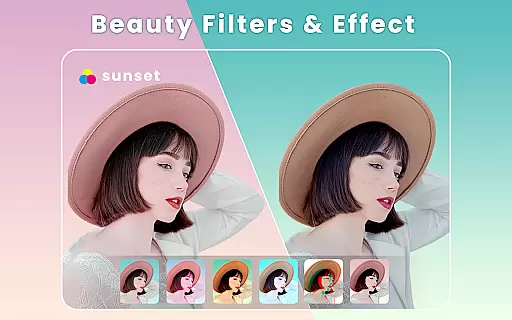
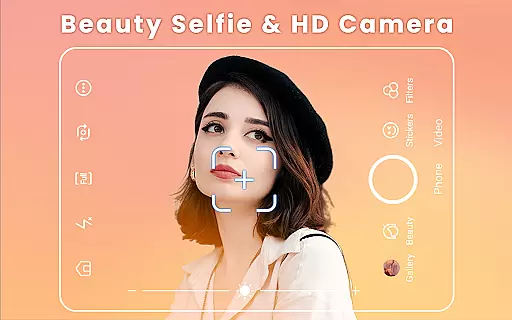
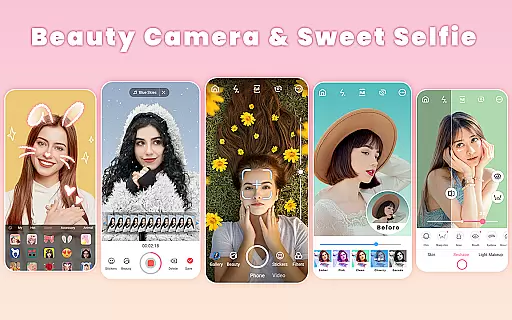
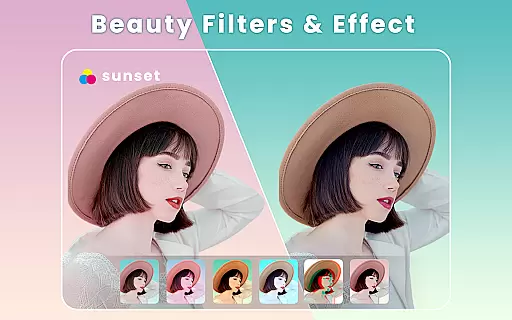
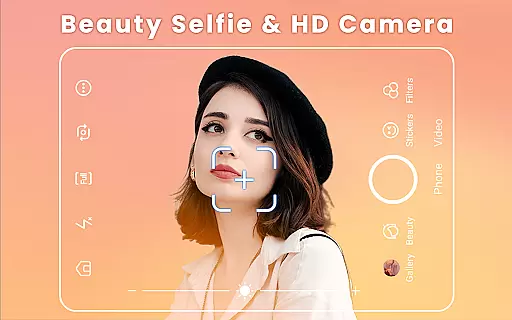
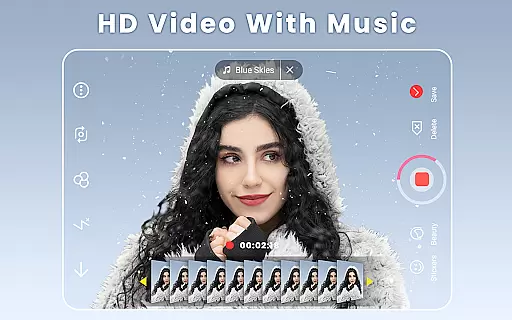
Beauty Camera is a comprehensive beauty and photo editing application designed to enhance your selfie experience. The app offers powerful features such as auto-beautification, makeup effects, face tuning, and body reshaping, allowing users to capture stunning selfies effortlessly. With over 300 themed filters, real-time beauty effects, and various retouching tools, Beauty Camera ensures every photo looks flawless.
In addition to its robust photo editing capabilities, the app includes a music video maker, collage creator, and an array of AR effects. These features make it easy to create engaging content for social media platforms like Instagram, Facebook, and TikTok. Whether you're looking to perfect your selfies or produce creative videos, Beauty Camera provides all the necessary tools in one convenient package.
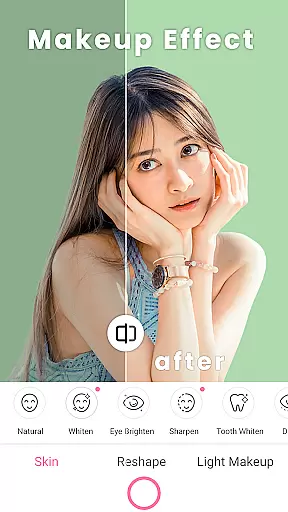
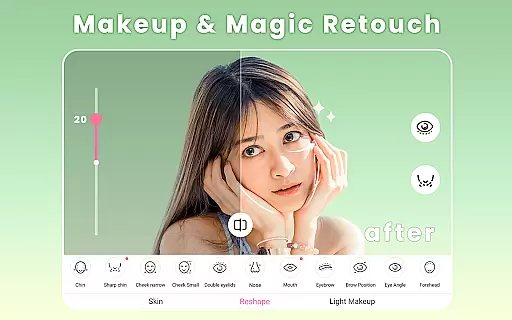
Beauty Camera stands out with its extensive range of features tailored for selfie enthusiasts. One of the key highlights is the one-tap beautify function, which instantly enhances your photos with a single touch. Users can also apply real-time beauty filters, retouch facial features, and experiment with different makeup styles using the AR makeup effect.
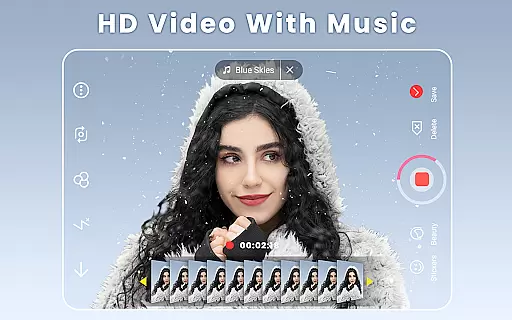
The app's photo editor is equipped with advanced tools for resizing, trimming, blurring, and rotating images. It also allows users to add text, stickers, and music to their creations. Additionally, Beauty Camera offers a unique music video maker feature, enabling users to shoot short videos with background music and turn them into GIF emojis. This versatility makes it an ideal choice for those who want to express their creativity through visual content.
When it comes to beauty applications, having a comprehensive product database is crucial for users seeking detailed information about cosmetics. Beauty Camera offers an extensive collection of makeup products and effects that cater to various preferences and styles. The app includes a wide range of virtual makeup options such as lipstick, blush, and contouring, which are inspired by top beauty brands.
The level of detail within the Beauty Camera database ensures that users can experiment with different looks accurately. Each product in the app is designed to reflect real-world cosmetics, providing realistic simulations of colors and textures. This allows users to make informed decisions before purchasing physical products or applying specific makeup styles.
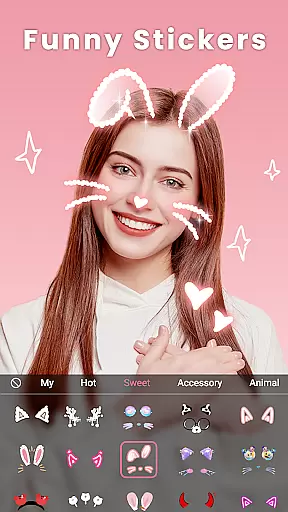
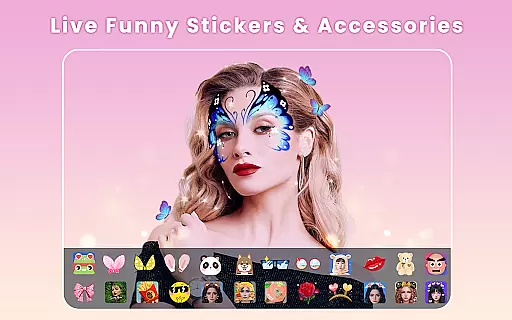
Moreover, the application's database is regularly updated with new trends and seasonal items, ensuring that users have access to the latest beauty innovations. With thousands of stickers and accessories available, including sunglasses, hats, and jewelry, Beauty Camera enables users to customize their appearance extensively.
Ultimately, the depth of the product database in Beauty Camera enhances user experience by offering precise and natural virtual makeovers. Users can confidently explore different aesthetics knowing that the app's smart recognition technology will apply makeup effects accurately, making it an invaluable tool for beauty enthusiasts.
Personalization is at the heart of the Beauty Camera experience, allowing users to tailor their digital makeover with remarkable accuracy. The app employs advanced algorithms that adapt to individual facial features, ensuring that each virtual cosmetic application looks natural and fits perfectly. This personalized approach extends to various aspects of the user's appearance, from smoothing skin to reshaping facial contours.
Beauty Camera provides users with adjustable parameters for almost every feature, including eyes, lips, and facial structure. For instance, users can modify eye brightness, reshape eyebrows, and even whiten teeth according to their preferences. These customization options empower users to create a look that aligns with their unique style and beauty goals.
In addition to facial adjustments, the app also offers body reshaping tools that allow users to modify their overall silhouette. Whether slimming arms or enhancing waist curves, these features contribute to a comprehensive transformation that reflects personal taste. The ability to fine-tune every aspect of oneu2019s appearance makes the Beauty Camera stand out among similar apps.
By leveraging smart recognition technology, Beauty Camera delivers a personalized experience that adapts to each user's distinct characteristics. This precision not only enhances the authenticity of virtual makeovers but also boosts user confidence when experimenting with new looks. As a result, Beauty Camera becomes an essential companion for anyone looking to express themselves through creative and customized beauty transformations.
User-friendly interface
Wide variety of filters
Advanced retouching tools
Real-time beauty effects
Comprehensive photo editing suite
May require high storage space
Some features may need in-app purchases
Occasional ads interruptions
Can be overwhelming for beginners
Drains battery quickly

This application is for the Luvme Hair official website: shop.luvmehair.com .
 4.30
4.30
Blushify is a beauty camera for makeup, face editing, and glowing selfies!
4.70
Professional HD Camera App: Capture Bright HD Selfie & Record Stunning Moments
4.40
Your future self face age old or young from camera selfie into beautify videos
4.0
Enhance your selfies with face beauty makeup tool and an easy background remover
4.70
Wacky mirror filter, waves effect & wavy effect to make your own funny videos.
4.60
Download Today
4.40
HD Camera, Selfie Camera, Camera filters, is a fully featured 4K camera
4.60
Unleash your (Pro)tential with the hottest hair, nails and beauty brands!
4.60
The mirror app you were looking for, simple and easy to use. Try Mirror now.
4.60
Transform your sweet selfies with Selfie Beauty Camera Filters And Effects!
4.60
For businesses, Booksy Biz allows you to manage your schedule & more on the go.
4.60
All-in-one solution for independent beauty pros to manage & grow their business
4.30
Seasonal color palette, my personal color, hair color changer, makeup, wardrobe
4.20
Glow up with science: cosmetics, ingredients scanner, tracking & face analysis
4.10
The all new Cosmo Prof app offers exclusive pro products, deals, and training.
4.00
The Official Voting App
3.90
Design your nails, manicure and pedicure with nail paint art and nail idea app
3.90
Intelligent Beauty calculator tool! Face scale and face symmetry in one app!
3.80


User Reviews