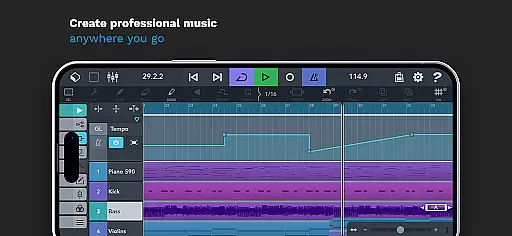
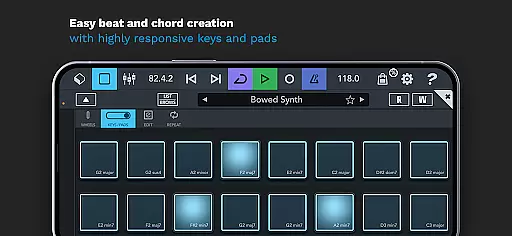
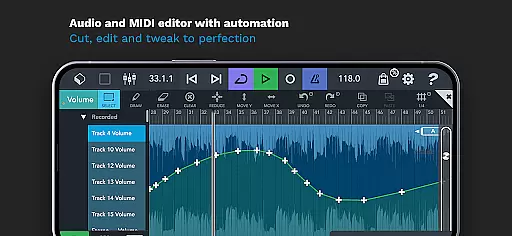
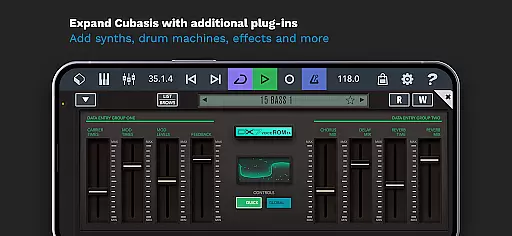
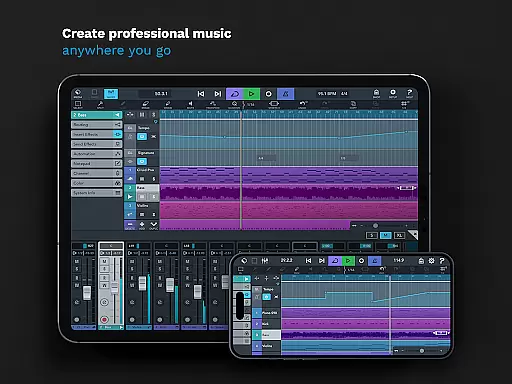
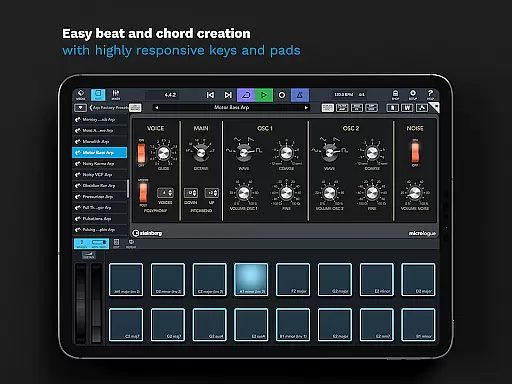
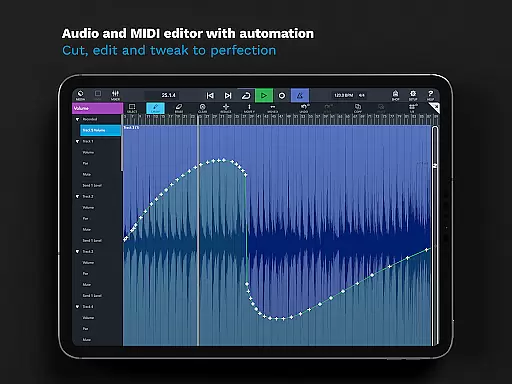
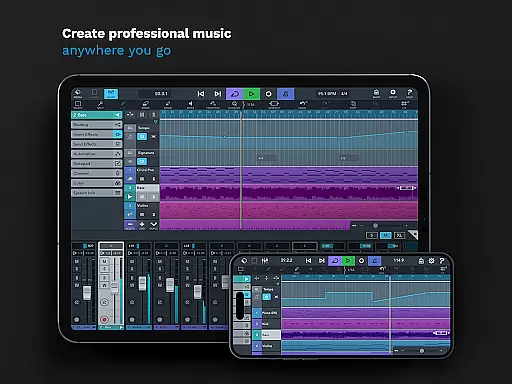
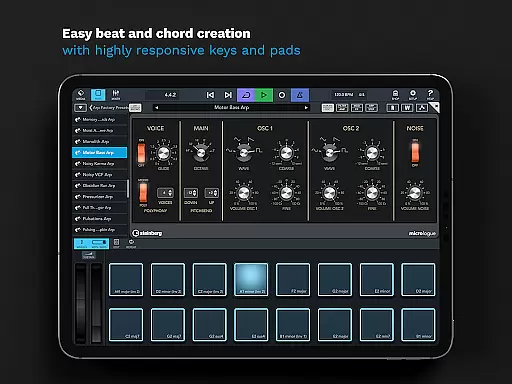
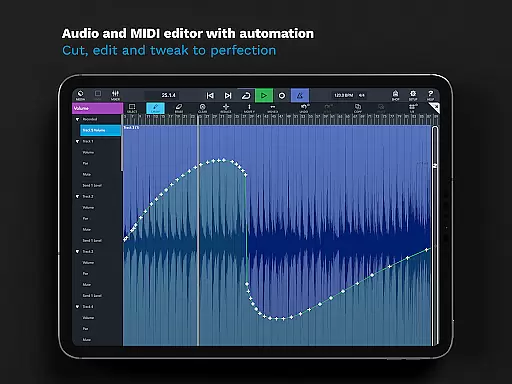
Cubasis 3 stands out with its extensive music library, offering over 550 MIDI and timestretch-capable audio loops. This vast collection provides users with a rich resource for creating diverse musical compositions.
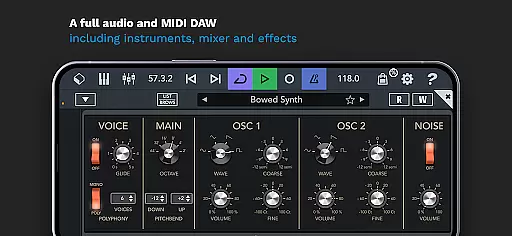
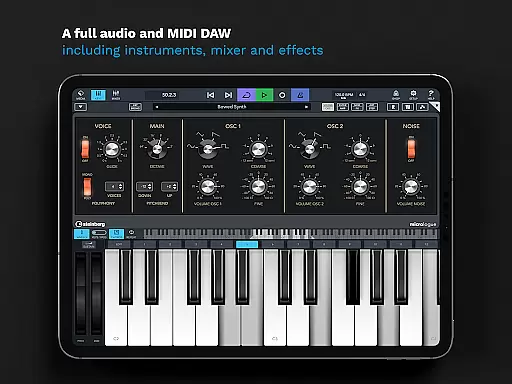
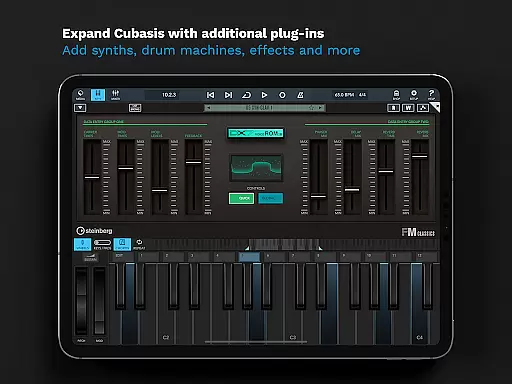
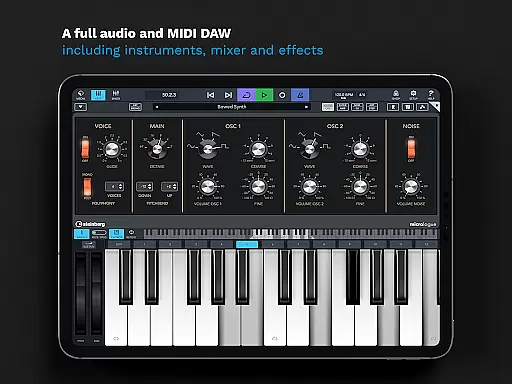
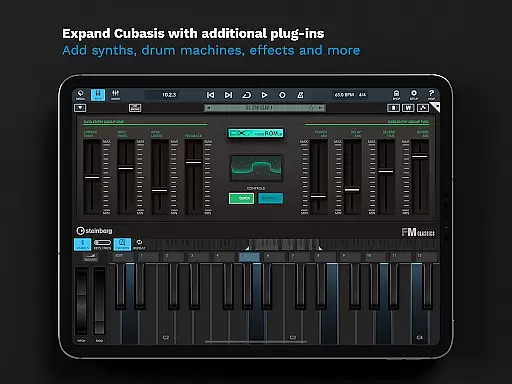
The app includes MicroSonic, which features more than 120 virtual instrument sounds, ranging from acoustic piano to various drum kits. These instruments are not only plentiful but also deliver high-quality sound that rivals traditional hardware setups.
Copyright authenticity is ensured through legitimate licensing agreements. Users can trust that all included content is legally cleared for use, allowing them to focus on creativity without legal concerns.
With Cubasis 3, musicians have access to a comprehensive suite of tools that support both original composition and remixing existing tracks while respecting intellectual property rights.
Cubasis 3 excels in delivering professional-grade audio quality with its 32-bit floating-point audio engine. This advanced processing capability ensures pristine sound reproduction throughout the production process.
The application supports an Audio I/O resolution of up to 24-bit/48 kHz, providing users with the precision needed for detailed audio work. Such high-resolution capabilities allow for capturing subtle nuances in performances and recordings.
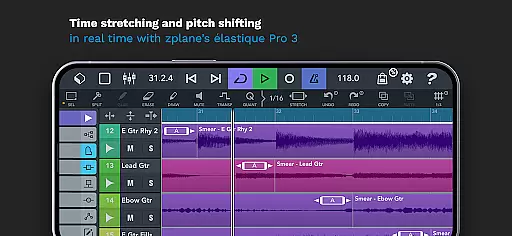
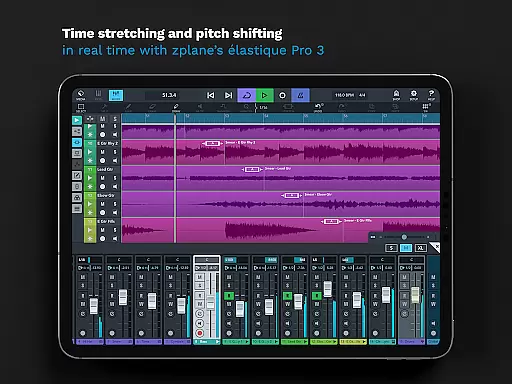
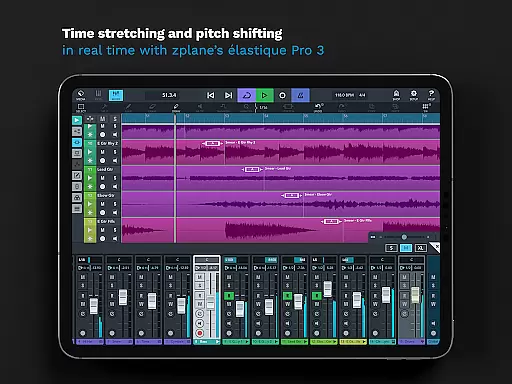
Real-time time-stretching and pitch-shifting powered by zplaneu2019s u00e9lastique 3 technology enable seamless adjustments without compromising audio integrity. Musicians can manipulate tempo and key while maintaining exceptional clarity.
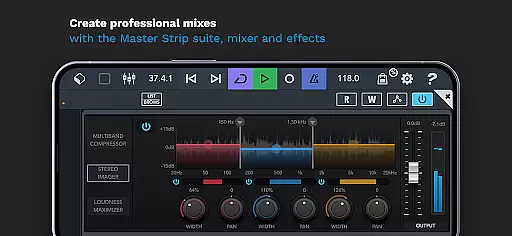
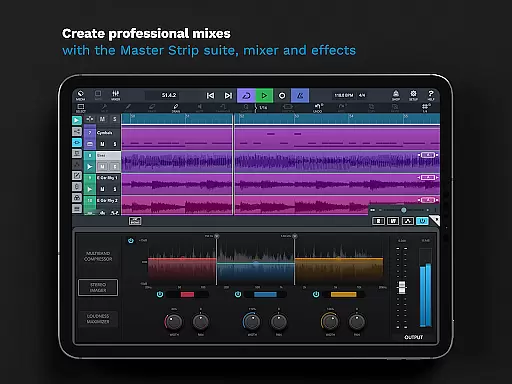
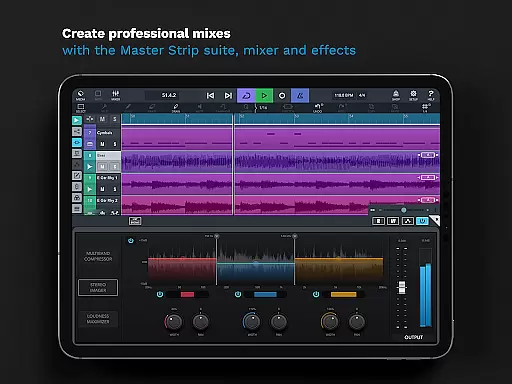
Additionally, the Master Strip plug-in suite offers superior effects for finalizing mixes. With these robust audio quality options, Cubasis 3 empowers creators to produce polished, industry-standard tracks directly from their mobile devices.

Performance-Synthesizer & Multi-Track-Sequencer, polyphonic + multi timbral!
 4.70
4.70
Powerful beat maker & DJ mixer to remix tracks, make music, & perform DJ mix
3.70
Your song collections with lyrics and chords on Android smartphones and tablets.
4.80
More downloads than any other metronome. Includes drum machine & tempo trainer.
4.80
Brian Eno and Peter Chilvers’ acclaimed music app Bloom, radically reinvented.
4.80
The only true audiophile music player with Hi-Fi audio rendering and DSP engine
3.90
Music Streaming suite for Ampache, Nextcloud Music and compatible backends.
4.2
Smart piano keyboard, Classical to Pop, Real-time multiplayer connection!
4.20
Play KORG’s revolutionary touch-based instrument on a variety of devices.
4.40
Play your hearts out on TouchTunes jukeboxes & connect with fellow music lovers.
4.80
Ultimate Sonos Controller
4.70
Recording studio w/ 10k beats, pro vocal FX and a network of 20M rappers & fans!
4.60
Reverse your voice & songs instantly! Fun singing challenge with cool effects.
4.60
A synth that really lets you shape your sounds!
4.50
A sleek, no-frills player designed for true music lovers.
4.20
The official Sonos app
4.10
Versatile MP3 recorder with auto-backup to Dropbox and Google Drive
4.10
USB audio recording and playback finally possible on Android 3.1 or higher!
3.90
Learn to play the piano using falling notes!
3.80


User Reviews