
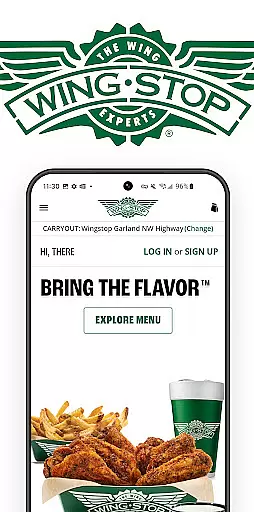
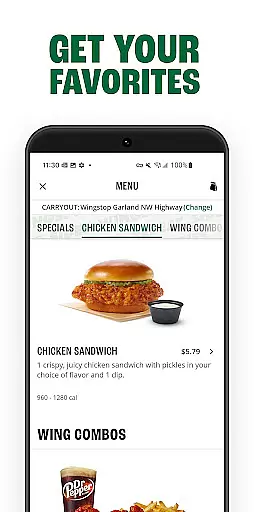
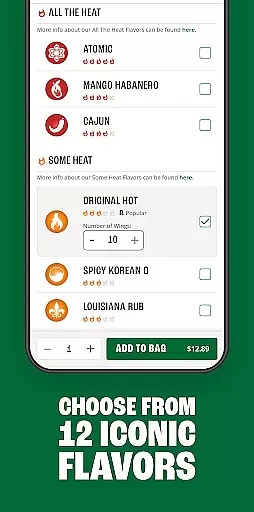
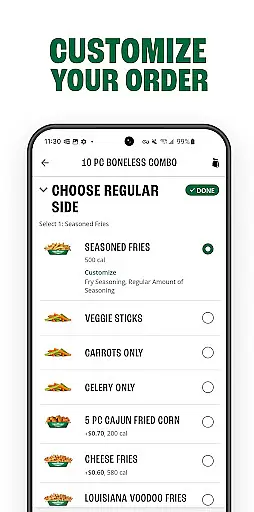
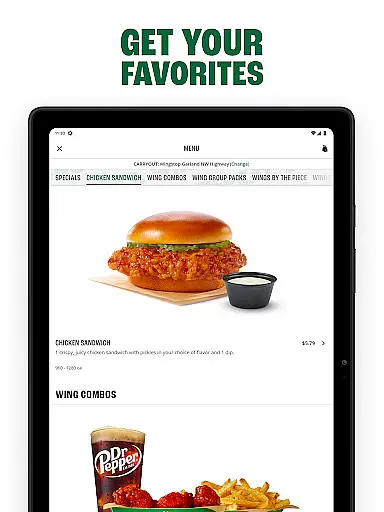
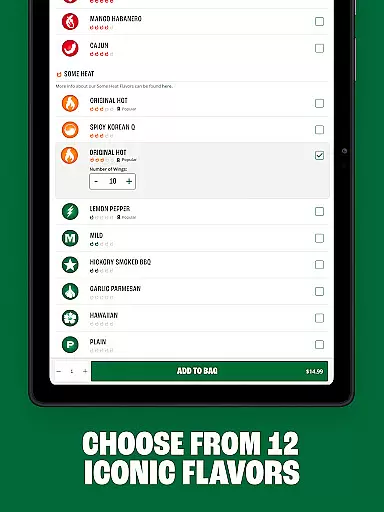
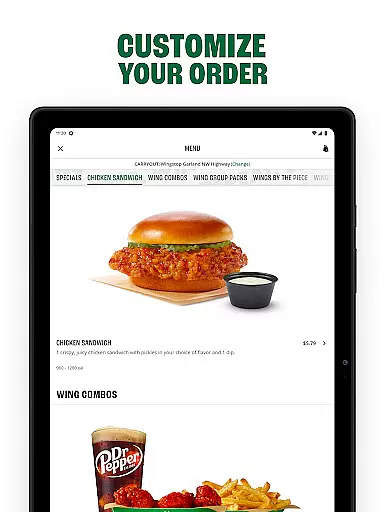
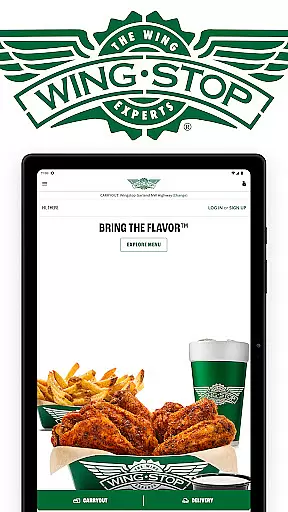
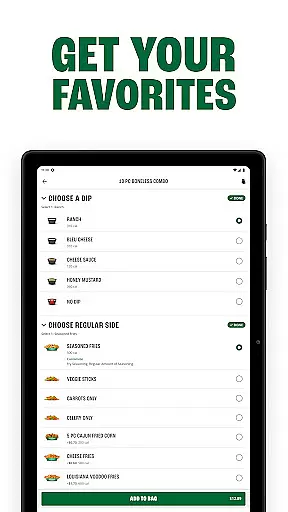
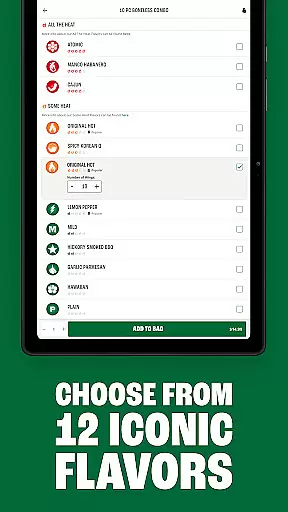
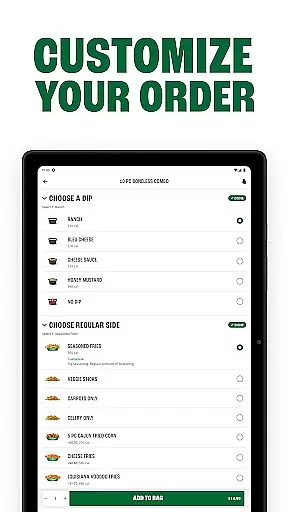
Wingstop is a premier food ordering app specializing in delivering iconic flavors directly to your door. The app allows users to build custom orders featuring a variety of menu items including wings, crispy tenders, chicken sandwiches, and satisfying sides and dips. Designed for convenience, Wingstop makes it easy to enjoy your favorite meals without leaving home.
One standout feature is the ability to place orders either immediately or up to seven days in advance, choosing between pickup or delivery options. Additionally, users can manage their preferences by setting favorite locations, saving delivery addresses, and storing payment methods securely within the app. This ensures a seamless and personalized experience every time you use Wingstop.
Wingstop offers a range of innovative features that enhance the food ordering process. Users can reorder from their history, which saves time and effort when placing repeat orders. The app also provides detailed store information and directions to any Wingstop location, ensuring customers can easily find their nearest restaurant.
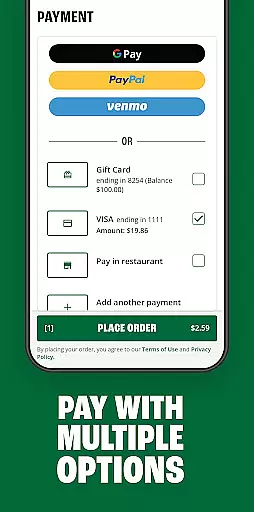
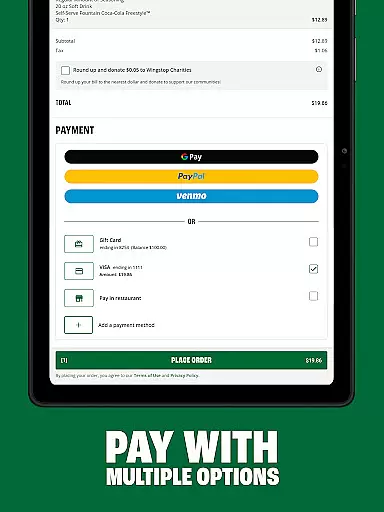
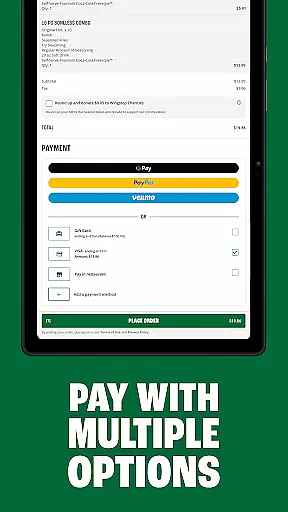
Payment flexibility is another key feature, with support for multiple payment methods such as Google Pay, PayPal, Venmo, and traditional credit cards. This variety caters to different user preferences and enhances the overall convenience of using the app. Furthermore, the streamlined checkout process simplifies the final steps of ordering, making it quick and hassle-free.
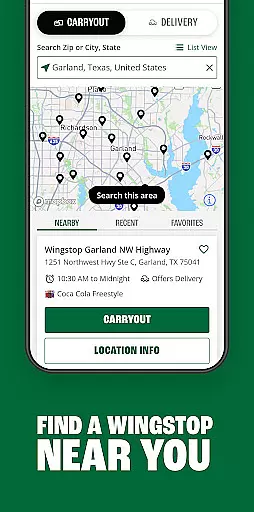
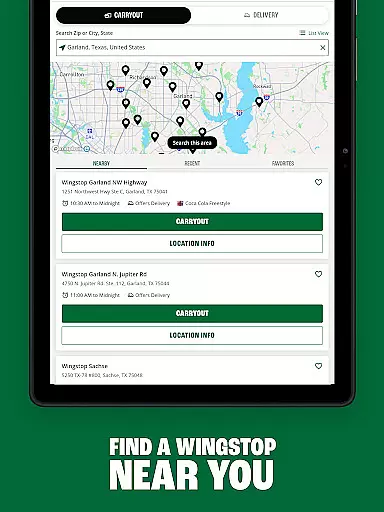
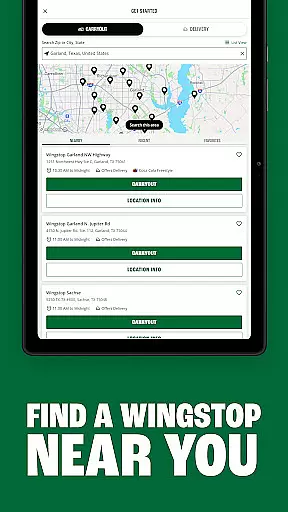
Locating your nearest Wingstop has never been easier with the Store Locator feature. This functionality ensures that users can quickly find Wingstop locations with precise accuracy, providing essential details such as address, operating hours, and contact information.
The app's Store Locator goes beyond just pinpointing locations on a map. It offers real-time directions tailored to your current location, ensuring you can reach your destination without hassle. Whether you're at home or exploring a new area, this feature provides reliable guidance every step of the way.
For those who frequently visit multiple Wingstop outlets, the app allows saving preferred locations for quick access in the future. This personalized touch not only saves time but also enhances the overall user experience by making store visits more convenient and enjoyable.
Wingstop's app excels in offering flexible delivery and pickup options, catering to customers' diverse needs. With the ability to place orders for immediate delivery or schedule them up to seven days in advance, users enjoy unparalleled convenience and planning flexibility.
The streamlined checkout process simplifies ordering, whether you choose to pick up your meal or have it delivered. By supporting various payment methods including Google Pay, PayPal, Venmo, and credit cards, the app ensures a smooth transaction experience tailored to individual preferences.
Moreover, creating an account unlocks additional benefits like saving favorite menu items, storing delivery addresses, and setting preferred payment methods. These features collectively enhance the efficiency of both delivery and pickup experiences, making every interaction with Wingstop seamless and satisfying.
User-friendly interface
Customizable orders
Multiple payment options
Streamlined checkout
Save favorite locations
Limited to U.S. residents
No international delivery
Occasional bugs
Requires account creation
Location services needed

Delicious cocktail recipes you can make with ingredients you already have.
 4.40
4.40
Order and pay ahead with the Raising Cane's app. Get Clickin' for Chicken™!
4.80
Find the perfect restaurant for any occasion on OpenTable.
4.60
Food delivery from your favorite places. Order food, alcohol and more nearby
4.50
Order for Pickup and Delivery
4.70
Enjoy Exclusive Deals, Rewards, Gas Benefits, and 24/7 Food Delivery!
4.90
Quickly order, pay, reload your Starbucks Card and earn free drinks or food.
4.80
Get Rewards, Easy Ordering & Exclusive Offers
4.70
Not just food delivery. Shop for groceries from local supermarkets to your door.
4.60
Sweeten the season!
4.90
Easily Order, Earn Crumbs & Unlock Rewards!
4.80
Papa Johns Pizza, delivering an awesome pizza ordering experience for Android!
4.80
Top restaurants delivered
4.70
Good Fortune Awaits with Panda Rewards and the Panda Express® App.
4.70
The fast and practical app to help you make the best cocktails at home!
4.60
Simple recipes and kitchen tips for easy meal planning. Your digital cookbook.
4.60
Order from local pizzerias
4.20
Your most rewarding experience is in the Cracker Barrel app.
4.20
Order Food, Track, and Earn Rewards
3.80


User Reviews