
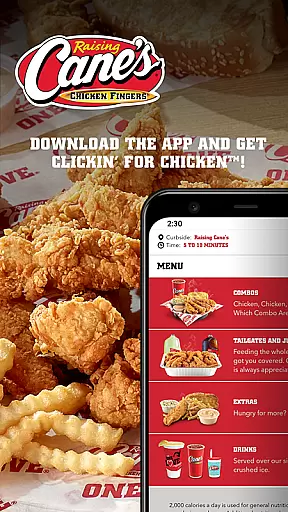
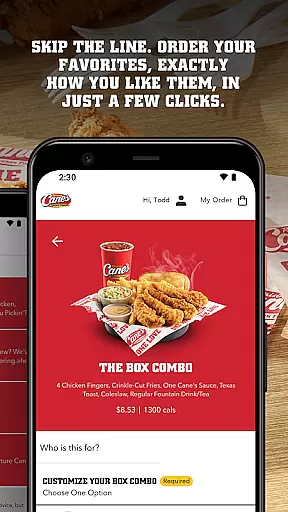
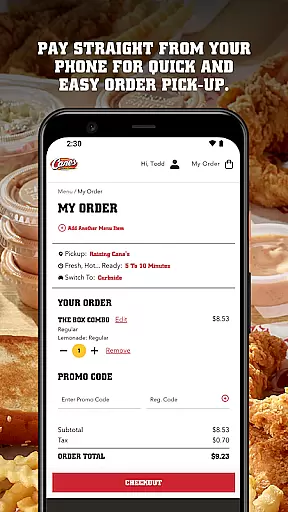
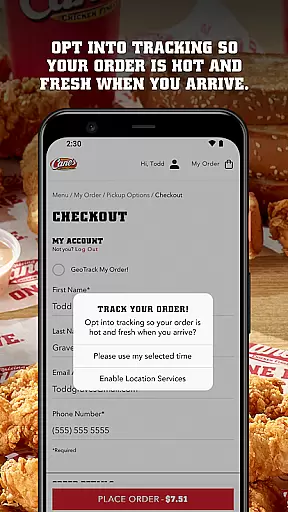
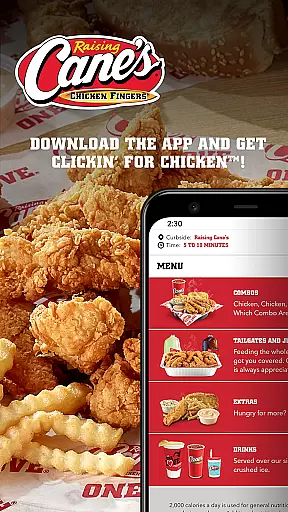
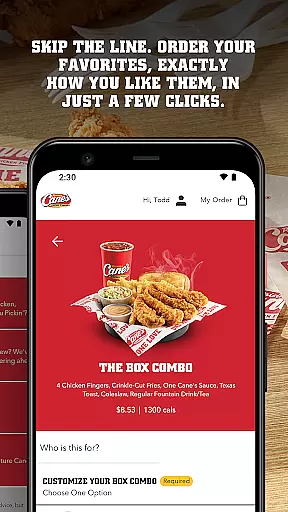
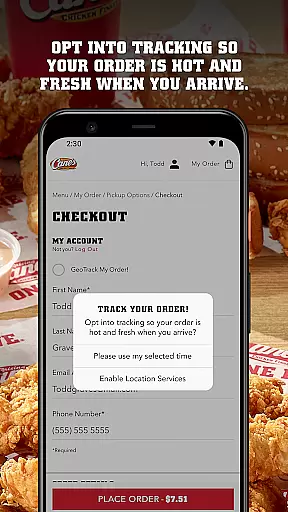
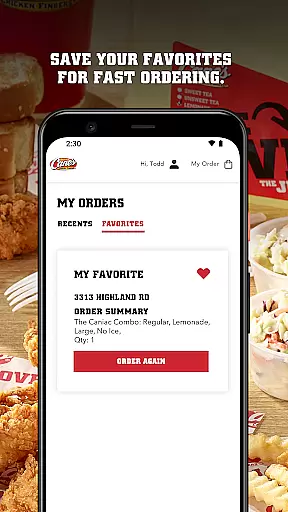
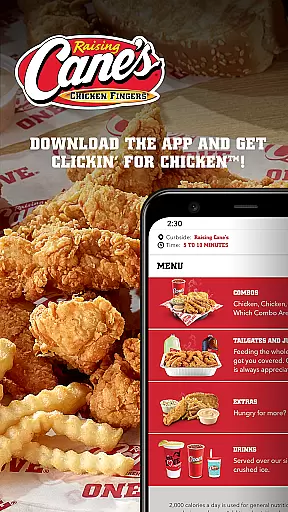
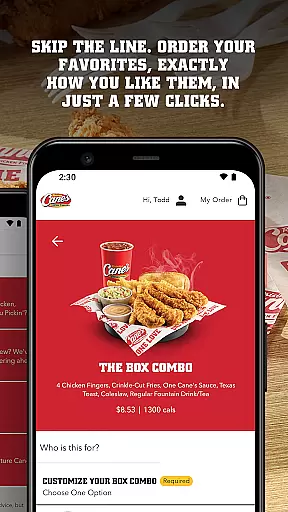
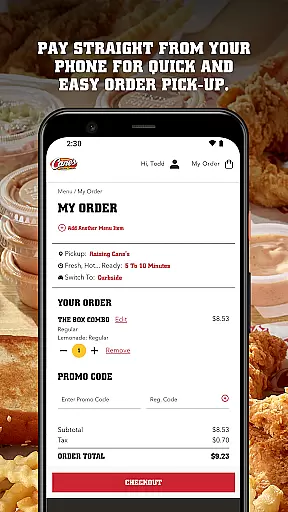
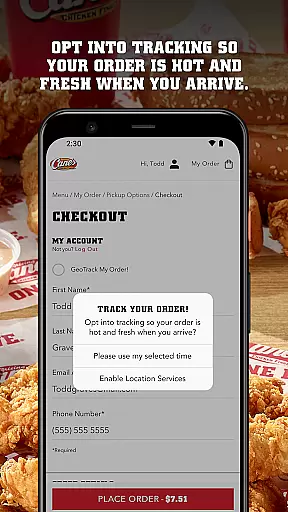
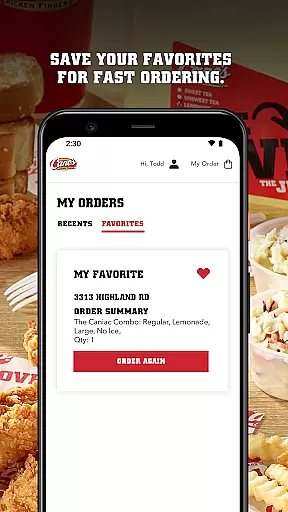
Raising Cane's Chicken Fingers app is your go-to solution for ordering their signature One Love® chicken finger meals. Designed for convenience, this app allows users to skip lines by ordering ahead and customizing their favorite meals with just a few taps. The app also supports mobile payments, ensuring quick and easy pick-up. With features like Tasty Tracking, customers can ensure their orders are fresh and hot upon arrival. Whether you're a regular or first-time customer, the app streamlines the process of enjoying quality chicken meals.
Available on both Android and iOS platforms, Raising Cane's app enhances the fast-food experience by integrating technology that prioritizes speed, accuracy, and customer satisfaction. Its intuitive interface makes it accessible for all users while maintaining focus on delivering value through seamless transactions and reliable service.
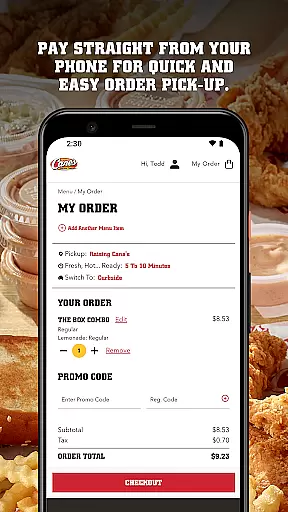
The Raising Cane's Chicken Fingers app offers several standout features that cater to modern fast-food consumers. First, its Order Ahead functionality lets users bypass long queues by pre-ordering their preferred meals tailored to specific tastes. This feature not only saves time but also ensures consistency in order fulfillment. Additionally, the Pay Ahead option enables secure, cashless transactions directly from the user's smartphone, further expediting the pickup process.
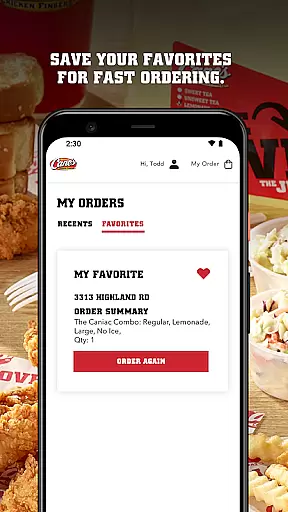
Another notable feature is Tasty Tracking, which provides real-time updates on when an order will be ready, guaranteeing freshness and heat at the point of collection. For frequent visitors, Quick Reordering allows saving favorite items for faster future purchases. These functionalities collectively create a convenient, efficient, and satisfying dining experience, setting Raising Cane's apart in the competitive food delivery space.
Locating your nearest Raising Cane's Chicken Fingers has never been easier. The app provides a seamless store locator feature that ensures you can find your favorite chicken finger meals quickly and efficiently.
With real-time location services, the app accurately pinpoints nearby outlets, displaying essential details such as address, operating hours, and estimated wait times. This functionality is crucial for customers who are on the go and looking to either dine in or pick up their orders without unnecessary delays.
The integration of Google Maps enhances the precision of the store locator, offering users turn-by-turn navigation to their selected Raising Cane's location. This ensures that whether you're at home or exploring a new city, satisfying your craving for quality chicken fingers is always within reach.
Raising Cane's app offers flexible delivery and pickup options, catering to your convenience. Whether you prefer enjoying your meal at home or grabbing it on the go, the app streamlines the entire process with just a few taps.
Users can opt for Pay Ahead, which allows for swift and contactless payment directly through the app. This feature not only expedites the pickup process but also ensures that your order is prepared fresh and hot, ready exactly when you arrive.
For those who choose delivery, the app provides transparent pricing and timely updates on your order status. With reliable tracking, you can monitor your delivery in real time, guaranteeing that your meal arrives promptly and in perfect condition every single time.
User-friendly interface
Fast ordering system
Secure payment options
Real-time order tracking
Customizable meal preferences
Limited menu variety
Occasional glitches
Geographic restrictions
No delivery option
Requires internet connection

The fast and practical app to help you make the best cocktails at home!
 4.60
4.60
Mobile Ordering - Order your favorite burgers, chicken, breakfast, and desserts
4.60
Now it's easier than ever to order, pay and earn delicious rewards.
3.50
Your most rewarding experience is in the Cracker Barrel app.
4.20
Bringing a piece of Louisiana to your fingertips!
4.90
The ultimate app to save recipes from Instagram, TikTok, Facebook & more.
4.60
Rescue tasty unsold food from local stores for ½ price or less.
4.90
Not just food delivery. Shop for groceries from local supermarkets to your door.
4.60
Get food, grocery, and retail essentials delivered fast with DoorDash.
4.70
Conveniently order food ahead and avoid the wait at your favorite Jersey Mike's.
4.80
Save at the pump AND in store with deals on gas, snacks & drinks at Murphy USA.
4.80
Delivery. Pickup. Rewards.
4.70
Top restaurants delivered
4.70
EASIEST WAY TO PIZZA®
4.70
Mexican Food Pickup & Delivery
4.70
Simple recipes and kitchen tips for easy meal planning. Your digital cookbook.
4.60
NEW digital gift cards available in exclusive designs!
4.60
Discover. Create. Plate.
4.40
Get exclusive food deals, earn rewards, fast reordering & order ahead options.
4.30


User Reviews