
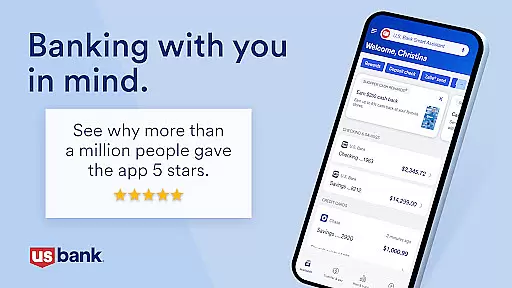
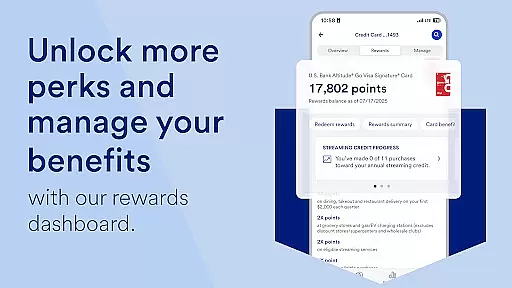
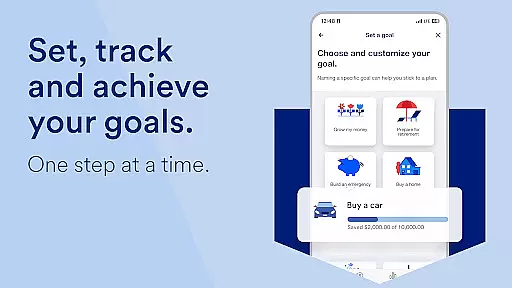
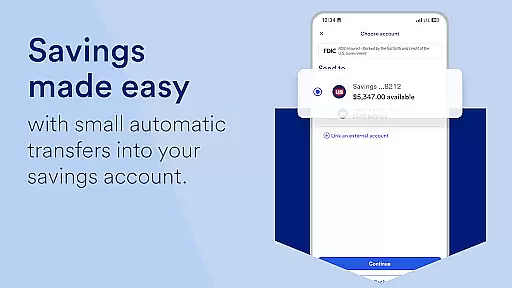
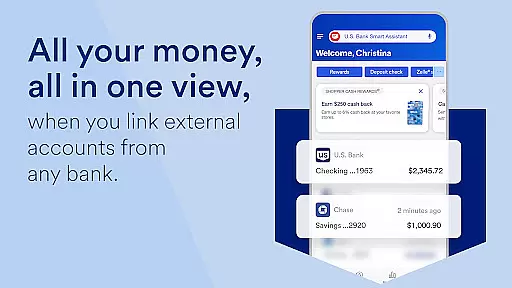
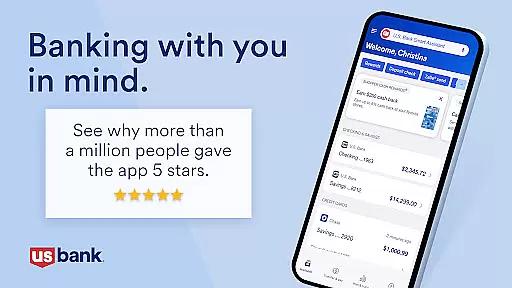
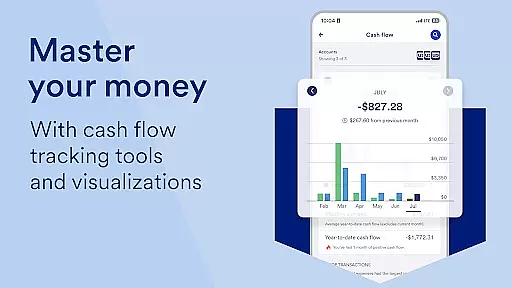
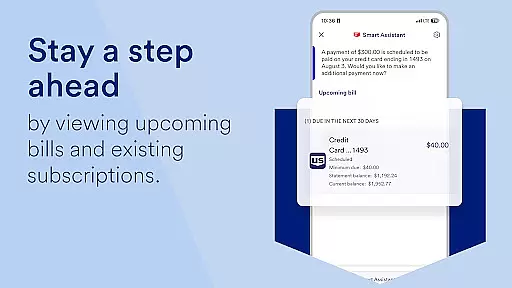
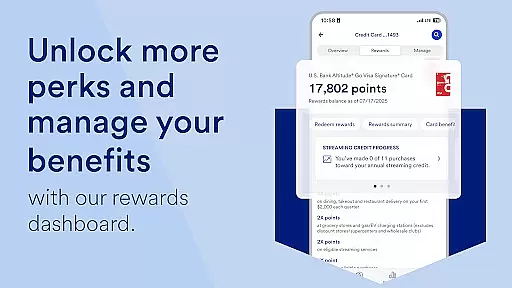
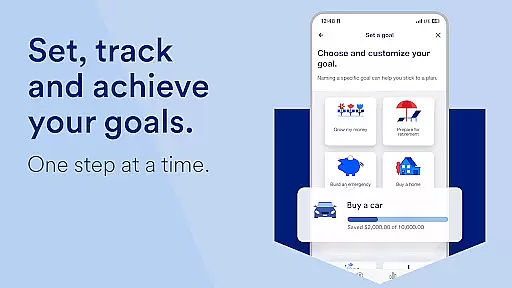
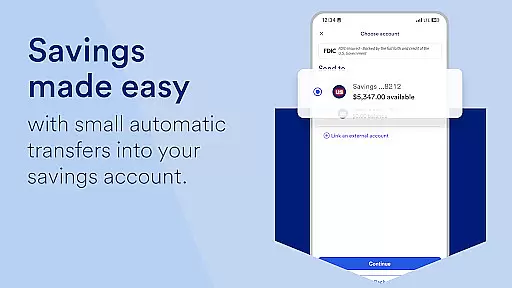
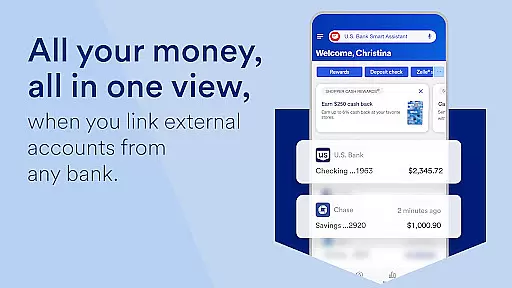
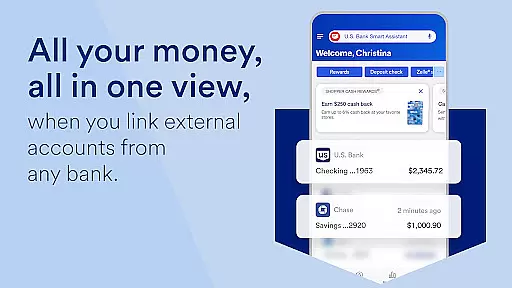
U.S. Bank Mobile Banking is a comprehensive financial management tool that provides users with secure access to their banking services on-the-go. The app allows customers to log in using their usbank.com credentials and offers features like account monitoring, suspicious activity alerts, and balance tracking. With its intuitive interface, users can manage multiple accounts including checking, savings, credit cards, and loans from a single dashboard.
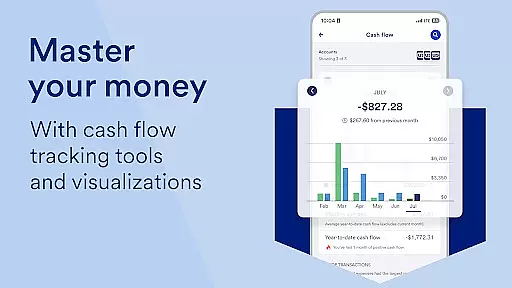
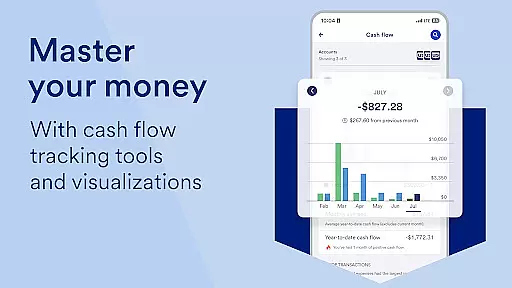
Beyond basic account management, the app delivers personalized financial insights by categorizing monthly spending and offering saving recommendations based on individual spending patterns. Users can also take advantage of the U.S. Bank Smart Assistant® for voice-activated account management and money transfers. The app supports seamless money movement through Zelle®, check deposits, bill payments, and inter-account transfers. Additionally, it provides access to investment products via U.S. Bancorp Investments and includes helpful resources such as a Help Center, Digital Explorer, and branch locator.
One of the standout features of U.S. Bank Mobile Banking is its robust security framework. Users can set up alerts for duplicate charges, suspicious activities, and low balances, ensuring they are always aware of their financial status. The app also allows users to lock and unlock their cards, set travel notifications, and add cards to their mobile wallet for enhanced convenience and protection.
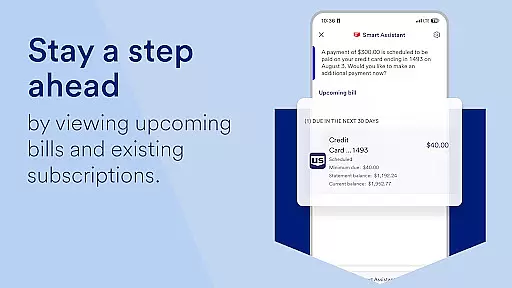
The app's integration with U.S. Bank Smart Assistant® enables hands-free account management through natural language processing. This feature lets users inquire about account details or execute fund transfers simply by speaking commands. Furthermore, the app facilitates easy money movement by integrating Zelle® for peer-to-peer payments, offering increased limits for mobile check deposits, and consolidating bill management in one place. Users can also explore and apply for new financial products directly within the app, often receiving decisions within minutes.
Additional notable features include personalized spending insights across categories like Food & Dining, which help users understand and optimize their financial habits. The app also connects users to various support channels, including a Help Center, live demos, real-time support with Cobrowse, and local branch/ATM locators, ensuring assistance is readily available whenever needed.
Account and fund security is a critical aspect of any financial application, ensuring that users' sensitive information and assets are protected. U.S. Bank Mobile Banking employs advanced security measures to safeguard your data and transactions. The app allows you to log in with your existing credentials from usbank.com and even enroll directly through the app if you're new to online banking.
The application provides real-time alerts for suspicious activities, duplicate charges, and low balances, empowering you to act swiftly in case of any anomalies. With features like the ability to lock and unlock cards instantly, set travel notifications, and securely access credit scores, the app ensures comprehensive protection tailored to your lifestyle. These proactive security measures help prevent unauthorized access and fraudulent transactions.
By integrating industry-leading security protocols and offering tools such as two-factor authentication and secure messaging, U.S. Bank Mobile Banking delivers peace of mind to its users. This robust security framework not only meets but exceeds industry standards, making it a reliable choice for managing your finances on the go.
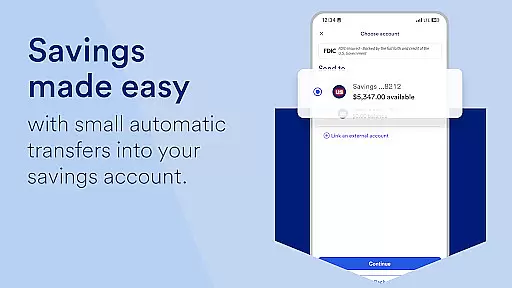
A seamless transaction experience is vital for a mobile banking app, and U.S. Bank Mobile Banking excels in providing intuitive and efficient money movement options. Whether you need to transfer funds between accounts, deposit checks, or pay bills, the app offers a user-friendly interface that simplifies these tasks. With functionalities like Zelle integration, you can easily send and request money from friends and family.
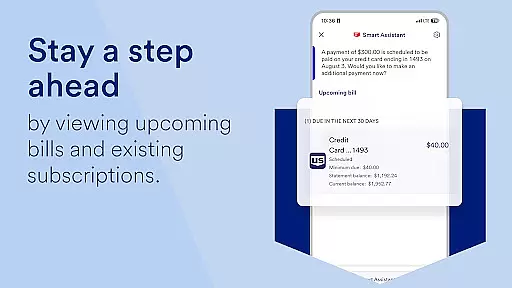
The app also supports quick check deposits with increased limits, allowing you to handle larger transactions conveniently from your mobile device. Bill management is centralized, enabling you to pay and manage all your bills in one spot without navigating through multiple screens or menus. Additionally, the U.S. Bank Smart Assistant enhances this experience by letting you execute commands via voice, such as asking about routing numbers or initiating transfers.
These features collectively ensure that every transaction is smooth, fast, and secure, enhancing overall customer satisfaction. By prioritizing ease-of-use and reliability, U.S. Bank Mobile Banking sets a high standard for digital banking experiences.
User-friendly interface
Comprehensive account management
Advanced security features
Personalized financial insights
Seamless money movement options
Limited international functionality
Requires online enrollment
Occasional bugs reported
Some features need additional setup
Investment products not insured

Companies owe you money.
 4.80
4.80
Secure, simple money transfer app. Send money to Mexico and worldwide fast.
4.80
BA Financial Calculator PRO – Perfect for CFA/FRM/CPA and finance professionals
4.90
Manage your Discover account conveniently from anywhere.
4.80
BTC, Crypto, Stocks & Options.
4.20
Earn cash back. Build credit.
4.60
Make your paycheck work harder for you with Perpay.
4.10
Our Chase Mobile App makes it easy for you to bank on the go 24/7.
4.60
The PayPal app is the secure way to send and receive money, shop and pay in 4.
4.20
Currency Converter supports all currencies of the world.
5.00
Pay rent on your schedule.
4.70
Money transfer made easy. Send money to friends and family with great rates.
4.70
Get 250$ Cash Advance to solve emergencies instantly in loan app called LendMe
4.70
Manage your credit card account with the Credit One Bank mobile app.
4.70
Need help before payday? Get cash advances with no interest or credit checks.
4.60
The all-in-one app to save, earn, travel, and put more money in your pocket
4.50
Earn cash & save money daily. Access instant cash advances* - no credit check!
4.50
Change the way you money with Credit Genie
4.30
NFC mobile payment app Use your phone as a contactless bank card
4.00


User Reviews