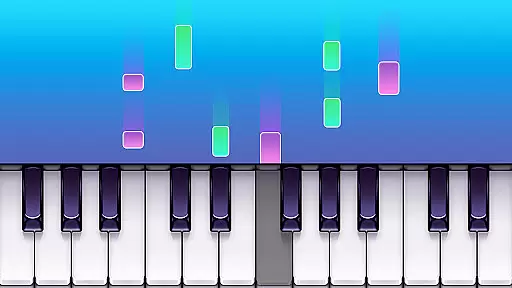
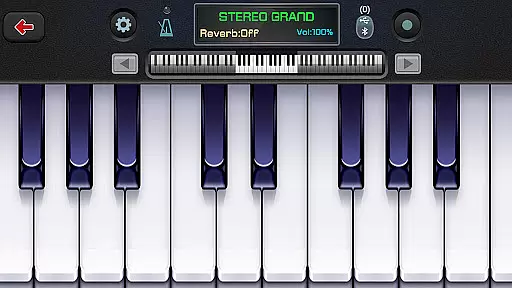
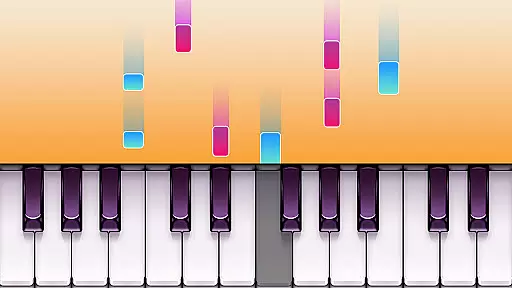
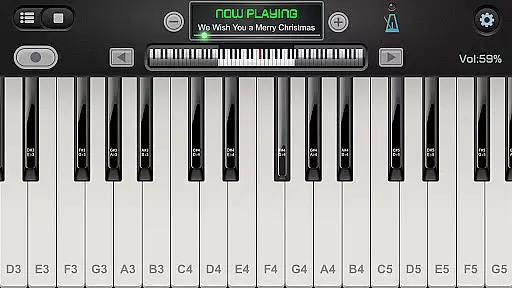
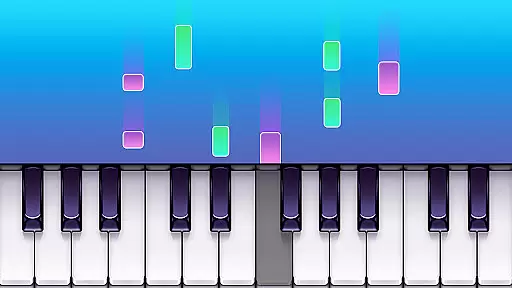
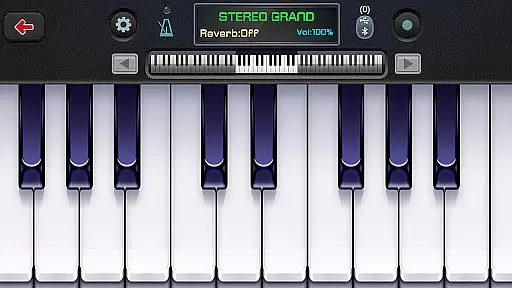
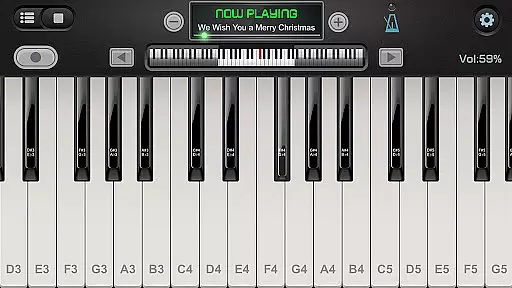
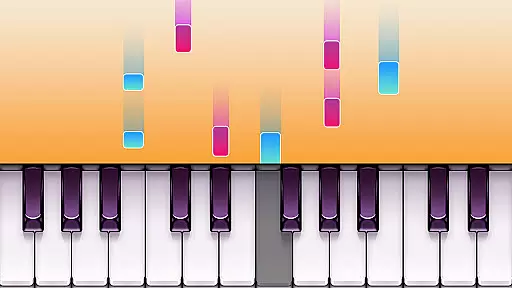
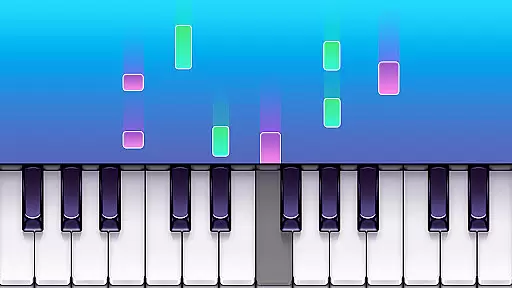
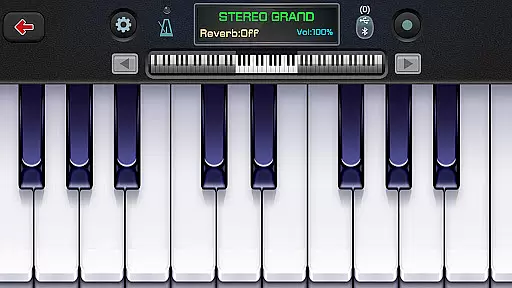
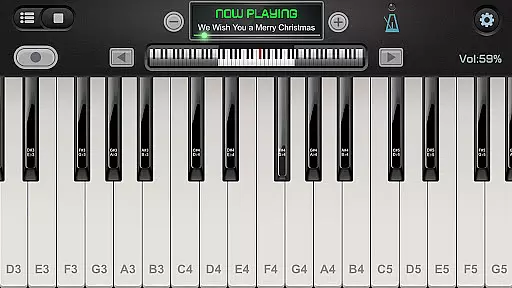
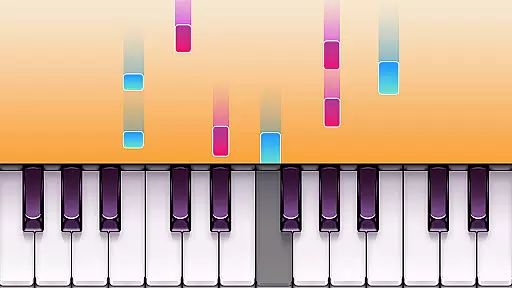
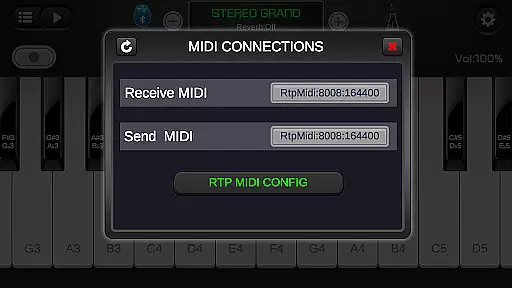
Real Piano For Pianists is a premier virtual piano simulator designed for both aspiring and professional pianists. This app offers an impressive 88-key keyboard interface that mimics the experience of playing on a real piano, providing users with an authentic musical journey. With support for multitouch gestures and compatibility across various devices including phones and tablets, it ensures a seamless performance every time.
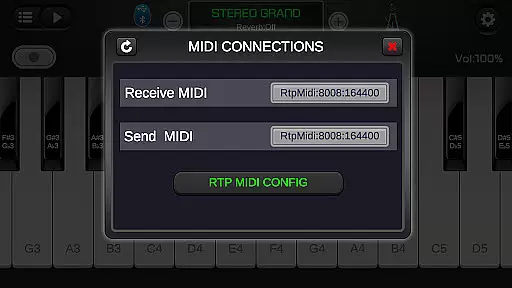
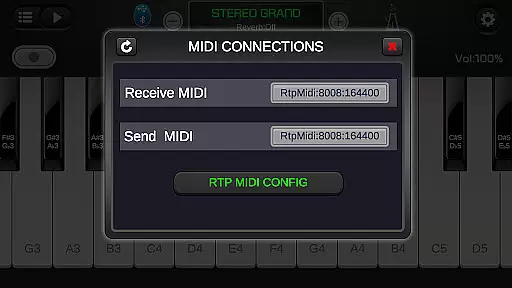
In addition to its core functionality, Real Piano For Pianists boasts a range of features such as different play modes including single-row, double-row, dual players, and chords mode. Users can also connect their digital pianos and record sessions in MIDI format. The app includes 128 different keyboard sounds and instruments, from grand pianos to organs, catering to diverse musical tastes and styles. Whether you're practicing scales or composing your next masterpiece, this app provides the tools necessary to explore the power of music.
One of the standout features of Real Piano For Pianists is its ability to rearrange audio using an ADSR filter, delivering high-quality sound output. This feature, combined with force touch capability and adjustable keyboard width, allows users to customize their playing experience according to their preferences. Additionally, the inclusion of a metronome helps musicians maintain tempo while practicing, making it an invaluable tool for honing one's skills.
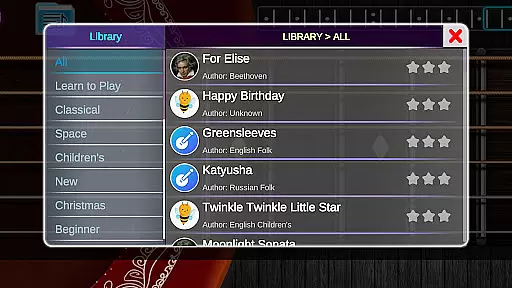
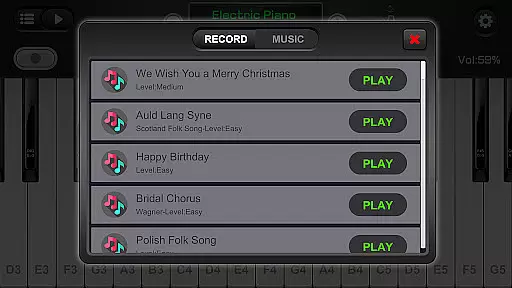
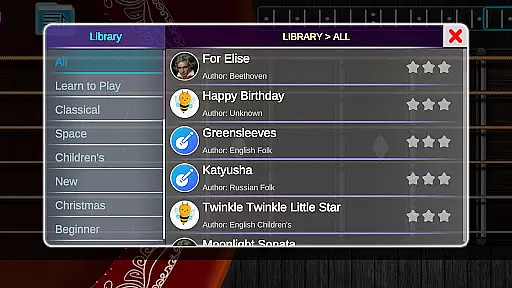
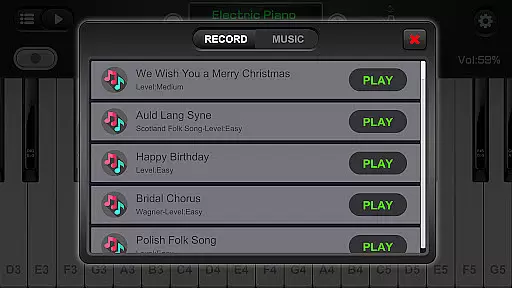
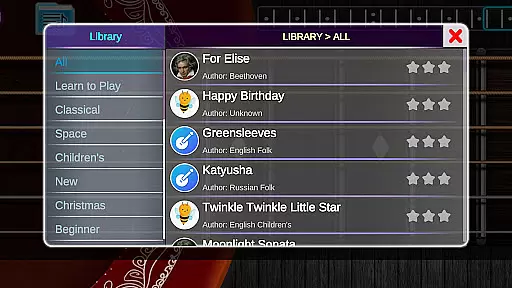
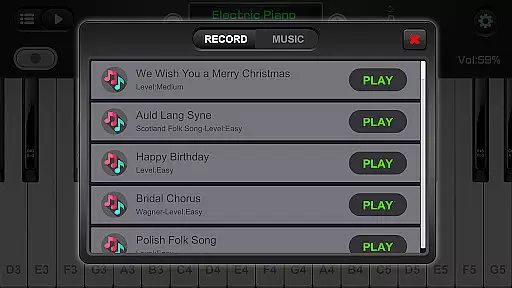
The app also supports MIDI and ACC audio recording, enabling users to capture their performances and share them with others. With access to free popular and classic songs, learners can engage with their favorite pieces directly through the app. Moreover, multiple built-in sound effects like Bright Piano, Music Box, and Rhodes provide a rich palette of tones to experiment with. These comprehensive features make Real Piano For Pianists not just a simulator but a complete musical workstation.
Rhythm judgment is essential for any music app, ensuring that the timing of notes played is accurately captured and reflected. Real Piano For Pianists excels in this area by providing precise feedback on the user's performance, allowing them to improve their timing and rhythm skills effectively.
The app achieves high rhythm judgment precision through its advanced multitouch screen support and responsive keyboard interface. Whether you're playing single notes or complex chords, the app registers each input with exactness, giving users confidence in the accuracy of their practice sessions.
For pianists, this means they can rely on Real Piano For Pianists as a practice tool that mirrors the experience of playing on a real piano. The precision in rhythm judgment not only enhances learning but also makes playing more enjoyable and engaging.
A diverse and high-quality music library is crucial for keeping users engaged and inspired. Real Piano For Pianists offers an extensive selection of 128 different keyboards and various instruments, including Grand Piano, Organ, Harpsichord, Accordion, and more, catering to a wide range of musical tastes and preferences.
In addition to the variety of instruments, the app provides multiple in-built sound effects such as Bright Piano, Music Box, Pipe Organ, Rhodes, and Synthesiser. These sound options ensure that users can explore different musical styles and find the perfect sound for their practice or performance needs.
With free popular and classic songs available, users have ample material to learn and play. This rich diversity in the music library not only supports comprehensive learning but also encourages creativity and exploration in music, making Real Piano For Pianists a valuable resource for both beginners and experienced musicians.
High-quality sound
Customizable keyboard
Multitouch support
Multiple instruments
Recording capabilities
Complex for beginners
Limited free content
No advanced tutorials
Occasional bugs
Ads in free version

The original Piano Tiles game is back. Play fun music rhythm games at a party.
 4.50
4.50
Capture your most precious gaming moments with the rhythm of piano music!
4.20
Enjoy the fun of cat hop on piano tiles, feel the rhythm of bouncing and dancing
4.50
Create your own music with the help of a merry crew of beatboxers!
4.90
Full Weeks and All Mods!
4.20
Music rhythm game. Become an amazing guitarist and play famous songs
3.80
Feel the Rhythm. Race the Galaxy!
4.80
Keep the music ball running and hopping on the color tiles! Ready? Game start!
4.70
Tap the piano music tiles in the EDM music rhythm in a tap tap tile piano game
4.50
Feel The Rhythm? Tap Tiles To Win! Enjoy The Ultimate Hit Playlist Only For You
4.70
Bounce to the Beat! Tap, Dash & Feel the Music!
4.70
Satisfying beats and rhythm with your monster band. Relaxing music, cute friends
4.70
Play kpop music with favorite idols. Tap to the beat and unlock more kpop songs.
4.60
Hop the kitty ball on color tiles with latest hits! Collect cute singing animals
4.50
Makeover yourself,Enjoy your dress&hair with rhythm!
4.40
Follow the music to slide the skateboard & wield the lightsaber
4.40
Kpop Music Hunter Battle! All songs in rhythm game. Tap tiles to feel the magic.
4.40
Kawaii dog, cat, animals buddies duet. Fun relaxing game from Magic Tiles team.
4.30
Rotate, rhythm, and soar through a cosmic music adventure.
4.30


User Reviews