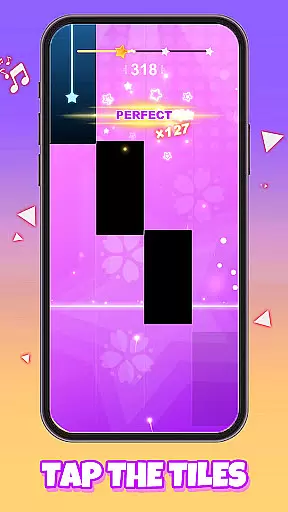
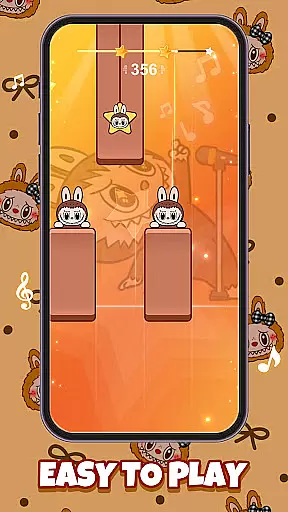
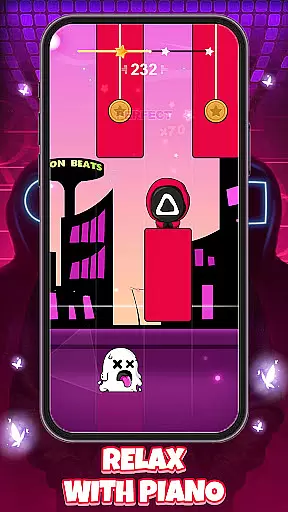
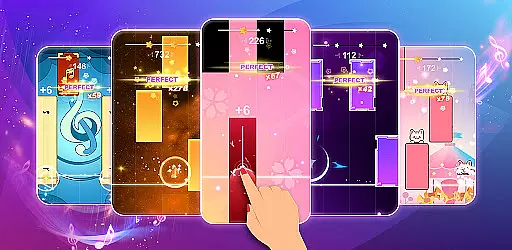
Galaxy Piano: Scrolling Rush is a rhythm-based music game that combines the thrill of piano tapping with stunning interstellar visuals. Players tap falling tiles to create melodies while journeying through cosmic backdrops, offering both an engaging challenge and a visually captivating experience. The app features multiple modes including Endless Mode for players seeking continuous challenges, as well as customization options allowing users to personalize their gameplay environment.
This app is perfect for music enthusiasts who enjoy combining rhythm games with creative personalization. Whether you're looking to master fast-paced tile tapping or simply want to play surrounded by your favorite photos, Galaxy Piano offers a unique blend of entertainment and self-expression in a galactic setting.
Galaxy Piano stands out with its signature scrolling gameplay set against mesmerizing starry galaxy backgrounds. The intuitive controls make it easy for beginners to start tapping tiles, while the increasing difficulty provides seasoned players with a rewarding challenge. With stunning skins ranging from traditional piano designs to stylized tiles, users can customize their visual experience.
One of the standout features is the ability to create your own universe by uploading custom backgrounds. This allows players to immerse themselves in personalized environments, whether it's a favorite photo or color theme. Additionally, the Endless Mode tests reflexes as tiles descend faster over time, ensuring long-term engagement for those seeking to push their limits.
The combination of rhythmic gameplay, aesthetic visuals, and customization ensures Galaxy Piano caters to both casual gamers and dedicated maestros alike.
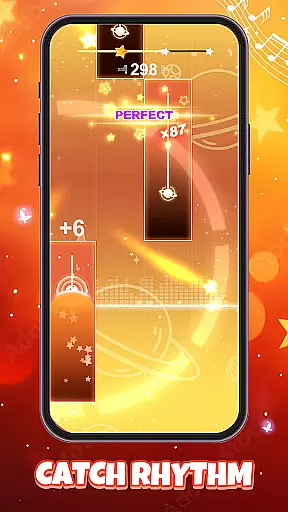
In Galaxy Piano, rhythm judgment precision is at the core of gameplay. The app ensures that every tap on a falling tile aligns perfectly with the beat of the music. This accuracy in detecting timing is crucial for players who want to master their favorite songs and achieve high scores.
The game employs advanced algorithms to monitor the synchronization between the player's taps and the musical notes. As tiles fall in sync with the melody, the system provides real-time feedback, allowing users to adjust their timing and improve their performance. This responsiveness creates an immersive experience where players feel connected to the music.
Players benefit from this precise rhythm detection as it enables them to track their progress and enhance their skills over time. With each session, users can notice improvements in their timing and consistency, making their musical journey both rewarding and enjoyable.
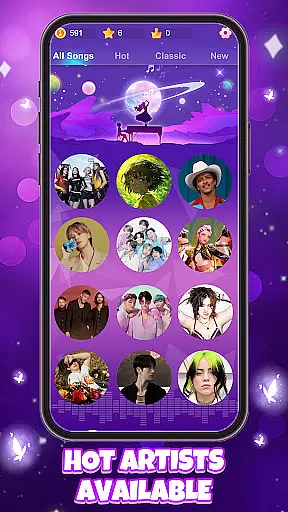
Galaxy Piano offers a diverse and high-quality music library that caters to players of all tastes and skill levels. From classical pieces to modern hits, the app features an extensive range of songs, ensuring that every user can find music that resonates with them. This variety not only enhances the gaming experience but also allows players to explore different genres and styles.
The quality of the music in Galaxy Piano is exceptional, with each track carefully selected and arranged to provide an engaging challenge. Players can enjoy rich soundscapes that bring the cosmic theme to life, creating an enchanting atmosphere as they play. The stunning interstellar backdrops further complement the audio experience, immersing users in a unique musical galaxy.
Additionally, regular updates introduce new tracks and seasonal playlists, keeping the content fresh and exciting. This commitment to quality and diversity ensures that players always have something new to look forward to, enhancing their overall engagement with the app.
Engaging gameplay mechanics
Visually stunning design
Customizable backgrounds
Variety of skins available
Challenging Endless Mode
May lack advanced tutorials
Limited social features
In-app purchases required
Repetitive after extended use
Occasional performance lags
Fight with Boyfriend in Friday Night Funkin Music Battle & Rock the beat FNF
 4.50
4.50
Play kpop music with favorite idols. Tap to the beat and unlock more kpop songs.
4.60
Game of song, dual vocal, swipe, tap piano magic tiles pad & harmonize pop songs
3.70
Jam with Sprunki Monster in this ultimate music game
4.60
Piano meets rhythm. Music meets magic. Your next addiction starts here!
3.90
Enjoy the fun of cat hop on piano tiles, feel the rhythm of bouncing and dancing
4.50
A favorite of music teachers, Note Rush boosts note reading speed and accuracy.
4.20
Unlock your amazing rhythm beat & theme. Perfect for music lovers of all ages!
4.60
Keep the music ball running and hopping on the color tiles! Ready? Game start!
4.70
Beat rap and dance battle with Sprunki friends in funky nights!
4.80
Incredible funky Sprunki music game with all the popular mods!
4.70
Paradise of parkour & rhythm game — Muse Dash!
4.50
Non-stop rhythm action at your fingertips with the latest Hatsune Miku game!
4.50
Ride a sonic skateboard, slash beats, and master the rhythm!
4.40
Follow the music to slide the skateboard & wield the lightsaber
4.40
Full Weeks and All Mods!
4.20
Start your musical journey today
4.10
Merge powerful demons and run through thrilling challenges.
4.00
Find confidence, change the world and shape your surroundings with your voice!
4.00


User Reviews