
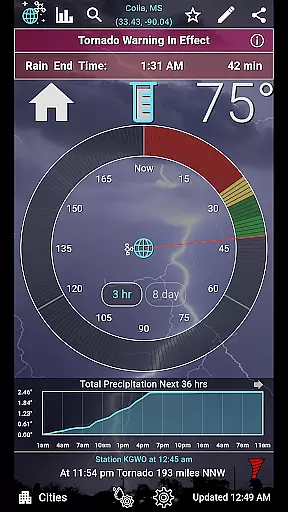
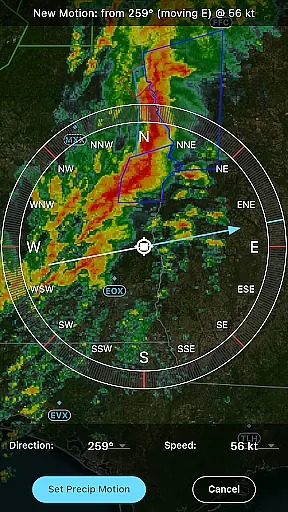
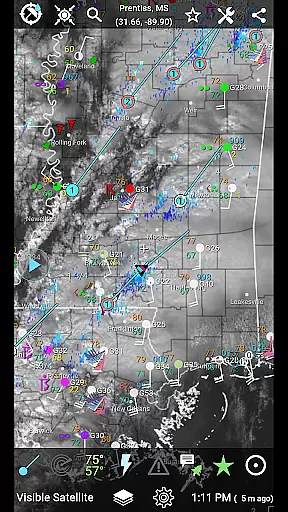
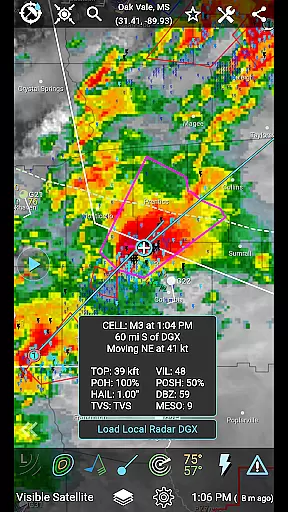
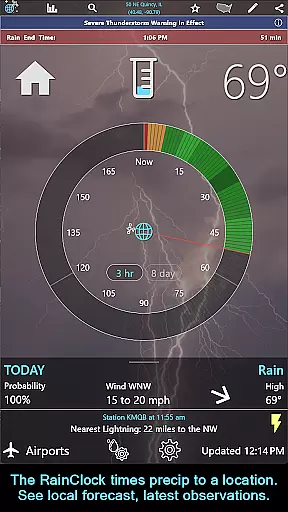
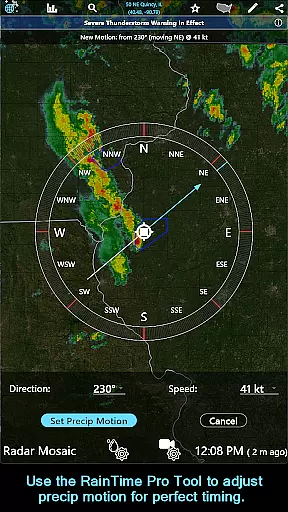
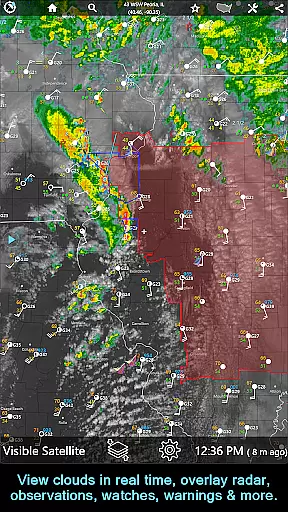
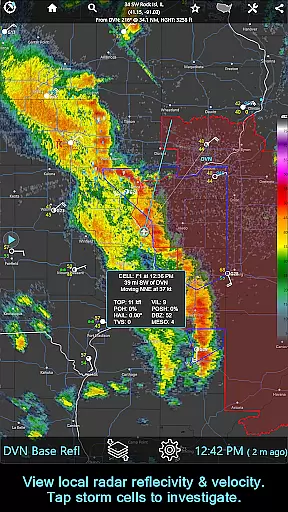
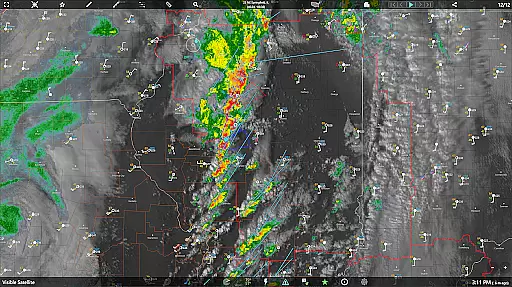
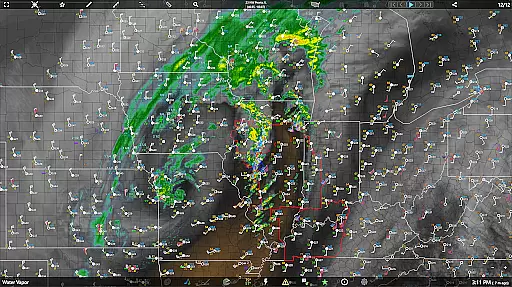
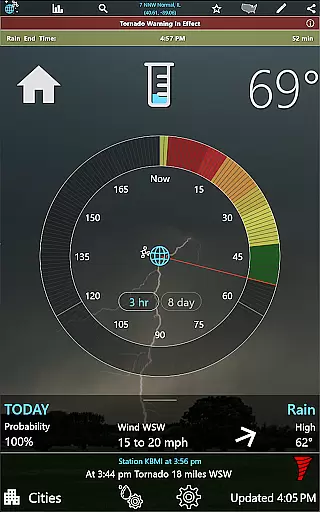
RainAware is a comprehensive weather application designed to provide users with detailed and localized weather information. The app's core functionality revolves around precise precipitation tracking and forecasting, giving users accurate rain start and end times up to three hours in advance. This feature is particularly useful for individuals who need to plan their outdoor activities or travel.
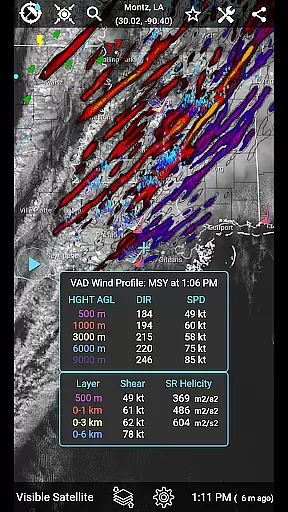
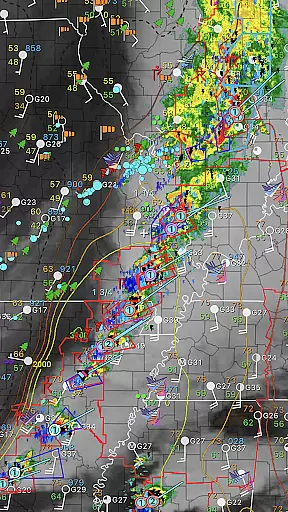
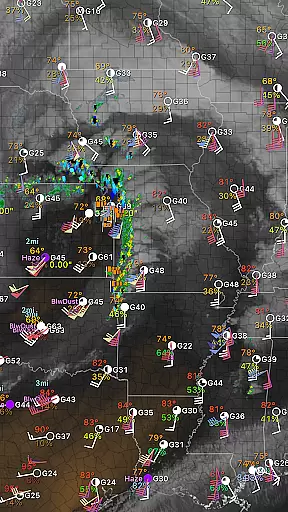
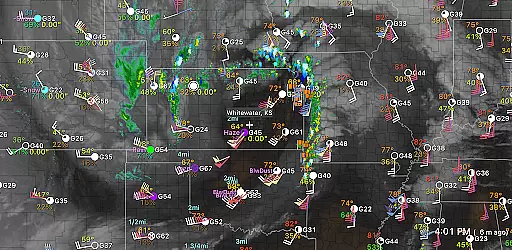
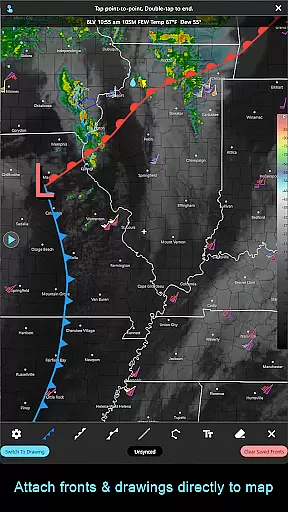
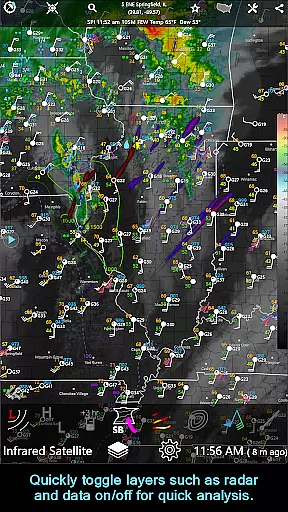
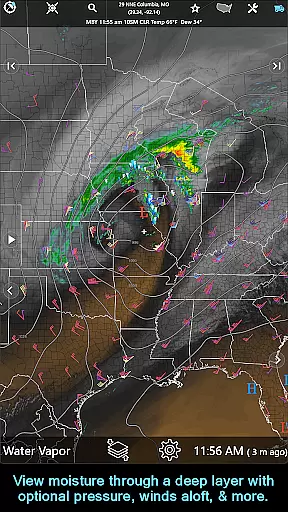
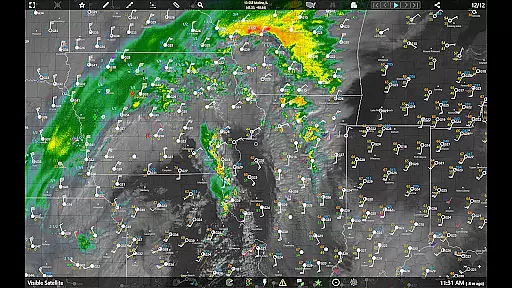
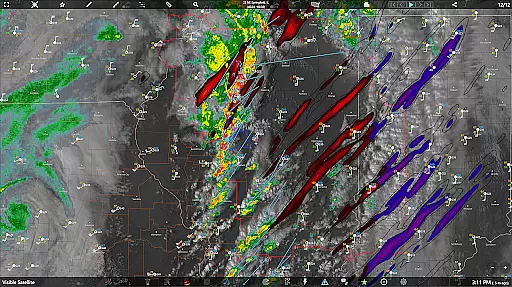
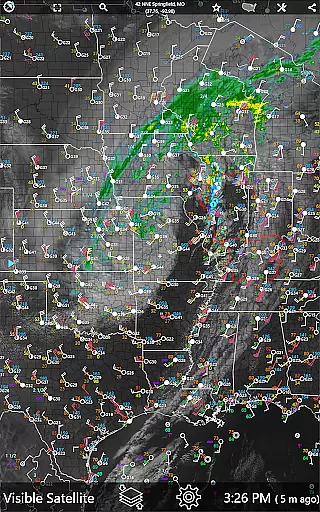
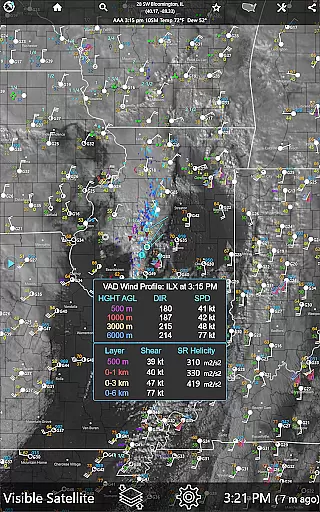
In addition to its signature Rain Clock, the app offers interactive graphs for various weather parameters, notifications for significant weather changes, and a rich set of map overlays including radar and satellite imagery. Users can customize their experience through adjustable settings and benefit from advanced features like the RainPro Tool and National Radar Products in the subscription version.
Whether you're a casual user checking if it will rain this afternoon or a professional needing detailed meteorological data, RainAware provides valuable insights that help you make informed decisions based on current and forecasted weather conditions.
RainAware stands out with its diverse range of features tailored for weather enthusiasts and professionals alike. One of the key highlights is the Rain Clock, which predicts precipitation timing to your exact location, offering peace of mind when planning daily activities. The background images dynamically change to reflect the current weather, providing an intuitive visual cue.
The app also excels in notification capabilities, allowing users to set custom alerts for various weather events. With interactive graphs, users can visualize temperature, wind speed, cloud cover, and precipitation forecasts up to 36 hours ahead. Weather badges enhance situational awareness by highlighting significant changes in weather patterns.
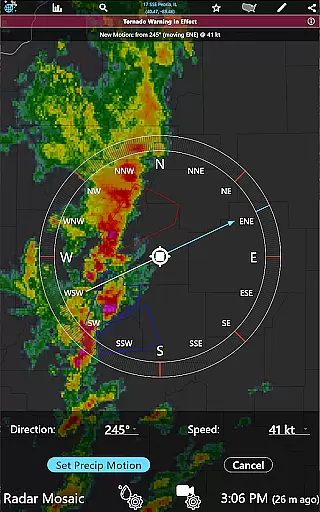
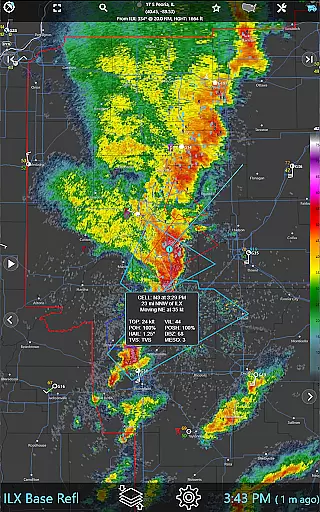
For those requiring more in-depth analysis, the subscription version unlocks advanced tools such as the RainPro Tool for refining precipitation motion, storm cell tracking, and extended looping options. These features collectively empower users to gain deeper insights into weather phenomena and make better-informed decisions.
Forecast accuracy and data credibility are essential for any weather application, and RainAware excels in these areas. The app provides precise rain timing to your location up to three hours in advance, ensuring users can plan their activities accordingly. By utilizing advanced forecasting models and real-time data, the app delivers reliable information on when precipitation will start and end.
The interactive graphs within RainAware offer detailed visuals for various weather parameters such as temperature, wind speed, cloud cover, and precipitation type over the next 36 hours. This feature allows users to make informed decisions based on comprehensive meteorological data. Additionally, notifications alert users about incoming rain or severe weather threats, further enhancing preparedness.
RainAware's commitment to accuracy extends beyond basic forecasting. With features like the RainPro Tool (available in the subscription version), users gain access to refined precipitation motion analysis for optimal timing predictions. Moreover, the inclusion of national radar products, storm cell tracking, and environmental fields ensures that both casual users and weather enthusiasts receive top-tier data quality.
The temporal and spatial forecast range is a critical aspect of RainAware's functionality, providing expansive coverage and extended outlooks. Users benefit from detailed forecasts spanning an impressive 36-hour period, complete with interactive graphs displaying temperature trends, wind patterns, cloud movements, and precipitation types. Such extensive temporal visibility empowers individuals to anticipate short-term weather changes effectively.
In terms of spatial scope, RainAware covers a broad geographic area, extending its services across the USA into southern Canada. Its satellite and local radar capabilities stretch from Hawaii to the Caribbean, offering unparalleled regional insights. Whether you're monitoring nearby conditions or checking distant locales, this wide-reaching network ensures relevant updates wherever you go.
For those seeking even more granular control, the subscription version unlocks unrestricted access to entire weather maps without regional constraints. Enhanced tools such as longer animation loopsu2014up to 36 frames covering 12 hoursu2014and high-frequency data updates enable deeper exploration of evolving weather systems. These premium features underscore RainAwareu2019s dedication to delivering robust spatial-temporal forecasting solutions tailored to diverse user needs.
Accurate Precipitation
Custom Notifications
Interactive Graphs
Advanced Map Overlays
Subscription Flexibility
Complex Interface
Subscription Cost
Regional Limitations
High Data Usage
Limited Free Features

Moon phase calendar with live wallpaper, lunar widget, & 3D simulation.
 3.60
3.60
Local weather forecast, reliable daily weather report
4.30
Ultimate Lunar Calendar for 2021!
4.80
Your ultimate app for accurate local weather information!
4.60
Storm Radar, Alerts & Live Weather Forecasts Right on Your Home Screen
3.70
Aviation weather made simple. Visual decoder for METAR & TAF
4.90
My Aurora Forecast Pro is the app for the Northern Lights and Aurora Borealis.
4.70
NOAA forecast & radar for your exact location.
4.80
Your Reliable Weather Companion
4.10
Live Alabama weather from James Spann—forecasts, radar, alerts, Spanncams.
4.70
Weather channel forecasts weather daily & hourly, local and national air quality
4.70
Your ultimate app for real-time weather information!
4.70
Prepare for severe weather with notifications, future radar, and live alerts.
4.60
Accurate Thermometer: indoor & outdoor temperature, humidity, pressure, and wind
4.50
Track rainfall totals with ease using our rain gauge app. Accurate rain tracker.
4.50
Super-res, real-time weather radar. Be prepared for extreme weather.
4.50
Personal Weather Station PRO - Meteo monitor to check your WU info and charts.
4.20
Accurate Local Weather Forecast, let you easily understand the nearby weather!
4.20
Global weather forecast, powered by layered radar & hourly weather updates
4.10


User Reviews