
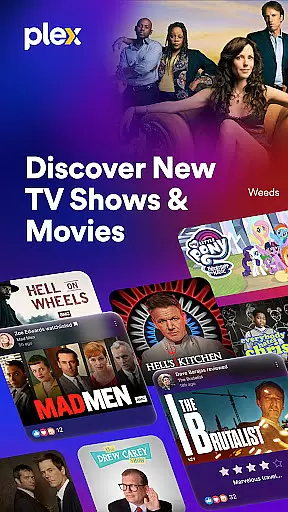
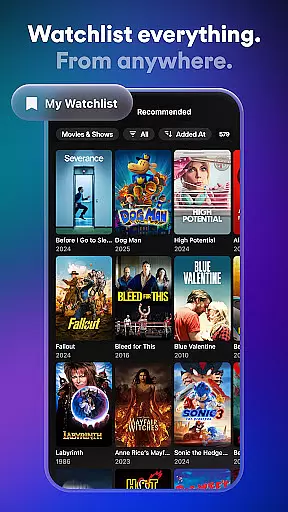
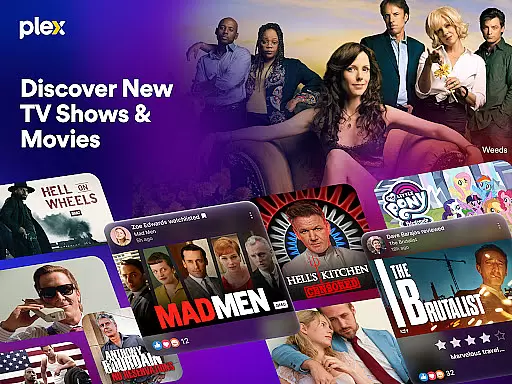
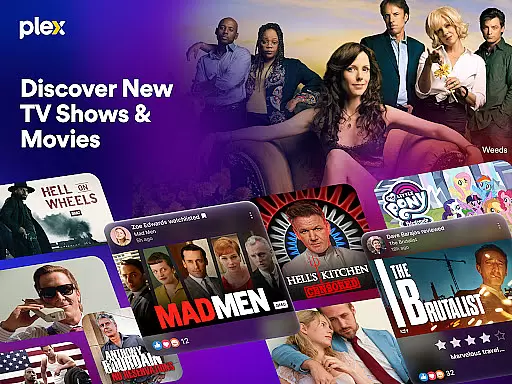
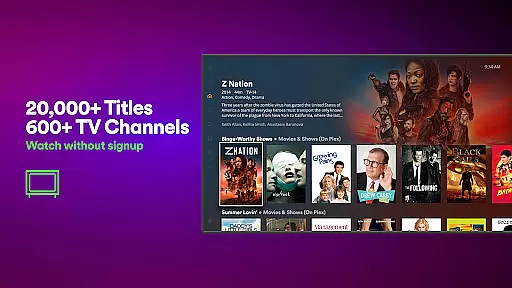
Plex is a comprehensive entertainment application that allows users to discover, organize, and watch movies and TV shows from various streaming services and personal media libraries. The app provides a universal Watchlist feature, enabling users to save and track their favorite content across platforms. With over 600 free live TV channels and thousands of on-demand titles, Plex offers a subscription-free streaming experience.
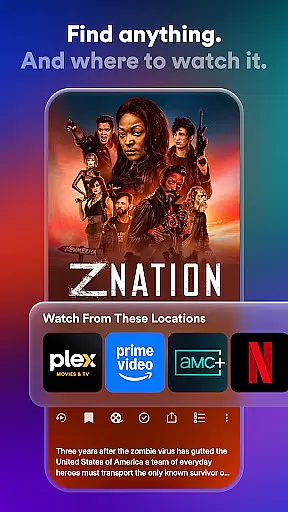
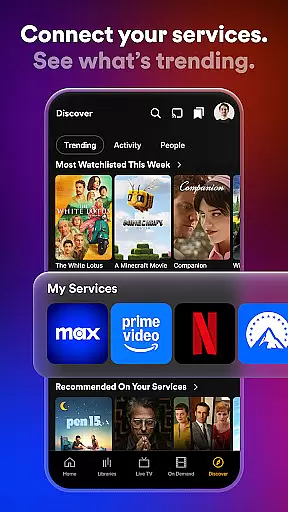
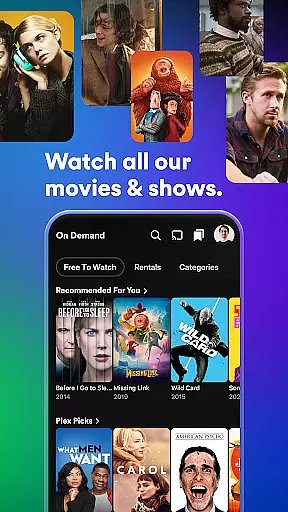
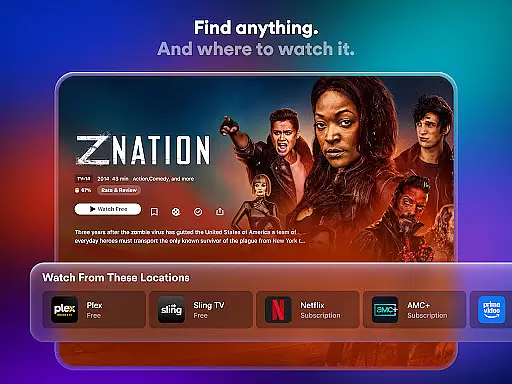
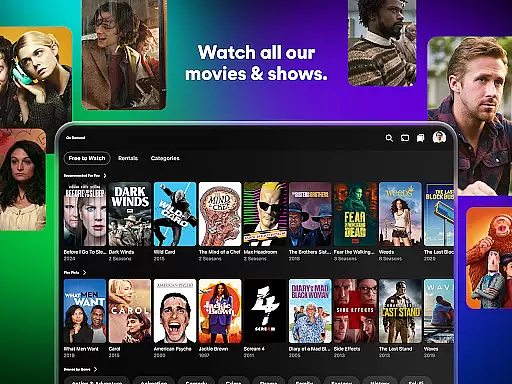
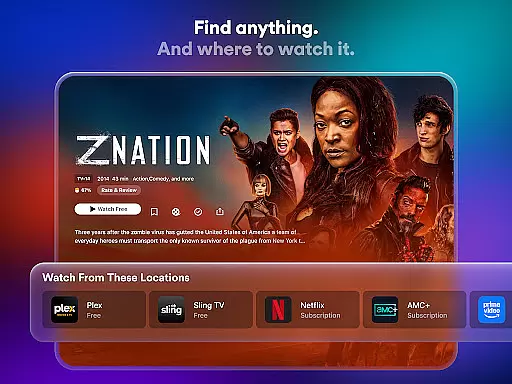
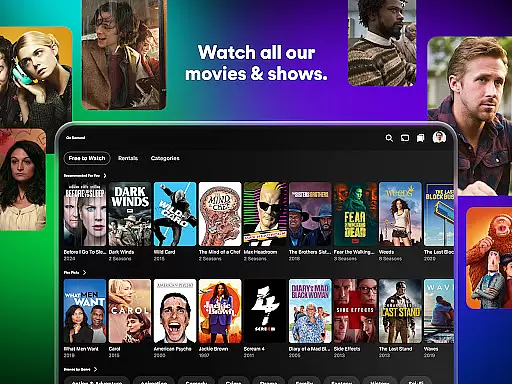
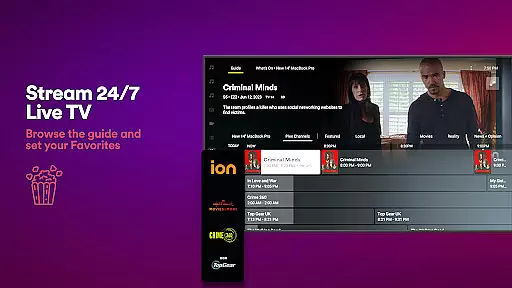
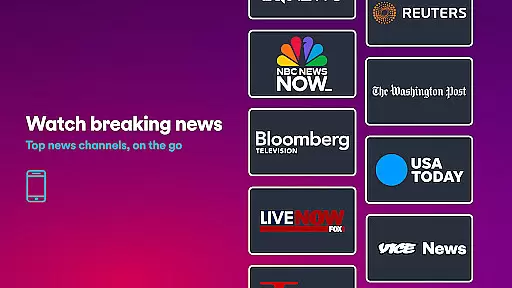
One of the standout features of Plex is its ability to integrate multiple streaming services into one interface, making it easier for users to find what they want to watch. It also supports Live TV streaming with popular channels like FOX Sports, PBS, and more. Additionally, Plex Rentals allows users to rent newly released or classic films directly within the app. Whether you're looking for sports, news, kids' shows, or critically acclaimed series, Plex delivers an all-in-one solution for your entertainment needs.
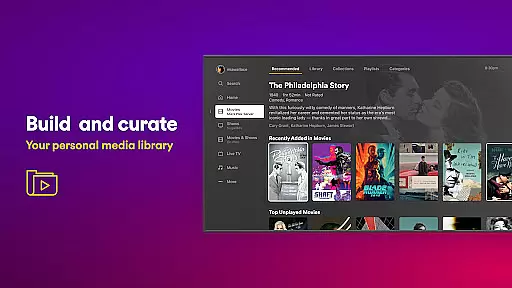
The app's personal media server functionality organizes users' own movie collections and enables offline viewing. This makes Plex not just a streaming guide but also a powerful tool for managing personal media files. By combining professional streaming options with robust organizational tools, Plex ensures that users spend less time searching and more time enjoying their favorite content.
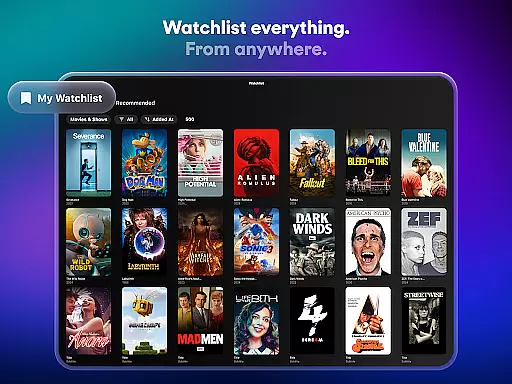
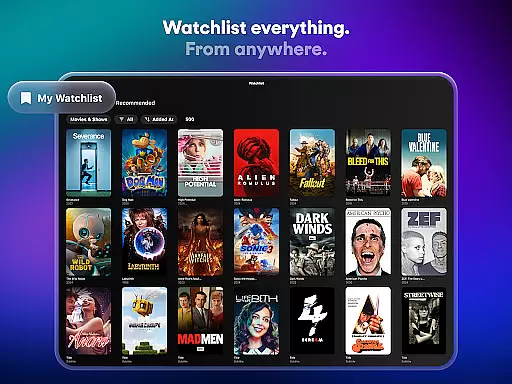
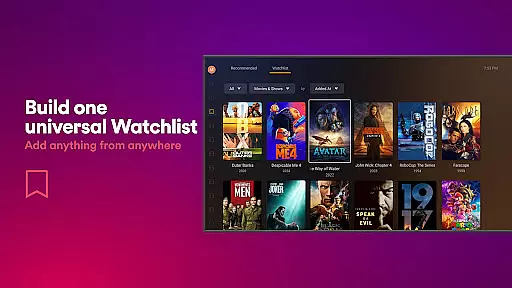
Plex stands out in the entertainment category due to its extensive range of features designed to enhance user experience. One key feature is the universal Watchlist, which lets users save any show or movie they come across, regardless of the platform it’s available on. This eliminates the hassle of remembering different streaming services and ensures everything is accessible in one place when you're ready to watch.
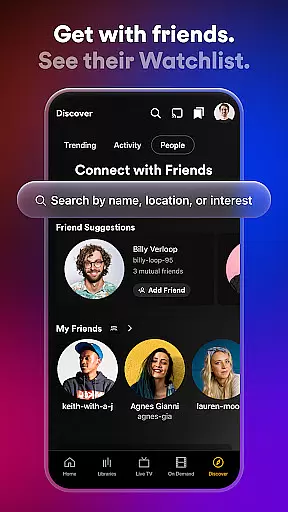
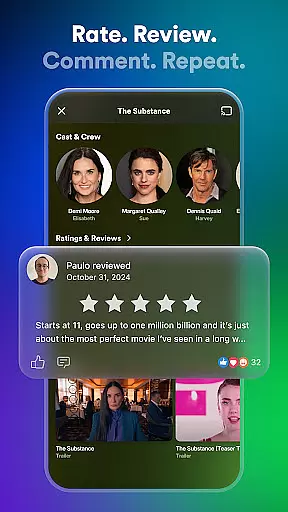
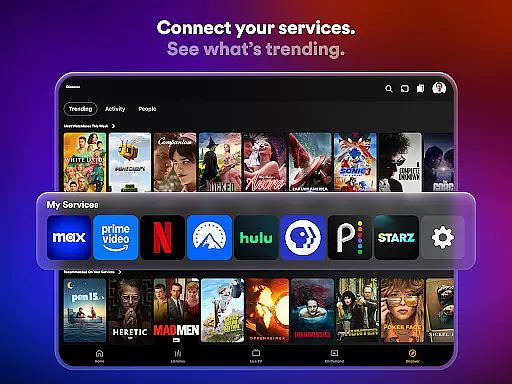
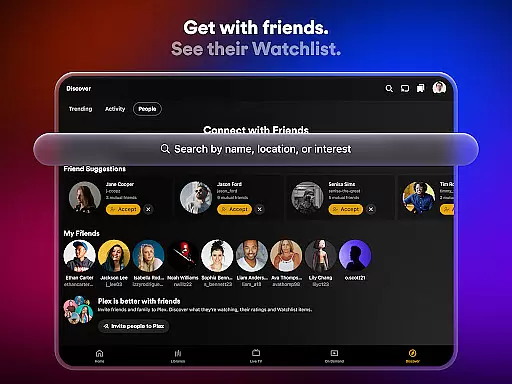
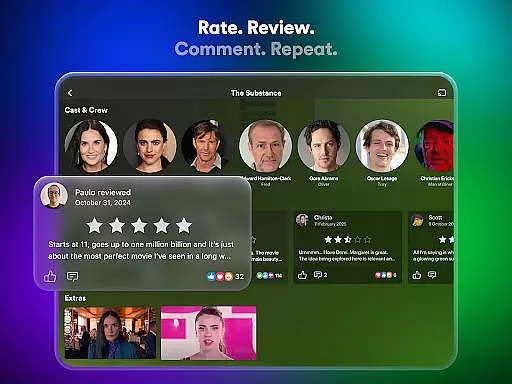
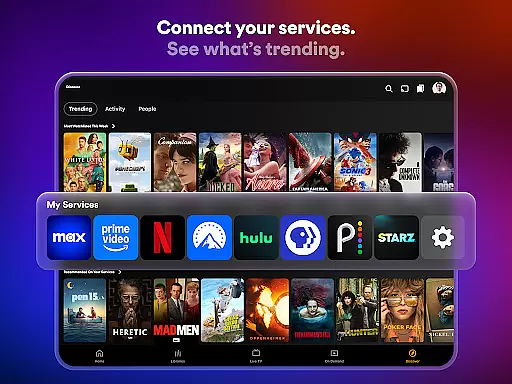
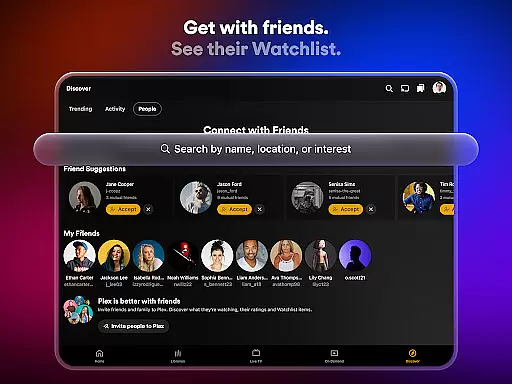
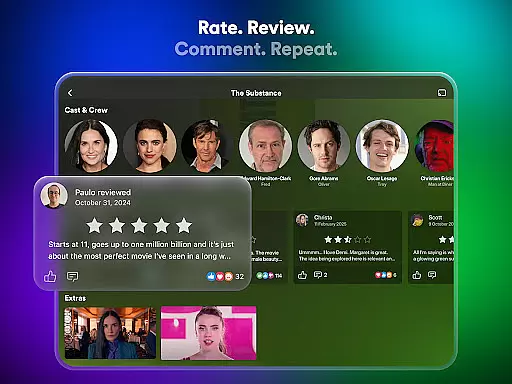
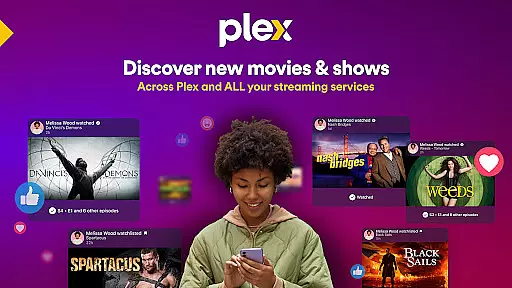
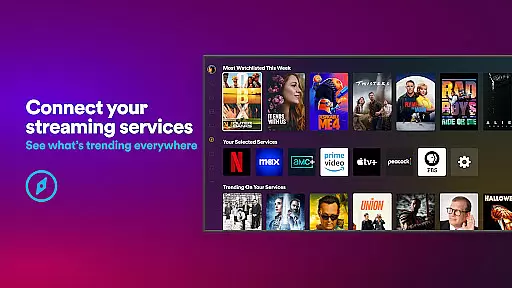
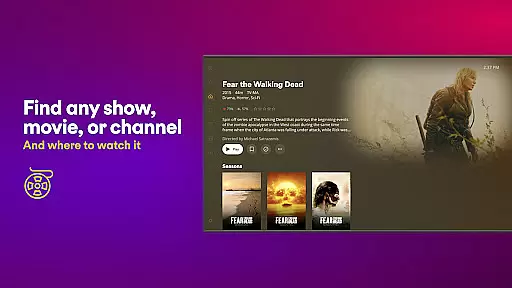
Another notable aspect is Plex's integration capabilities. Users can connect their preferred streaming apps and services to see where specific content is available. The app also includes a universal search function, allowing users to quickly find what they want without navigating through multiple platforms. Social interaction is encouraged as well; users can leave reviews, share recommendations, and engage with friends’ activities right within the app.
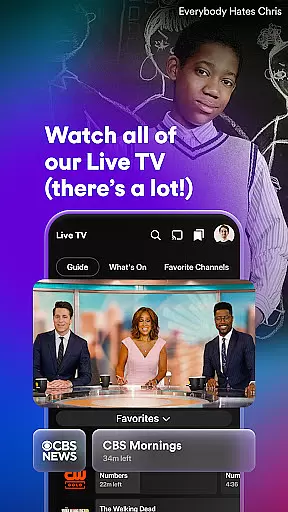
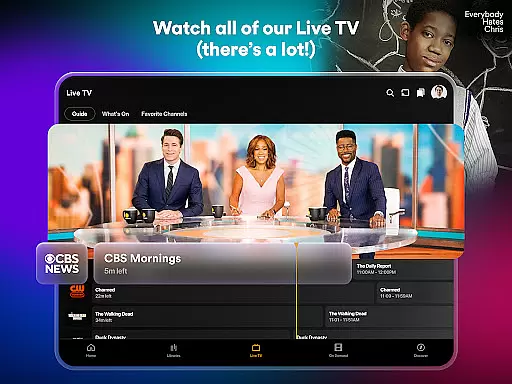
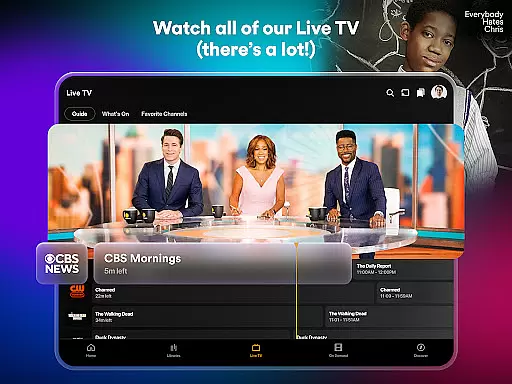
For those who enjoy live television, Plex offers over 600 free live TV channels covering sports, news, game shows, and more. Its new rental service adds another layer of convenience by letting users rent recent releases or timeless classics at competitive prices. Lastly, the Plex Personal Media Server automatically scans and organizes personal media libraries, providing seamless access across devices—even offline. These features collectively make Plex a versatile and indispensable tool for modern entertainment consumption.
Plex stands out in the entertainment category by offering an extensive range of content that caters to diverse tastes. With over 600 channels and thousands of free movies and TV shows, users can explore a vast library of options spanning various genres and languages.
The platform ensures content freshness by providing access to newly released movies through Plex Rentals, allowing users to enjoy recent blockbusters and timeless classics alike. This feature keeps the content library dynamic and engaging, ensuring there's always something new to watch.
Additionally, Plex's Live TV service offers real-time streaming of popular channels, including sports events, news broadcasts, and beloved TV series. The inclusion of live programming guarantees that users have access to current and trending content, enhancing their overall viewing experience.
User engagement is a crucial aspect of Plex's success, achieved through its comprehensive entertainment ecosystem. By integrating multiple streaming services into one platform, Plex simplifies the viewing process, encouraging longer session durations as users easily navigate between different content sources.
The universal Watchlist feature plays a significant role in user retention, enabling viewers to save and organize their desired content across various platforms. This personalized curation helps maintain user interest and facilitates return visits to the app, contributing to sustained engagement.
Furthermore, Plex's social features, such as friend connections and community reviews, foster a sense of belonging among users. These interactive elements not only enhance the viewing experience but also create additional reasons for users to remain active within the Plex ecosystem, ultimately boosting both engagement duration and retention rates.
User-friendly interface
Wide content selection
Integrated streaming services
Offline viewing support
Free live TV channels
Limited 4K streaming
No ISO disc image support
Ads in free version
DRM-protected limitations
Requires separate server setup

EVP Recorder / Voice Recorder for ghost hunting, to communicate with ghosts.
 4.0
4.0
Fun brain twisting challenge with trending Whirlpool Filter.
4.70
Find out if you're on Santa's Naughty or Nice List with this magical scanner!
4.60
Fool your friends & Family with Fake ultrasound test report
3.60
Just play games to earn gift cards. Keep playing, keep earning.
4.50
Himnario LLDM - Fast and Easy to read , updated Hymnal 2019 Edition Official
4.20
Alice Box is an Instrumental Trans Communication app.
3.80
Realistic Baby Simulator App
4.00
Browse popular images and videos from Reddit on Android TV!
3.90
5 funny and lovely ponies waiting for you to style them!
4.80
Live TV, sports & holiday movies — stream on phone, tablet & TV
4.60
Create, chat & bond with AI souls who truly listen.
4.50
Geooh GO is the most feature rich geocaching app available today.
4.50
Atomus is a 10-finger multi-touch interactive visualizer.
4.30
Build and Share AI
4.20
A companion app for the game Elite Dangerous
4.10
Exclusive Short Drama Video! All in HD. Bringe trending reels & enjoy drama time
3.80
Stream videos to VIDAA & VEWD TVs from Hisense, Sharp, Skyworth, Vestel & TiVo
3.00
Journey to the world’s oldest rainforest and meet its Indigenous Custodians.
4.2


User Reviews