
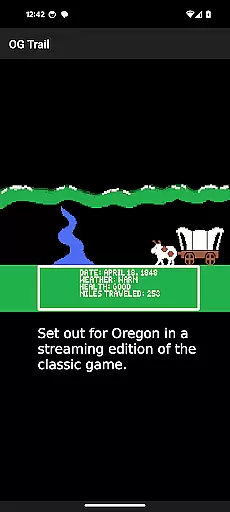
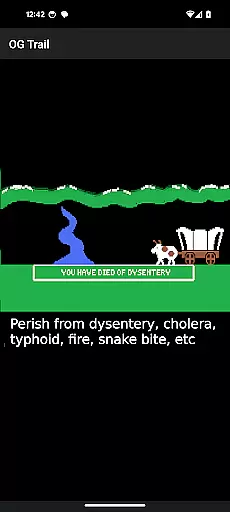
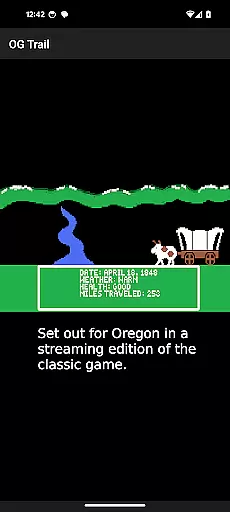
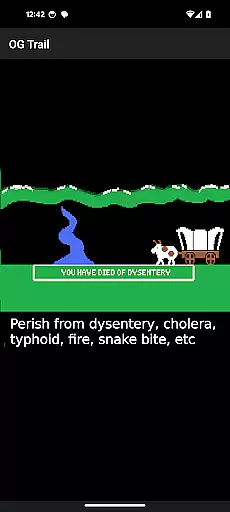
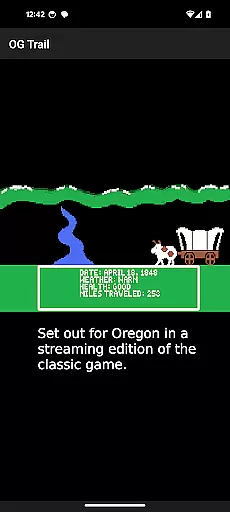
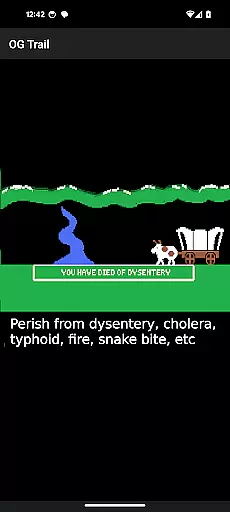
OG Trail is an innovative educational app that brings the classic Oregon Trail simulation to Android devices. This application allows users to experience the historically significant game, which was originally designed to teach school children about the realities of 19th-century pioneer life on the Oregon Trail. The app provides a seamless interface to access the streaming version hosted on the Internet Archive, making it possible for new generations to learn through play.
The app's core functionality lies in its ability to run the unmodified version of The Oregon Trail (TM) game without requiring any ROMs or additional downloads. It uses an internet connection only during the initial load, ensuring minimal data usage thereafter. OG Trail is particularly useful in educational settings where interactive learning tools are needed to engage students with historical content.
With its faithful recreation of the original gameplay, OG Trail offers immense value to educators and history enthusiasts alike. By providing accessibility to a classic educational resource, it bridges the gap between traditional teaching methods and modern technology, creating an immersive learning environment for users of all ages.
OG Trail stands out with its unique feature set tailored specifically for educational purposes. The app provides an intuitive interface that connects users to the Internet Archive's streaming version of The Oregon Trail game. This approach eliminates the need for ROMs or emulators, making it exceptionally user-friendly while maintaining the authenticity of the original experience.
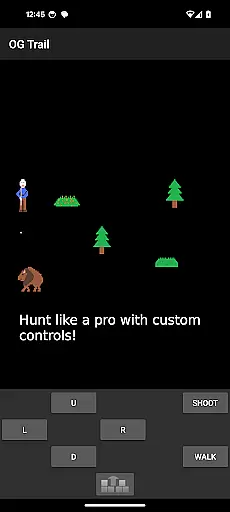
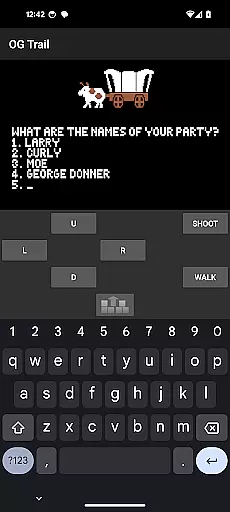
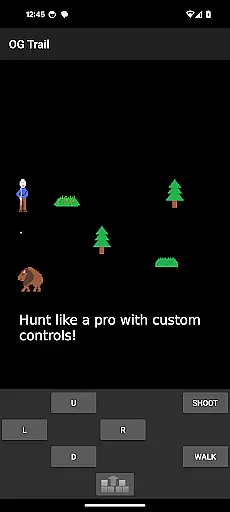
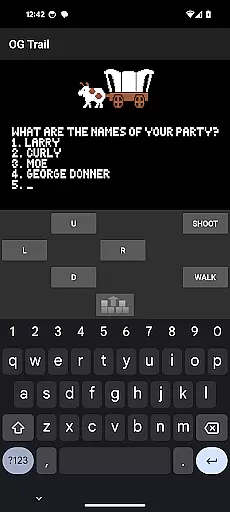
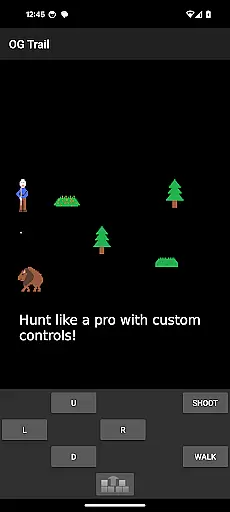
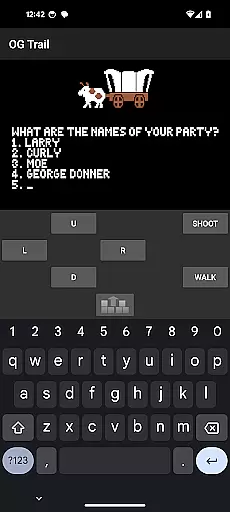
A key feature is the onscreen keyboard and control pad, designed to overcome the limitations of touchscreen interaction with a game originally created for traditional input devices. Users can easily navigate through the game's menus and make selections using virtual buttons, numbers, or yes/no options. This thoughtful adaptation ensures that the educational value of the original game remains intact while accommodating modern hardware.
The app's implementation of minimal data usage after initial loading demonstrates its technical efficiency. Additionally, the inclusion of comprehensive instructions and user guides directly within the app interface helps new users understand both the historical context and gameplay mechanics. These features collectively create an enhanced educational tool that maintains historical accuracy while leveraging contemporary mobile technology.
In the realm of educational gaming, content authority and curriculum alignment are crucial for ensuring that learning is both accurate and relevant. OG Trail - Travel to Oregon offers an authentic experience by simulating the classic Oregon Trail game, which has been a staple in educational settings for decades.
OG Trail provides access to an unmodified version of The Oregon Trail (TM), maintaining the integrity of the original educational content. This ensures that players engage with historically accurate scenarios and challenges faced by pioneers, aligning with social studies and history curricula across various educational levels.
By leveraging the publicly available Internet Archive posting, OG Trail guarantees that the educational material remains true to its origins without any alterations or dilutions. This approach not only preserves the game's educational value but also enhances its credibility as a teaching tool.
Players benefit from this alignment by experiencing a piece of educational history while developing critical thinking and decision-making skills within a historical context. The game's reliance on original mechanics ensures that users interact with content that has stood the test of time in educational environments.
Gamification-learning integration represents the fusion of game mechanics with educational content, creating an engaging and interactive learning environment. OG Trail - Travel to Oregon exemplifies this integration by offering a platform where users can experience the classic Oregon Trail simulation on modern Android devices.
The application facilitates gamified learning through its interface, which includes an onscreen keyboard and control pad. These features allow users to interact with the game in a manner consistent with its original design, promoting immersion and understanding of historical contexts through gameplay.
OG Trail's requirement of internet connectivity for loading purposes underscores its commitment to providing up-to-date and accessible educational content. Once loaded, the absence of data usage ensures uninterrupted learning sessions, allowing players to focus on the educational journey rather than technical interruptions.
Through these mechanisms, OG Trail successfully merges entertainment with education, enabling learners to acquire knowledge about American pioneer history while honing their problem-solving abilities in a simulated environment that mirrors real-life challenges faced by travelers on the Oregon Trail.
User-friendly interface
Authentic gameplay experience
Educational value maintained
Minimal data usage
Comprehensive instructions provided
Requires internet connection
Limited to Android devices
No touch-based gameplay
Initial loading time
Dependent on external archive

 2.80
2.80
Spark your little ones’ imagination!
3.80
Creating emotional connections
4.3
Kids letter tracing technique, which is the first step in learning how to write.
4.30
Fun dentist game with Cocobi friends!
4.10
Amazing toddler coloring games for 2+. Enjoy painting games
4.60
Featuring the Numberblocks
3.60
A fan of cute games? Try animal games & take care of fluffy virtual pets!
4.20
Amazing learning and educational games for children of all ages.
4.70
Pro Doctor Dentist for PetsGame
4.60
Kids coloring games for boys! Fun drawing, painting & learning book for kids.
4.60
Fun educational games for kids that teach number tracing, counting with modes!
4.50
Kids math games, abc games for kids 4-5 years old. Kindergarten learning games
4.50
Play and build with Bluey & friends in this fun LEGO® game!
4.40
Where Little Healers can Make a Big Difference!
4.00
Expert-designed fun interactive learning games to prep kids (2-5) for preschool.
4.00
Woof! The very first official Hey Duggee app for CBeebies' new favourite show.
3.70
Play pretend & explore at the doctor's & school in Daniel Tiger's Neighborhood.
3.30
Draw shapes, mix colors, and dodge traps to defeat foes in the vibrant Art Zone!
4.1


User Reviews