
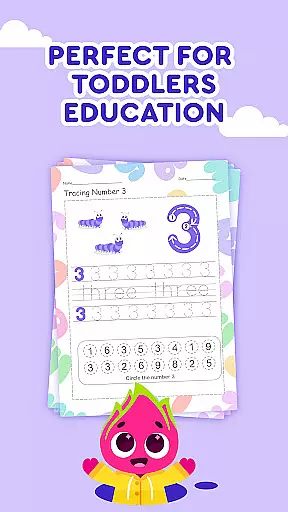
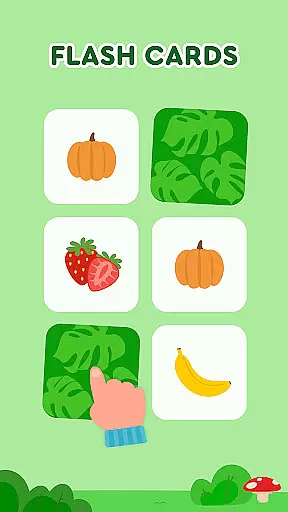

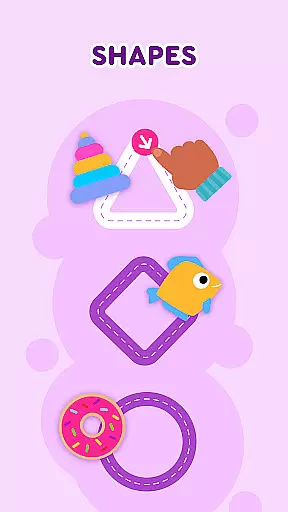
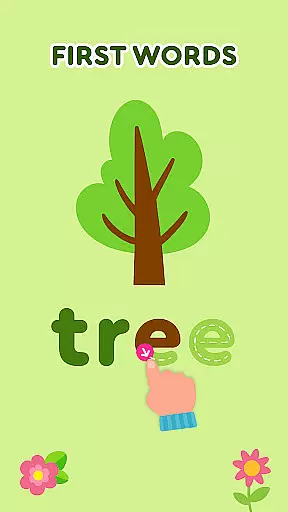
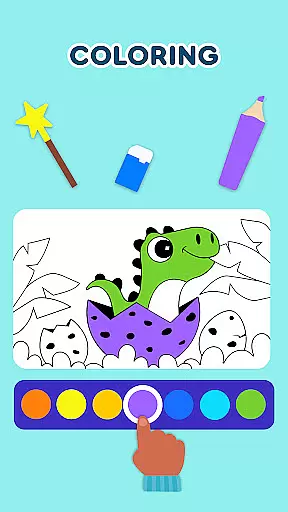
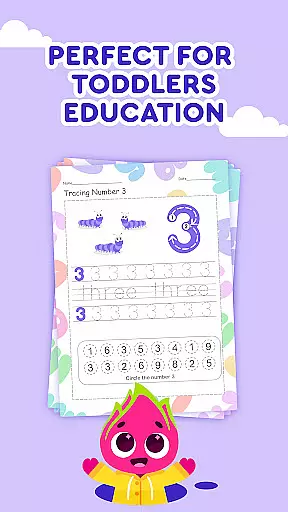
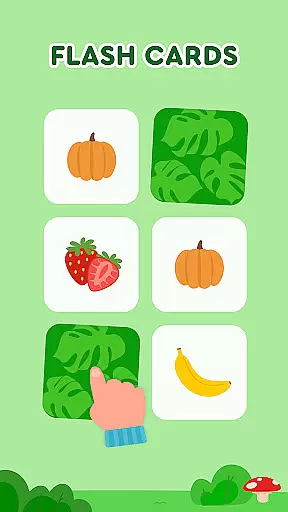

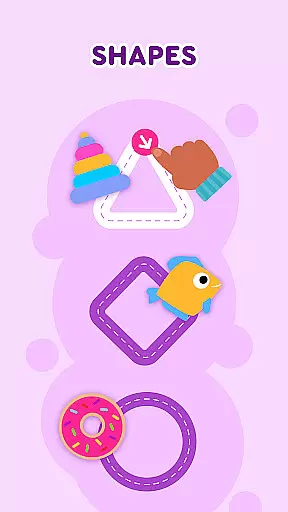
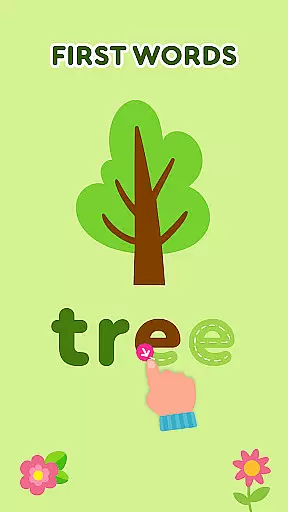
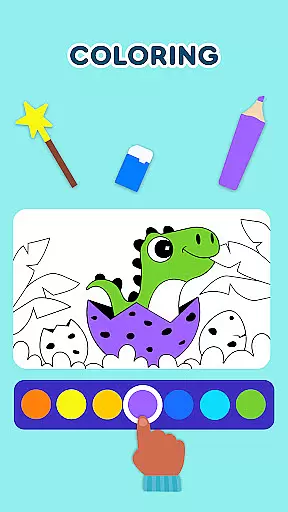
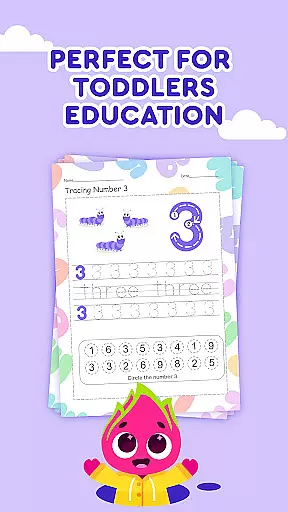
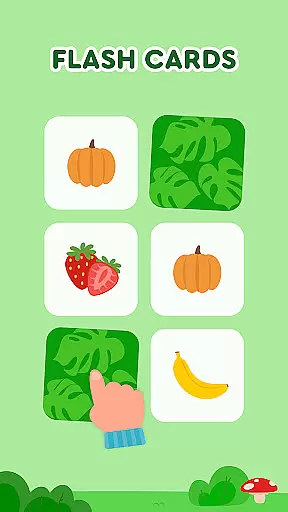
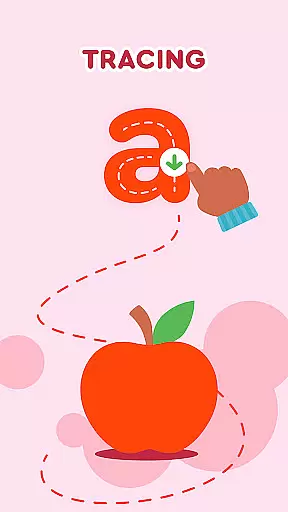
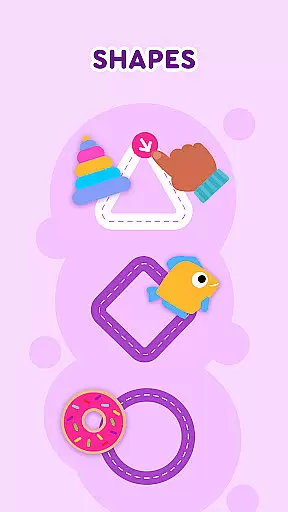
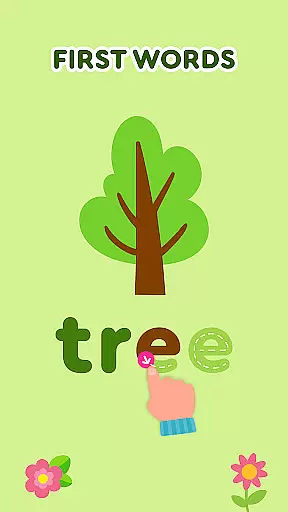
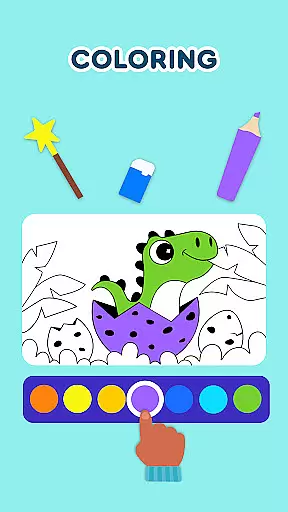
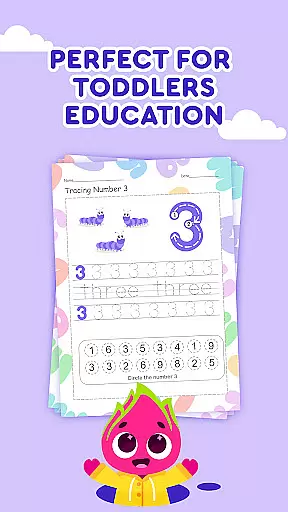
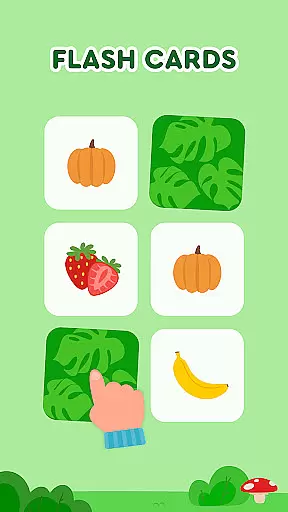
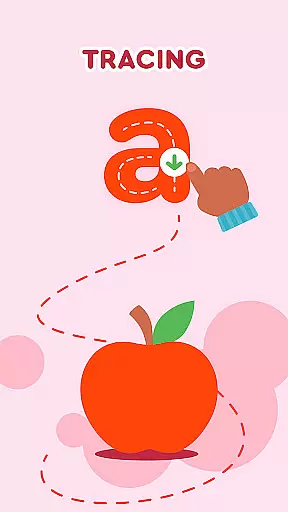
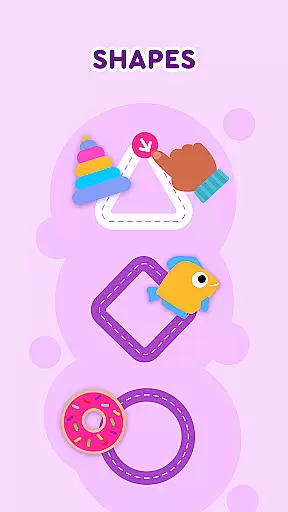
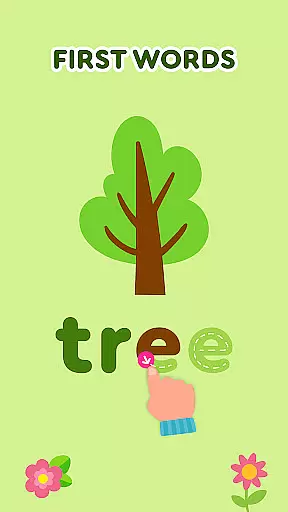
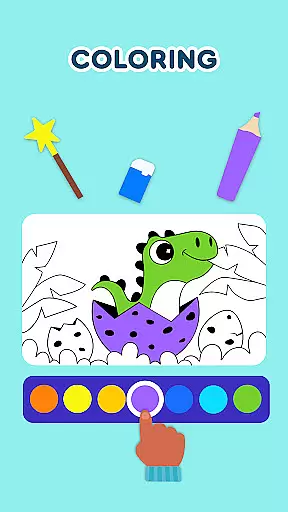
Keiki Learning Games for Kids is an educational app designed to make learning enjoyable and engaging for toddlers and preschoolers. The app offers a variety of interactive games that cover essential early learning topics such as ABCs, numbers, colors, shapes, and more. With content developed by child education experts, Keiki ensures that screen time is both fun and beneficial.
The app features numerous activities including letter recognition puzzles, tracing letters, memory card games, and even cooking simulations. Each game is crafted to enhance specific skills like logic, attention, and fine motor abilities. Whether it's through funny songs, cartoon adventures, or brain development puzzles, Keiki provides a comprehensive learning experience that prepares children for their educational journey.
Parents can feel confident in Keiki's safe, ad-free environment while their children explore and learn at their own pace. This makes Keiki Learning Games for Kids an ideal educational tool for young learners, offering valuable screen time that contributes to their cognitive and social development.
Keiki Learning Games for Kids stands out with its diverse range of educational activities tailored for young minds. One of the key features is the collection of ABC puzzle games that help toddlers recognize letters and understand basic phonics. These puzzles require children to select the correct letter and place it in the appropriate slot, reinforcing letter recognition and early reading skills.
In addition to alphabets, the app includes number games, color and shape recognition activities, and memory games that are adjustable in difficulty. The Spin & Turn puzzles challenge children to rotate pieces to complete pictures, enhancing their problem-solving abilities. Furthermore, the app incorporates entertaining songs and cartoons that make learning letters, numbers, and other concepts delightful.
Another notable feature is the harvesting and cooking games where kids learn about fruits, vegetables, and kitchen etiquette. These games not only teach but also encourage creativity and practical life skills. With its colorful graphics, interactive design, and educational depth, Keiki Learning Games for Kids ensures a rich and stimulating learning environment for toddlers.
In the realm of educational gaming, content authority and curriculum alignment are paramount for ensuring that learning is both effective and credible. Keiki Learning games for Kids takes this responsibility seriously by developing its suite of ABC games, math games, and puzzles under the guidance of child education experts. This guarantees that every interaction a child has with the app is not only engaging but also rooted in educational best practices.
The application offers a broad spectrum of activities designed to align with early childhood educational standards. From tracing ABC letters to understanding the basics of phonics through interactive play, each game is crafted to complement the typical preschool curriculum. The app's dedication to curriculum alignment ensures that while children enjoy fun activities like Didi Cartoons or cooking games, they are simultaneously reinforcing skills that are relevant and beneficial to their academic growth.
Parents can feel confident that their children are receiving age-appropriate content that supports their developmental milestones. Whether it's through memory games that enhance cognitive abilities or harvesting games that teach about fruits and vegetables, Keiki Learning games for Kids provides a balanced approach to screen time that harmonizes entertainment with education.
Gamification in learning transforms the educational experience into an enjoyable journey, encouraging young learners to engage with content enthusiastically and persistently. Keiki Learning games for Kids excels in gamification-learning integration by embedding educational objectives within captivating gameplay mechanics. This strategic incorporation fosters an environment where learning feels like play, thus increasing retention and understanding among its young users.
Through features such as Funny Songs and Spelling ABC Baby Games, the app seamlessly blends melody and rhythm with literacy development. Children sing along to educational tunes that reinforce letter recognition and vocabulary expansion, all while being entertained by vibrant animations and catchy melodies. Such methods exemplify how gamification elements can be leveraged to create memorable learning experiences that resonate with children long after they've left the app.
Moreover, Keiki's use of rewards, challenges, and progressive difficulty levels in games like Catch It! and Color Fish motivates continuous engagement. As children advance through levels, they're not just playingu2014they're honing fine motor skills, improving color and shape recognition, and developing problem-solving strategies. By intertwining these critical skills with entertaining game scenarios, Keiki Learning games for Kids sets a benchmark for how digital platforms can effectively marry fun with function in early childhood education.
User-friendly interface
Educational content
Ad-free environment
Variety of games
Expert-developed
Limited advanced content
No multi-language support
Occasional bugs
Subscription required
Simple graphics

Woof! The very first official Hey Duggee app for CBeebies' new favourite show.
 3.70
3.70
Perfect for Dino fans of all ages.Vivid illustrations.Fascinating_Facts.Narrated
4.4
Imagine, build and ride your own Rollercoaster!
3.90
A world for little builders to create, imagine, and learn through play.
4.20
Dress up, Makeover, and Party! Design a Wonder World!
3.90
Toddler Learning Games, Learn: Colors, Shapes, Puzzles, ABC ... ►NoAds!◄
4.50
Enjoy coloring with wide variety of 1000+ coloring games for kids & drawing game
4.50
Fun baby games for kids. Play baby piano, musical instruments & nursery rhymes.
4.50
Kids age 2-8 can create, explore, and play Toca Boca games their way!
3.50
Glow Doodle! Baby Coloring & Drawing games for toddlers: Color and Learn! NoAds!
4.40
A must-have sequel to our Learn Letter Sounds with Carnival Kids app
4.30
Explore Fantasy Land, get to know the world and create stories!
4.30
OG Trail - Lets you play the classic Oregon Trail simulation game on Android
4.20
Where the beloved world of Peppa Pig meets the creativity of LEGO DUPLO!
4.00
A world to build at the tip of your fingers!
3.80
Create, design & explore Mia’s avatar game world! Dress up a dreamhouse you love
3.80
Featuring the Numberblocks
3.60
Absorbing, highly visual, effective learning of multiplication, division
4.1
A speed-learning English vocabulary game designed for user to reach proficiency
4.1


User Reviews