
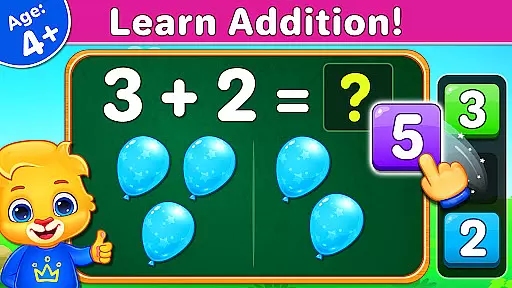
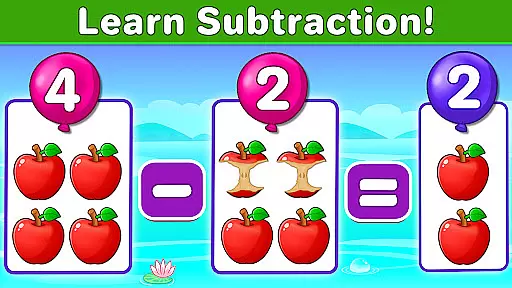
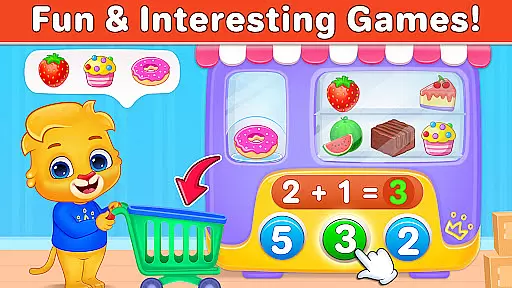
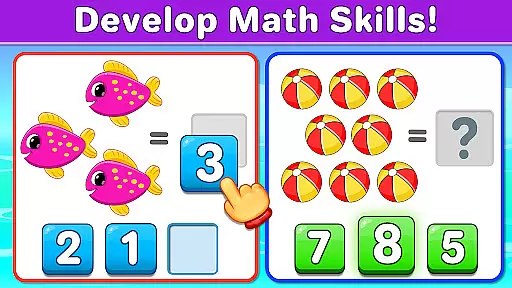
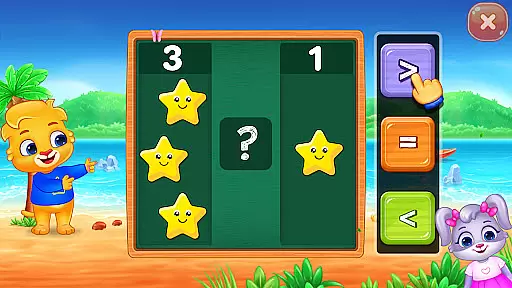
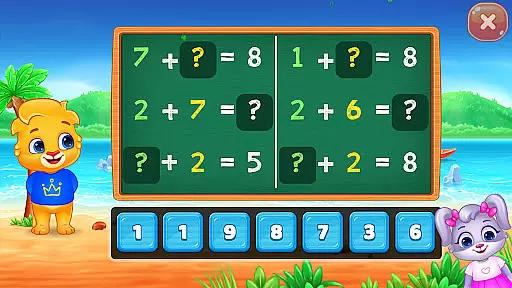
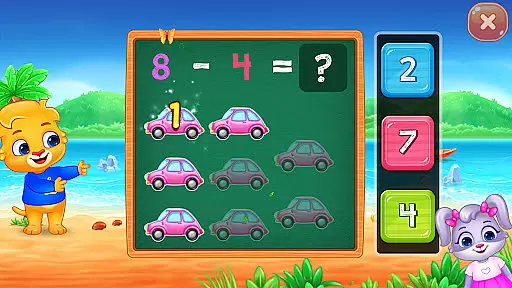
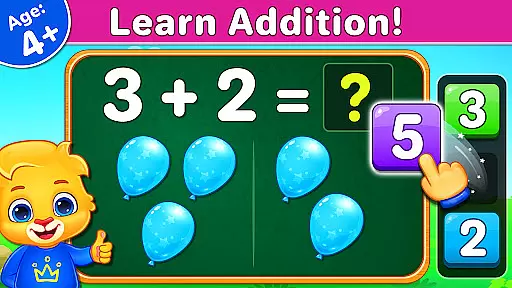
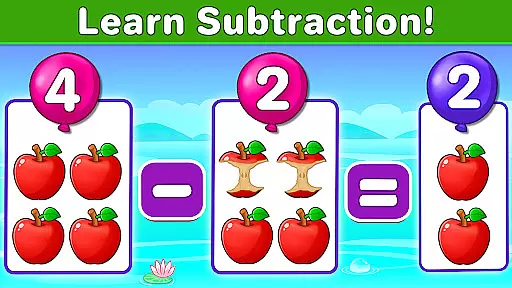
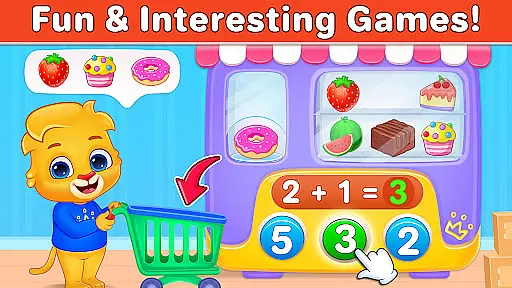
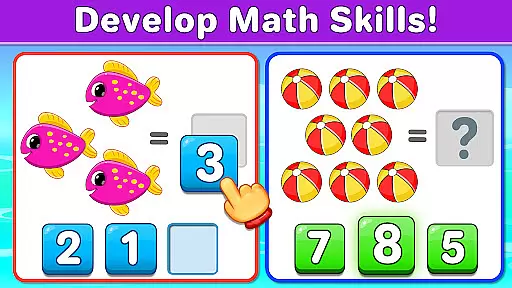
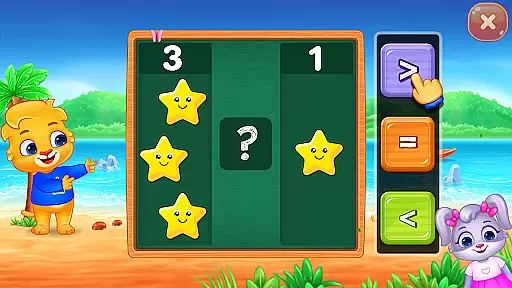
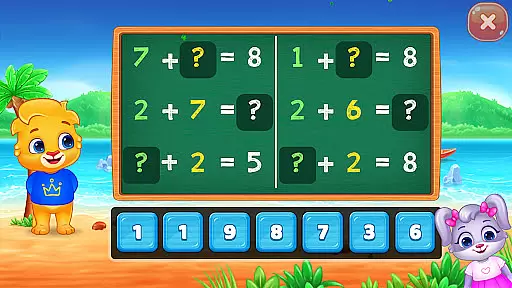
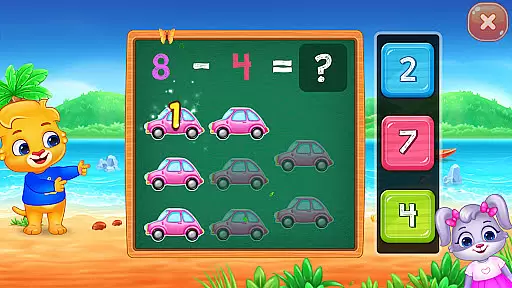
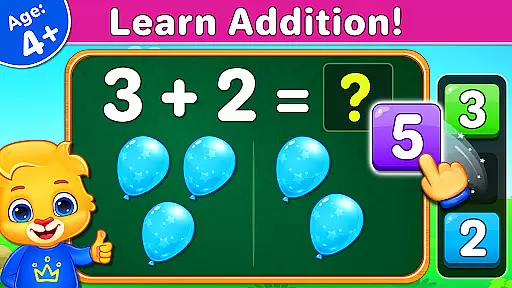
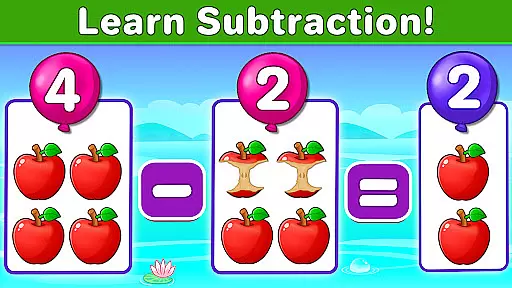
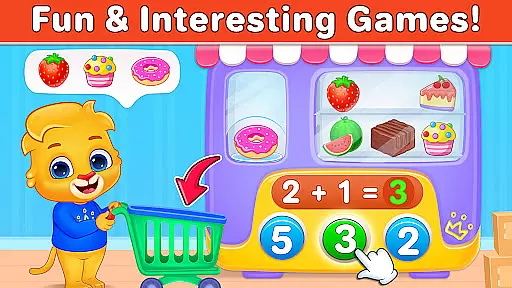
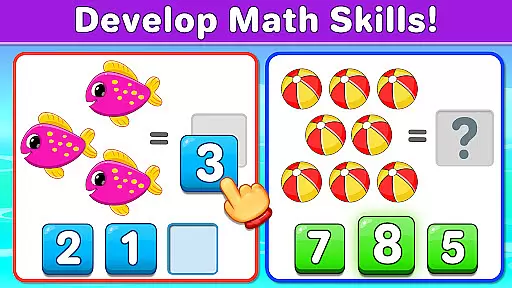
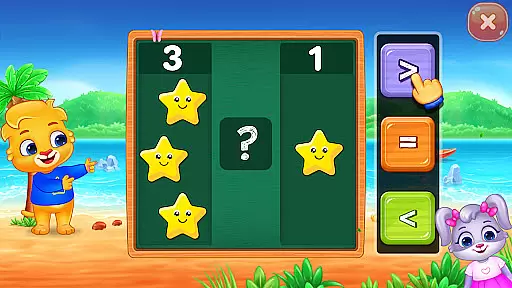
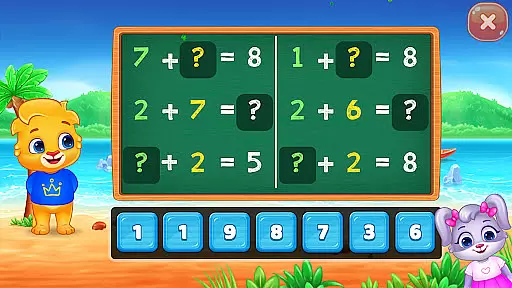
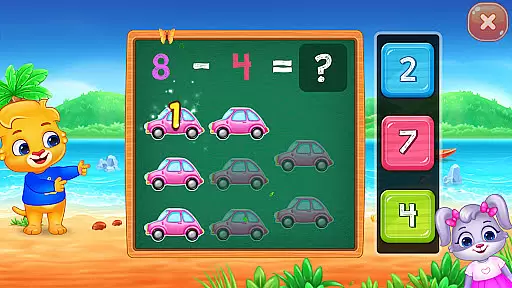
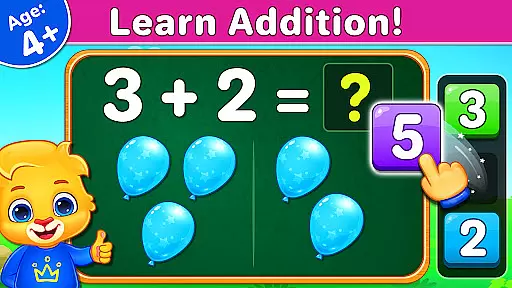
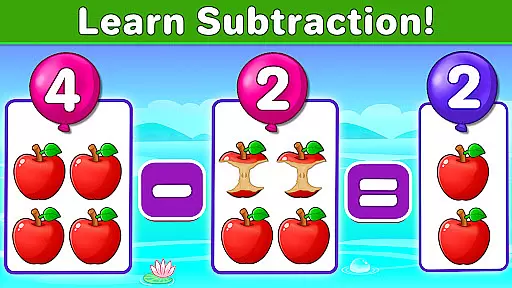
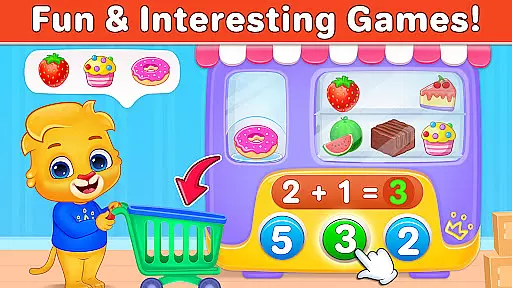
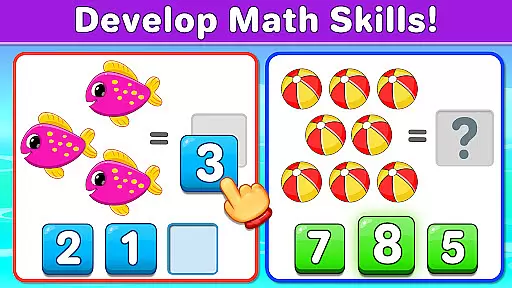
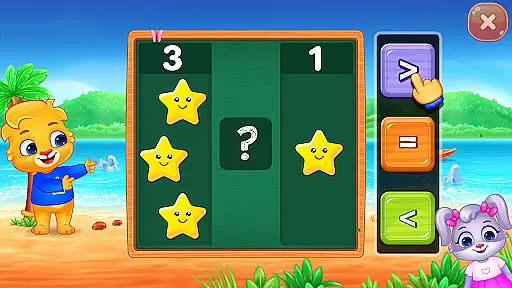
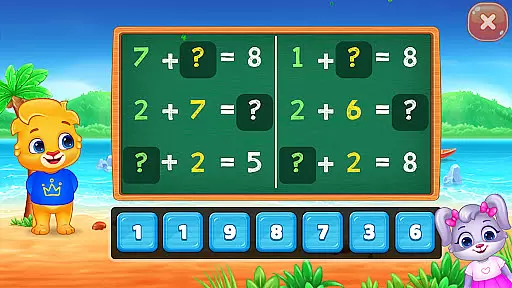
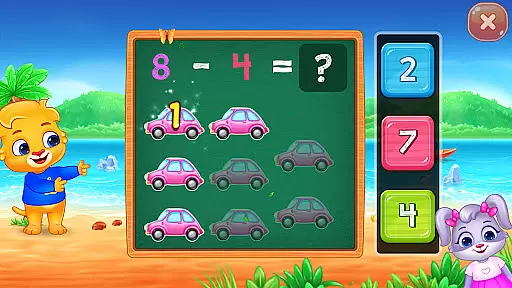
Math Kids is an educational app designed to teach young children fundamental math skills through engaging mini-games. The app targets preschoolers, kindergarteners, and toddlers, helping them learn counting, addition, and subtraction in a fun way. With interactive puzzles and challenges, Math Kids ensures that children develop essential math skills while enjoying the learning process.
The app offers various game modes such as Counting, Adding Puzzle, Subtracting Fun, and more, each crafted to enhance specific math abilities. These games are not only entertaining but also progressively improve children's mathematical understanding. Parents can customize difficulty levels and track their child's progress through detailed report cards, making it a comprehensive learning tool for early mathematics education.
Math Kids boasts a variety of features that cater to both children and parents. For kids, the app includes multiple mini-games like Counting, Compare, Adding Puzzle, and Subtracting Quiz. Each game is designed to make learning math enjoyable and intuitive. Children can earn stickers, solve puzzles, and complete quizzes, all of which reinforce their math skills in an engaging manner.
For parents, Math Kids provides tools to monitor and manage their child's learning journey. The app allows customization of game modes to adjust difficulty levels according to the child's proficiency. Additionally, parents can review report cards to assess their child's performance and improvement over time. This dual approach ensures that Math Kids is not just an educational app but also a valuable parenting tool to guide children's academic growth effectively.
Math Kids provides a comprehensive learning experience that aligns with early education curricula. The app focuses on foundational math concepts such as counting, addition, and subtraction.
Each mini-game is crafted to reinforce classroom learning through interactive play. Children engage with content that's been carefully designed to match educational standards for preschoolers and kindergarteners.
The app ensures authority in its content by offering various puzzles that teach essential skills. These activities are not only educational but also enjoyable, encouraging young learners to return frequently.
Parents can trust Math Kids to deliver an authentic curriculum-based experience without the need for in-app purchases or exposure to third-party ads, making it a safe and reliable choice for early math education.
Gamification is at the heart of Math Kids, turning learning into an engaging adventure. Through a series of fun mini-games, children learn numbers and basic math operations while earning stickers and rewards.
This approach motivates kids to practice their skills regularly by completing challenges and advancing through levels. As they play, they develop confidence in their abilities, which translates into better performance when they begin formal schooling.
Customizable game modes allow adults to adjust difficulty settings according to the childu2019s progress. This feature ensures that the learning curve remains challenging yet achievable, keeping children interested and invested in their education journey.
With report cards available for tracking improvement over time, Math Kids seamlessly blends gaming elements with educational objectives, creating a balanced environment where learning feels like play.
User-friendly interface
Engaging mini-games
Customizable difficulty
Detailed progress reports
No in-app purchases
Limited to basic math
Graphics might be simple
No advanced features
Repetitive gameplay
Only for young children

A world to build at the tip of your fingers!
 3.80
3.80
Fun educational game: Learn, imagine, create, draw and color!
4.20
Cure the patients to create your hospital story!
3.90
Clean the messy house & play with cute kitty in this fun cleaning game for kids!
3.70
Master your phonics letters and sounds with the Alphablocks!
3.80
Build your own BRIO railway!
4.30
Find the hidden Numberblocks, add them together and see what happens.
3.50
Design dreamhouses and dress up creatively in the ultimate role-playing game!
4.70
Kids age 2-8 can create, explore, and play Toca Boca games their way!
3.50
Amazing toddler coloring games for 2+. Enjoy painting games
4.60
Learn numbers, letters, and shapes playing toddler balloon pop games ►NoAds◄
4.60
Kids math games, abc games for kids 4-5 years old. Kindergarten learning games
4.50
Kids letter tracing technique, which is the first step in learning how to write.
4.30
A world for little builders to create, imagine, and learn through play.
4.20
Fun dentist game with Cocobi friends!
4.10
Where Little Healers can Make a Big Difference!
4.00
The Squirrels have been learning how to look after animal, now it's your turn!
3.90
Create stories and build your own virtual world for your avatar!
3.00
Explore the world of reading and writing with Booker!
4.1


User Reviews