
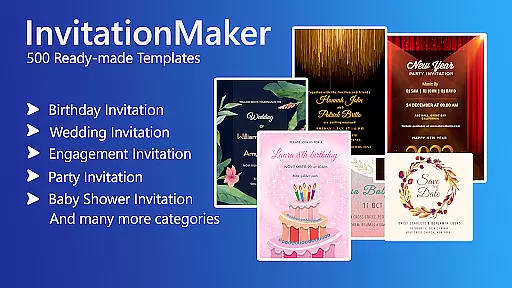

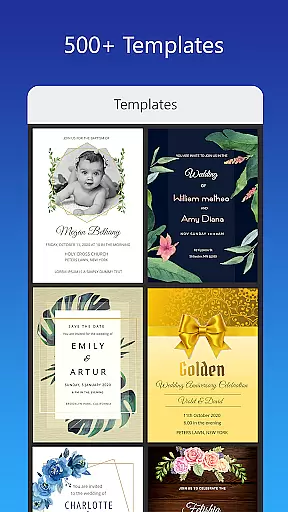
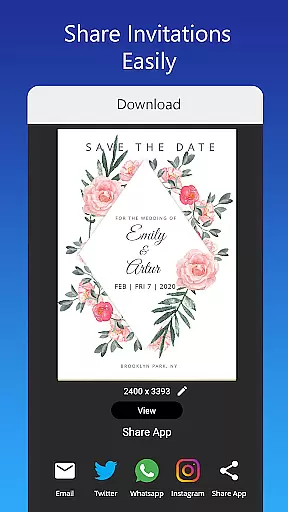
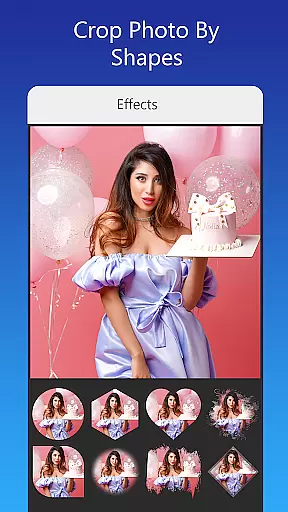
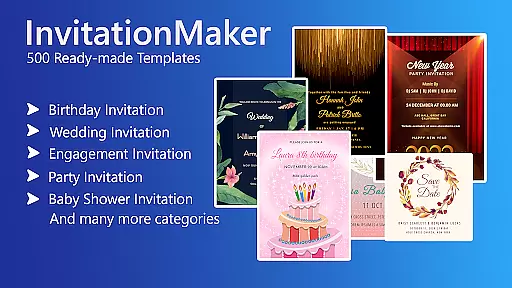

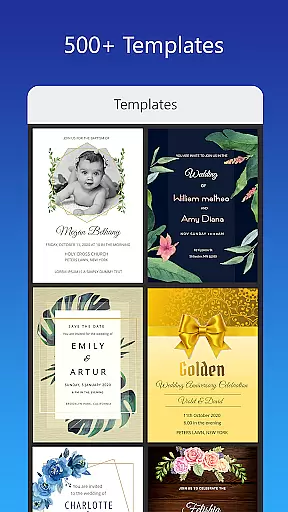
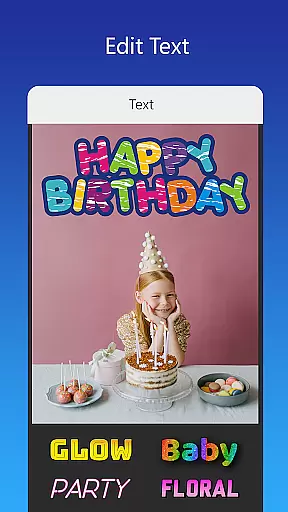
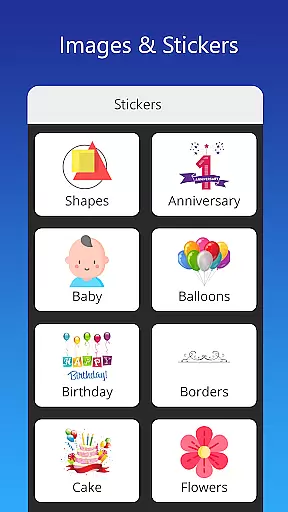
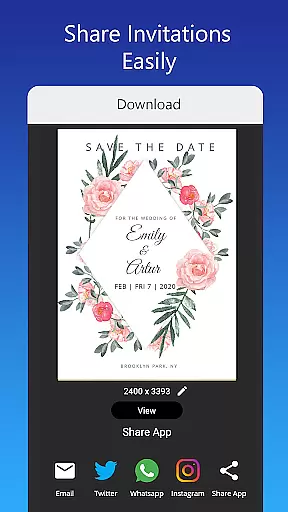
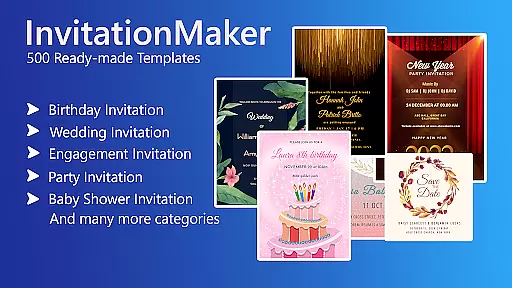

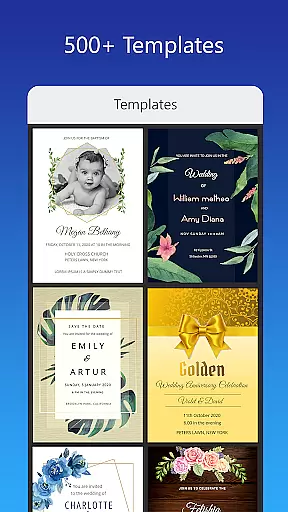
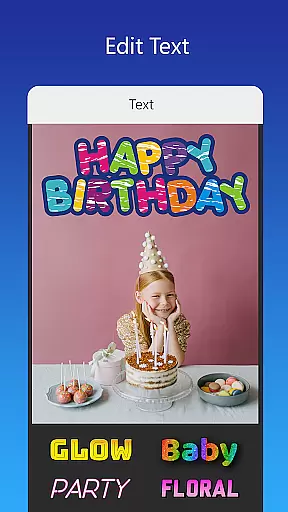
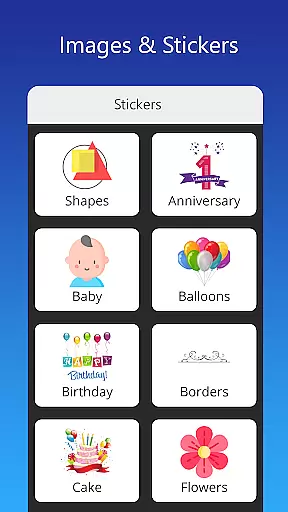
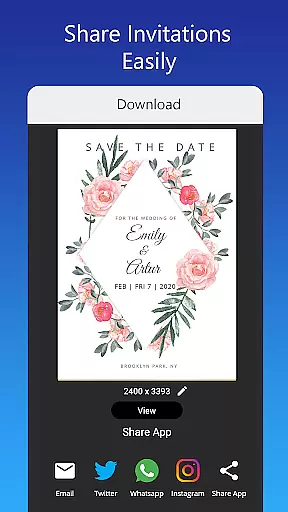
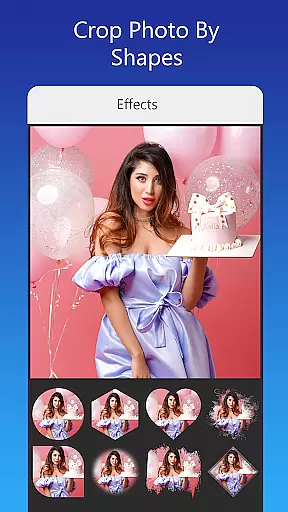
Invitation Card Maker, Design is a versatile app that allows users to create personalized invitation cards for various events such as birthdays, engagements, weddings, anniversaries, and baby showers. With over 200 ready-made templates, it offers an extensive range of customization options including text editing, background images, gradient colors, and photo frames.
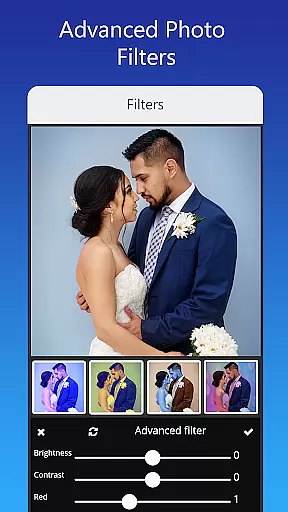
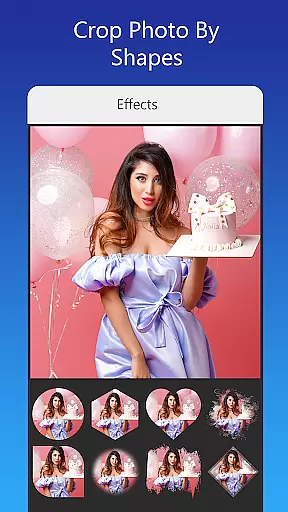
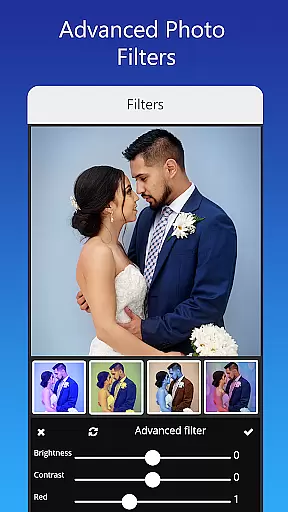
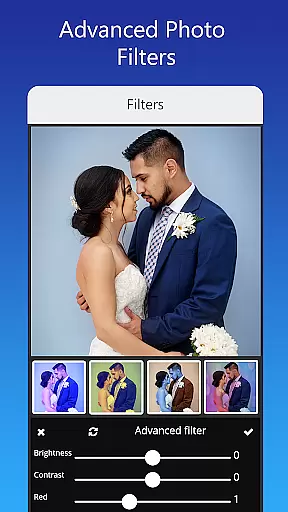
The app provides advanced editing features like brightness adjustment, contrast, overlay images, and cropping by shape. Users can also apply beautiful photo filters and effects to enhance their designs. Once completed, invitations can be shared on social networks or saved for future editing, making it a comprehensive tool for both digital and printable invitations.
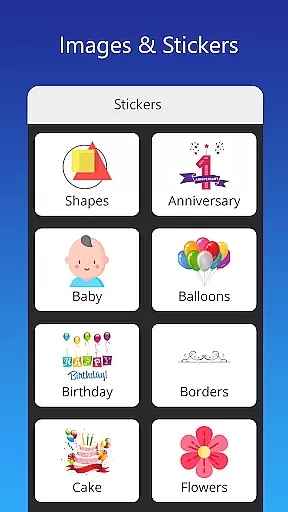
One of the standout features of Invitation Card Maker is its rich template library which includes themes suitable for different types of events. Users have access to unlimited stickers, icons, and images specifically tailored for occasions like birthdays and weddings. The ability to upload personal fonts or download new ones adds another layer of customization.
Advanced photo editing tools allow users to replace images without altering the overall design while applying professional-grade filters and effects. Additionally, the app supports resizing invitations into various formats suitable for either digital sharing via platforms like Facebook and Instagram or physical printing.
Task creation and detail customization are essential features for any event planning application. The Invitation Card Maker, Design app excels in this area by providing users with over 200 ready-made templates that can be personalized to fit any occasion, whether it's a birthday party, wedding, or baby shower. This vast selection ensures that users can find the perfect starting point for their invitation needs.
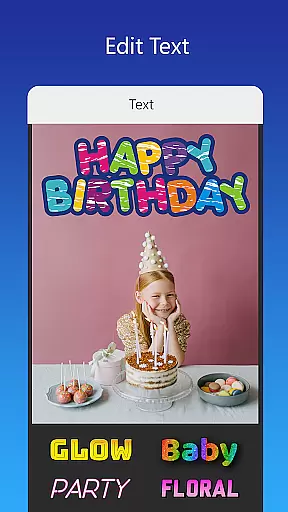
The level of detail customization available within the app is impressive. Users have the ability to edit or replace text, names, event locations, and timings on the invitations. Furthermore, the app offers various font styles and even allows users to upload their own fonts, ensuring that every detail matches the theme of their event. This flexibility empowers users to create truly unique and personalized invitations.
In addition to textual modifications, the Invitation Card Maker supports image customization. Users can replace images with a single tap without altering the overall design, apply beautiful photo filters and effects, and adjust elements like brightness and contrast. These capabilities ensure that each invitation not only conveys the necessary information but also looks visually stunning.
Reminder settings play a crucial role in event management apps, helping users stay organized and timely. While the primary focus of the Invitation Card Maker, Design app is on creating invitations, it indirectly supports effective reminder settings through its comprehensive design and sharing functionalities. Once an invitation is crafted, users can save it for future edits and share it instantly via social networks, ensuring guests receive timely updates.
Although the app does not provide traditional reminder alerts, it enables users to include all vital event details such as date, time, and location directly on the digital invitation. This method serves as a constant visual reminder for recipients, reducing the likelihood of missed events. Moreover, the ability to download and print invitations adds another layer of convenience for those who prefer physical reminders.
By integrating seamlessly with platforms like Facebook, Instagram, Snapchat, WhatsApp, and Twitter, the Invitation Card Maker enhances the distribution of reminders. Guests can easily save or set reminders based on the digital invitations they receive, thus maintaining awareness of upcoming events. This approach combines creativity with practicality, making sure no important moment goes unnoticed.
User-friendly interface
Extensive template library
Advanced customization options
Supports multiple sharing platforms
Offline functionality available
Limited free content
Some features require in-app purchases
Occasional bugs reported
Ads present in free version
Learning curve for beginners

An App for Bhutanese
 4.5
4.5
Create Birthday Cards in Birthday Invitation Maker and Birthday Card Creator App
3.00
The Ultimate Tournament Hub
4.70
Fantasy of Lights Event App
5.00
Microsoft Build is an annual developer conference hosted by Microsoft
4.20
TV Garden is a video player to play your own TV streams from around the world!
4.2
Create invitation cards for birthdays, weddings, Christmas and more.
4.80
Thanksgiving Wishes, Thanksgiving Stickers & Animated GIF for Whatsapp Stickers
4.0
Freebie Games for Epic Games, Steam, Amazon, Rockstar etc.
4.40
Clubs, Festivals, Discounted Tickets, Guest Lists & VIP Tables
4.90
For weddings, parties & events
4.60
Greeting card maker with photos best app| Birthday cards| All wishes eCards FREE
4.50
Meet people over dinner
4.40
Get live football here
4.30
The calendar app in this 2026 year see all dates.
4.20
Track birthdays, habits & goals. Unlimited countdowns and count-ups
4.20
Introducing the official Magic: The Gathering app for mobile.
4.20
Purchase line-skip passes, drinks, cover, and more at bars and clubs
3.50
Soft Proxy for Your Online World
4.3


User Reviews