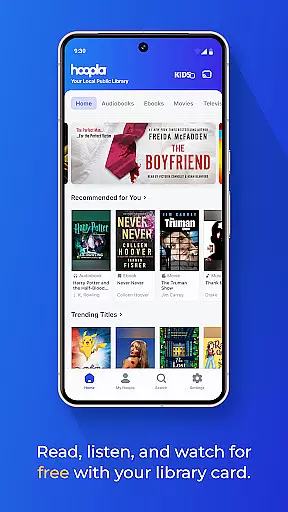
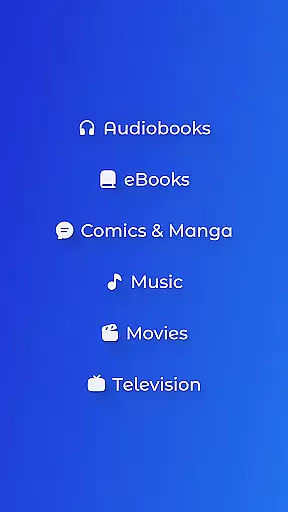
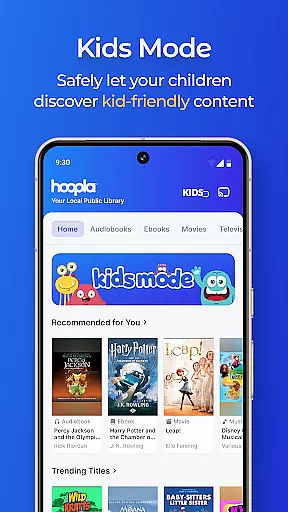
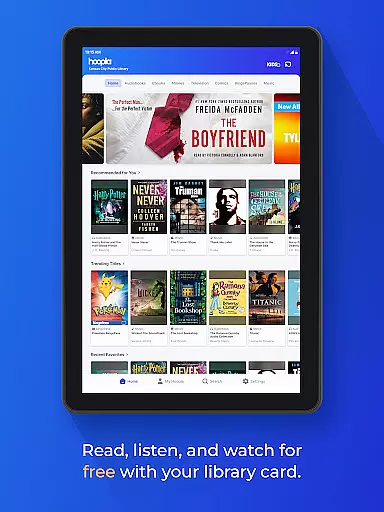
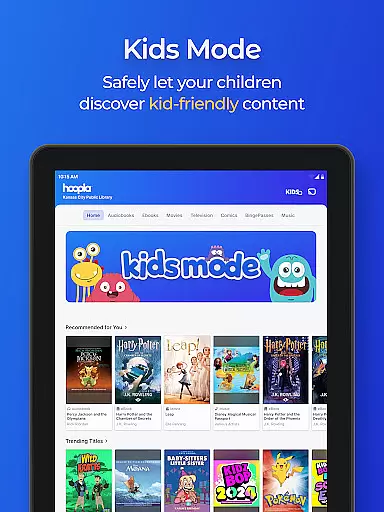
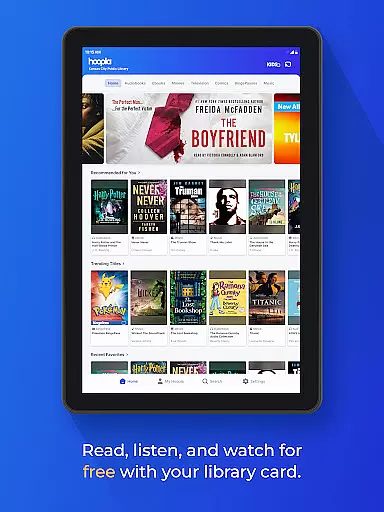
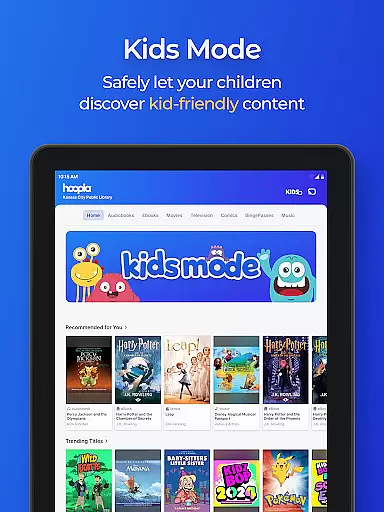
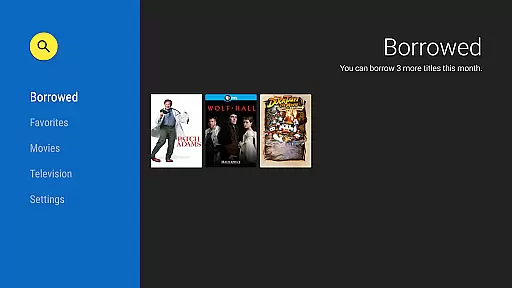
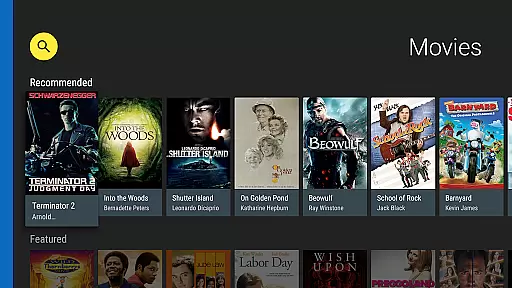
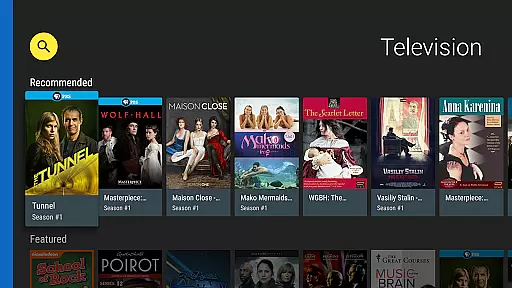
Hoopla Digital is a comprehensive digital media platform that provides users with access to over 1.5 million titles, including eBooks, audiobooks, comics, movies, TV shows, music, and more. The app serves as a gateway to entertainment and knowledge, offering content suitable for all age groups and interests.
One of the key features of Hoopla Digital is its library card integration, allowing users to borrow digital content for free through partnerships with local libraries. With no subscription required and no late fees, it offers an ad-free experience where users can stream or download their favorite books, movies, and music directly to their devices.
The app also supports innovative reading technologies like ActionView for comics and manga, and includes convenient features such as BingePass for unlimited access to collections, Android Auto compatibility, and cross-device syncing. Whether you're commuting, traveling, or relaxing at home, Hoopla Digital ensures seamless access to your preferred content anytime, anywhere.
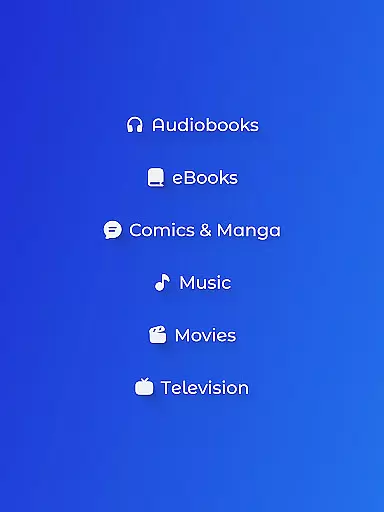
Hoopla Digital stands out with its diverse range of content formats, catering to various preferences. Users can explore best-selling audiobooks narrated by talented performers, stream blockbuster movies and binge-worthy TV shows, or dive into an extensive collection of eBooks covering multiple genres.
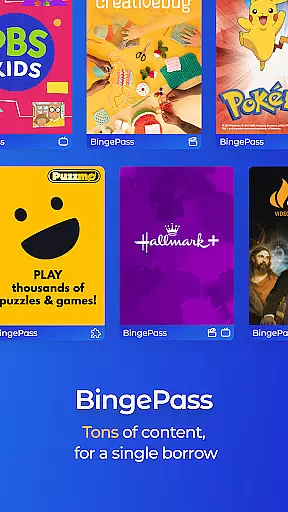
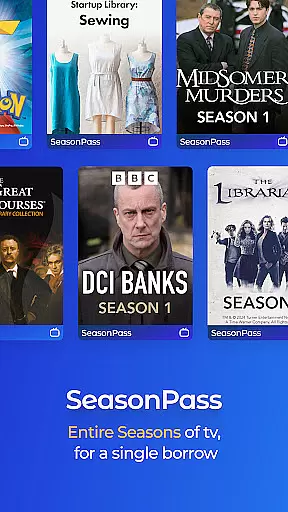
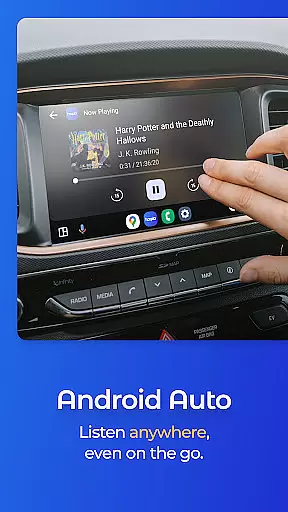
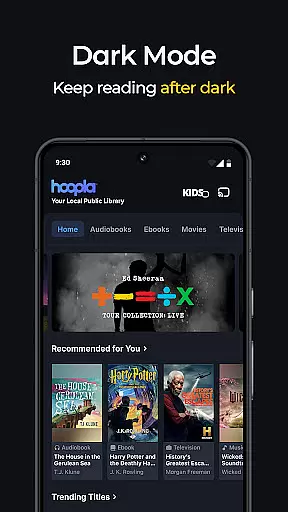
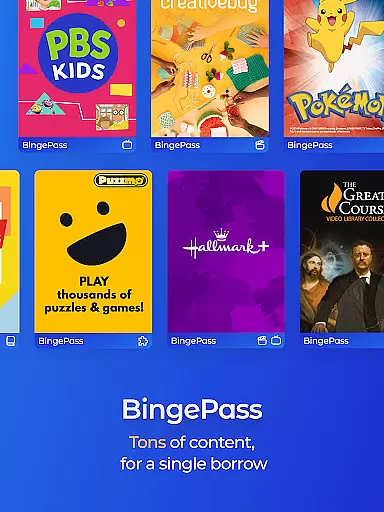
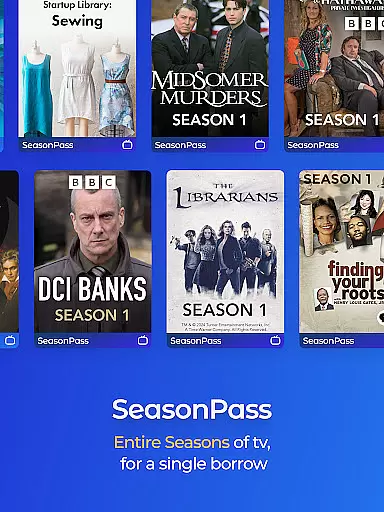
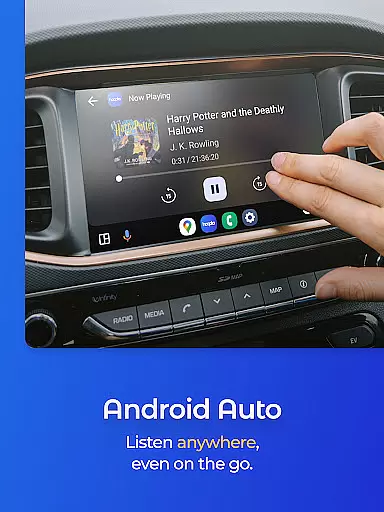
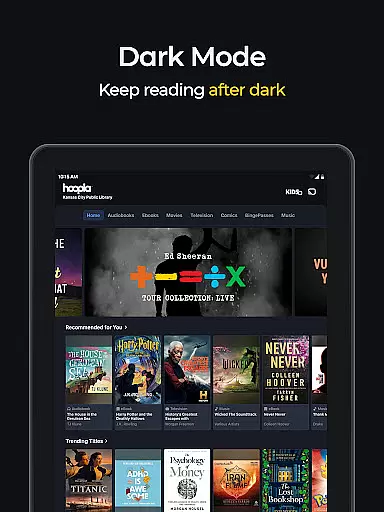
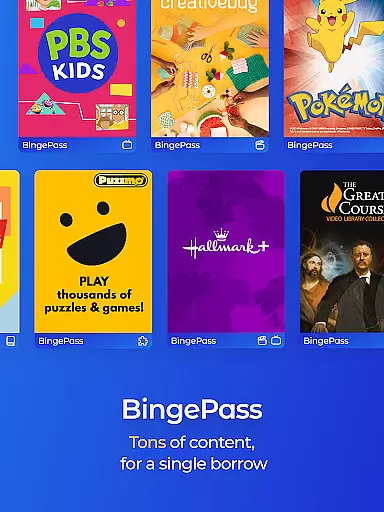
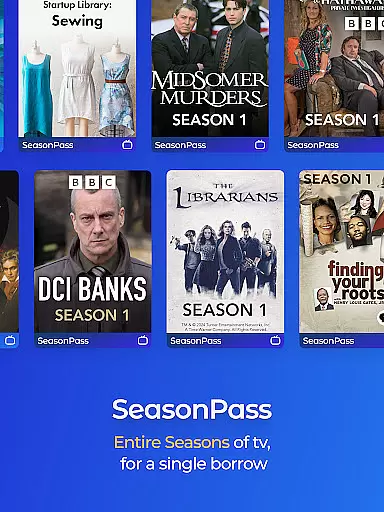
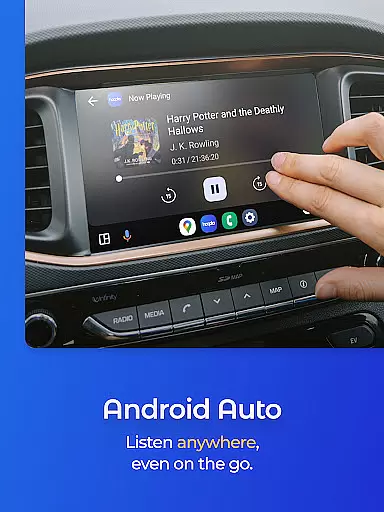
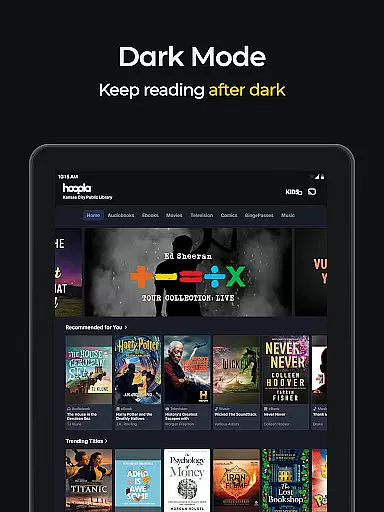
A unique aspect of Hoopla is its BingePass feature, which allows users to borrow entire collections of content with a single checkout. This is complemented by advanced reading technologies like ActionView, which enhances the comic and manga reading experience through panel-by-panel navigation. Additionally, the app's Dark Mode ensures comfortable browsing in low-light conditions, while Android Auto compatibility makes it easy to enjoy audiobooks and music on the go.
For user convenience, Hoopla Digital supports both streaming and offline downloads, enabling uninterrupted access even without an internet connection. Its cross-device syncing ensures that users can switch between their phone, tablet, or computer while maintaining their place in any book or playlist. These features collectively create a versatile and user-friendly platform for digital media consumption.
Hoopla Digital offers an extensive e-book library with over 1.5 million titles, ensuring a wide selection for all types of readers. The platform's vast collection includes everything from gripping mysteries to thought-provoking non-fiction, catering to diverse tastes and interests.
Each e-book on Hoopla is provided through partnerships with libraries, which guarantees the authenticity of copyrights and legal access to content. This library-card based service allows users to borrow digital media without worrying about copyright infringement or unauthorized material.
The app's commitment to celebrating diversity is evident in its range of titles that resonate with readers from all walks of life. Whether you're interested in heartwarming romance or captivating historical tales, Hoopla ensures that their expansive eBook collection is both comprehensive and inclusive.
With new content added daily and no subscription required, Hoopla Digital provides seamless access to a growing repository of reading material. Users can enjoy their favorite books on one single platform with the assurance that they are accessing legitimate, high-quality content.
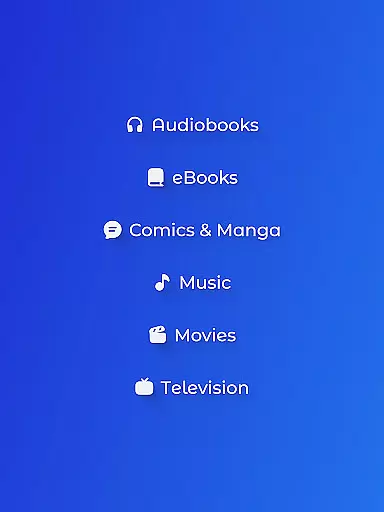
Hoopla Digital stands out for its exceptional format compatibility, allowing users to read, listen, and watch various forms of content all in one app. From audiobooks, eBooks, comics, graphic novels, manga, magazines, music, movies, TV shows, and more, Hoopla supports multiple formats to cater to different preferences.
The platform enables streaming or downloading of titles, providing flexibility for users who wish to access content offline. Whether you prefer listening during your commute or reading at home, Hoopla ensures that all formats are easily accessible and functional across devices.
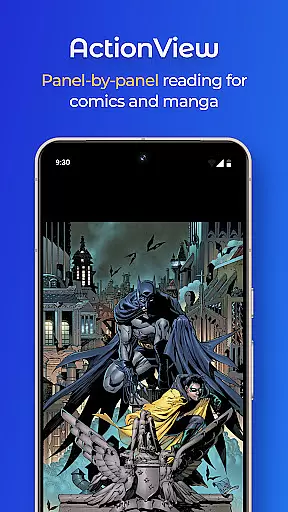
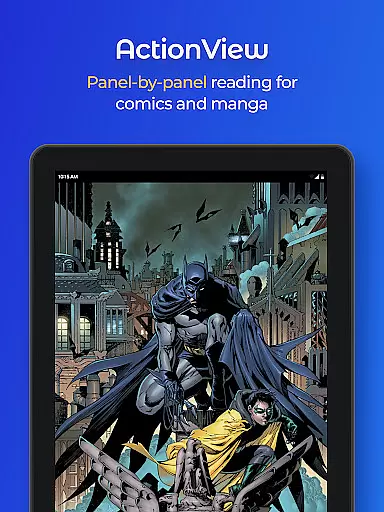
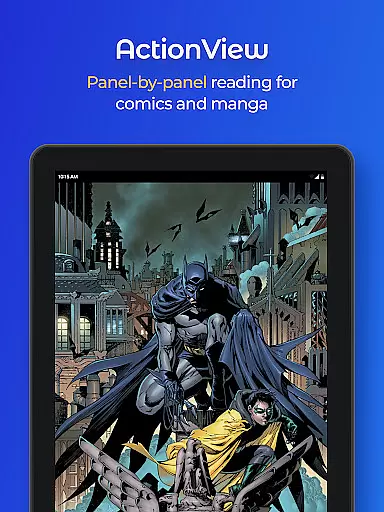
Moreover, Hoopla's innovative ActionView technology enhances the experience of reading comics and manga by offering a panel-by-panel reading option. This feature brings visual stories to life while maintaining ease of use and compatibility with standard formats.
By supporting such a wide array of formatsu2014from chart-topping hits in music to Hollywood blockbusters in filmu2014Hoopla makes it simple for users to switch between entertainment options effortlessly. With this versatility, Hoopla ensures an uninterrupted and enriched user experience regardless of the chosen media type.
User-friendly interface
Extensive content library
No subscription required
Ad-free experience
Cross-device syncing
Library card needed
Limited to participating libraries
Content availability varies
Offline downloads only
Regional restrictions apply

The Bible Audio Guide
 4.80
4.80
Bible, Catechism, Study, Saints, Mass Readings, Rosary, Prayer, Bible in a Year
4.80
CleverBook Pro makes the popular guide for the game even better!
4.00
Offline translator from english to spanish, and from spanish to english.
4.50
Improve your vocabulary and grammar with the 15 biggest Oxford Dictionaries.
4.30
Battle Royale Chapter 5 Season 2 HD Wallpapers Emotes Skins and BattlePass
3.00
Translate into 100+ languages with the world’s most accurate AI translator.
4.70
Zerobooks Light Novel Reader by GOLDENAGATO
4.20
The dynamic dictionary/reference app for piano chords and scales!
4.80
What’s that bird? Just answer 5 questions, snap a photo, or record its song!
4.90
My Bible offers a comprehensive app by providing offline access, daily verses.
4.80
Contains the 365 daily readings and everything other thing needed for catholics
4.70
Words spoken by native English speakers and full definitions.
4.60
“It is fun to have fun, but you have to know how!”
4.40
Provides location information of vehicle Shift Interlock releases.
4.30
Knots 360 Pro ( 3D ) shows you animated 192 knots in 3D perspective
4.10
Read Trending Romance Stories
4.00
All in one Calibre libraries on your phones and tablets.
3.80
University of North Carolina Herbarium presents the flora of TN, AL, & MS.
4.3


User Reviews