
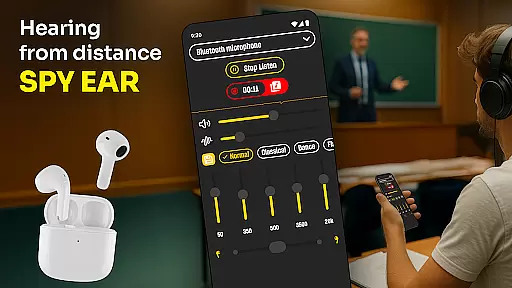
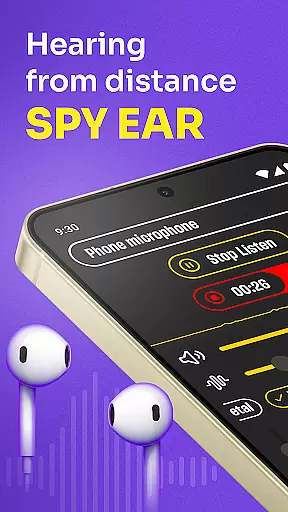
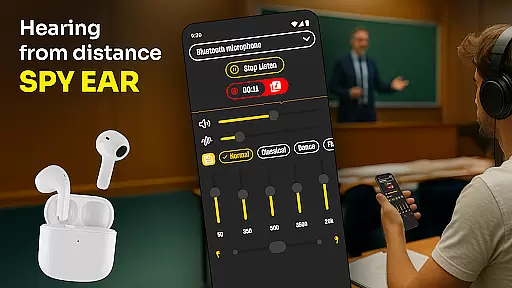
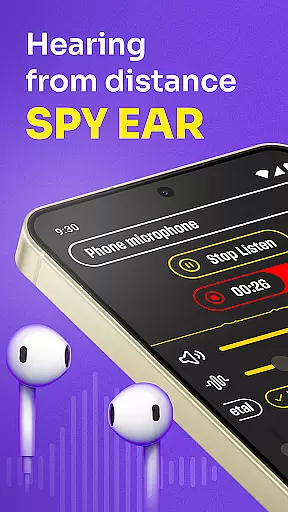
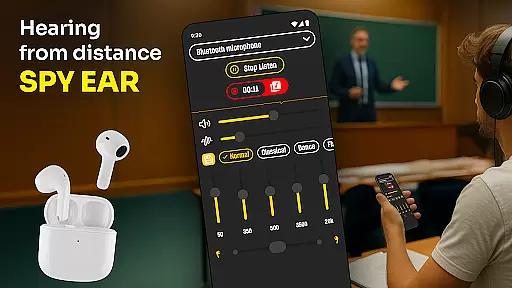
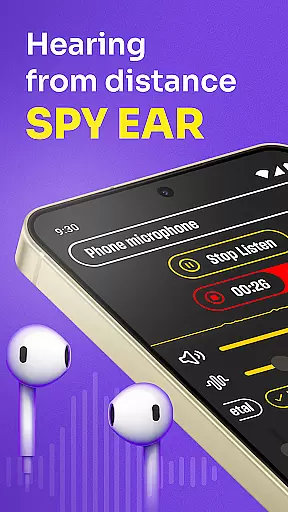
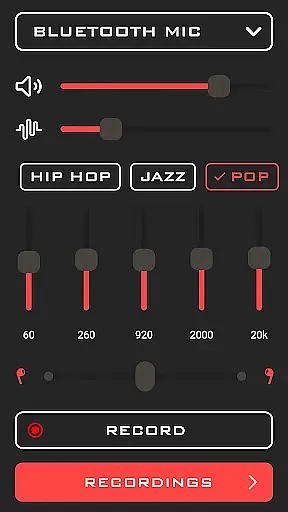
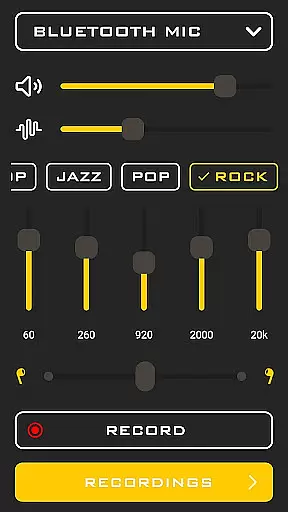
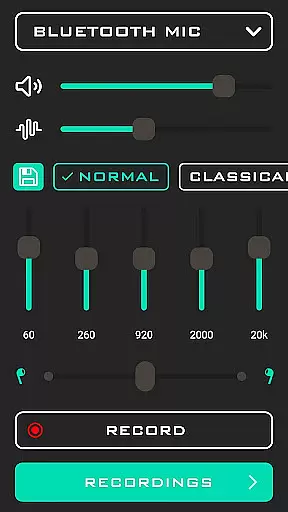
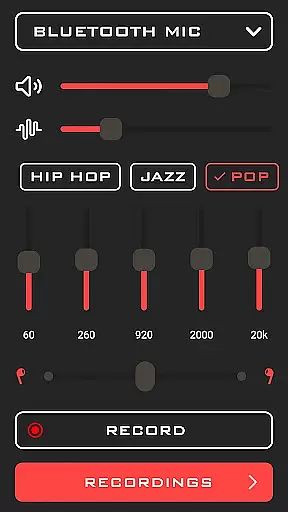
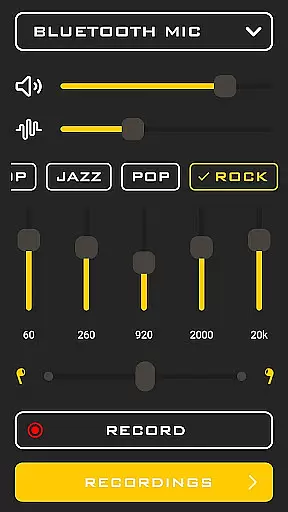
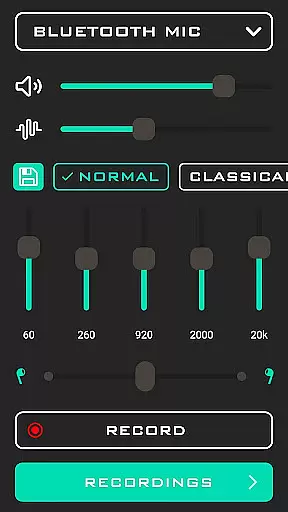
Hearing from Distance is a revolutionary mobile application designed to enhance auditory experiences by transforming your smartphone into a powerful listening device. This app allows users to amplify sounds from their surroundings, making it an ideal tool for individuals with mild to moderate hearing impairments or those who simply wish to improve their listening capabilities in various environments.
One of the standout features of Hearing from Distance is its ability to stream distant sounds directly to Bluetooth headphones or earbuds, providing crystal-clear audio even in noisy settings. The app also offers multiple modes such as Ear Spy and Sound Amplifier, which help isolate important sounds while filtering out unwanted background noise. Whether you're attending lectures, participating in meetings, or enjoying social events, this app ensures that no critical information slips past your attention.
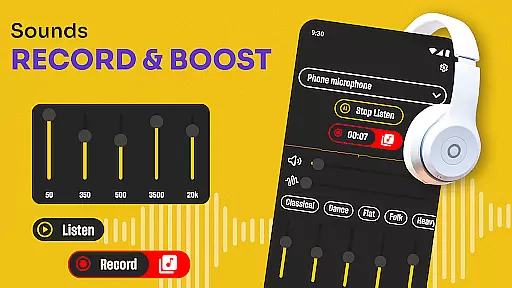
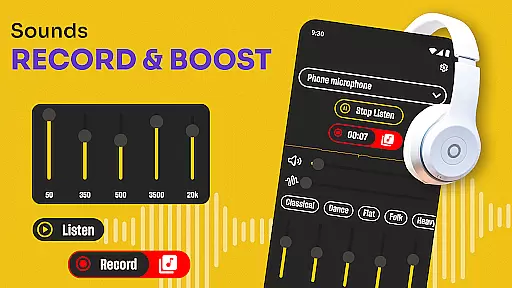
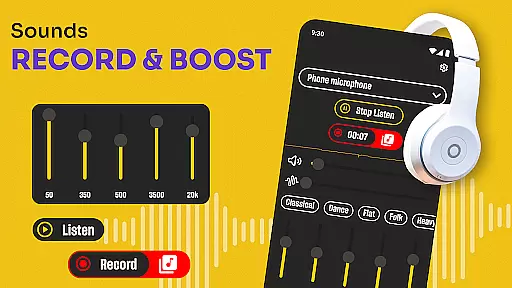
This innovative solution not only amplifies live sounds but also includes a recording feature, enabling users to save important conversations for future reference. With its user-friendly interface and customizable settings, Hearing from Distance stands out as a versatile and indispensable tool for anyone seeking enhanced auditory clarity in everyday situations.
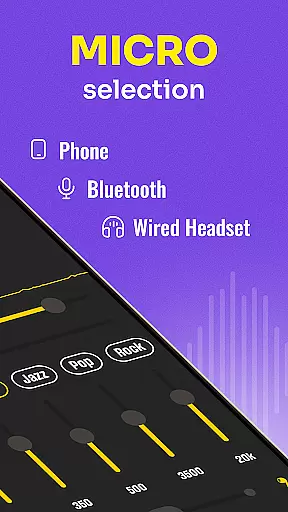
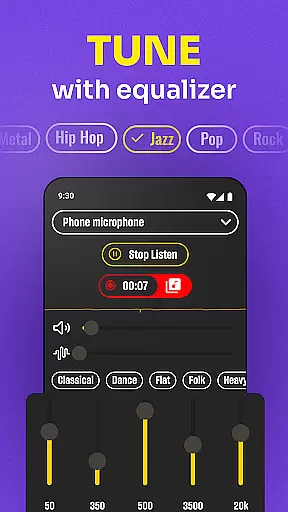
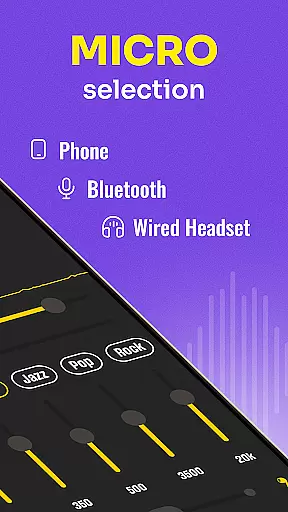
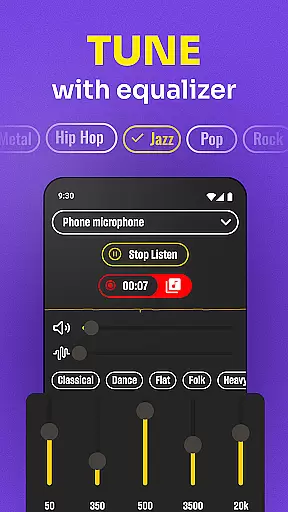
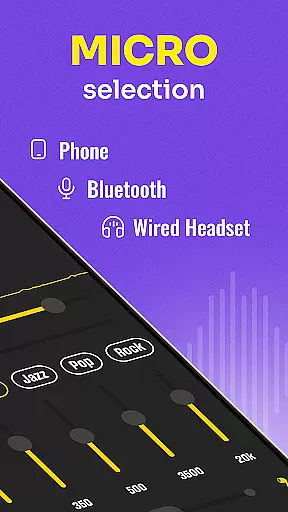
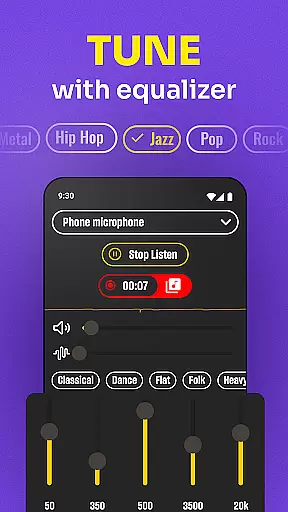
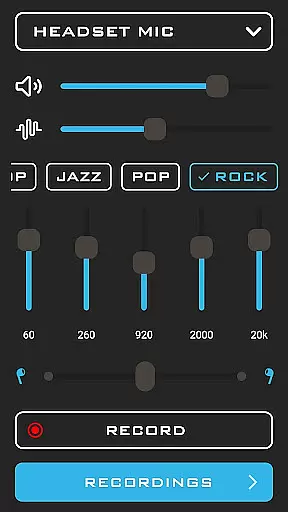
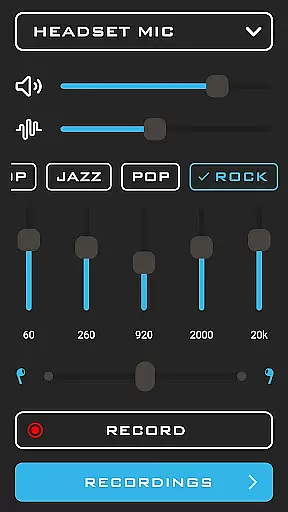
Hearing from Distance boasts an array of sophisticated features tailored to meet diverse auditory needs. At its core, the app functions as a high-quality microphone amplifier, capable of picking up faint sounds and delivering them with remarkable clarity. Users can seamlessly switch between their phone's built-in microphone and external headset mics, ensuring optimal sound capture in any scenario.
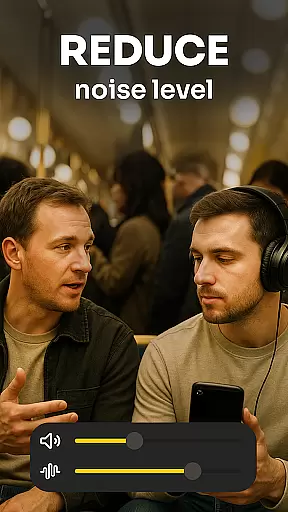
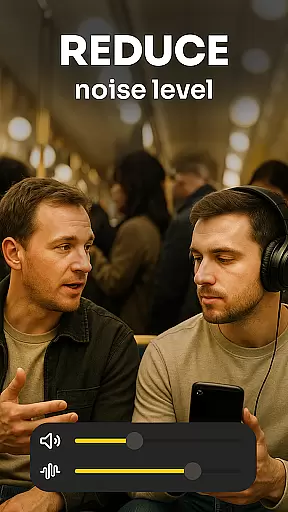
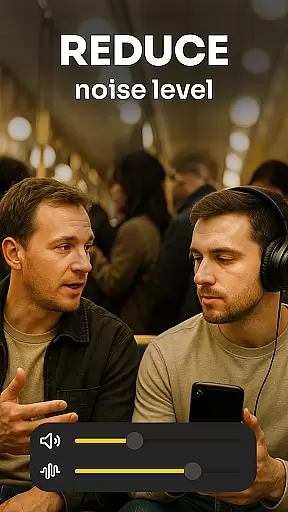
A key highlight is the app's advanced noise-cancellation technology, which effectively filters out ambient disturbances, allowing voices and essential sounds to stand out. Additionally, the Ear Spy mode specializes in capturing whispers and distant conversations, making it perfect for crowded or bustling environments. For added convenience, the app includes a built-in recorder, empowering users to document crucial moments like meetings, interviews, or lectures without missing a beat.
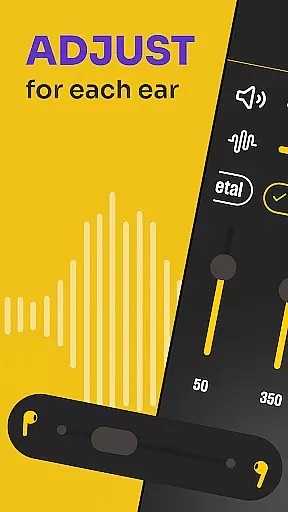
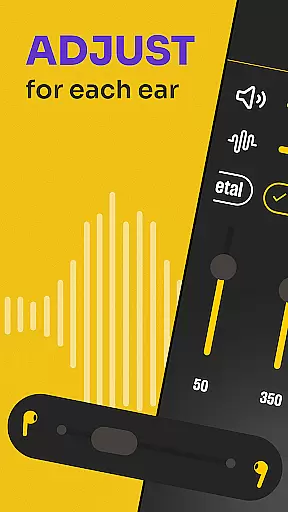
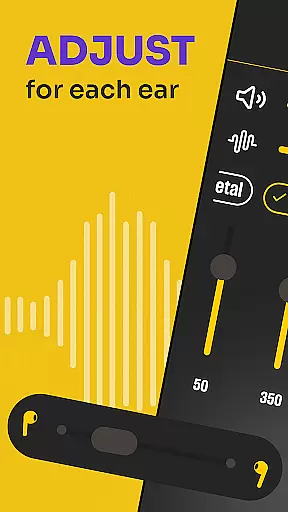
Another notable aspect is the real-time sound adjustment feature, which dynamically adapts to different acoustic settings. This ensures consistent audio quality whether you're in a quiet room or a noisy public space. Furthermore, the intuitive controls allow users to easily play, pause, or modify sound levels on the fly, offering unparalleled flexibility and ease of use. Overall, these comprehensive features make Hearing from Distance an exceptional choice for enhancing auditory perception across various contexts.
In the realm of medical applications, content credibility is paramount. Hearing from Distance positions itself as a reliable tool for audio enhancement, particularly beneficial for individuals with mild to moderate hearing loss. The app's features are designed based on sound amplification principles that align with audiological standards.
The application incorporates expert-reviewed functionalities such as real-time voice sharpening and background noise filtering. These features have been fine-tuned to ensure users receive clear and accurate sound transmission without distortion. This attention to detail in maintaining audio clarity demonstrates the app's commitment to credible medical assistance.
Users benefit from an intuitive interface that allows seamless switching between different modes tailored to various environments. Whether attending lectures or engaging in quiet conversations, the app provides medically-sound solutions that enhance auditory experiences while preserving the authenticity of the original sound source.
While primarily a sound amplification tool, Hearing from Distance also facilitates better communication during teleconsultations. Clear audio transmission is crucial in remote healthcare settings, and this app ensures that every word is captured accurately, enhancing the quality of virtual medical consultations.
The app's ability to record important sessions directly supports telemedicine practices. Patients can revisit consultations with doctors, ensuring they correctly follow medical advice and treatment plans. This feature not only improves patient outcomes but also serves as a valuable reference tool for healthcare providers.
Furthermore, the integration of Bluetooth technology enables direct streaming to hearing aids or earbuds, creating a professional-grade listening experience during teleconsultations. This advanced connectivity, combined with the app's noise-canceling capabilities, establishes Hearing from Distance as a valuable asset in modern telemedicine infrastructure.
User-friendly interface
Effective noise cancellation
Real-time sound adjustment
Supports Bluetooth devices
Built-in recording function
Requires stable internet
Drains battery quickly
Limited free version
Occasional glitches
Privacy concerns

Want to make it easier to manage your health? We’re with you, wherever you are.
 4.70
4.70
Adaptive-learning flashcards and quizzes for the Top 250 Drugs
4.60
We’ve made it easy for Oscar members to get care on the go.
4.30
Enables quick access to medical data and contacts in case of emergency (ICE)
4.70
A rapid reference for prehospital providers caring for pediatric patients.
4.5
A comprehensive 3D atlas of the human body
4.80
The world's best selling 3D Human Anatomy app with groundbreaking 3D technology
2.00
Donating plasma just got easier with the BioLife Plasma Services mobile app.
3.90
Download OctaApp for easy access to your plasma donation info
4.40
Manage your prescriptions anytime, anywhere with the Publix Pharmacy mobile app.
4.80
The NightOwl Companion app allows you to interact with the NightOwl sensor.
4.70
Medication reminder, Medicine list, Trackers for BP, glucose, weight, water, etc
4.70
Discover the source of pain with Muscle Trigger Point Anatomy.
4.70
Health Care at Your Fingertips
4.60
Take on apraxia and aphasia with a powerful video-driven speech therapy app.
4.60
The Omada app enhances your program experience and helps you stay engaged.
4.50
Explore human anatomy with this rich learning experience.
4.00
MySafeRide simplifies booking and managing rides for health plan members.
3.50
Care Simplified by MyChart
3.40


User Reviews