
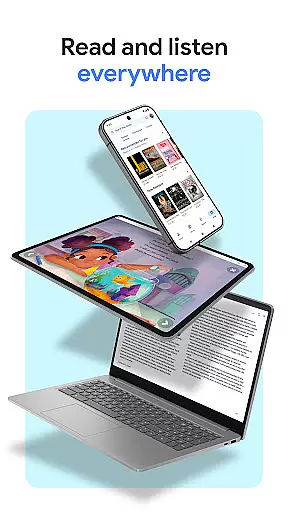
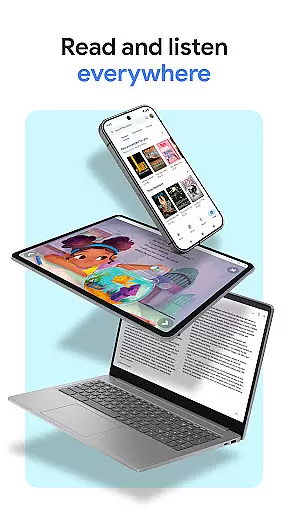
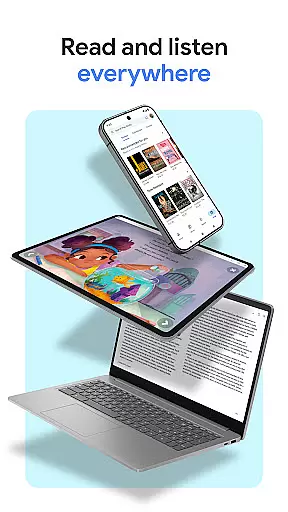
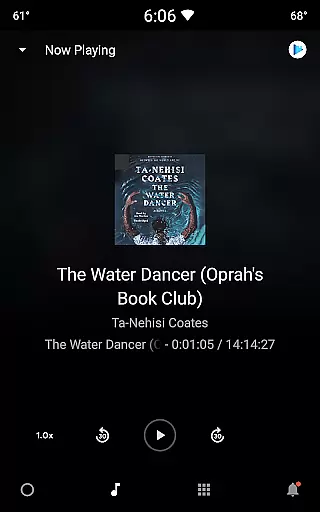
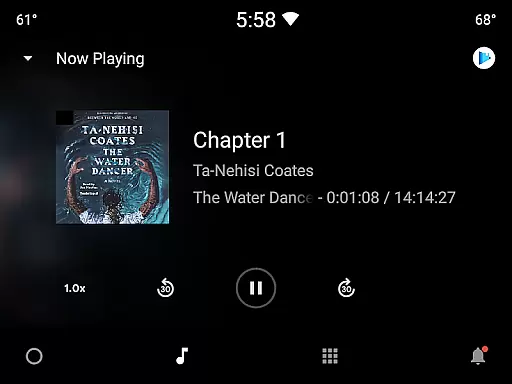
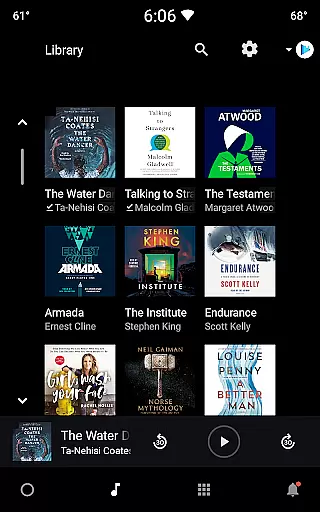
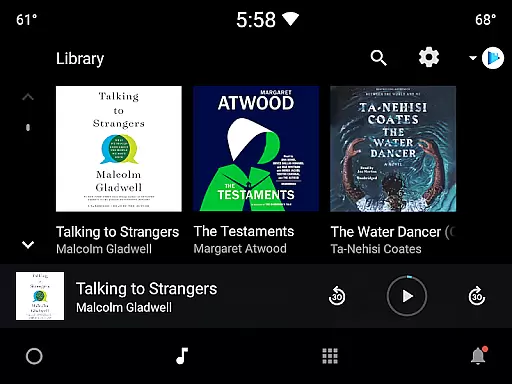
Google Play Books & Audiobooks is a comprehensive reading app that offers millions of ebooks, audiobooks, comics, and manga. It allows users to access their library across multiple devices including phones, tablets, computers, and even in-car systems through Android Auto. The app supports offline downloads, making it convenient for users to read anytime, anywhere.
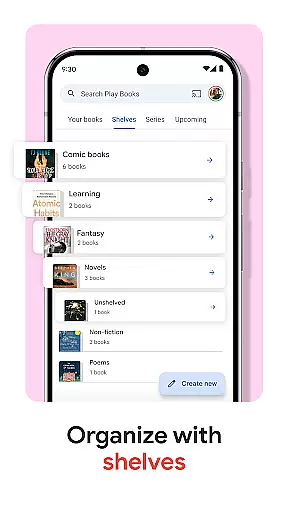
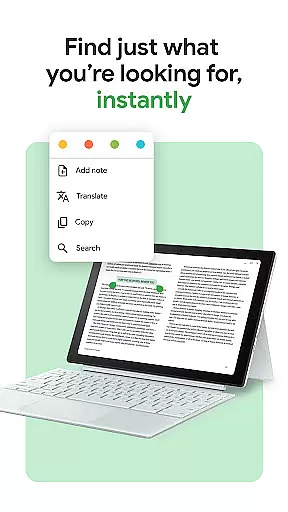
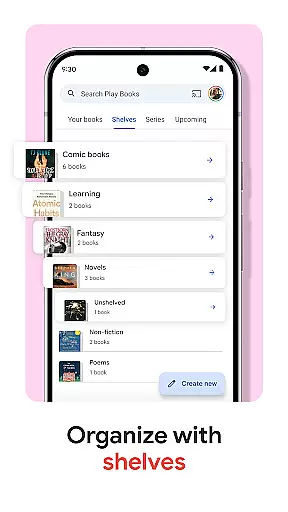
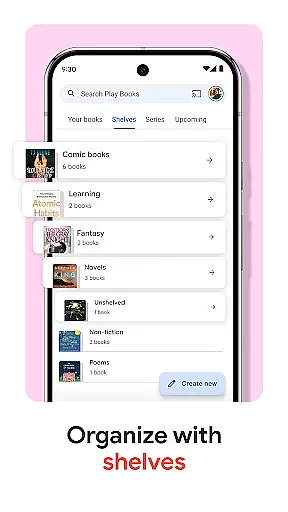
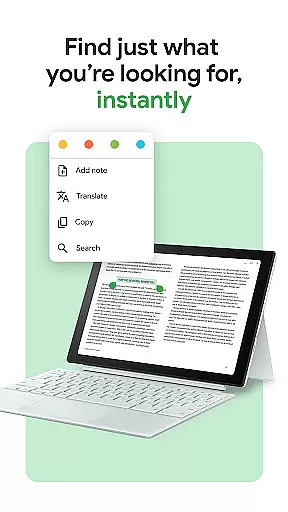
A standout feature is the ability to organize books using custom shelves, allowing personalized categorization by genre, author, or theme. Additionally, users can take smart notes that sync with Google Drive, facilitating easy sharing and collaboration. With options like hands-free audiobook control via Google Assistant and customizable reading settings, Google Play Books provides an adaptable reading experience tailored to individual preferences.
This app is ideal for avid readers who want a versatile platform to manage and enjoy various types of content without needing a subscription. Whether you're commuting, traveling, or relaxing at home, Google Play Books ensures your favorite stories are always within reach.
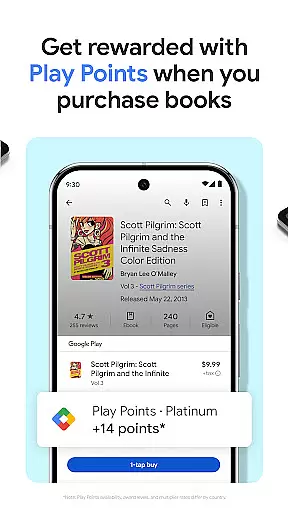
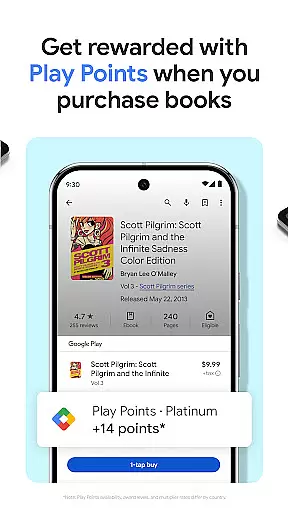
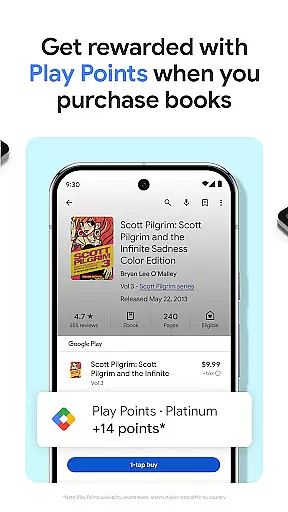
Google Play Books & Audiobooks stands out with its extensive range of features designed to enhance the reading experience. One key feature is the ability to earn Google Play Points on book purchases, incentivizing users to explore more titles while being rewarded. Note that availability and reward levels vary by country.
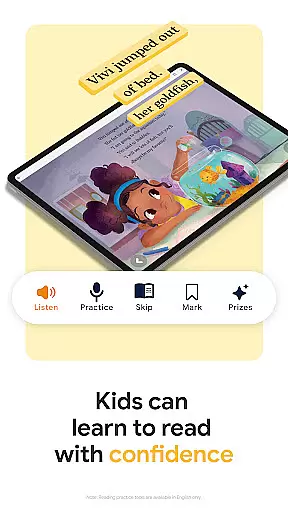
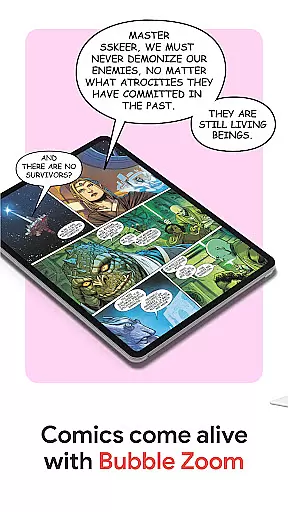
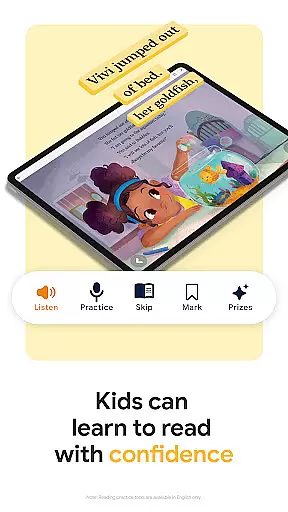
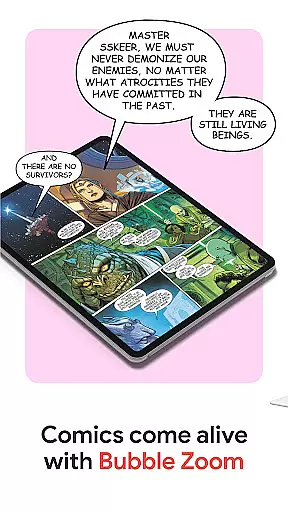
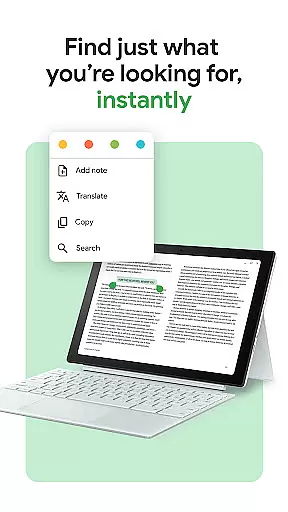
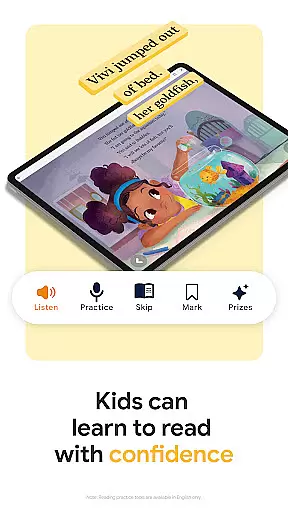
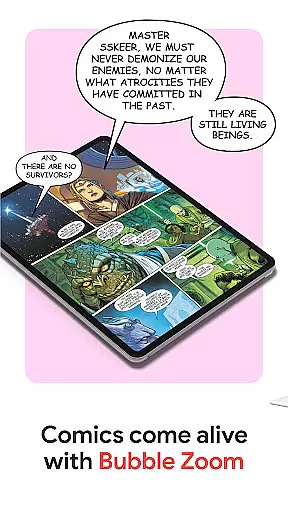
The app also includes innovative tools such as Bubble Zoom for an immersive comic and manga reading experience, and smart notes that integrate seamlessly with Google Drive. These notes allow users to jot down thoughts that can be easily shared for collaboration. Furthermore, the app caters to younger readers with kid-friendly tools like word definitions and audiobook playback, although these features are currently available only in English.
Customization is another strong suit, enabling users to adjust font styles, text sizes, brightness levels, and more to create a comfortable reading environment. The option to preview samples before purchasing ensures users can make informed decisions about their book choices. Overall, Google Play Books combines functionality with user-centric design to deliver a superior reading experience.
Google Play Books offers an extensive e-book library with millions of titles across various genres and categories. This vast collection ensures that readers of all interests can find books that suit their preferences.
The platform places a strong emphasis on copyright authenticity, ensuring that all books available for purchase or download are legally authorized by publishers and authors. This commitment to legal compliance provides users with peace of mind knowing they are accessing legitimate content.
With such a large and verified library, users can explore new authors and genres without worrying about copyright infringement issues. The app's dedication to maintaining a lawful marketplace supports both readers and content creators.
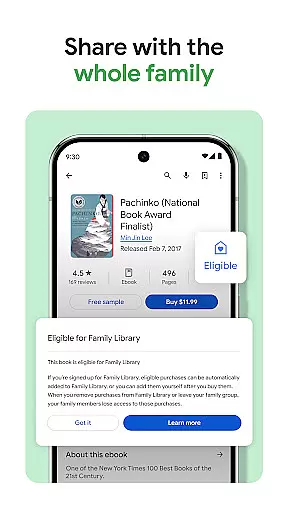
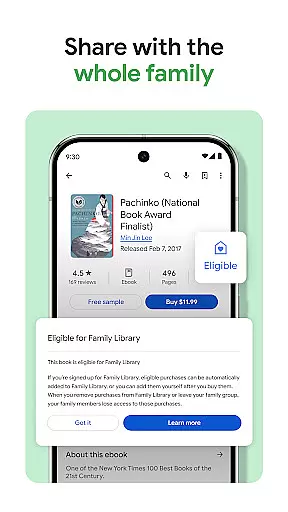
Additionally, the availability of previews allows users to sample books before purchasing, further enhancing the credibility of the library's offerings. This feature helps readers make informed decisions about their book choices.
User-friendly interface
Extensive book selection
Offline reading capability
Syncs across devices
Customizable reading settings
Limited Play Points availability
Kids tools only in English
No subscription model
Some features region-specific
Occasional sync issues

"Five Dr. Seuss titles in one omBook!"
 4.60
4.60
Flora of Virginia Project (www.floraofvirginia.org)
5.00
Novels, audiobooks, ebooks & fanfiction. Read anytime, anywhere!
3.40
This is the pro version King James bible Offline that we have
4.70
7 Languages, Google, Wiki, Vocabulary.com, Cambridge & Urban Dictionary!
4.50
Discover Stars and Planets: Live Map Shows Current Constellations in Full Detail
4.70
Bible Spiritual Companion
4.40
Zerobooks Light Novel Reader by GOLDENAGATO
4.20
Identify birds of North America by call or picture | Bird Identification
4.20
"When tweetle beetles fight, it's called a tweetle beetle battle."
4.90
Plan of Life that Saint Josemaría recommended
4.80
Read and study the Bible and other content in over 1,000 languages.
4.80
My Bible offers a comprehensive app by providing offline access, daily verses.
4.80
Read the KJV Bible with Strong’s offline: reading plans, audio Bibles, and more.
4.70
Master AKC Rally signs with in-depth hints, diagrams, and expert guidance.
4.50
Manage collectibles, survey and treasure maps in Elder Scrolls Online.
4.40
Cute bedtime story for kids
4.30
Prime novels await! Fantasy & Romance on JoyRead. Immersive reads!
4.20
ISAIAH EXPLAINED with Avraham Gileadi Ph.D.
4.00


User Reviews