
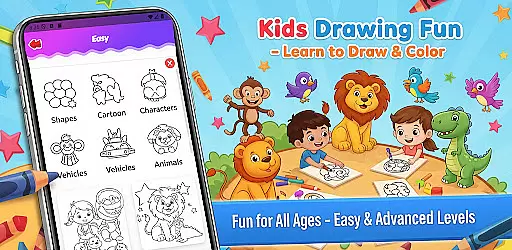
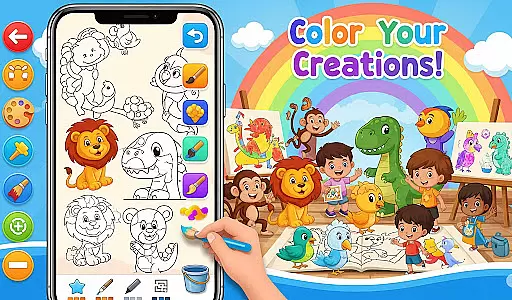
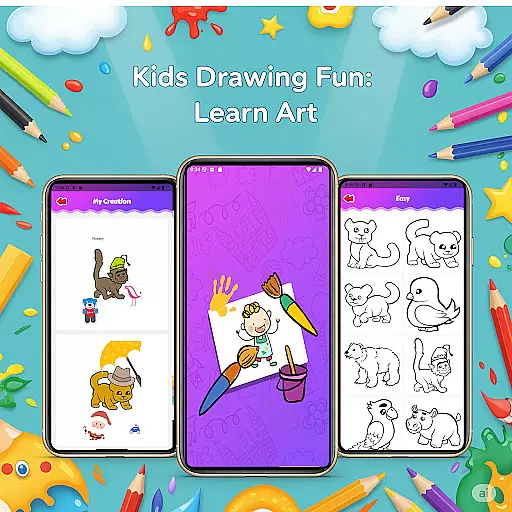
Fun Drawing & Color: Learn Art is an innovative educational app designed to make drawing and coloring both fun and instructional. This app caters to users of all skill levels, from beginners learning the basics to experienced artists looking to refine their techniques. With its comprehensive suite of creative tools, Fun Drawing & Color offers step-by-step drawing guides, a vast selection of brush types, color palettes, and text options.
The app provides an ad-free environment where creativity can flourish without interruptions. Users can enjoy features such as stickers for decoration, easy-to-use text tools with various fonts, and an eraser function that allows for mistake correction. Every piece of art created can be saved in a personal gallery, which makes it simple to revisit and edit previous works. Compatible with both tablets and smartphones, this app ensures a seamless experience across all Android devices.
Whether you're teaching children how to draw or honing your own artistic skills, Fun Drawing & Color: Learn Art serves as an excellent platform for creative expression and learning. Its focus on user-friendly design and diverse functionalities makes it a valuable tool for anyone interested in art education.
Fun Drawing & Color: Learn Art stands out with its rich set of features tailored to enhance the drawing and learning experience. One of the key highlights is the step-by-step drawing guides that break down complex images into simple shapes, making it easier for users to follow along and learn at their own pace. These guides cover a wide range of subjects including animals, vehicles, objects, food, and characters.
In addition to the guided lessons, the app boasts a variety of artistic tools such as different brush types, pencil colors, and a magic brush for unique effects. The inclusion of vibrant stickers and customizable text options with multiple font styles adds another layer of creativity, allowing users to personalize their artwork. A full color palette and fill tool are also available, enabling users to color large areas quickly and efficiently.
Usability is further enhanced by practical functions like undo, redo, and erase, which help users correct mistakes and experiment with new ideas without hassle. All creations are automatically saved in a personal gallery, providing easy access for future editing or viewing. With no ads or hidden fees, Fun Drawing & Color: Learn Art delivers a complete package for anyone eager to explore their artistic potential.
In the realm of educational drawing apps, content authority and curriculum alignment are crucial for ensuring that learning is both effective and credible. Fun Drawing & Color: Learn Art positions itself as not just a creative outlet but also an educational tool.
The app offers step-by-step drawing guides that cover a wide array of subjects such as animals, vehicles, objects, food, and characters. These lessons are crafted to build foundational drawing skills using simple shapes, which aligns well with art curriculums aimed at developing basic artistic competencies in learners.
Moreover, the availability of multiple skill levels from beginner to advanced ensures that users can progress at their own pace, mimicking the structured learning path found in formal education settings. This makes the app suitable for self-learners and potentially complements school-based art education.
By providing a comprehensive suite of tools like stickers, text styles, brush types, and color palettes, the app encourages creativity while maintaining focus on educational outcomes, making it a reliable resource for those seeking authoritative art instruction.
Gamification has become a pivotal strategy in digital learning environments, merging game mechanics with educational content to enhance user engagement and retention. Fun Drawing & Color: Learn Art leverages gamification principles to create an interactive and enjoyable learning experience.
One of the key gamified elements within the app is its use of playful stickers and fun fonts, which serve as rewards or enhancements for completing drawings. These features add an element of enjoyment and personalization, encouraging users to complete more lessons and spend additional time honing their skills.
Furthermore, the app's structure allows users to save their artwork in a personal gallery, creating a sense of achievement and progression. Users can revisit their creations, which acts as a motivator to continue improving and experimenting with new techniques.
By removing ads and subscriptions, Fun Drawing & Color: Learn Art ensures uninterrupted focus on learning and creativity. This approach fosters a seamless blend of education and entertainment, optimizing the gamification-learning integration to keep users engaged and invested in their artistic journey.
User-friendly interface
Step-by-step tutorials
Variety of drawing tools
Ad-free experience
Suitable for all ages
Limited advanced features
No social sharing
Basic color options
Occasional bugs
Device compatibility issues

A world to build at the tip of your fingers!
 3.80
3.80
Puzzles, Cats and Programming
4.80
Kids letter tracing technique, which is the first step in learning how to write.
4.30
Animal games! Adopt virtual pet dog, cat & rabbit to create your pet world!
4.10
Glow Doodle! Baby Coloring & Drawing games for toddlers: Color and Learn! NoAds!
4.40
Have fun learning Alef Beit
4.2
A cube building game for small (and large) builders.
4.40
Expert-designed fun interactive learning games to prep kids (2-5) for preschool.
4.00
Safe, fun, ad-free games for kids! For babies, toddlers, & kids age 2-6
3.60
Tracing, phonics & spelling games for toddlers, preschool & kindergarten kids!
4.50
Toddler Learning Games, Learn: Colors, Shapes, Puzzles, ABC ... ►NoAds!◄
4.50
Fun game for preschoolers to learn addition, subtraction, counting and math!
4.50
Pretend play in Pepi City: become a doctor or a patient. Our city, your stories!
4.30
Play the fun princess party game for kids with Cocobi the little dinosaurs.
4.10
Fun dentist game with Cocobi friends!
4.10
Games, music, crafts and coloring with cats
4.10
Wind down, relax and snuggle up with your favourite Blocks characters.
3.30
Learn and practice multiplication and division
4.4
Creating emotional connections
4.2


User Reviews