
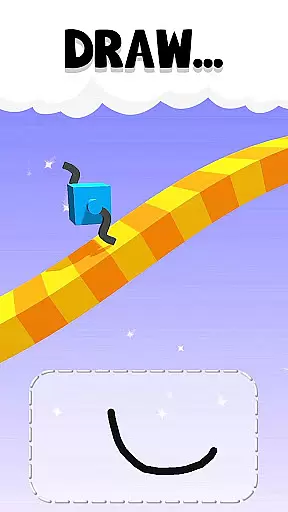
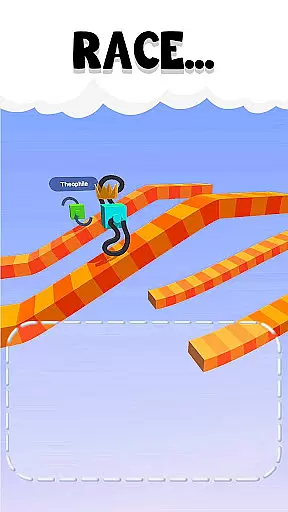
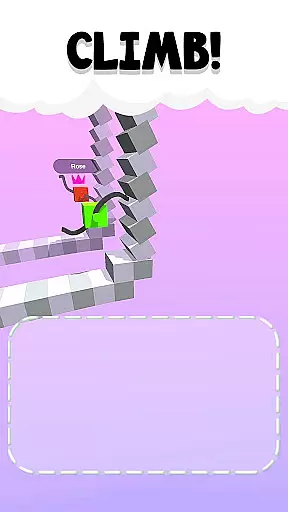
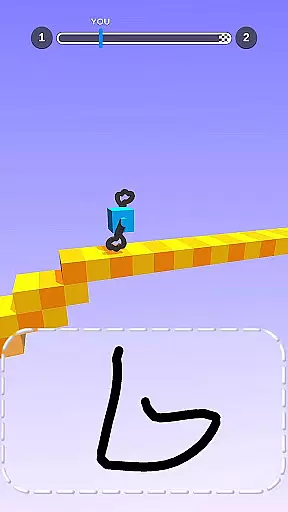
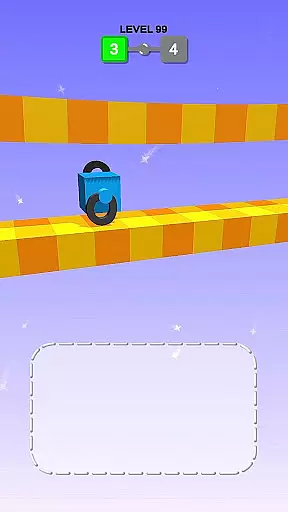
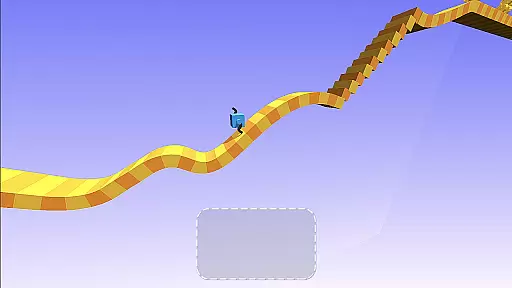
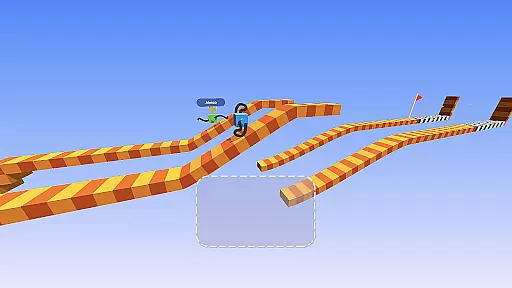
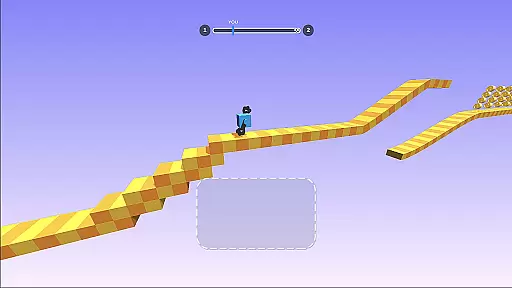
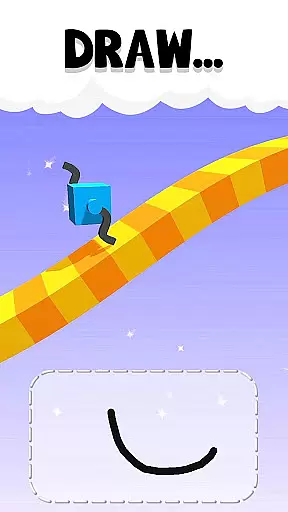
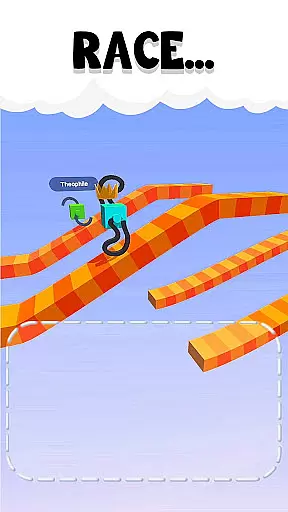
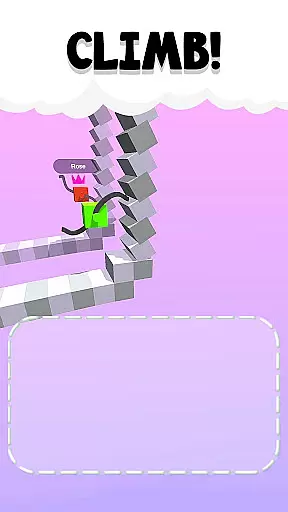
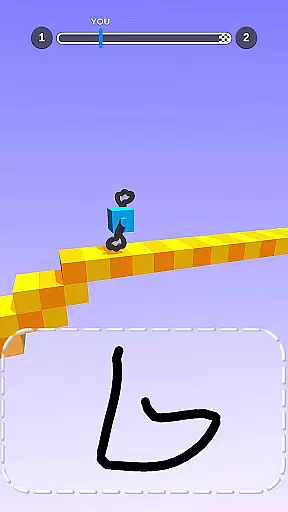
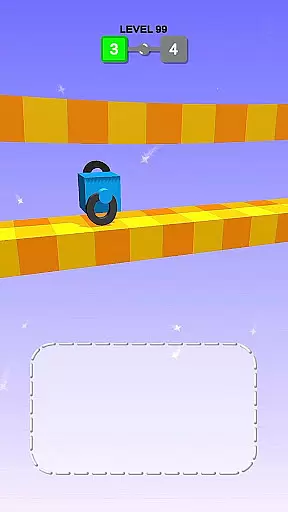
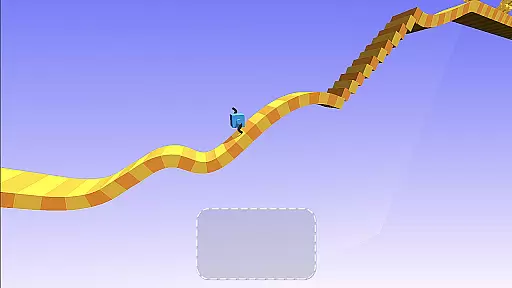
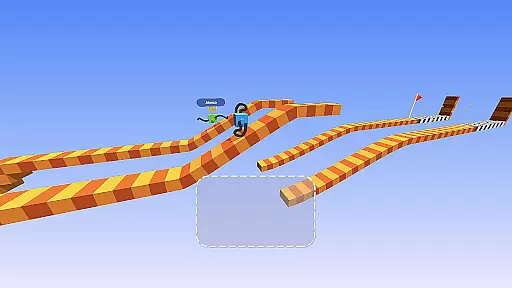
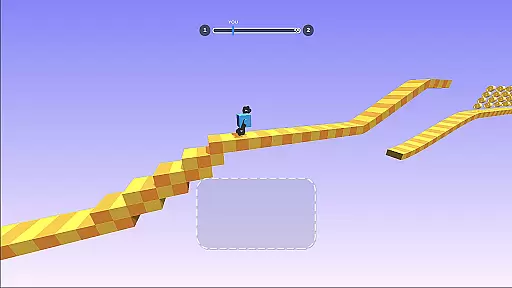
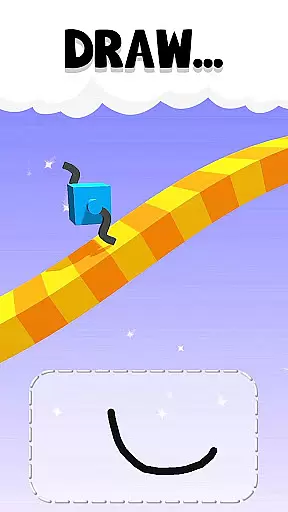
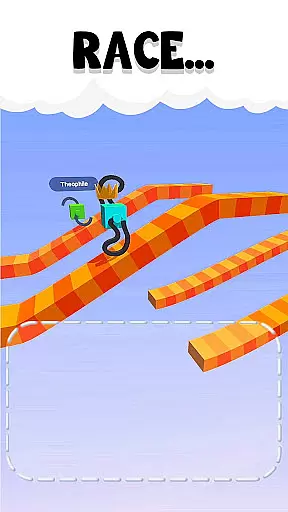
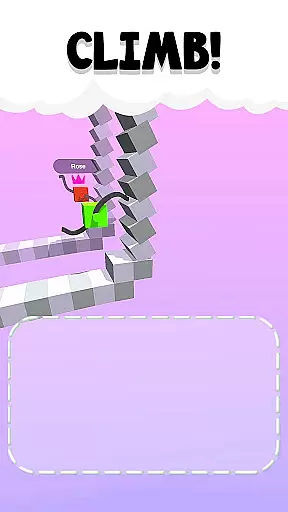
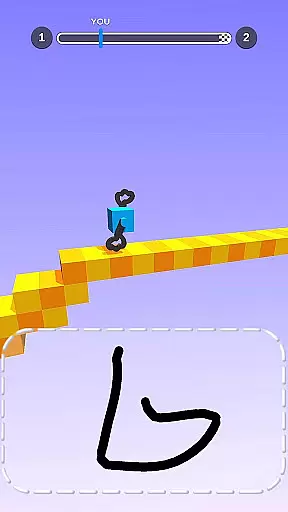
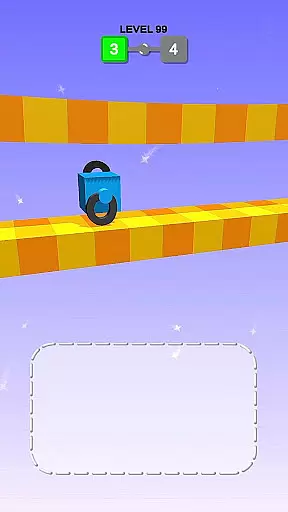
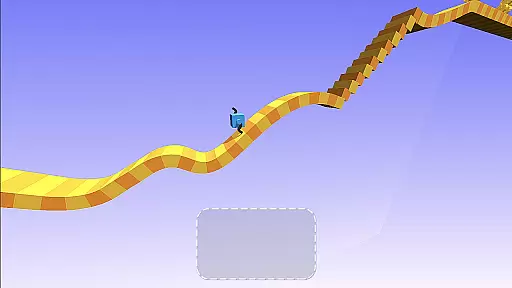
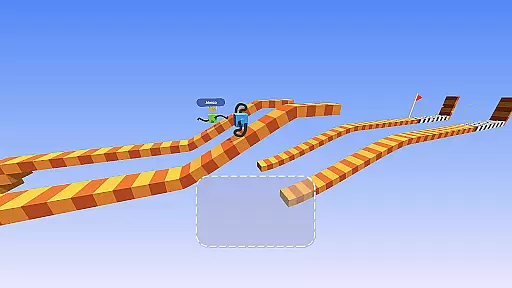
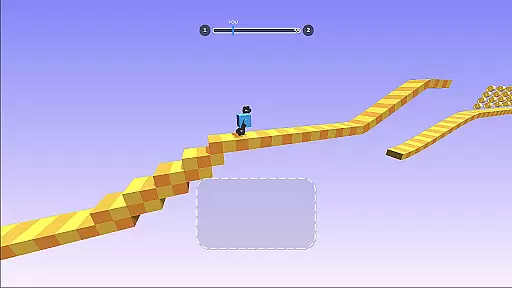
Draw Climber is an innovative arcade game that combines creativity with competitive racing. In this unique title, players use their drawing skills to create legs for their character, which then automatically starts running in a race. The better your drawing, the faster you move. This creative mechanic allows for endless possibilities as any shape can potentially help you win the race.
The game stands out through its simple yet addictive gameplay loop. When facing obstacles or getting stuck, players can simply draw new shapes to overcome challenges and keep moving forward. With intuitive controls and charming visuals, Draw Climber offers an engaging experience suitable for casual gamers looking for quick entertainment sessions.
Whether you're commuting or taking a break, Draw Climber provides a perfect pick-up-and-play experience. Its combination of creativity and competition makes it appealing to players of all ages who enjoy expressing themselves while competing against others in fun races.
Draw Climber's standout feature is its innovative drawing-based gameplay. Players have complete freedom to create any shape they want, which then becomes the legs propelling their character forward in the race. This mechanic encourages creativity and experimentation, as there's no single 'correct' way to draw - any shape can work.
The game also includes various obstacles and challenges that require players to adapt their drawing strategy on the fly. When stuck, you can simply draw a new shape to bypass the obstacle. This creates a dynamic gameplay experience where quick thinking and improvisation are rewarded.
Additional features include a colorful and charming visual style, simple one-touch controls, and a competitive element where players can compare their race times with others. The game also supports short play sessions, making it perfect for quick gaming breaks throughout the day.
Arcade games have always held a special place in gaming history, and Draw Climber brings this essence to your fingertips. The game successfully captures the classic arcade feel through its simple yet addictive gameplay mechanics.
Players are transported back to a time when gaming was all about quick reflexes and creative problem-solving. In Draw Climber, you draw your legs to navigate through levels, reminiscent of the innovative controls that defined classic arcade experiences.
The charm of Draw Climber lies in its ability to evoke nostalgia while offering a fresh twist. By incorporating drawing as a core mechanic, it adds an element of creativity and personalization not commonly found in traditional arcade games.
In any arcade game, control responsiveness can make or break the player's experience. Draw Climber excels in this aspect by providing instant feedback to every drawing action you make.
The game engine is optimized to recognize and respond to your drawings with minimal delay. This ensures that whether you're sketching simple shapes or complex structures, your character reacts immediately and accurately.
This level of responsiveness not only enhances the gameplay experience but also allows players to execute precise movements and strategic decisions in real-time, making each race both challenging and rewarding.
Unique drawing mechanic
Simple controls
Addictive gameplay
Family-friendly content
Quick play sessions
Limited depth
Repetitive long-term
Few customization options
No multiplayer mode
Ads between levels

Welcome back to Vice City. Welcome back to the 1980s.
 3.30
3.30
Playing venom RPG alien games? Set spider alien isolation base, with no survivor
4.30
Eat & evolve your shark in the ultimate shark survival game!
4.50
Master the hills in this extreme downhill racing game!
4.60
Flip and flail a rag doll through endless levels and plunge into outlandish fun!
4.60
This app is a very fast emulator
3.40
Venture into the galaxy to fight against the invasion of space invaders.
4.60
A fast, full-featured GB/GBC emulator with link cable emulation.
3.80
Save the galaxy from alien shooter in classic galaxy shooter-classic arcade game
4.80
Save the Galaxy from galaxiga alien - Classic arcade shooter game
4.60
Granny keeps you locked in her house.
4.30
Genesis, Mega Drive, Mega CD, Master System, Game Gear Emulator!
4.20
Antistress & relaxing games,stress relief; Antistress toys, calming games.
4.20
Dad doesn’t let you go out, can you outwit your parents and escape?
4.00
Dig yourself a way to gold, diamonds and success with this addictive mining game
3.90
It's quite possibly the world's hardest game!
3.90
John GBC is GB/GBC emulator. This emulator is easy to use.
3.80
Sharpen your mind and reflexes while playing 4Way Dash
4.2
Fast reflexes, glowing obstacles, endless action.
4.3


User Reviews